
Einführung
This manual provides detailed instructions for the installation, operation, maintenance, and troubleshooting of your Phanteks Glacier One 360M25-LCD AIO Liquid CPU Cooler. This high-performance all-in-one liquid cooler features a massive 6-inch IPS LCD display, 120mm M25 Gen2 D-RGB fans, and a pure copper baseplate for efficient thermal management of high-end CPUs. It is compatible with both Intel and AMD platforms.
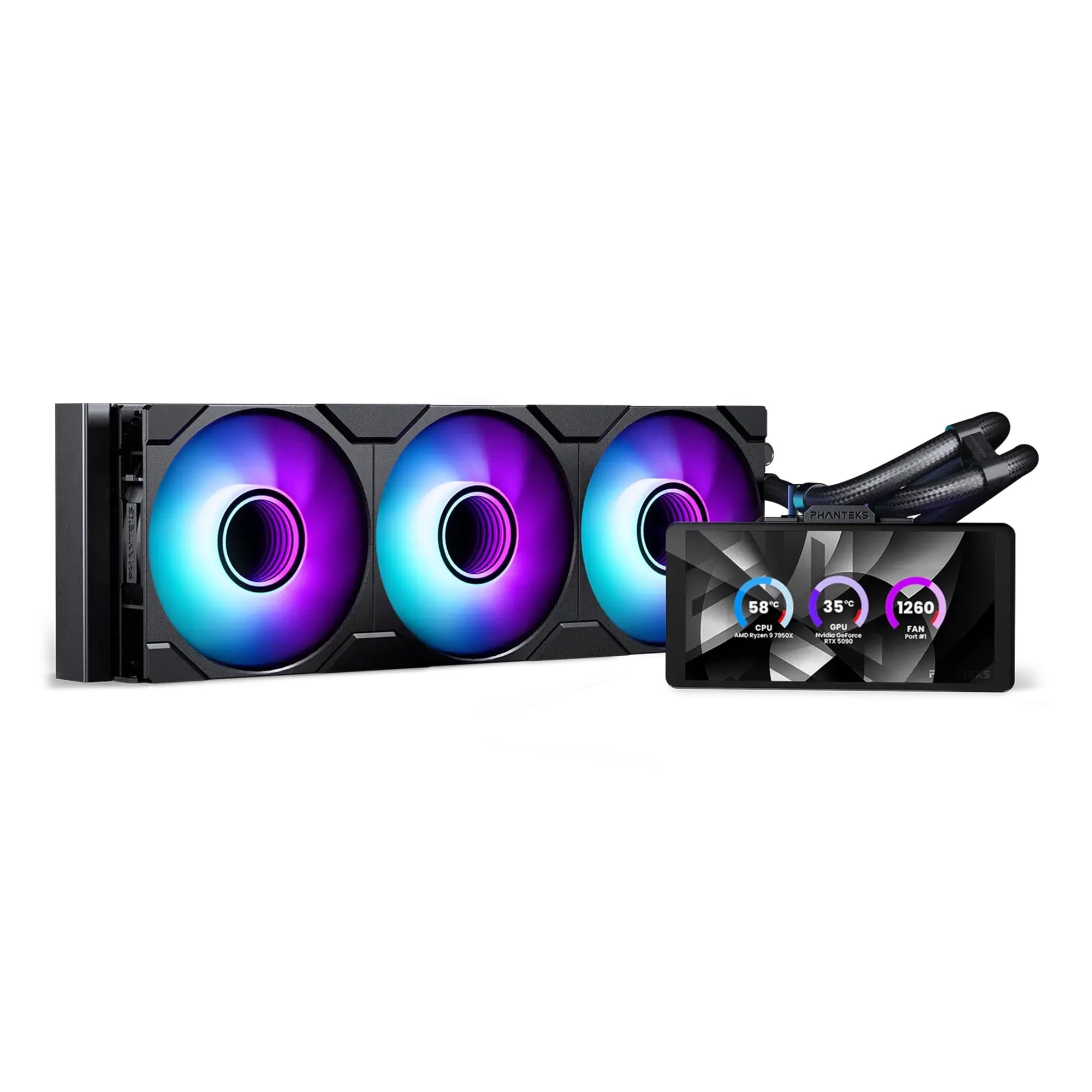
Image: The Phanteks Glacier One 360M25-LCD AIO Liquid CPU Cooler, showcasing its radiator, fans, pump, and integrated LCD display.
Setup und Installation
Careful installation is crucial for optimal performance. Ensure your system is powered off and disconnected from the power source before beginning.
Packungsinhalt
Prüfen Sie, ob alle Komponenten vorhanden sind:
- Glacier One 360M25 G2 6” LCD DRGB AIO Liquid CPU Cooler (Radiator, Pump/Block with LCD, Tubing, and Fans pre-attached)
- Montagehardware für Intel- und AMD-Sockel
- Fan and D-RGB cables
- Tube clips
Installationsschritte
- Motherboard vorbereiten: Installieren Sie die passende Rückplatte und die Abstandshalter für Ihren CPU-Sockel (Intel oder AMD).
- Kühler montieren: Secure the 360mm radiator to an available fan mounting location in your PC case. Ensure proper airflow direction.
- Install Pump/Block: Apply thermal paste to your CPU (if not pre-applied on the cold plate). Position the pump/block assembly onto the CPU, aligning with the standoffs, and secure it with the provided screws. The pump offers flexible tube routing and multiple LCD orientations for tall RAM clearance.
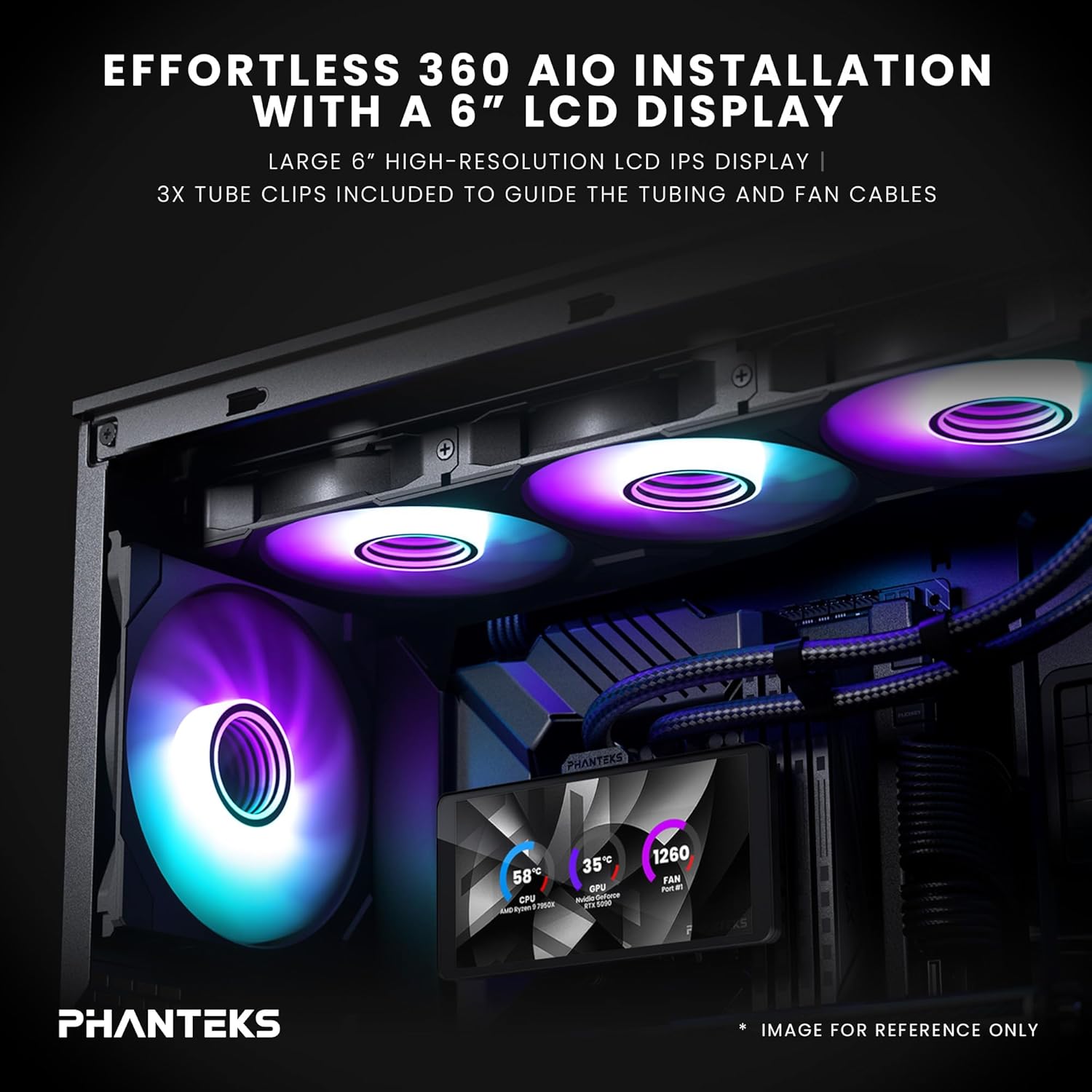
Image: An installed Phanteks Glacier One AIO cooler inside a PC case, highlighting the 6-inch LCD display and D-RGB fans. Tube clips are used to manage tubing and fan cables.
- Connect Fans: The M25 Gen2 D-RGB fans feature a daisy-chained unified design, simplifying cable management. Connect the fans to the radiator and then to the pump/controller.

Image: Close-up of the daisy-chained fan design, showing how fans connect together with a single cable for power and D-RGB control, and included screw covers for a clean look.
- Strom- und Datenanschluss: Connect the pump's power cable to a CPU_FAN header on your motherboard and the D-RGB cable to an available D-RGB header or the included controller. Connect the LCD display's USB cable to an internal USB 2.0 header on your motherboard.
- Kabelmanagement: Use the included tube clips and other cable ties to manage all cables for a clean build and unobstructed airflow.

Image: A PC build demonstrating the dual orientation support for the LCD display, showing both horizontal and vertical mounting options for the pump unit.
Operating the Glacier One 360M25-LCD
Once installed, the cooler will provide active cooling. The integrated 6-inch IPS LCD display offers real-time system monitoring and customization.
Nexlinq App for Customization
To fully utilize the LCD display's features, download and install the Nexlinq App for Windows from the official Phanteks webWebsite. Diese Anwendung ermöglicht Ihnen Folgendes:
- Customize LCD layouts and widgets.
- Display live system data such as CPU and GPU temperature, CPU and GPU fan speed (RPM), and pump speed (RPM).
- Adjust the display orientation.
- Upload custom graphics, animations, or media (video playback capped under 80MB).
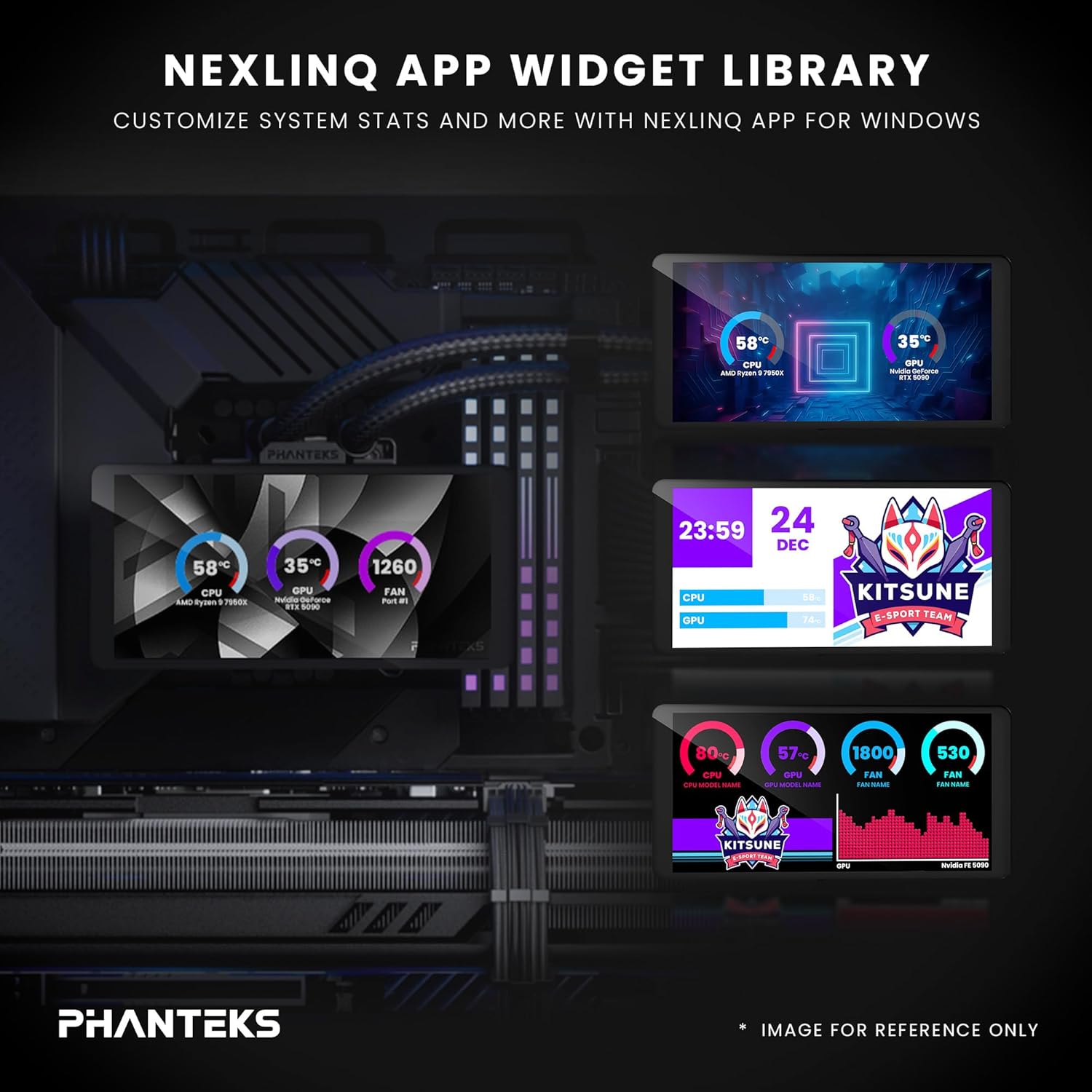
Image: A visual representation of the Nexlinq App's widget library, showing various customizable display options for system statistics and graphics on the LCD screen.
Ensure the Nexlinq App is running in the background for continuous display updates and customization.
Wartung
Regelmäßige Wartung trägt dazu bei, die Langlebigkeit und optimale Leistung Ihres AIO-Kühlers zu gewährleisten.
- Staubentfernung: Periodically clean the radiator fins and fan blades using compressed air. Dust accumulation can impede airflow and reduce cooling efficiency.
- Prüfen Sie Schläuche und Anschlüsse: Visually inspect the tubing and connections for any signs of leaks or damage. Ensure all connections remain secure.
- Software-Updates: Keep the Nexlinq App and any related drivers updated to ensure compatibility and access to new features or performance improvements.
Fehlerbehebung
If you encounter issues with your Glacier One 360M25-LCD, refer to the following common solutions:
- Keine Anzeige auf dem LCD:
- Ensure the USB 2.0 header cable from the pump is securely connected to your motherboard.
- Verify that the Nexlinq App is installed and running.
- Check for any driver conflicts or Windows updates that might affect USB device recognition.
- Hohe CPU-Temperaturen:
- Confirm the pump is running (check pump speed in Nexlinq App or BIOS).
- Stellen Sie sicher, dass die Lüfter laufen und für einen optimalen Luftstrom richtig ausgerichtet sind.
- Verify the pump/block is making proper contact with the CPU and thermal paste is correctly applied.
- Check for dust buildup on the radiator.
- Fans Not Spinning or D-RGB Not Working:
- Check all fan and D-RGB cable connections.
- Ensure the D-RGB cable is connected to a compatible header or controller.
- Verify fan speed settings in BIOS or through the Nexlinq App.
- Limited Data Displayed on LCD: The Nexlinq App currently supports display of CPU/GPU temperature, CPU/GPU fan speed, and pump speed. Additional data such as RAM usage or liquid temperature may be added in future software updates.
Technische Daten
| Besonderheit | Detail |
|---|---|
| Technische Daten | 18 Zoll L x 8 Zoll B x 5 Zoll H |
| Marke | Phanteks |
| Typ des Stromanschlusses | 4-polig |
| Bandtage | 1 Volt |
| Wastage | 10 Watt |
| Kühlmethode | Luft, Wasser |
| Kompatible Geräte | CPU, Desktop, Computer Case |
| UPC | 886523004202 |
| Hersteller | Phanteks |
| Artikelgewicht | 5.8 Pfund |
| Im Lieferumfang enthaltene Komponenten | Glacier One 360M25 G2 6” LCD DRGB AIO Liquid CPU Cooler |
Garantie und Support
Phanteks products are designed for reliability and performance. For warranty information, please refer to the documentation included with your product or visit the official Phanteks website. For technical support, driver downloads, and further assistance, please visit the Phanteks support page or contact their customer service.
Hersteller: Phanteks
WebWebsite: www.phanteks.com