
1. Einleitung
The AOSU 2K Indoor Security Camera is designed to provide comprehensive home surveillance with advanced features for monitoring your home, pets, or children. This manual provides detailed instructions for setting up, operating, and maintaining your camera to ensure optimal performance and security.
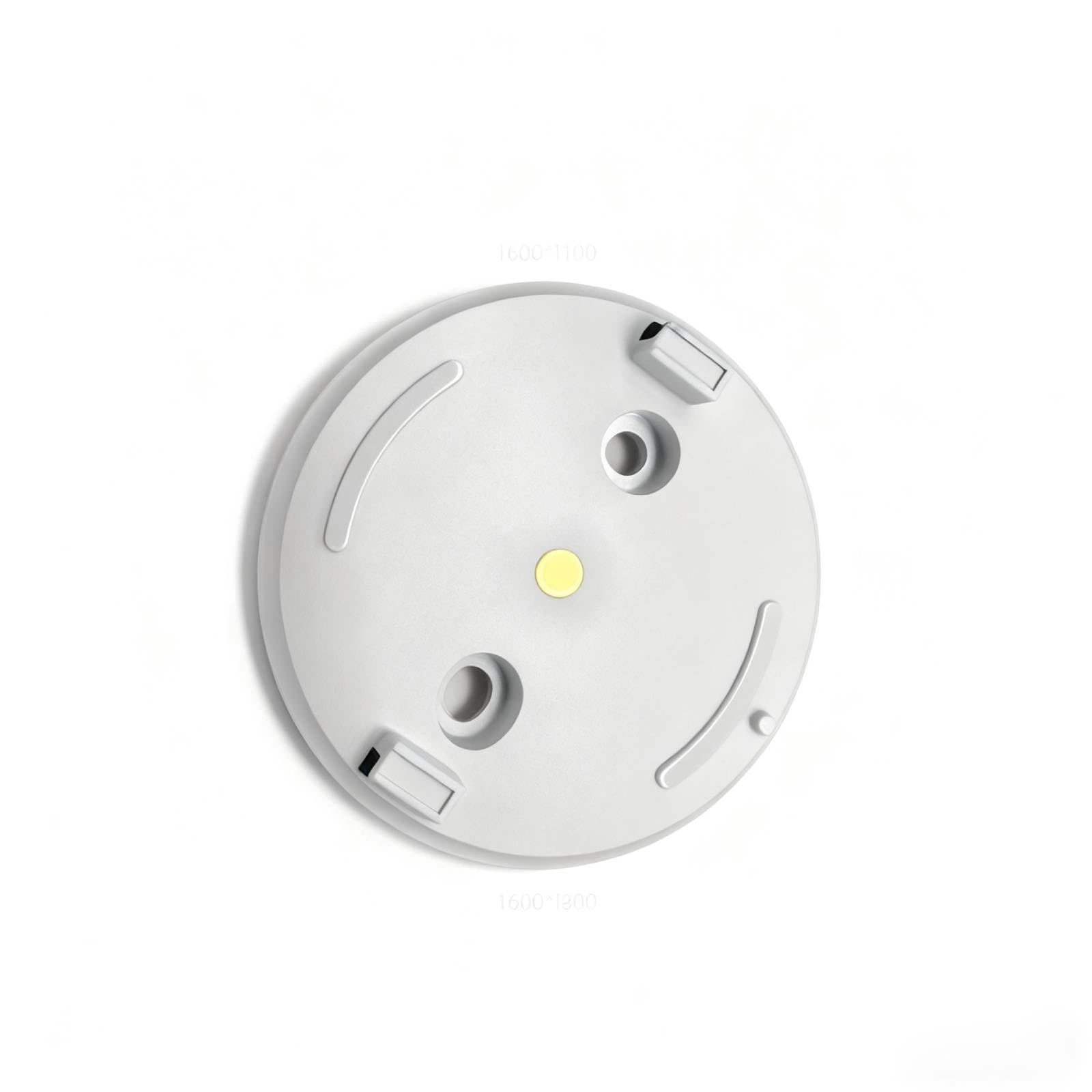
Figure 1: AOSU 2K Indoor Security Camera
2. Produktüberschreitungview
The AOSU 2K Indoor Security Camera offers a range of features to enhance your home security:
- 2K QHD-Auflösung: Bietet klare und detaillierte Video-Footage.
- 360° Home View: Bietet ein umfassendes view of your room with 360° horizontal rotation and 155° vertical tilt.
- Intelligente Bewegungsverfolgung: Automatically tracks movement of people or pets within its field of view.
- One-Touch Calls: Built-in two-way audio for live communication, activated by a touch-to-talk button.
- IR Nachtsicht: Ensures clear visibility in low-light environments.
- Hassle-Free 2.4GHz Wi-Fi Connection: Simple and quick setup.
- Alexa-kompatibel: View video feed on Alexa-enabled screens.
Video 1: Endeview of AOSU 4MP Indoor Security Camera features including 4MP resolution, 360 motion tracking, IR night vision, 2-way audio, and privacy mode.
3. Packungsinhalt
Upon unboxing your AOSU 2K Indoor Security Camera, verify that all the following components are included:
- AOSU 2K Indoor Security Camera
- Netzteil
- USB-Ladekabel
- Montagehalterung
- Befestigungsschrauben und Wandanker
- Kurzanleitung
4. Einrichtung
Follow these steps to set up your AOSU 2K Indoor Security Camera:
- Laden Sie die AOSU-App herunter: Scan the QR code provided in the Quick Start Guide or search for "AOSU" in your device's app store (available for Apple and Android).
- Ein Konto erstellen: Öffnen Sie die App und folgen Sie den Anweisungen auf dem Bildschirm, um ein neues Benutzerkonto zu erstellen.
- Schalten Sie die Kamera ein: Connect the camera to a power source using the provided USB cable and power adapter. The camera will power on and indicate its status (e.g., blinking LED).
- Gerät in der App hinzufügen: In the AOSU app, tap the "+" icon to add a new device. Select your camera model from the list.
- Koppeln Sie die Kamera: Follow the app's instructions to pair your camera. This typically involves scanning a QR code on the camera or connecting to a temporary Wi-Fi network created by the camera. Ensure your phone is connected to a 2.4GHz Wi-Fi network during setup.
- Platzierung: Choose a desired indoor spot for your camera. The app may offer a Wi-Fi strength test to help you find the best location.
- Montage (Optional): If mounting, use the provided bracket, screws, and wall anchors. Ensure the camera is securely attached and positioned for optimal viewing.
5. Bedienungsanleitung
Once your camera is set up, you can utilize its features through the AOSU app:
- Live View: Access real-time video streaming from your camera.
- Schwenk-/Neigesteuerung: Use the app's controls to remotely adjust the camera's 360° horizontal and 155° vertical viewwinkeln.
- Zweiwege-Audio: Tap the microphone icon in the app to speak through the camera's speaker and listen through its microphone.
- Bewegungsverfolgung: Enable smart motion tracking in the app settings to have the camera automatically follow detected movement.
- IR Nachtsicht: Die Kamera schaltet bei schlechten Lichtverhältnissen automatisch in den Nachtsichtmodus.
- Datenschutzmodus: Activate privacy mode to automatically cover the camera lens when not in use, ensuring your privacy.
- Ereignisaufzeichnung: The camera records events when motion is detected. These recordings are stored on the onboard 32GB storage.
- Benachrichtigungen: Configure push notifications in the app to receive alerts on your phone when motion is detected.
6. Wartung
Um die Langlebigkeit und optimale Leistung Ihrer Kamera zu gewährleisten:
- Reinigung: Reinigen Sie Objektiv und Gehäuse der Kamera vorsichtig mit einem weichen, trockenen Tuch. Vermeiden Sie die Verwendung von scharfen Chemikalien oder scheuernden Materialien.
- Firmware-Updates: Regularly check the AOSU app for available firmware updates. Updates often include performance improvements and security enhancements.
- Stromversorgung: Verwenden Sie ausschließlich das mitgelieferte Netzteil und Kabel, um Beschädigungen zu vermeiden.
- Platzierung: Stellen Sie sicher, dass die Kamera an einem stabilen Ort aufgestellt ist, fern von direkter Sonneneinstrahlung, extremen Temperaturen und Feuchtigkeit.
7. Fehlerbehebung
If you encounter issues with your AOSU 2K Indoor Security Camera, try the following solutions:
- Kamera stellt keine Verbindung zum WLAN her:
- Stellen Sie sicher, dass Ihr WLAN-Netzwerk mit 2.4 GHz arbeitet.
- Check Wi-Fi signal strength at the camera's location using the app's built-in test.
- Starten Sie Ihren WLAN-Router und die Kamera neu.
- Schlechte Videoqualität:
- Überprüfen Sie Ihre Internetverbindungsgeschwindigkeit.
- Stellen Sie sicher, dass das Kameraobjektiv sauber ist.
- Passen Sie die Kameraposition für eine bessere Ausleuchtung an.
- Bewegungserkennung funktioniert nicht:
- Überprüfen Sie, ob die Einstellungen für die Bewegungserkennung in der App aktiviert sind.
- Adjust motion sensitivity if necessary.
- Stellen Sie sicher, dass keine Hindernisse die Sicht der Kamera blockieren. view.
- Probleme mit der Zwei-Wege-Audioübertragung:
- Überprüfen Sie die Lautstärkeeinstellungen an Ihrem Telefon und in der App.
- Ensure your phone's microphone is not muted.
- Kamera offline:
- Prüfen Sie, ob die Kamera eingeschaltet ist.
- Verify your Wi-Fi network is active and accessible.
- Starten Sie die Kamera und den Router neu.
8. Spezifikationen
| Besonderheit | Spezifikation |
|---|---|
| Empfohlene Verwendungen für das Produkt | Sicherheit in Innenräumen |
| Marke | aosu |
| Konnektivitätstechnologie | Wired (for power), Wireless (for data) |
| Besonderheit | PTZ Technology (Pan/Tilt/Zoom) |
| Verwendung im Innen- und Außenbereich | Innenbereich |
| Artikelmaße L x B x H | 25 x 25 x 25 Millimeter |
| Sind Batterien erforderlich | NEIN |
| Artikelgewicht | 1 Pfund |
| UPC | 699838752955 |
| Hersteller | AOSU |
9. Garantie und Support
For warranty information and customer support, please refer to the documentation included with your product or visit the official AOSU website. Contact information for technical assistance can typically be found in the Quick Start Guide or on the manufacturer's support page.