
Produkt überview
The Anona Pano 4K UHD Indoor Camera is designed for comprehensive indoor monitoring, offering advanced features such as 4K Ultra High Definition video, 360° pan and 110° tilt capabilities, and dual-band Wi-Fi 6 connectivity. It includes AI-powered detection for persons, pets, and baby crying, along with two-way audio and privacy mode for enhanced security and convenience.
Lieferumfang
- Anona Panoramakamera
- 5V2A Netzteil (3m Netzkabel)
- Montageplatte
- Schrauben- und Dübelset
- Kurzanleitung
Aufstellen
Initial Power-Up and Reset
1. Plug the power cable into the camera and then into a power outlet. The camera will rotate, and the indicator light will turn on.
2. If the indicator light is not blinking orange, tilt the camera head upward to reveal the reset button. Press and hold the reset button for 5 seconds until you hear "Reset Succeeded."
App-Verbindungshandbuch
For a visual guide on connecting your Anona Pano camera to the app, please watch the video below. This video demonstrates the step-by-step process of pairing your device and configuring initial settings.
Video: Anona Pano Indoor Camera App Connection Guide. This video demonstrates the process of plugging in the camera, resetting it if necessary, opening the Anona Security App, adding the device, connecting to Wi-Fi (2.4GHz and 5GHz supported), naming the device, and adjusting settings like camera orientation.
1. Download the "Anona Security" app from your smartphone's app store.
2. Open the app, tap the '+' button, and select 'Add Device'.
3. The app will search for nearby devices. Select your Anona Pano camera or add it manually.
4. Follow the on-screen prompts to connect the camera to your Wi-Fi network. Both 2.4GHz and 5GHz Wi-Fi bands are supported.
5. Name your camera and choose a usage scenario (e.g., Baby Monitoring, Pet Tracking) for recommended settings.
6. Adjust any additional settings manually as desired.
Bedienungsanleitung
Live View und Schwenk-Neige-Steuerung
Access the live feed through the Anona Security app. Use the on-screen controls to pan the camera 360° horizontally and tilt it 110° vertically to view any area of the room. The auto-tracking feature can detect and follow moving objects.

Image: The Anona Pano camera demonstrating its 360° pan and 110° tilt functionality, providing full room coverage.
KI-Erkennungsfunktionen
The camera utilizes advanced AI algorithms for intelligent detection. Enable or disable these features in the app settings:
- Personenerkennung: Receive alerts when a human presence is detected.
- Haustiererkennung: Get notifications when your pets are active or enter specific areas.
- Baby-Wein-Erkennung: The camera can identify and alert you to a baby's cries.
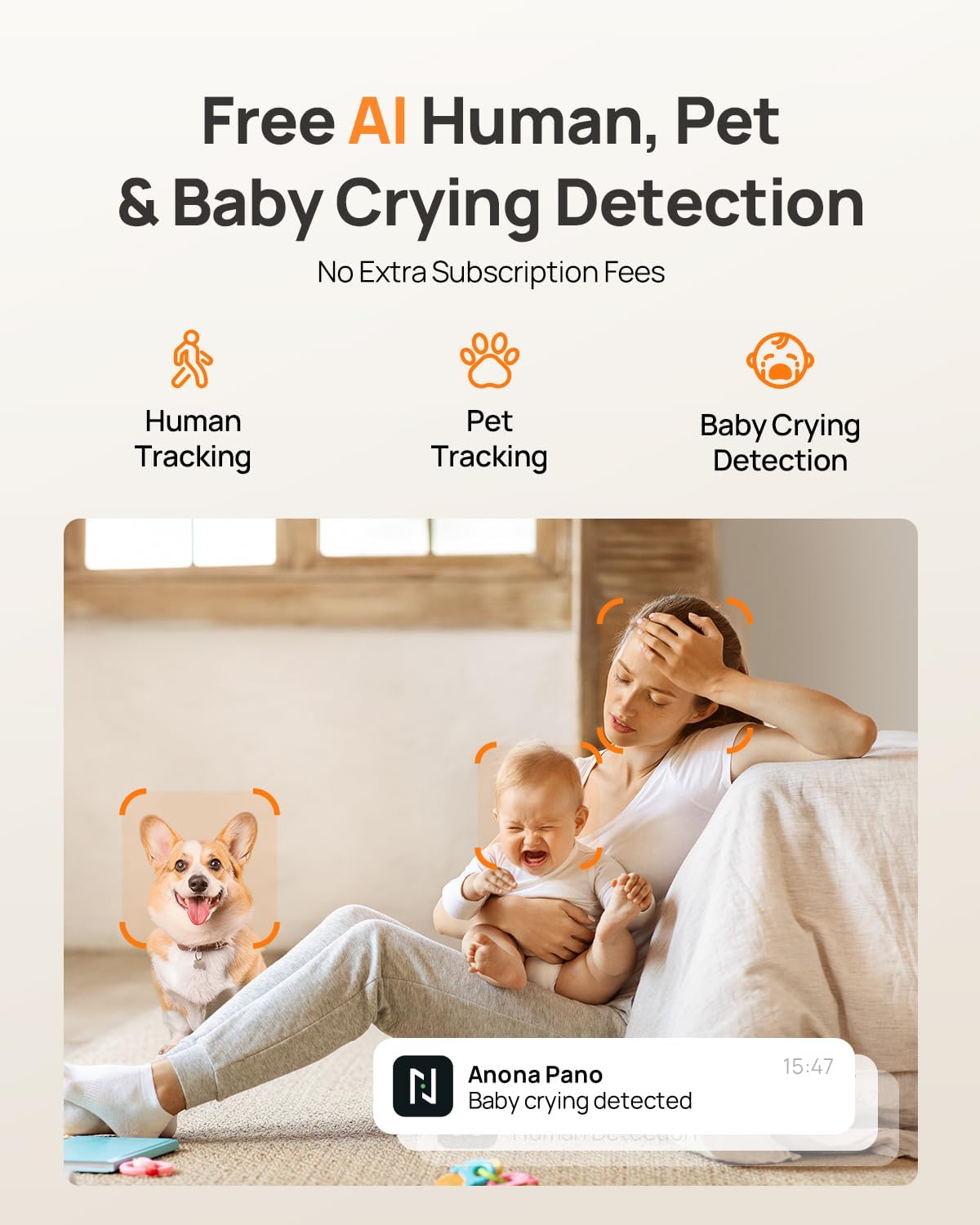
Image: Visual representation of the camera's AI capabilities, including human, pet, and baby crying detection, with a phone displaying a 'Baby crying detected' notification.
Zwei-Wege-Audio
Engage in clear two-way communication through the camera using the Anona Security app. This feature allows you to speak to individuals or pets in the room and hear their responses.
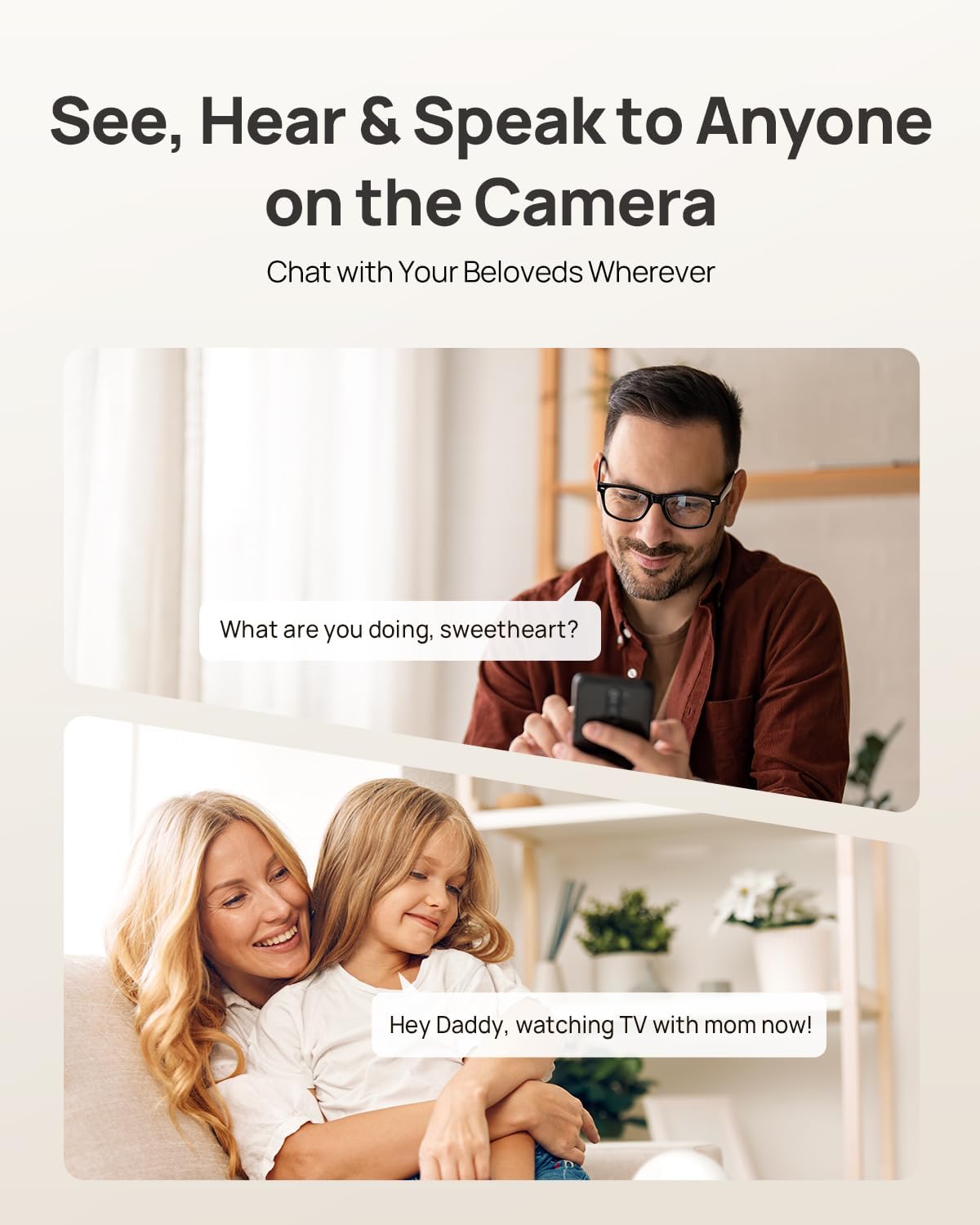
Image: Illustration of the two-way audio function, showing a user speaking through their phone to someone near the camera, and vice-versa.
Datenschutzmodus
Activate Privacy Mode via a single tap in the app. This feature instantly stops live viewing and recording, ensuring your privacy without needing to unplug the camera.

Image: The camera and a smartphone displaying the privacy mode feature, which allows users to stop recording and live viewing with a single tap.
Smart Home Integration
The Anona Pano camera is compatible with Amazon Alexa and Google Assistant. You can use voice commands to stream the live view to compatible smart displays like Alexa Echo Show or Google Nest Hub.
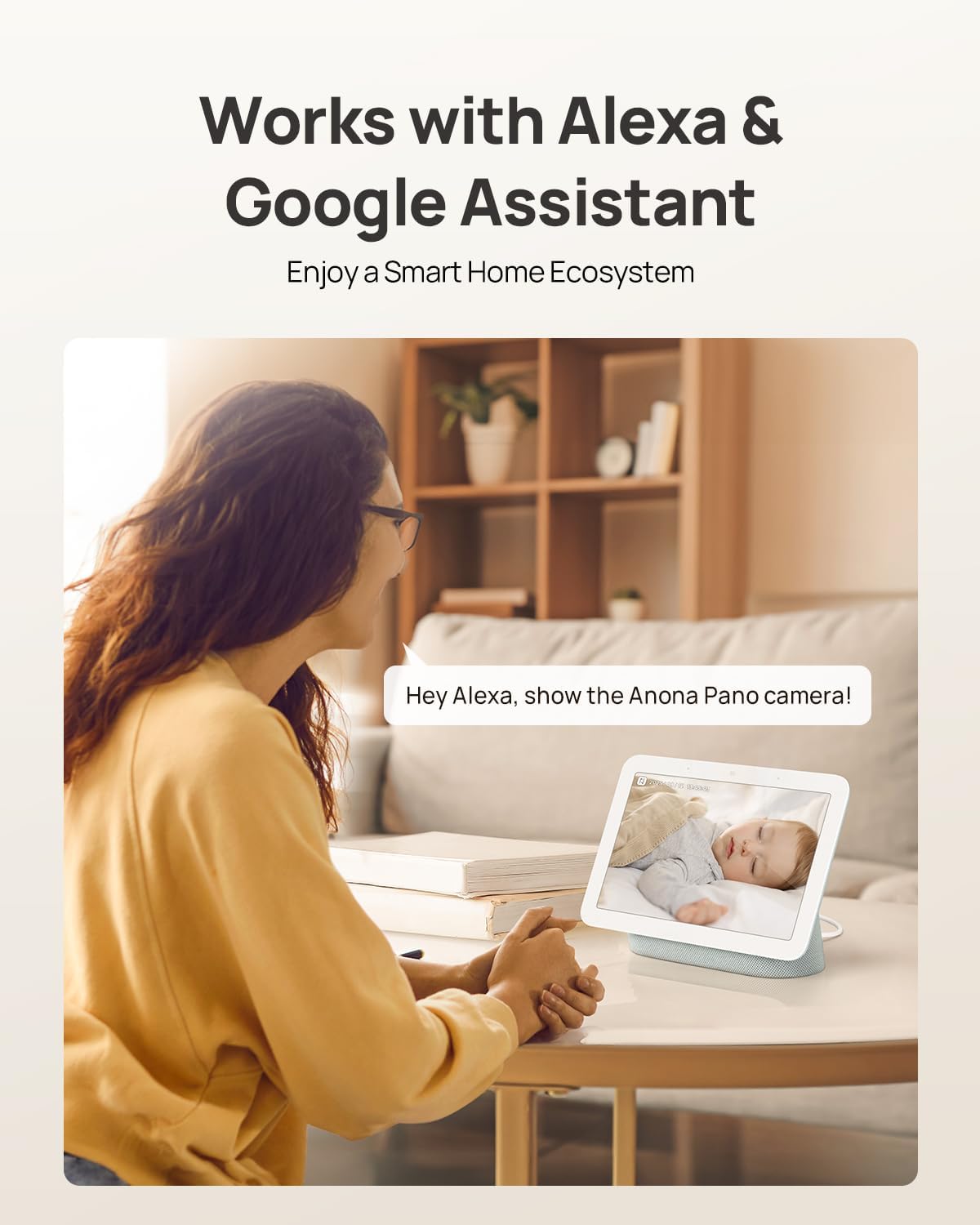
Image: A user interacting with a smart display, showing the Anona Pano camera's compatibility with Amazon Alexa and Google Assistant for voice-controlled live streaming.
Speicheroptionen
The Anona Pano camera offers flexible storage solutions for your video recordings:
- Lokaler Speicher: Insert a microSD card (up to 512 GB, not included) into the camera for local recording.
- Cloud-Speicher: Opt for Anona Cloud service to save videos securely with AES-128 encryption.
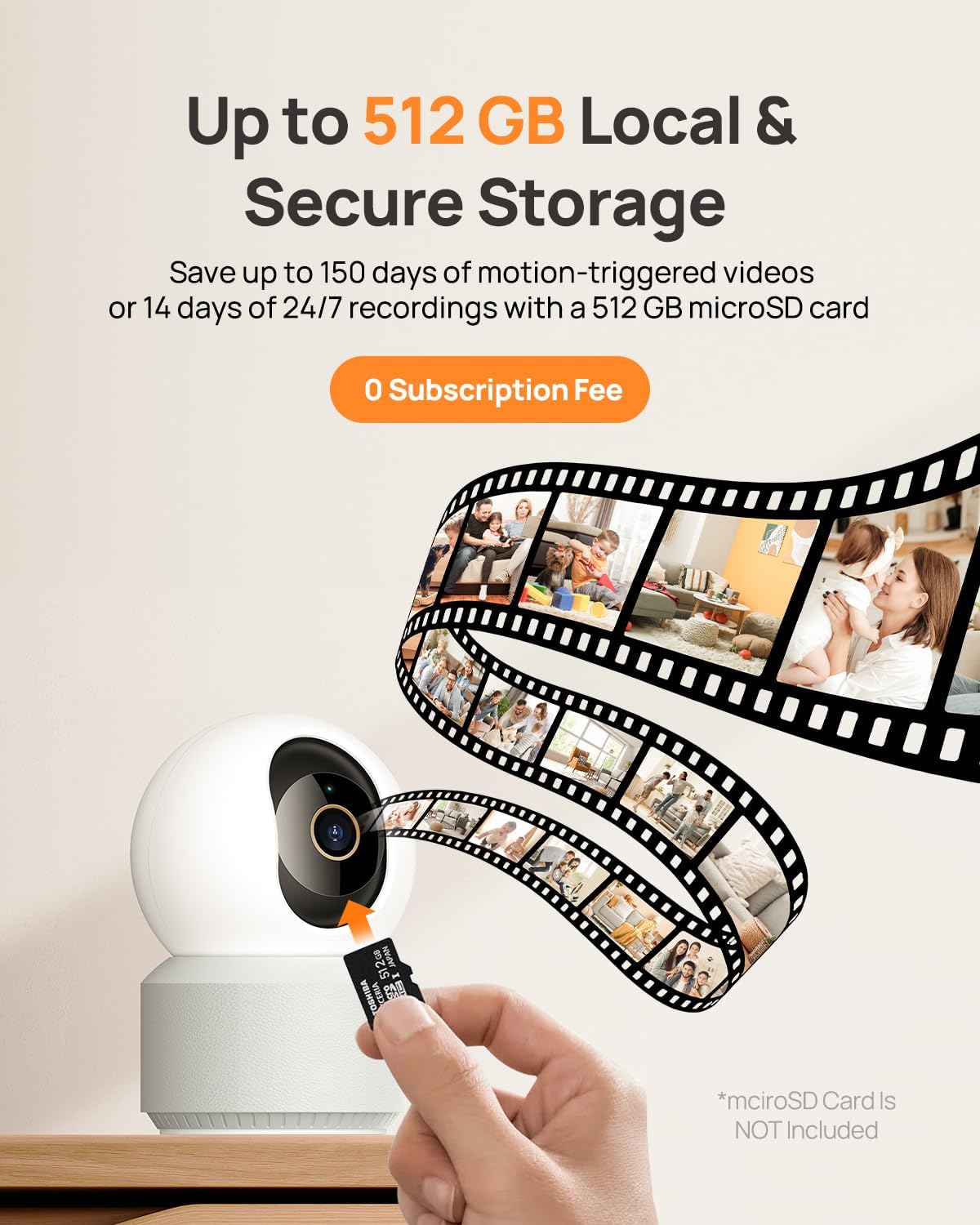
Image: A visual depiction of the camera's local storage option via a microSD card and cloud storage, highlighting the flexibility for users to choose their preferred method.
Nachtsicht
The Anona Pano camera features enhanced IR night vision with an F1.6 aperture, allowing it to capture sharp 4K UHD footage even in complete darkness up to 30 feet. This ensures clear visibility and detailed monitoring around the clock.
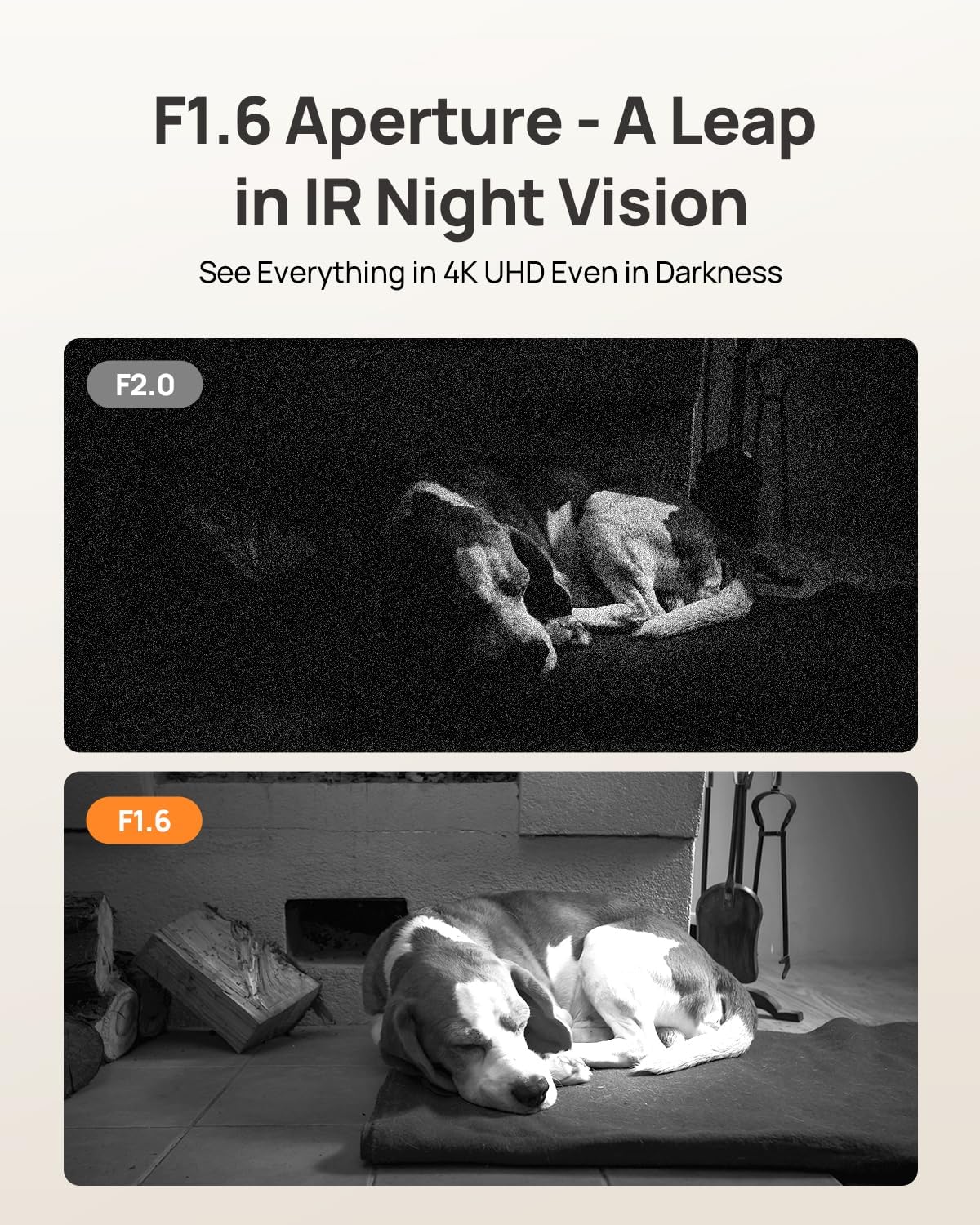
Image: A side-by-side comparison illustrating the superior clarity of F1.6 aperture night vision compared to F2.0, showcasing a sleeping dog in a dark environment.
Montageoptionen
The Anona Pano camera is designed for versatile placement. It can be placed on a tabletop or mounted on a ceiling using the included mounting plate and screws. The app allows you to adjust the video orientation if the camera is mounted upside down.
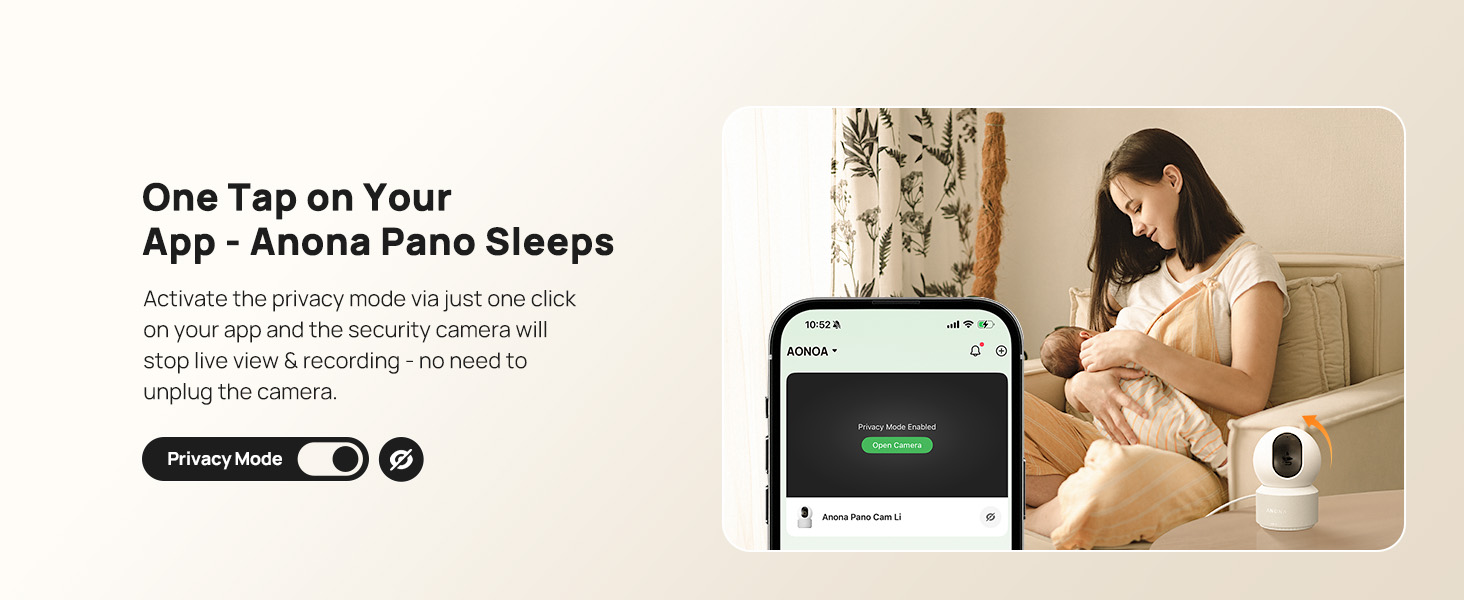
Image: The Anona Pano camera shown in two installation scenarios: freestanding on a table and mounted inverted on a ceiling, demonstrating its adaptable design.
Technische Daten
| Besonderheit | Detail |
|---|---|
| Modellname | Anona Pano |
| Auflösung | 4K-UHD (3840 x 2160) |
| Effektive Standbildauflösung | 8 Megapixel |
| Konnektivitätstechnologie | Wi-Fi (2.4G/5G Dual-Band Wi-Fi 6) |
| Pan & Tilt | 360° Schwenken, 110° Neigen |
| Besondere Merkmale | 2-Way Talk, Auto-Tracking, AI Person/Pet/Cry Detection, Privacy Mode |
| Nachtsichtbereich | 30 Feet (Thermal Sensing, F1.6 Aperture, 4 IR LEDs) |
| Speicheroptionen | MicroSD Card (up to 512 GB, not included), Anona Cloud |
| Kompatible Geräte | Smartphone, iPhone, Amazon Alexa, Google Assistant |
| Stromquelle | Kabelgebundenes Elektrogerät (5V, 2A) |
| Artikelabmessungen | 3.23 x 3.11 x 4.77 Zoll |
| Artikelgewicht | 0.93 Pfund |
Wartung
To ensure optimal performance and longevity of your Anona Pano camera, follow these maintenance guidelines:
- Reinigung: Reinigen Sie Objektiv und Gehäuse der Kamera vorsichtig mit einem weichen, trockenen Tuch. Vermeiden Sie die Verwendung von scharfen Chemikalien oder scheuernden Materialien.
- Firmware-Updates: Regularly check the Anona Security app for available firmware updates. Keeping your camera's firmware up-to-date ensures access to the latest features, security patches, and performance improvements.
- Platzierung: Stellen Sie sicher, dass die Kamera an einem stabilen Ort aufgestellt ist, fern von direkter Sonneneinstrahlung, Wärmequellen und übermäßiger Feuchtigkeit.
- Stromversorgung: Verwenden Sie ausschließlich das mitgelieferte Netzteil, um Schäden am Gerät zu vermeiden.
Fehlerbehebung
If you encounter issues with your Anona Pano camera, consider the following troubleshooting steps:
- Kein Strom/Kontrollleuchte aus: Ensure the power adapter is securely plugged into both the camera and a working power outlet. Try a different outlet if necessary.
- Keine Verbindung zum WLAN möglich: Verify that your Wi-Fi network is active and you are entering the correct password. Ensure the camera is within range of your router. The camera supports both 2.4GHz and 5GHz bands. If issues persist, try resetting the camera (refer to Setup section).
- Schlechte Videoqualität: Check your internet connection speed. A stable and fast connection is crucial for 4K streaming. Ensure the camera lens is clean and free from obstructions.
- Bewegungserkennung funktioniert nicht: Review the AI detection settings in the Anona Security app to ensure person, pet, or baby crying detection is enabled and sensitivity levels are appropriate.
- Probleme mit der Zwei-Wege-Audioübertragung: Check the microphone and speaker settings in the app. Ensure your phone's volume is up and there are no obstructions to the camera's speaker or microphone.
- Kamera reagiert nicht: Try restarting the camera by unplugging it for a few seconds and then plugging it back in. If the problem continues, perform a factory reset.
Garantie und Support
For warranty information, technical support, or further assistance with your Anona Pano camera, please visit the official Anona store or contact customer service.
Besuchen Sie die Anona Store auf Amazon.