
1. Einleitung
The BAOFENG UV-32 is a powerful, multi-band amateur two-way radio designed for reliable long-range communication and advanced field operation. This manual provides detailed instructions for the proper setup, operation, and maintenance of your UV-32 radio, ensuring optimal performance and user safety. Please read this manual thoroughly before using the device.
2. Produktüberschreitungview und Hauptmerkmale
The BAOFENG UV-32 Ham Radio integrates several advanced features to enhance your communication experience:
- Bluetooth-App-Programmierung: Configure frequencies, channels, and parameters wirelessly via a smartphone app, eliminating the need for a programming cable.
- Built-in GPS Positioning & Location Sharing: Utilize dual-mode GPS/Beidou for real-time latitude, longitude, altitude, and direction. Share or request location information with other radios.
- 10W High Power Dual Band Communication: Offers adjustable high/mid/low power settings up to 10 watts, covering VHF 136-174 MHz and UHF 400-520 MHz for extended range and signal quality.
- Advanced Scanning & Wireless Frequency Copy: Quickly scan active signals and CTCSS/DCS codes. The one-touch frequency copy function allows for rapid cloning of frequencies in the field.
- Type-C Fast Charging & Long Battery Life: Equipped with a large-capacity Li-ion battery and dual charging options (Type-C direct charge or charging dock). Provides up to 18 hours of runtime.
- Umfangreiche Funktionen: Includes NOAA weather alerts, FM radio, VOX voice-activated transmission, emergency alarm, encryption, dual watch, and automatic keypad lock.
- Large Color Display & 1000-Channel Storage: Features a 2.0-inch full-color screen and a full keypad for intuitive operation. Store up to 1000 channels across 10 zones with editable names.

The image showcases the BAOFENG UV-32 radio alongside a list of its powerful functions, such as numerical and analog compatibility, U/V dual frequency band, TDMA dual time slot, 2.0-inch screen, full keypad, digital monitoring, GPS positioning, and 10-hour recording.
3. Packungsinhalt
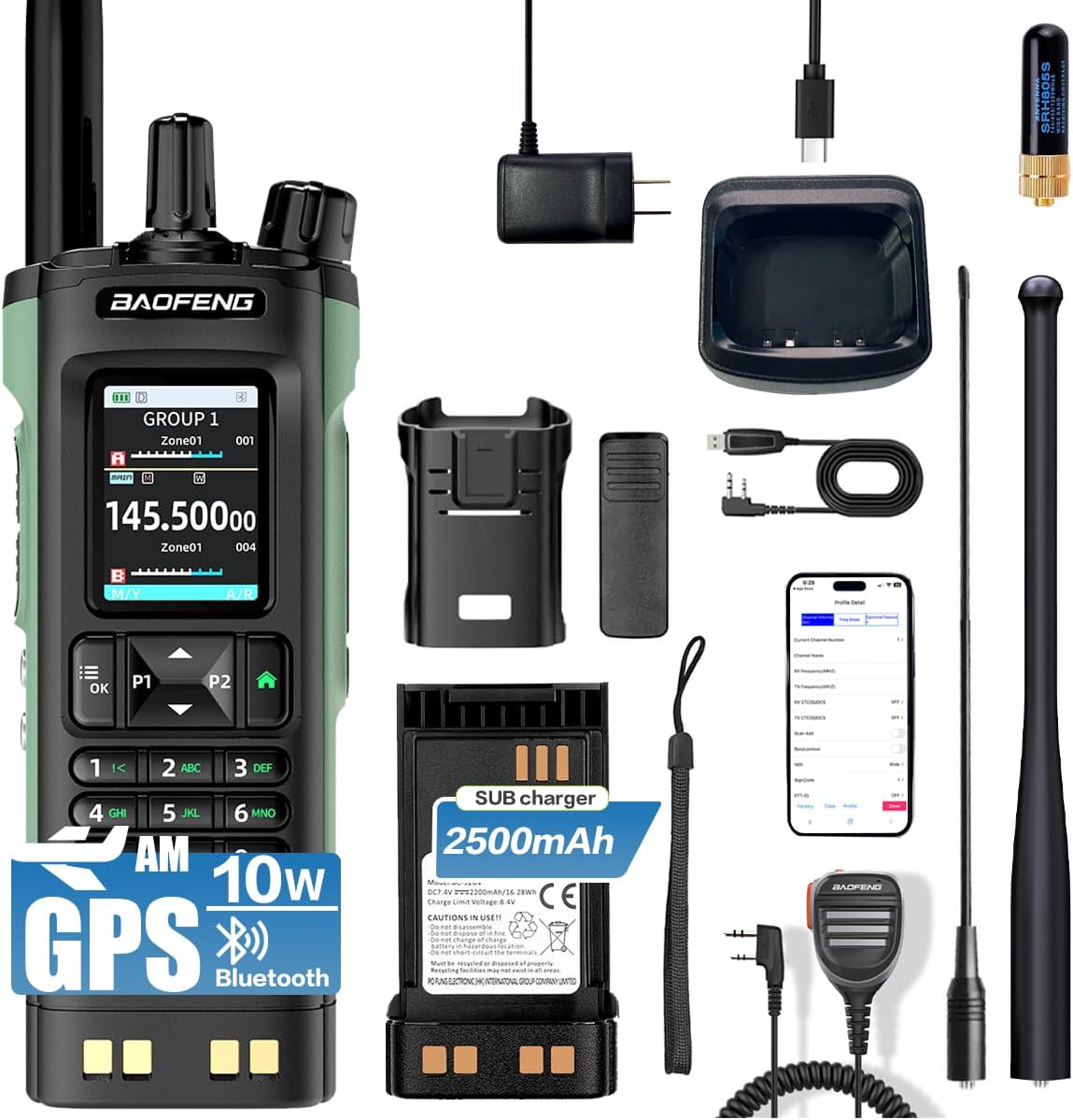
Upon unpacking your BAOFENG UV-32, please verify that all standard components are present:
- BAOFENG UV-32 Radio Unit
- Li-Ionen-Akku
- Antenne
- Desktop-Ladegerät mit Netzteil
- Gürtelclip
- Handschlaufe
- Bedienungsanleitung
4. Einrichtung
4.1 Einlegen der Batterie
- Richten Sie den Akku an den Rillen auf der Rückseite des Radios aus.
- Schieben Sie den Akku nach oben, bis er hörbar einrastet.
- Zum Entnehmen drücken Sie den Batterieentriegelungshebel (normalerweise an der Unterseite der Batterie) und schieben die Batterie nach unten.
4.2 Antennenanschluss
- Schrauben Sie die Antenne in den Anschluss oben am Radio, indem Sie sie im Uhrzeigersinn drehen, bis sie fest sitzt. Nicht zu fest anziehen.
- Ensure the antenna is properly attached for optimal signal reception and transmission.
4.3 Erstaufladung
Laden Sie den Akku vor dem ersten Gebrauch vollständig auf. Das UV-32 unterstützt zwei Lademethoden:
- Direktes Laden über USB-C: Connect a Type-C USB cable directly to the radio's charging port.
- Ladestation: Place the radio (with battery installed) into the provided desktop charging dock. Ensure the charging indicator light illuminates.
Eine vollständige Aufladung dauert in der Regel mehrere Stunden. Die Ladeanzeige ändert ihre Farbe oder erlischt, sobald der Ladevorgang abgeschlossen ist.

This image highlights the Type-C charging interface of the BAOFENG UV-32 radio, demonstrating its modern and convenient charging capabilities. A wireless charging pad is also visible, suggesting versatile charging options.
4.4 Bluetooth-App-Programmierung
The BAOFENG UV-32 can be programmed wirelessly via a smartphone application:
- Download the official BAOFENG programming app from your smartphone's app store.
- Ensure Bluetooth is enabled on your smartphone and the UV-32 radio.
- Open the app and follow the on-screen instructions to search for and connect to your UV-32 radio.
- Once connected, you can read and write frequencies, set channels, and configure various radio parameters directly from your phone.
The image shows the BAOFENG UV-32 radio next to a smartphone screen, illustrating the Bluetooth app programming feature. The app allows for wireless frequency and channel configuration.
5. Bedienungsanleitung
5.1 Ein-/Ausschalten und Lautstärkeregelung
- Einschalten: Rotate the Power/Volume knob clockwise until you hear a click. The display will illuminate.
- Ausschalten: Drehen Sie den Ein-/Ausschalter/Lautstärkeregler gegen den Uhrzeigersinn, bis Sie ein Klicken hören.
- Lautstärkeregelung: Rotate the Power/Volume knob clockwise to increase volume and counter-clockwise to decrease it.
5.2 Kanal- und Frequenzauswahl
The UV-32 features a 2.0-inch full-color display and a full keypad for easy navigation:

Eine detaillierte view of the BAOFENG UV-32 radio's 2.0-inch full-color screen and comprehensive keypad. The screen displays frequency information and menu options, while the keypad provides intuitive control.
- Kanalmodus: Use the keypad to directly enter a channel number or use the UP/DOWN arrow buttons to scroll through stored channels.
- Frequenzmodus (VFO): Geben Sie die Frequenzen direkt über das Ziffernfeld ein.
- Doppeluhr: Press the dedicated dual watch button (if available) or navigate through the menu to enable monitoring of two frequencies simultaneously.
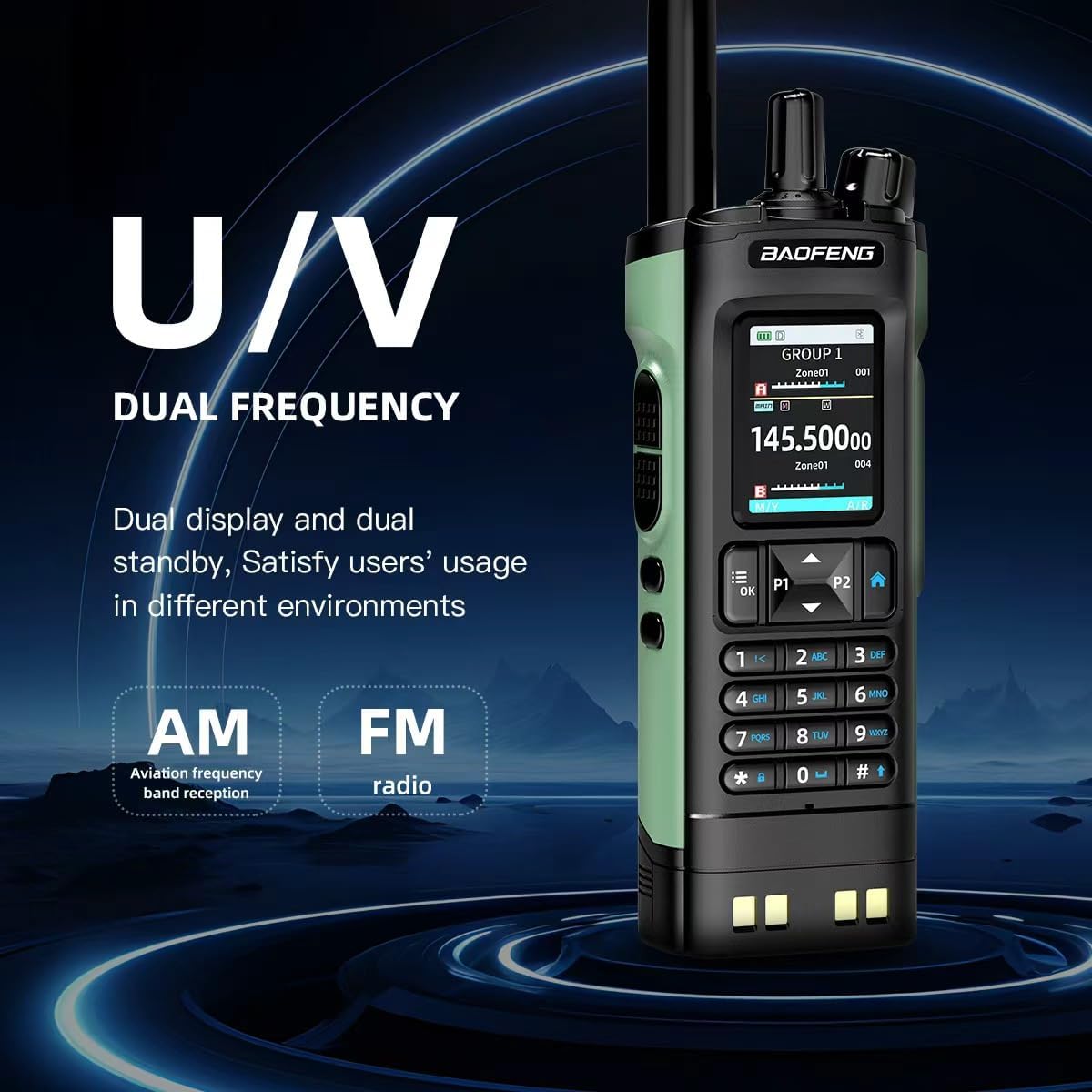
This image emphasizes the BAOFENG UV-32's dual-frequency capability (UHF/VHF) and its support for AM aviation frequency band reception and FM radio, offering versatile communication and entertainment options.
5.3 Transmit and Receive
- Empfang: When a signal is detected on the selected frequency/channel, the radio will automatically open the squelch and output audio.
- Übertragung: Press and hold the Push-To-Talk (PTT) button on the side of the radio. Speak clearly into the microphone. Release the PTT button to return to receive mode.
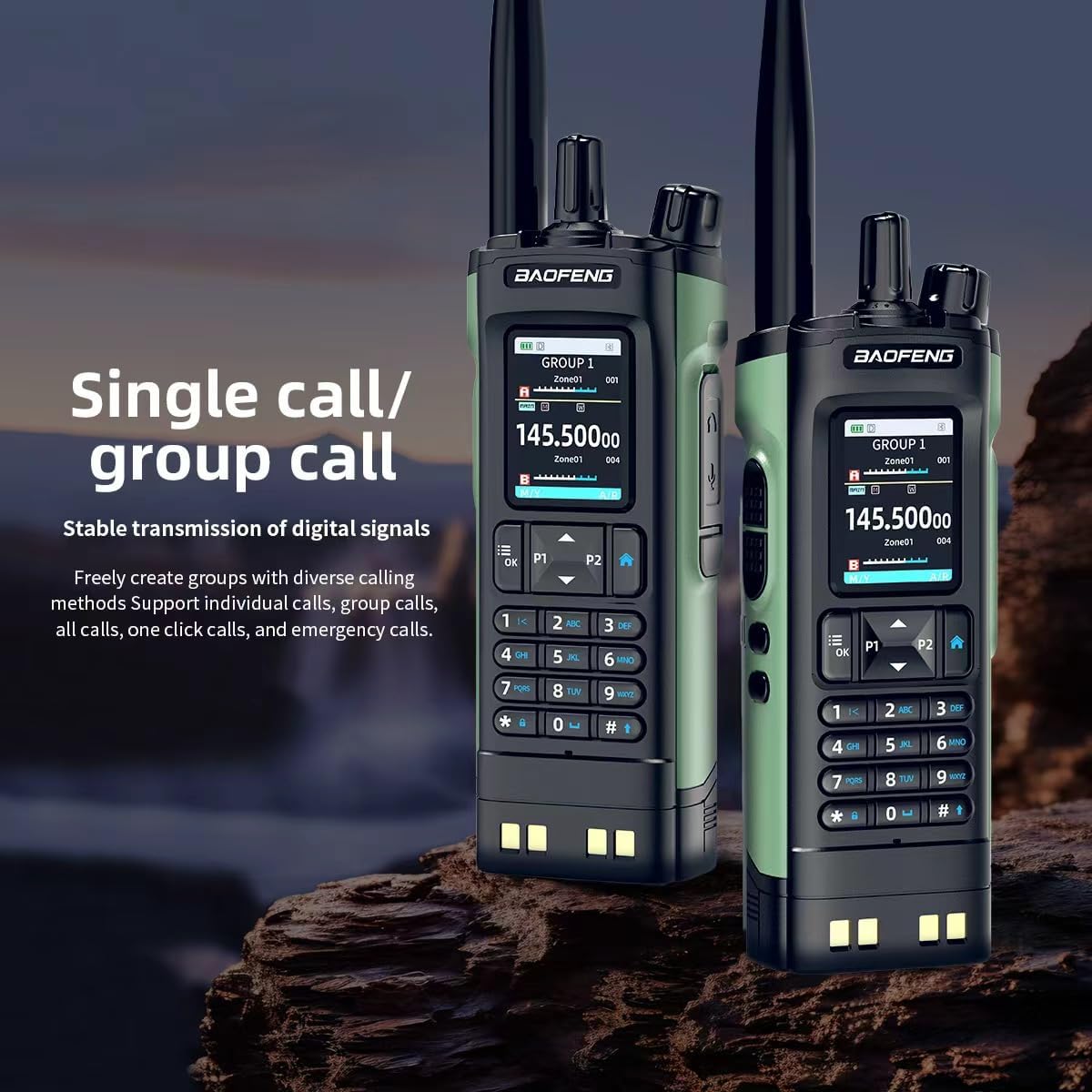
The image features two BAOFENG UV-32 radios, both showing 'GROUP 1' on their displays. This illustrates the radio's capability for both individual and group calls, ensuring stable digital signal transmission.
5.4 GPS-Funktionalität
The UV-32 features built-in GPS/Beidou positioning:
- Greifen Sie auf das GPS-Menü zu view your current latitude, longitude, altitude, and direction.
- Use the location sharing feature to transmit your coordinates to other compatible radios or request their location.
5.5 Drahtlose Frequenzkopie
To quickly copy a frequency from another radio:
- Activate the one-touch frequency copy function (refer to your radio's menu for specific steps).
- Place the UV-32 near the transmitting radio. The UV-32 will scan and copy the active frequency and CTCSS/DCS codes.
5.6 NOAA Weather Alert and FM Radio
- NOAA-Wetterwarnung: Enable this feature through the menu to receive real-time weather alerts from NOAA broadcasts.
- FM Radio: Activate the built-in FM broadcast receiver to listen to commercial FM radio stations.
5.7 VOX-Funktion (sprachgesteuerte Übertragung)
The VOX function allows for hands-free transmission:
- Enable VOX through the radio's menu and adjust the sensitivity level.
- When VOX is active, the radio will automatically transmit when it detects your voice, without needing to press the PTT button.
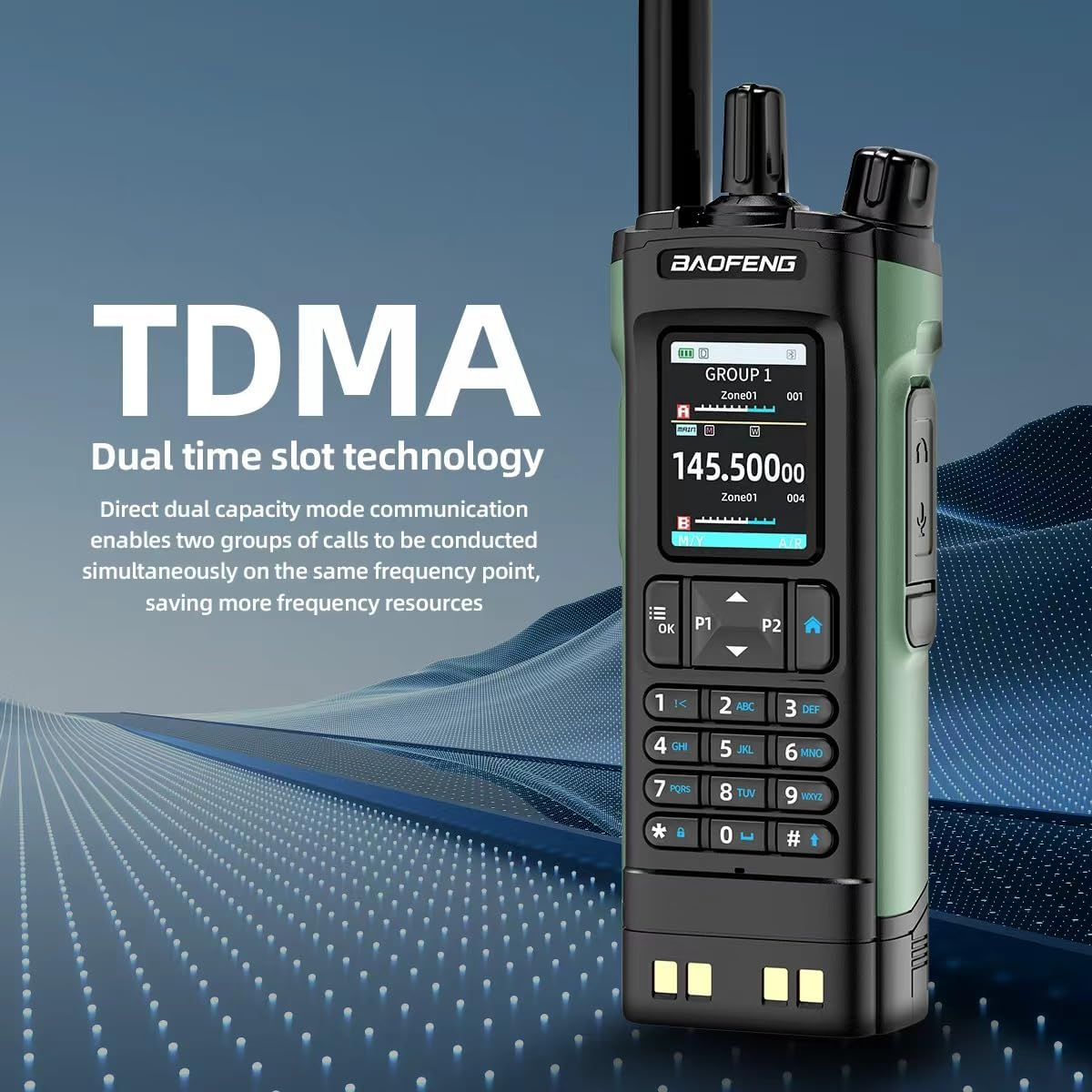
This image explains the TDMA (Time Division Multiple Access) dual time slot technology of the BAOFENG UV-32 radio, which allows two groups of calls to be conducted simultaneously on the same frequency, optimizing resource usage.
6. Wartung
6.1 Reinigung
- Wischen Sie die Oberfläche des Radios mit einem weichen, fusselfreien Tuch ab.amp Tuch. Verwenden Sie keine scharfen Chemikalien oder Scheuermittel.
- Ensure the charging port and antenna connector are free from dust and debris.
6.2 Batteriepflege
- Um die Lebensdauer der Batterie zu verlängern, sollte eine häufige vollständige Entladung vermieden werden.
- Bewahren Sie Radio und Batterie an einem kühlen, trockenen Ort auf, wenn sie längere Zeit nicht benutzt werden.
- Setzen Sie den Akku keinen extremen Temperaturen oder direkter Sonneneinstrahlung aus.
7. Fehlerbehebung
If you encounter issues with your BAOFENG UV-32, refer to the following common problems and solutions:
- Das Radio lässt sich nicht einschalten: Ensure the battery is fully charged and correctly installed. Check the Power/Volume knob.
- Senden und Empfangen nicht möglich: Verify the antenna is securely attached. Check that you are on the correct frequency/channel and that the squelch level is not set too high. Ensure the battery has sufficient charge.
- Probleme beim Aufladen: Confirm the Type-C cable or charging dock is properly connected and the power source is active. Check for any debris in the charging port.
- Schlechte Audioqualität: Adjust the volume. Ensure the antenna is properly connected. Move to an area with better signal reception.
- Bluetooth APP connection failure: Ensure Bluetooth is enabled on both the radio and smartphone. Restart both devices and try reconnecting.
For persistent issues, consult the official BAOFENG webWebsite oder wenden Sie sich an den Kundendienst.
8. Spezifikationen
| Besonderheit | Spezifikation |
|---|---|
| Marke | BAOFENG |
| Modellnummer | DM32UV |
| Farbe | Grün |
| Anzahl der Kanäle | 1000 |
| Frequenzbereich | VHF 136-174 MHz, UHF 400-520 MHz |
| Ausgangsleistung | Bis zu 10 W |
| Akkulaufzeit | 18 Hours (Average) |
| Konnektivitätsprotokoll | Bluetooth |
| Anzeige | 2.0 inch Full-Color Screen |
| Besonderheit | Dual Band, GPS, Bluetooth APP Programming, Wireless Frequency Copy, NOAA Weather Alert, VOX |
| Ladeart | Type-C, Charging Dock |
9. Garantieinformationen
Warranty information for the BAOFENG UV-32 Ham Radio is typically included with your product packaging. Please refer to the documentation provided at the time of purchase for specific terms and conditions, or contact BAOFENG customer support for detailed warranty coverage.
10. Unterstützung
For further assistance, technical support, or to download the latest software and firmware updates, please visit the official BAOFENG website. You may also contact their customer support team directly using the contact information provided on their webauf der Website oder in Ihrer Produktdokumentation.