
1. Einleitung
This manual provides instructions for the setup, operation, and maintenance of your EVICIV 15.6-inch Portable Monitor, Model EC156FHD. This monitor is designed to extend your display capabilities for various devices, including laptops, smartphones, and game consoles, offering a Full HD 1080p resolution display with a 125% sRGB color gamut.
2. Packungsinhalt
Bevor Sie mit der Einrichtung fortfahren, überprüfen Sie bitte, ob alle unten aufgeführten Artikel in Ihrem Paket enthalten sind:
- 15.6" Portable Monitor
- Mini-HDMI-Kabel
- Typ-C-auf-Typ-C-Kabel
- USB-A-auf-USB-C-Kabel
- Benutzerhandbuch

Falls Artikel fehlen oder beschädigt sind, wenden Sie sich bitte an den Kundendienst.
3. Überwachen Sieview
3.1 Physikalische Merkmale
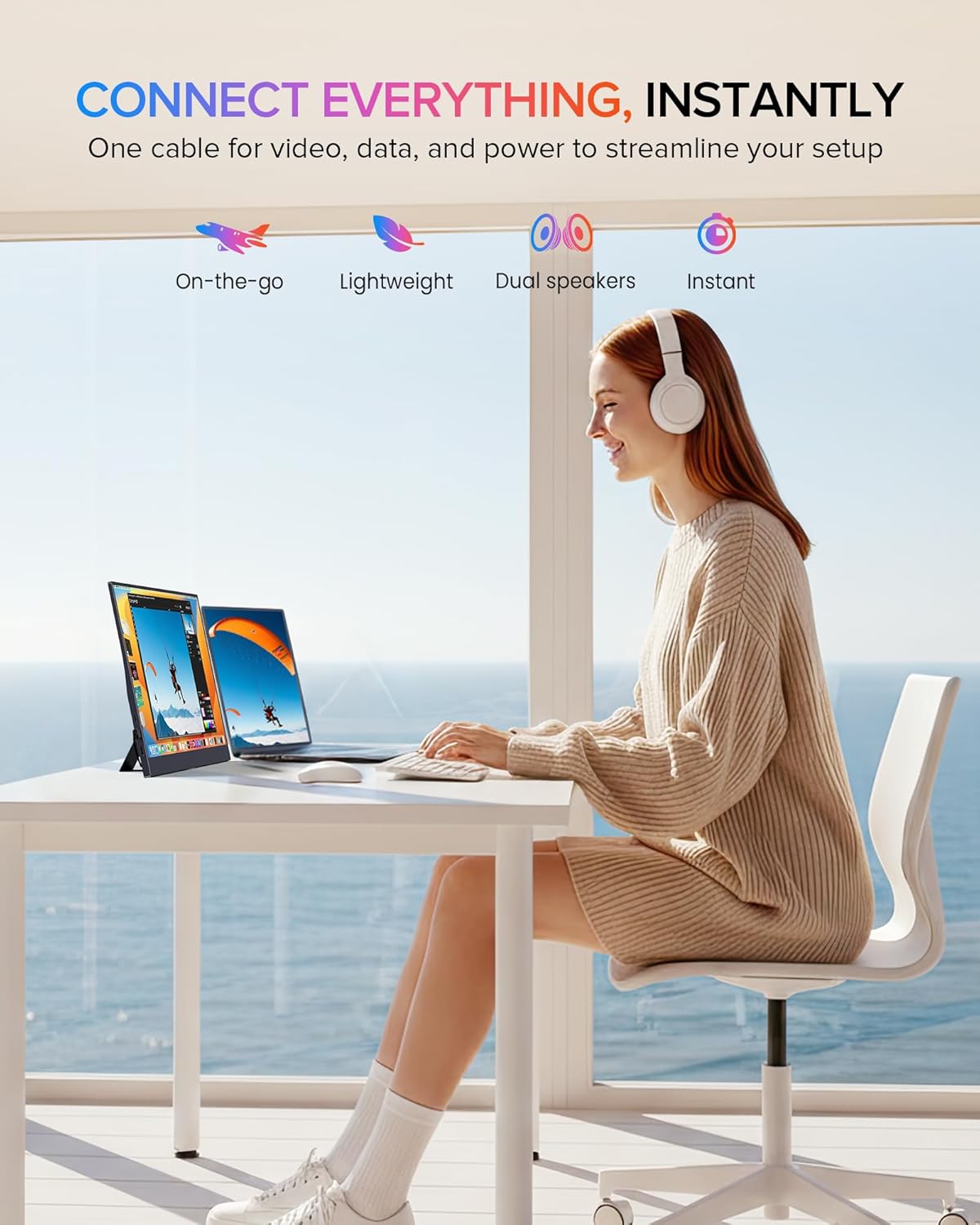
The EVICIV portable monitor features an ultra-slim design with narrow bezels, maximizing screen area and minimizing visual distractions. It is lightweight for portability.

3.2 Anschlüsse und Bedienelemente
The monitor is equipped with various ports and controls for versatile connectivity and easy navigation:
- Mini-HDMI-Anschluss: Für Videoeingang von Geräten mit HDMI-Ausgang.
- USB-C 3.1-Anschlüsse (x2): Zur Strom-, Video- und Datenübertragung mit kompatiblen Geräten.
- 3.5-mm-Audiobuchse: Zum Anschluss externer Kopfhörer oder Lautsprecher.
- Pulley Button/Menu: Dient zur Navigation im On-Screen-Display-Menü (OSD) und zur Anpassung von Einstellungen.
- Zurück-/Ein-/Ausschalter: Used to power the monitor on/off and return from OSD menus.
4. Einrichtung und Verbindung
The monitor supports plug-and-play functionality with most devices. Ensure your device supports video output over USB-C (DisplayPort Alternate Mode) or HDMI.
4.1 Connecting via USB-C (Full-featured)
For devices with a full-featured USB-C port (supporting power, video, and data), a single USB-C to USB-C cable can provide both power and display signal.
- Connect one end of the Type-C to Type-C cable to your device's USB-C port.
- Connect the other end of the Type-C to Type-C cable to one of the monitor's USB-C 3.1 ports.
- Der Monitor sollte das Signal automatisch erkennen und sich einschalten.

4.2 Anschluss über Mini-HDMI
For devices with an HDMI output, use the Mini HDMI to HDMI cable for video signal and a USB-A to USB-C cable for power.
- Connect one end of the Mini HDMI cable to your device's HDMI port and the other end to the monitor's Mini HDMI port.
- Connect the USB-A end of the USB-A to USB-C cable to a power source (e.g., laptop USB port, wall adapter) and the USB-C end to one of the monitor's USB-C 3.1 ports for power.
- The monitor should display the signal from your device.

4.3 Gerätekompatibilität
Der Monitor ist mit einer Vielzahl von Geräten kompatibel:
- Type-C (Android/Windows): Phones, Tablets, Laptops, PCs.
- HDMI (Game Consoles): Nintendo Switch, Steam Deck, PlayStation (PS3/4/5), Xbox.

5. Bedienungsanleitung
5.1 Ein-/Ausschalten
Press and hold the Power button (often combined with the Return function) for a few seconds to turn the monitor on or off.
5.2 Bildschirmmenü (OSD)
The OSD menu allows you to adjust various display settings. Use the Pulley Button to navigate and select options.
- Drücken Sie die Riemenscheibentaste, um das OSD-Menü zu öffnen.
- Roll the Pulley Button up or down to navigate through menu options.
- Drücken Sie die Riemenscheibentaste, um eine Option auszuwählen oder eine Einstellung zu bestätigen.
- Press the Return/Power button to exit the current menu or the OSD entirely.
Zu den gängigen OSD-Einstellungen gehören Helligkeit, Kontrast, Farbtemperatur, Eingangsquelle und HDR-Modus.
6. Anzeigefunktionen
The EVICIV portable monitor is designed with several features to enhance your viewErfahrung:
- 125 % sRGB-Farbraumabdeckung: Provides a wider range of colors compared to standard sRGB, resulting in more accurate and vibrant color reproduction.
- Full HD 1080p Resolution (1920x1080): Liefert klare und detailreiche Bilder.
- 350 Nits Helligkeit: Offers sufficient brightness for various indoor lighting conditions.
- 2000:1 Kontrastverhältnis: Produces deeper blacks and brighter whites for improved image depth.
- IPS Display Technology: Ensures consistent color and image quality across wide 178-degree viewwinkeln.
- HDR-Unterstützung: Enhances dynamic range for compatible content, showing more detail in both bright and dark areas.
- Merkmale für die Augenpflege: Includes a blue light filter and flicker-free technology to reduce eye strain during extended use.


7. Montagemöglichkeiten
7.1 Built-in Adjustable Stand
The monitor includes a built-in stand that can be adjusted up to 70 degrees, allowing you to find an ergonomic view, um die Position zu ändern.

7.2 VESA-Montage
For more permanent setups, the monitor is VESA compatible (75x75mm, M4*4mm). This allows it to be mounted on a wall or a desk arm.
- Suchen Sie die VESA-Montagelöcher auf der Rückseite des Monitors.
- Secure the VESA mount bracket to the monitor using the provided M4*4mm screws.
- Attach the monitor to your VESA-compatible arm or wall mount.

8. Wartung
Um die Langlebigkeit und optimale Leistung Ihres Monitors zu gewährleisten, befolgen Sie bitte diese Wartungsrichtlinien:
- Reinigen des Bildschirms: Wischen Sie den Bildschirm vorsichtig mit einem weichen, fusselfreien Tuch ab. Bei hartnäckigen Flecken dampBefeuchten Sie das Tuch leicht mit Wasser oder einem für Bildschirme geeigneten Reinigungsmittel. Vermeiden Sie aggressive Chemikalien oder Scheuermittel.
- Reinigung des Casing: Verwenden Sie ein weiches, trockenes Tuch, um den Bildschirm des Monitors zu reinigen.asing.
- Lagerung: When not in use, store the monitor in a cool, dry place, preferably in its protective sleeve or original packaging, to prevent dust accumulation and physical damage.
- Vermeiden Sie Flüssigkeiten: Keep liquids away from the monitor to prevent electrical damage.
- Vermeiden Sie extreme Temperaturen: Do not expose the monitor to extreme hot or cold temperatures.
9. Fehlerbehebung
Sollten Sie Probleme mit Ihrem Monitor haben, beachten Sie bitte die folgenden häufig auftretenden Probleme und Lösungen:
9.1 Kein Signal / Schwarzer Bildschirm
- Kabel prüfen: Ensure all video (USB-C or Mini HDMI) and power cables are securely connected to both the monitor and your device.
- Energiequelle: Verify the monitor is receiving adequate power. If using USB-C, ensure your device's USB-C port supports power delivery. If using HDMI, ensure the USB-C power cable is connected to a sufficient power source.
- Eingabequelle: Verwenden Sie das OSD-Menü, um die richtige Eingangsquelle (USB-C oder HDMI) manuell auszuwählen.
- Geräteausgang: Confirm your connected device is configured to output video to an external display.
9.2 Kein Strom
- Stromkabel: Ensure the USB-C power cable is connected to a functional power source (e.g., wall adapter, powered USB port).
- Netzschalter: Press and hold the Power button for a few seconds to ensure it's not just in standby mode.
- Anderes Kabel/anderen Anschluss versuchen: Test with a different USB-C cable or a different power source if available.
9.3 Bildflimmern oder -verzerrung
- Kabelqualität: Use the provided cables or high-quality certified cables. Poor quality cables can cause signal issues.
- Auflösung/Bildwiederholfrequenz: Ensure your device's output resolution and refresh rate are supported by the monitor (Max 1920x1080 at 60Hz).
- Interferenz: Stellen Sie den Monitor in ausreichendem Abstand zu anderen elektronischen Geräten auf, die elektromagnetische Störungen verursachen könnten.
If these steps do not resolve the issue, please contact EVICIV customer support.
10. Technische Daten
| Besonderheit | Spezifikation |
|---|---|
| Marke | EVICIV |
| Modellnummer | EC156FHD |
| Bildschirmgröße | 15.6 Zoll |
| Auflösung | FHD 1080p (1920 x 1080) |
| Display-Technologie | IPS-LCD |
| Bildwiederholrate | 60 Hz |
| Helligkeit | 350 Candela (Nissen) |
| Kontrastverhältnis | 2000:1 |
| Farbumfang | 125 % sRGB |
| Viewing-Winkel | 178 Grad |
| Ansprechzeit | 3 Millisekunden |
| Konnektivität | 2x USB 3.0 Type-C, 1x Mini HDMI, 1x 3.5mm Audio |
| Montagetyp | VESA (75x75mm), Built-in Stand |
| Energieaufnahme | 10 Watt |
| Abmessungen (T x B x H) | 0.27"T x 14"B x 9"H |
11. Garantie und Support
Your EVICIV Portable Monitor comes with a 2 Jahr Herstellergarantie. Diese Garantie deckt Material- und Verarbeitungsfehler bei normalem Gebrauch ab.
For warranty claims, technical assistance, or further inquiries, please contact EVICIV customer support through the official EVICIV webWebsite oder bei Ihrem Händler.
Weitere Informationen und Unterstützung finden Sie unter EVICIV Store auf Amazon.