
1. Einleitung
This manual provides essential information for setting up, operating, and maintaining your Auusda 15.6-inch FHD Laptop. Designed for work, study, and entertainment, this laptop features an Athlon Silver 3050E Processor, 32GB DDR4 RAM, and a 1TB SSD for efficient performance and ample storage. Its thin and light design enhances portability, making it suitable for various environments.
Key features include a vibrant 15.6-inch Full HD IPS display, comprehensive connectivity options, a secure fingerprint reader, and a backlit keyboard for comfortable use in diverse lighting conditions. The laptop comes pre-installed with Windows 11 Pro.


2. Einrichtung
2.1 Auspacken und erste Inspektion
Carefully remove the laptop and its accessories from the packaging. Ensure all components are present and undamaged.
- Auusda 15.6" FHD Laptop
- 12 V 3A Ladegerät
- US Layout Keyboard Cover
- Benutzerhandbuch (dieses Dokument)
2.2 Einschalten und Erstkonfiguration
- Connect the charger to the laptop's DC-in port and a power outlet.
- Öffnen Sie den Laptopdeckel. Der Laptop schaltet sich möglicherweise automatisch ein, andernfalls müssen Sie den Netzschalter drücken.
- Folgen Sie den Anweisungen auf dem Bildschirm, um die Einrichtung von Windows 11 Pro abzuschließen, einschließlich Sprache, Region, Netzwerkverbindung und Erstellung des Benutzerkontos.
- For secure login, configure the integrated fingerprint reader during setup or via Windows Settings later.
3. Bedienung
3.1 Darstellung und Visualisierung
The laptop features a 15.6-inch Full HD (1920x1080) IPS display, providing crisp and vibrant visuals. The narrow bezel design enhances the viewing experience for various tasks, from document editing to streaming media.

3.2 Prozessor und Leistung
Powered by an Athlon Silver 3050E Processor with 2 cores and 4 threads, the laptop offers a base frequency of 1.4 GHz and a maximum turbo frequency of up to 2.8 GHz. This configuration supports daily office tasks, online learning, and video playback efficiently.

3.3 Speicher und Speicher
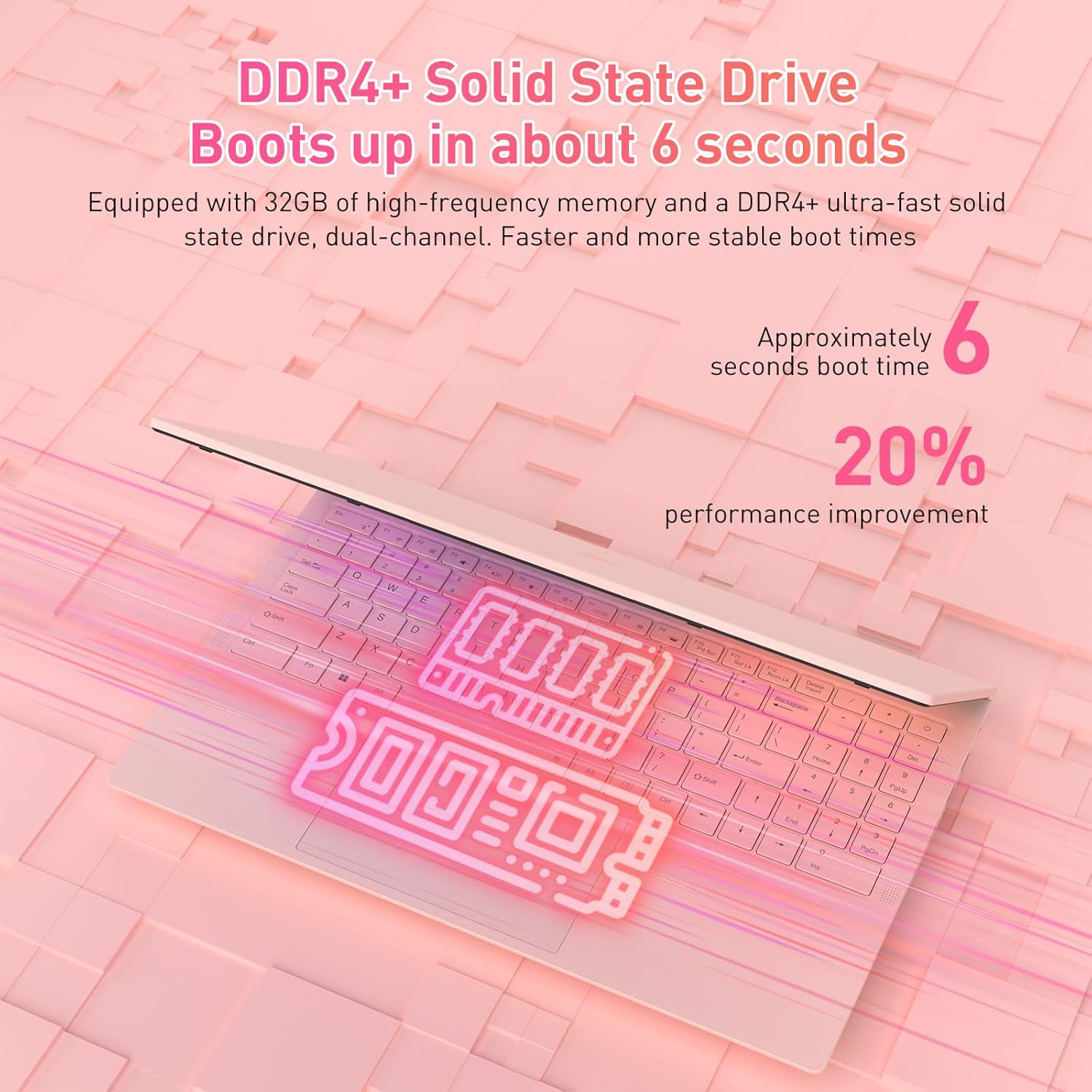
The laptop is equipped with 32GB of DDR4 RAM (2400 MHz) and a 1TB M.2 SATA 3.0 SSD. This combination ensures fast boot times (approximately 6 seconds) and smooth multitasking, allowing you to run multiple applications without significant slowdowns.

3.4 Keyboard and Security Features
The full-size backlit keyboard includes a numeric keypad for enhanced productivity. The large touchpad provides precise navigation. For secure access, the laptop is equipped with an integrated fingerprint reader, allowing for quick and reliable unlocking.

The laptop also features a privacy camera, which can be physically covered for enhanced security.
3.5 Konnektivität
The Auusda laptop offers a variety of ports and wireless options for versatile connectivity:
- USB-Anschlüsse: 1x USB 3.0, 2x USB 2.0
- Typ C-Anschluss: Full-featured, supporting charging and data transfer.
- HDMI: Zum Anschluss externer Displays.
- Audio: 3.5-mm-Kopfhörerbuchse.
- Kartenleser: TF-Kartensteckplatz.
- Kabellos: Built-in Wi-Fi 5 (802.11a/b/g/n) and Bluetooth 5.0.
- Sicherheit: Security Lock Slot.
- Leistung: DC Jack for charging.

3.6 Multi-Screen Expansion
The laptop supports multi-screen expansion, allowing you to connect external monitors via the HDMI port for an extended desktop experience, enhancing productivity for work or entertainment.
While not primarily a gaming laptop, the Athlon Silver 3050E processor with RX Vega 3 integrated graphics can handle some lighter gaming titles. For optimal performance in gaming, ensure your system drivers are up to date.
4. Wartung
4.1 Reinigung
- Use a soft, lint-free cloth to clean the screen. For stubborn smudges, dampBefeuchten Sie das Tuch mit Wasser oder einem speziell für Bildschirme geeigneten Reinigungsmittel.
- Wischen Sie Tastatur und Gehäuse mit einem leicht feucht gehaltenen Tuch ab.amp Tuch. Übermäßige Feuchtigkeit vermeiden.
- Reinigen Sie die Lüftungsschlitze regelmäßig, um Staubansammlungen zu vermeiden, die die Kühlleistung beeinträchtigen können.
4.2 Batteriepflege
- Vermeiden Sie häufiges vollständiges Entladen des Akkus.
- Bewahren Sie den Laptop an einem kühlen, trockenen Ort auf, wenn er längere Zeit nicht benutzt wird.
- Use only the provided charger to prevent damage to the battery and laptop.
4.3 Softwareaktualisierungen
Regularly check for and install Windows updates and driver updates (especially for graphics and chipset) to ensure optimal performance and security. You can typically find driver updates on the Auusda support webWebsite oder AMDs offizielle website for the Athlon processor.
5. Fehlerbehebung
If you encounter issues with your laptop, refer to the following common troubleshooting steps:
- Laptop lässt sich nicht einschalten: Ensure the charger is securely connected and the power outlet is functional. Try pressing and holding the power button for 10-15 seconds.
- Bildschirmprobleme (keine Anzeige, Flackern): Connect an external monitor via HDMI to check if the issue is with the laptop's internal display. Restart the laptop.
- Langsame Leistung: Close unnecessary applications, check for background processes, ensure sufficient free storage space, and run a malware scan.
- Connectivity problems (Wi-Fi, Bluetooth): Check if wireless adapters are enabled in Windows settings. Restart your router/modem for Wi-Fi issues.
- Tastatur oder Touchpad reagieren nicht: Starten Sie den Laptop neu. Stellen Sie sicher, dass keine externen Geräte Störungen verursachen.
- Überhitzung: Ensure the laptop's vents are clear and not obstructed. Use the laptop on a hard, flat surface to allow for proper airflow.
For persistent issues, please contact Auusda customer support.
6. Spezifikationen
| Besonderheit | Detail |
|---|---|
| Marke | Auusda |
| Modellname | T156A-3050E-32GB+1TB |
| Artikelmodellnummer | 3050E |
| Bildschirmgröße | 15.6 Zoll |
| Bildschirmauflösung | 1920 x 1080 Pixel (Full HD IPS) |
| Prozessor | AMD Athlon Silver 3050E (1.4 GHz base, up to 2.8 GHz) |
| RAM | 32 GB DDR4 SDRAM (2400 MHz) |
| Lagerung | 1 TB SSD (PCIE x 2 interface) |
| Grafik-Coprozessor | RX Vega 3 (Integrated Graphics) |
| Betriebssystem | Windows 11 Pro |
| Kabelloser Typ | 802.11a/b/g/n (Wi-Fi 5), Bluetooth 5.0 |
| USB-Anschlüsse | 1x USB 3.0, 2x USB 2.0, 1x Type-C (Full-Featured) |
| Andere Häfen | HDMI, 3.5mm Headphone Jack, TF Card Slot, DC Jack, Security Lock Slot |
| Artikelgewicht | 3.7 Pfund |
| Technische Daten | 14 x 11 x 0.7 Zoll |
| Farbe | Rosa |
| Besondere Merkmale | Anti Glare Coating, Backlit Keyboard, Fingerprint Reader, Numeric Keypad, Portable |
| Batterie | 1x 12V battery (included) |
7. Garantie und Support
7.1 Herstellergarantie
Your Auusda laptop comes with a 2-year manufacturer-backed coverage. This warranty covers defects in materials and workmanship under normal use. Please retain your proof of purchase for warranty claims.
7.2 Kundendienst
For technical assistance, warranty claims, or any questions regarding your Auusda laptop, please contact our customer support team:
- E-Mail: Auusda.ltd@gmail.com (as per A+ content FAQ)
- Online: Log in to your Amazon buyer account, find your order, and click "Get Help" or "Ask questions" to reach the seller.
When contacting support, please provide your order number and a detailed description of the issue, including any relevant videos or screenshots.
