
1. Einleitung
This manual provides detailed instructions for the setup, operation, and maintenance of your ASUS ROG XG27AQDMGR 27-inch QHD OLED HDR Gaming Monitor. Please read this manual thoroughly before using the monitor to ensure proper installation and optimal performance. Keep this manual for future reference.
2. Packungsinhalt
Prüfen Sie, ob alle Artikel in Ihrem Paket enthalten sind. Sollte ein Artikel fehlen oder beschädigt sein, wenden Sie sich bitte an Ihren Händler.
- ASUS ROG XG27AQDMGR Monitor
- DisplayPort-Kabel
- HDMI-Kabel
- Mikrofasertuch
- Netzkabel
3. Einrichtung
3.1 Montage des Ständers
The monitor comes with a compact and ergonomic stand that offers height, swivel, tilt, and pivot adjustments. Ensure the monitor is placed on a stable, flat surface during assembly.

Image: The monitor stand allows for various adjustments including 0-110mm height, -45°~+45° swivel, -5°~+20° tilt, and -90°~+90° pivot.
3.2 Anschließen des Monitors
Connect the monitor to your computer or gaming console using the provided DisplayPort or HDMI cables. The monitor features multiple input ports for versatile connectivity.

Image: Close-up of the monitor's rear ports, including DisplayPort 1.4 (DSC), HDMI 2.1, and USB ports.
Stellen Sie sicher, dass das Netzkabel fest mit dem Monitor und einer Steckdose verbunden ist.
4. Bedienungsanleitung
4.1 Ein-/Ausschalten
Press the power button located on the monitor to turn it on or off. The monitor will automatically detect the input signal.
4.2 Menünavigation über das Bildschirmdisplay (OSD).
Use the joystick and buttons on the monitor's rear to navigate the OSD menu. The OSD allows you to adjust various display settings, including brightness, contrast, color, and gaming features.
4.3 Hauptmerkmaleview
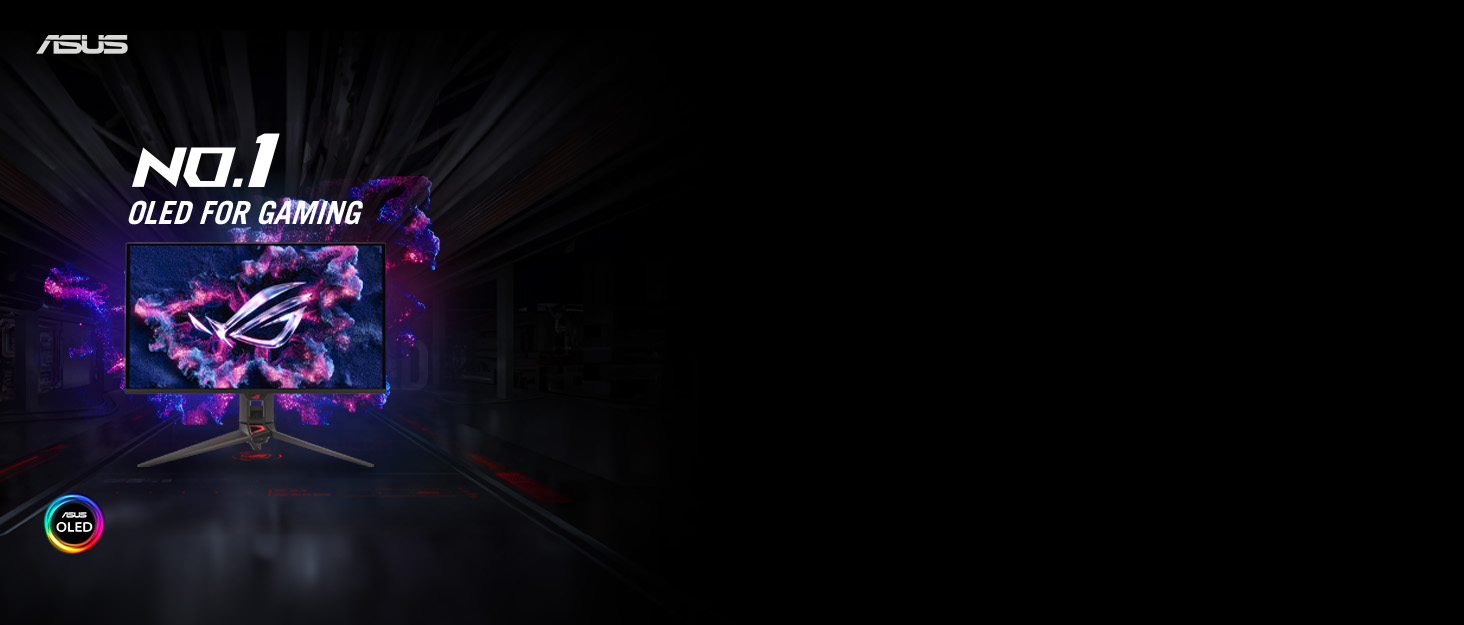
Bild: Überview of the monitor's highlighted features, including its QHD OLED panel, 240Hz refresh rate, and OLED Care Pro.
The ASUS ROG XG27AQDMGR features a 27-inch QHD (2560 x 1440) TrueBlack Glossy WOLED display with a 240 Hz refresh rate and an ultra-fast 0.03ms response time for smooth, clear visuals.
5. OLED Care Pro Features
The monitor incorporates ASUS OLED Care Pro functions and a Neo Proximity Sensor to protect the OLED panel and prevent burn-in, ensuring long-term performance.

Image: Key features of OLED Care Pro, designed to maintain panel health.
- Neo Näherungssensor: Detects when a user is away from the monitor and automatically switches to a black screen to reduce the risk of burn-in.
- Pixelreinigung: A maintenance function that refreshes the pixels to prevent image retention.
- Bildschirm speichern: Activates a screen saver to prevent static images from remaining on the display for extended periods.
- Pixel Move: Slightly shifts the display pixels periodically to prevent static image burn-in.
- Anpassung der Logohelligkeit: Reduces the brightness of static logos or UI elements to minimize burn-in risk.
- Äußere Dimmerkennung: Dims static elements in the outer regions of the screen.
- Global Dimming Control: Adjusts overall screen brightness to protect the panel.
These features can be managed through the OSD menu or the ASUS DisplayWidget Center software.
Video: Ein überview of the ASUS XG 27-inch gaming monitor, showcasing seine Eigenschaften und sein Design.
6. Anzeigeeinstellungen und Funktionen
6.1 TrueBlack Glossy WOLED Panel
The monitor features a TrueBlack Glossy WOLED panel, providing ultra-sharp visuals and deep, inky blacks for enhanced contrast and image quality.

Image: Visual comparison demonstrating the superior black levels and clarity of TrueBlack Glossy WOLED technology.
6.2 Extreme Low Motion Blur (ELMB Sync) and Clear Pixel Edge
ELMB Sync technology improves motion clarity by reducing motion blur during fast-paced gaming. The Clear Pixel Edge algorithm optimizes text clarity for a sharper viewErfahrung.
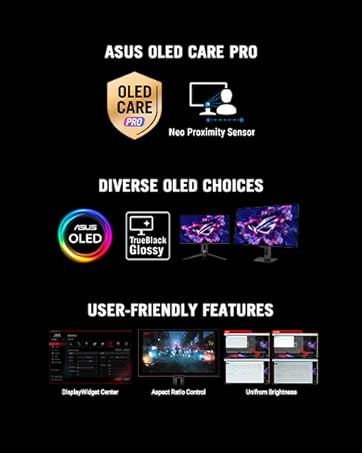
Image: Visual demonstration of ELMB Sync reducing motion blur and Clear Pixel Edge enhancing text definition.
6.3 Steuerung des Seitenverhältnisses
Adjust the aspect ratio to optimize the display for different game genres and devices, including options for 24-inch, Square Equivalent, and Square Full modes.
Image: Illustrations of various aspect ratio control options available on the monitor.
6.4 Adaptive Sync-Technologie
The monitor supports AMD FreeSync Premium Pro and is G-Sync Compatible, providing tear-free and stutter-free gaming experiences by synchronizing the display's refresh rate with your GPU's frame rate.
6.5 ASUS DisplayWidget Center
This exclusive software allows users to easily access OLED Care Pro functions and adjust monitor settings directly from their computer using a mouse, offering intuitive control over display parameters.
7. Fehlerbehebung
Sollten Sie Probleme mit Ihrem Monitor haben, beachten Sie bitte die folgenden häufig auftretenden Probleme und Lösungen:
- Kein Bild auf dem Bildschirm: Ensure all cables (power, DisplayPort/HDMI) are securely connected. Verify the correct input source is selected in the OSD menu.
- Bildqualitätsprobleme (Flimmern, Verzerrungen): Check cable connections. Update graphics card drivers. Adjust display settings in the OSD or through DisplayWidget Center.
- Burn-in concerns: Utilize the OLED Care Pro features (Pixel Cleaning, Pixel Move, Screen Save, Neo Proximity Sensor) regularly to mitigate burn-in risk. Avoid displaying static images for extended periods.
- Monitor schaltet sich nicht ein: Confirm the power cord is properly connected and the power outlet is functional.
Weitere Unterstützung erhalten Sie beim ASUS-Support. webWebsite oder wenden Sie sich an den Kundendienst.
8. Spezifikationen
| Besonderheit | Spezifikation |
|---|---|
| Marke | ASUS |
| Modellnummer | XG27AQDMGR |
| Bildschirmgröße | 27 Zoll |
| Auflösung | QHD Wide 1440p (2560 x 1440) |
| Anzeigetyp | OLED |
| Bildwiederholrate | 240 Hz |
| Ansprechzeit | 0.03 milliseconds (Gray-to-Gray) |
| Bildschirmoberfläche | Glänzend |
| Kontrastverhältnis | 1,500,000:1 |
| Helligkeit | 1300 candela/square meter (peak) |
| Farbumfang | 99 % DCI-P3 |
| HDR-Unterstützung | VESA DisplayHDR 400 True Black |
| Adaptive Synchronisierung | AMD FreeSync Premium Pro, G-Sync Compatible |
| Konnektivität | 1x DisplayPort, 2x HDMI, 2x USB |
| Artikelabmessungen (T x B x H) | 7.4"T x 23.8"B x 19.7"H |
| Artikelgewicht | 14.6 Pfund |
| Energieaufnahme | 26.8 Watt |
9. Garantie und Support
The ASUS ROG XG27AQDMGR monitor comes with a 3 Jahr Garantie, which includes coverage for burn-in. For detailed warranty terms and conditions, please refer to the warranty card included in your package or visit the official ASUS support webWebsite.
For technical support, driver downloads, or further product information, please visit the ASUS-Kundendienst webWebsite.