
1. Einleitung
Thank you for choosing the MOZC Bluetooth Headset Model 530-2. This wireless single-ear business earbud is designed for clear communication and comfortable wear, ideal for work, driving, and office environments. This manual provides detailed instructions to help you set up, operate, and maintain your headset for optimal performance.
2. Produktüberschreitungview
2.1 Packungsinhalt
- MOZC Bluetooth Headset
- 800mAh Ladekoffer
- USB-Kabel Typ C.
- Bedienungsanleitung
2.2 Hauptmerkmale
- Erweiterte Spielzeit: Up to 80 hours of playtime with the 800mAh charging case.
- Konnektivität für zwei Geräte: Verbindet sich gleichzeitig mit zwei Geräten.
- Flexible Controls: Intuitive buttons for music, calls, and voice commands.
- CVC8.0 Geräuschunterdrückung: Unidirectional microphone with ENC for clear calls in noisy environments.
- Komfortables Design: In-ear design with 180° vertical and 360° horizontal ear hook rotation for a secure and comfortable fit.
2.3 Headset Components and Functions

Bild: Überview of the headset's multi-functional buttons and ports. This diagram illustrates the location of the power button, volume controls, microphone, and Type-C charging port on the headset.
- Power Supply (ON/OFF): Button to turn the headset on or off.
- Lautstärke + / Lautstärke -: Buttons to adjust the audio volume.
- Microphone (ON/OFF): Integrated microphone with mute function.
- Typ C-Anschluss: For charging the headset directly.
- Multifunktionstaste: For call management, music playback, and voice assistant activation.
3. Einrichtung
3.1 Charging the Headset and Charging Case
Vor dem ersten Gebrauch müssen sowohl das Headset als auch das Ladecase vollständig aufgeladen werden.
- Aufladen des Headsets: Place the headset into the charging case. The LED display on the case will indicate charging status. Alternatively, connect the Type-C cable directly to the headset's charging port.
- Aufladen des Gehäuses: Connect the provided USB Type-C charging cable to the charging case and a suitable USB power adapter (not included). The LED display will show the charging progress and remaining power.
A full charge for the case takes approximately 1.5 hours. The case can fully charge the headset 5-6 times, providing up to 80 hours of total playtime.

Bild: Charging methods for the headset and its charging case. The left image shows the headset connected to a Type-C cable, and the right image shows the charging case connected to a Type-C cable.

Bild: The 800mAh charging case with the headset, highlighting 80 hours playtime, 1.5 hours charging time, 12 hours music time, and 15 hours talk time.
3.2 Adjusting for Comfortable Wear
The headset is designed for comfortable wear on either the left or right ear. Adjust the ear hook and microphone for the best fit.
- Drehung des Ohrhakens: The ear hook can rotate 180° vertically and 360° horizontally to fit your ear shape and orientation.
- Mikrofoneinstellung: Adjust the angle of the microphone to ensure it is positioned optimally for clear voice pickup.

Bild: Instructions for adjusting the headset to fit both left and right ears. It shows the 360° adjustment for the ear hook and 180° adjustment for the microphone arm.
4. Bedienungsanleitung
4.1 Ein-/Ausschalten
- Einschalten: Halten Sie den Ein-/Ausschalter etwa 3 Sekunden lang gedrückt, bis die Kontrollleuchte blinkt.
- Ausschalten: Halten Sie den Ein-/Ausschalter etwa 5 Sekunden lang gedrückt, bis die Kontrollleuchte erlischt.
4.2 Bluetooth-Kopplung
- Stellen Sie sicher, dass das Headset vollständig aufgeladen und ausgeschaltet ist.
- Halten Sie den Ein-/Ausschalter etwa 5-7 Sekunden lang gedrückt, bis die Kontrollleuchte abwechselnd rot und blau blinkt. Dies signalisiert den Kopplungsmodus.
- Aktivieren Sie auf Ihrem Gerät (Smartphone, Tablet, Computer) Bluetooth und suchen Sie nach verfügbaren Geräten.
- Select "MOZC 530-2" (or similar name) from the list of found devices.
- Sobald die Verbindung hergestellt ist, blinkt die Kontrollleuchte am Headset langsam blau.
4.3 Gleichzeitiges Verbinden zweier Geräte
The headset supports connecting to two Bluetooth devices at the same time.
- Pair the headset with the first device following the steps in section 4.2.
- Deaktivieren Sie Bluetooth auf dem ersten Gerät.
- Koppeln Sie das Headset mit dem zweiten Gerät.
- Aktivieren Sie Bluetooth auf dem ersten Gerät wieder. Das Headset sollte sich automatisch mit beiden Geräten verbinden.
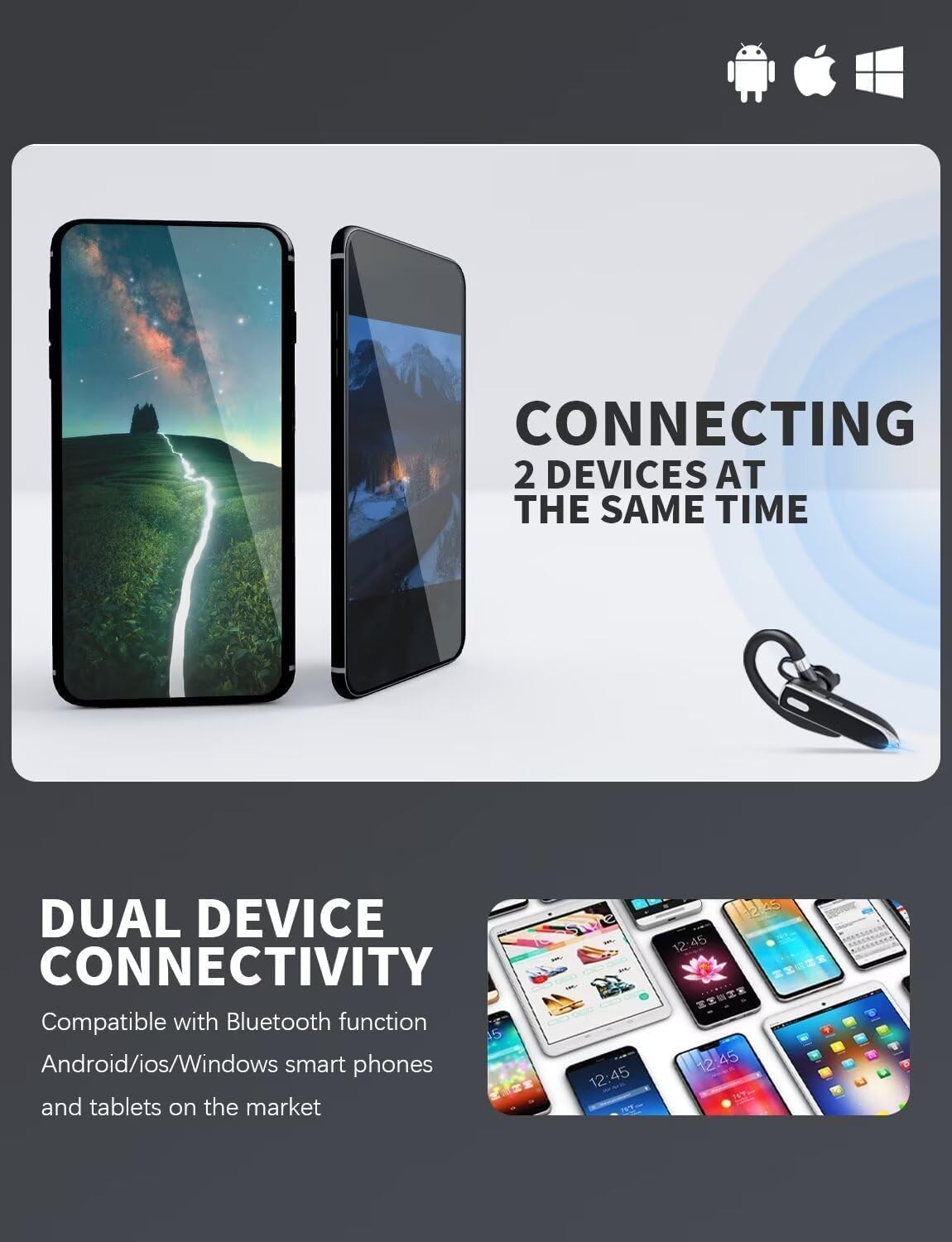
Bild: Dual device connectivity feature. This image shows the headset connected to two separate mobile phones, demonstrating its ability to maintain connections with multiple devices.
4.4 Call and Music Controls
- Anruf annehmen/beenden: Drücken Sie kurz die Multifunktionstaste.
- Anruf ablehnen: Halten Sie die Multifunktionstaste 2 Sekunden lang gedrückt.
- Musik abspielen/pausieren: Drücken Sie kurz die Multifunktionstaste.
- Lautstärke erhöhen: Drücken Sie kurz die Lautstärketaste +.
- Lautstärke runter: Drücken Sie kurz die Lautstärketaste -.
- Sprachassistent aktivieren (Siri/Google Assistant): Drücken Sie die Multifunktionstaste zweimal.
4.5 Mute-Funktion
During a call, short press the Microphone button to mute or unmute the microphone. A voice prompt or indicator light may confirm the mute status.
5. Wartung
5.1 Reinigung
- Wipe the headset and charging case with a soft, dry, lint-free cloth.
- Verwenden Sie keine Scheuermittel, Lösungsmittel oder Aerosolsprays.
- Vermeiden Sie, dass Feuchtigkeit in die Öffnungen eindringt.
5.2 Speicherung
- Bewahren Sie das Headset bei Nichtgebrauch im Ladecase auf, um es zu schützen und geladen zu halten.
- An einem kühlen, trockenen Ort lagern, vor extremen Temperaturen und direkter Sonneneinstrahlung schützen.
- If storing for an extended period, charge the headset and case at least once every three months to maintain battery health.
6. Fehlerbehebung
6.1 Häufige Probleme und Lösungen
- Headset lässt sich nicht einschalten:
Ensure the headset is charged. Place it in the charging case or connect it directly to a power source. - Kopplung mit dem Gerät nicht möglich:
Make sure the headset is in pairing mode (red and blue indicator flashing). Ensure Bluetooth is enabled on your device and it's within range. Try restarting both the headset and your device. - Kein Ton oder geringe Lautstärke:
Check the volume levels on both the headset and your connected device. Ensure the headset is properly connected to your device. - Schlechte Anrufqualität:
Ensure the microphone is not muted. Move closer to your connected device. Avoid environments with strong electromagnetic interference. - Headset trennt häufig die Verbindung:
Ensure the headset is within the effective Bluetooth range (typically 10 meters/33 feet) of your device. Avoid obstacles between the headset and your device.
7. Spezifikationen
7.1 Technische Daten
| Modellname | 530-2 |
| Marke | MOZC |
| Konnektivitätstechnologie | Kabellos (Bluetooth) |
| Platzierung des Ohrs | Im Ohr |
| Akkukapazität des Ladegehäuses | 800 mAh |
| Gesamtspielzeit (mit Hülle) | Bis zu 80 Stunden |
| Ladezeit (Case) | Ca. 1.5 Stunden |
| Geräuschunterdrückung | CVC8.0 (for microphone) |
| Im Lieferumfang enthaltene Komponenten | Kabel |
| Artikelmodellnummer | 530-2 |
8. Garantie und Support
This MOZC product is covered by a standard manufacturer's warranty. For specific warranty terms and conditions, please refer to the documentation provided with your purchase or contact the retailer.
For technical support, troubleshooting assistance, or any inquiries regarding your MOZC Bluetooth Headset, please contact our customer support team. Contact details can typically be found on the product packaging or the official MOZC webWebsite.