
1. Einleitung
Vielen Dank für Ihren Einkauf.asing the Aiwa BST-130RD Bluetooth Speaker. This portable speaker features Bluetooth 5.3 connectivity, vibrant RGB lighting, FM radio, and multiple playback options including USB and TF card. This manual provides essential information for the safe and efficient use of your device. Please read it thoroughly before operation and retain it for future reference.
2. Packungsinhalt
Stellen Sie sicher, dass alle Artikel im Paket vorhanden sind:
- Aiwa BST-130RD Bluetooth Speaker
- USB-Kabel Typ C.
- Bedienungsanleitung
3. Produktüberschreitungview
Machen Sie sich mit den Bedienelementen und Anschlüssen des Lautsprechers vertraut.
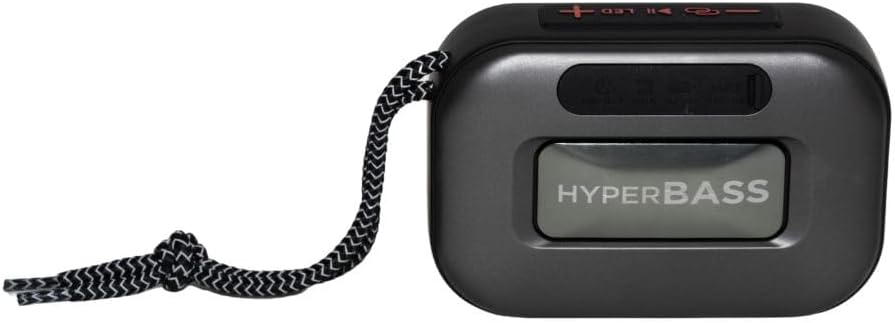
Abbildung 3.1: Front view of the Aiwa BST-130RD Bluetooth Speaker, showcasing the speaker grille and RGB light ring.

Abbildung 3.2: Close-up of the tactile control buttons located on the top panel of the speaker. These include power, play/pause, volume, mode, and LED light controls.

Abbildung 3.3: Hinteren view of the speaker, illustrating the USB-A port, Micro SD (TF) card slot, AUX-IN port, and USB Type-C charging port.
Steuerung:
- Netzschalter: Gedrückt halten, um den Lautsprecher ein-/auszuschalten.
- Wiedergabe-/Pause-Taste: Audio wiedergeben oder pausieren. Anrufe im Bluetooth-Modus annehmen/beenden.
- Lauter (+): Increase volume. Long press for next track/FM station.
- Lautstärke runter (-): Decrease volume. Long press for previous track/FM station.
- Modus-Taste (M): Switch between Bluetooth, FM Radio, USB, TF Card, and AUX-IN modes.
- LED-Taste: RGB-Beleuchtungsmodi ändern.
Häfen:
- USB-A-Anschluss: Zur Wiedergabe von USB-Sticks.
- TF-Karten-Slot: Zur Wiedergabe von Micro-SD-Karten.
- AUX-IN Port (3.5mm): Für kabelgebundene Audioverbindungen.
- USB-Typ-C-Ladeanschluss: Zum Aufladen des Lautsprechers.
4. Einrichtung
4.1 Aufladen des Lautsprechers
- Schließen Sie das mitgelieferte USB-Typ-C-Ladekabel an den Ladeanschluss des Lautsprechers an.
- Connect the other end of the cable to a 5V DC USB power adapter (not included).
- Die Ladeanzeigeleuchte leuchtet während des Ladevorgangs und erlischt, sobald der Akku vollständig geladen ist.
- Eine vollständige Aufladung dauert in der Regel etwa 2-3 Stunden.
4.2 Ein-/Ausschalten
- So schalten Sie das Gerät ein: Press and hold the Power button for 2-3 seconds until you hear an audible prompt and the RGB lights activate.
- So schalten Sie das Gerät aus: Press and hold the Power button for 2-3 seconds until you hear an audible prompt and the RGB lights deactivate.
5. Bedienungsanleitung
5.1 Bluetooth-Kopplung
- Ensure the speaker is powered on and in Bluetooth mode (indicated by an audible prompt or LED status). If not, press the Mode button to switch to Bluetooth mode.
- Aktivieren Sie Bluetooth auf Ihrem Smartphone, Tablet oder einem anderen Bluetooth-fähigen Gerät.
- Suchen nach available devices and select "AIWA BST-130RD" from the list.
- Once paired, the speaker will emit an audible confirmation.
- Sie können nun Audio von Ihrem Gerät über den Lautsprecher abspielen.
5.2 True Wireless Stereo (TWS) Kopplung
The TWS function allows you to connect two Aiwa BST-130RD speakers for a stereo sound experience.
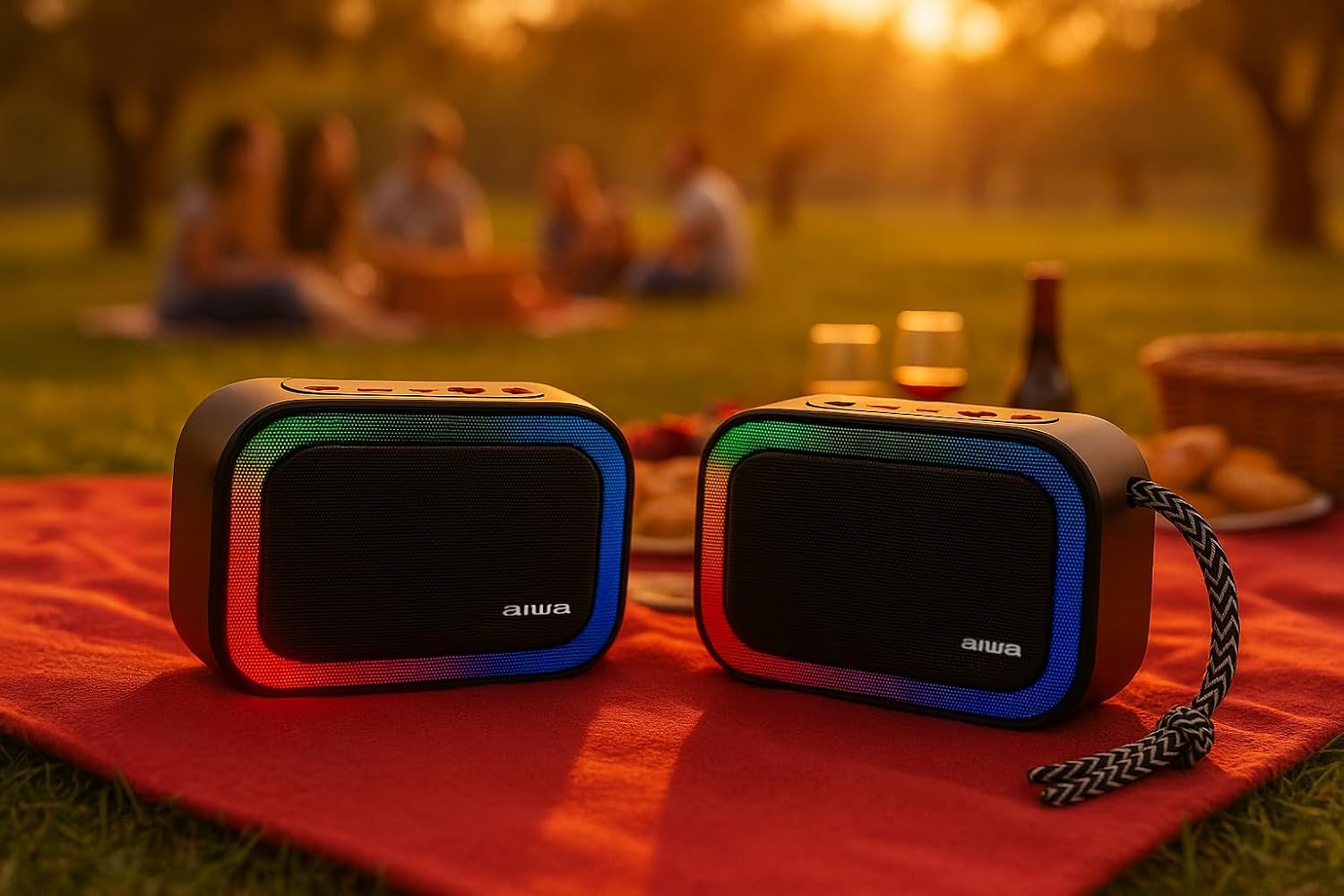
Abbildung 5.1: Two Aiwa BST-130RD speakers operating in True Wireless Stereo (TWS) mode, providing a wider soundstage.
- Ensure both BST-130RD speakers are powered on and in Bluetooth mode, but not yet paired to any device.
- On one of the speakers (this will be the primary speaker), double-press the Play/Pause button. The speaker will search for another BST-130RD.
- Once connected, you will hear an audible confirmation. The primary speaker will act as the left channel, and the secondary speaker as the right channel.
- Now, pair your Bluetooth device to the primary speaker as described in Section 5.1.
5.3 FM-Radiobetrieb
- Press the Mode button repeatedly until you enter FM Radio mode.
- Press the Play/Pause button once to initiate an automatic station scan. The speaker will scan and save available FM stations.
- Verwenden Sie die Lautstärketasten Lauter (+) und Leiser (-) (langes Drücken), um zwischen den gespeicherten Sendern zu navigieren.
5.4 USB-/TF-Kartenwiedergabe
- Insert a USB flash drive into the USB-A port or a TF (Micro SD) card into the TF card slot.
- The speaker will automatically switch to the corresponding mode and begin playing MP3 files. If not, press the Mode button to select USB or TF mode.
- Use the Play/Pause button to control playback. Use the Volume Up (+) and Volume Down (-) buttons (long press) to skip tracks.
5.5 AUX-IN-Modus
- Connect one end of a 3.5mm audio cable (not included) to the speaker's AUX-IN port.
- Verbinden Sie das andere Ende mit dem Audioausgang Ihres externen Geräts (z. B. MP3-Player, Computer).
- Press the Mode button to switch to AUX-IN mode.
- Audio will now play through the speaker. Control playback from your external device.
5.6 Freisprechfunktion
Bei Verbindung über Bluetooth mit einem Smartphone kann der Lautsprecher für Freisprechanrufe genutzt werden.
- Anruf annehmen: Drücken Sie einmal die Play/Pause-Taste.
- Anruf beenden: Drücken Sie während eines Anrufs einmal die Wiedergabe-/Pause-Taste.
- Anruf ablehnen: Halten Sie die Play/Pause-Taste 2 Sekunden lang gedrückt.
5.7 RGB-Beleuchtungssteuerung
The speaker features a dynamic RGB lighting system.

Abbildung 5.2: The Aiwa BST-130RD speaker displaying its vibrant RGB lighting effects.
- Drücken Sie die LED-Taste, um durch die verschiedenen RGB-Beleuchtungsmodi zu blättern.
- Press and hold the LED button to turn the RGB lighting On/Off.
6. Wartung
- Reinigen Sie den Lautsprecher mit einem weichen, trockenen Tuch. Verwenden Sie keine Scheuermittel oder Lösungsmittel.
- Vermeiden Sie es, den Lautsprecher extremen Temperaturen, direkter Sonneneinstrahlung oder hoher Luftfeuchtigkeit auszusetzen.
- Tauchen Sie den Lautsprecher nicht in Wasser ein. Er ist nicht wasserdicht.
- When not in use for extended periods, charge the battery at least once every three months to prolong its lifespan.
7. Fehlerbehebung
| Problem | Mögliche Ursache | Lösung |
|---|---|---|
| Der Lautsprecher lässt sich nicht einschalten. | Schwache Batterie. | Laden Sie den Lautsprecher mit dem mitgelieferten USB-Typ-C-Kabel auf. |
| Kein Ton. | Lautstärke zu niedrig; falscher Modus; Gerät nicht gekoppelt. | Increase volume on speaker and connected device. Ensure correct mode is selected. Re-pair Bluetooth device. |
| Die Bluetooth-Kopplung schlägt fehl. | Lautsprecher nicht im Kopplungsmodus; Gerät zu weit entfernt; Störungen. | Ensure speaker is in Bluetooth pairing mode. Move device closer to speaker. Turn off other Bluetooth devices. |
| Der FM-Radioempfang ist schlecht. | Schwaches Signal; Umwelteinflüsse. | Move the speaker to a different location. Perform an auto-scan again. |
8. Spezifikationen
- Modell: BST-130RD
- Bluetooth-Version: V5.3
- Ausgangsleistung: 5 W RMS (10 % Klirrfaktor)
- Lautsprechertreiber: 5 cm (Full Range), 3 Ohm Impedance
- Frequenzgang: 80 Hz - 18 kHz
- Signal-Rausch-Verhältnis: ≥ 85 dB
- Empfindlichkeit: 490 mV (1 kHz)
- Eingänge: Bluetooth, USB MP3, TF MP3, FM Scanner, AUX-IN (3.5mm Stereo)
- Leistungsaufnahme: 5V DC USB Type-C
- Batterie: 1200mAh, 3.7V Lithium (with protection circuit)
- Ladevolumentage: 5 V, 1 A
- Merkmale: TWS (True Wireless Stereo), RGB Lighting, Hands-free Function
- Abmessungen: 133 x 89 x 47.5 mm
- Gewicht: 0.314 kg
9. Sicherheitshinweise
- Zerlegen, reparieren oder modifizieren Sie das Gerät nicht.
- Halten Sie das Gerät von Wasser, Feuchtigkeit und brennbaren Stoffen fern.
- Um Gehörschäden vorzubeugen, vermeiden Sie längeres Hören bei hoher Lautstärke.
- Entsorgen Sie Batterie und Gerät verantwortungsvoll gemäß den örtlichen Vorschriften.
10. Garantie und Support
Aiwa products are designed and manufactured to the highest quality standards. For warranty information and technical support, please refer to the warranty card included in your package or visit the official Aiwa webWebsite für Ihre Region.