
Magcubic L018
Magcubic L018 Mini Portable Projector User Manual
Modell: L018
Marke: Magcubic
Einführung
Thank you for choosing the Magcubic L018 Mini Portable Projector. This device is designed to provide a high-quality home cinema experience with its advanced features and portable design. Please read this manual carefully to ensure proper setup and operation.
Hauptmerkmale:
- Native 1080p- und 4K-Unterstützung: Enjoy crystal-clear images with native 1080p resolution and 4K decoding capabilities for a cinematic visual experience.
- 400 ANSI Lumen: Bright and vivid projections suitable for various lighting conditions.
- Android 14-Betriebssystem: Access a wide range of streaming apps and content directly from the projector.
- 180° drehbarer Ständer: Flexible projection angles, allowing you to project onto walls, ceilings, or screens with ease.
- Dual-Band WiFi 6 & Bluetooth 5.2: Ensures ultra-fast, stable wireless connectivity for streaming and audio.
- Auto Keystone Correction & Electric Focus: Automatically adjusts image shape and sharpness for a perfect picture every time.
- Eingebauter Lautsprecher: Integrated audio for an immersive experience.
Lieferumfang
- Magcubic L018 Mini Portable Projector
- Stromkabel
- Fernbedienung
- Bedienungsanleitung
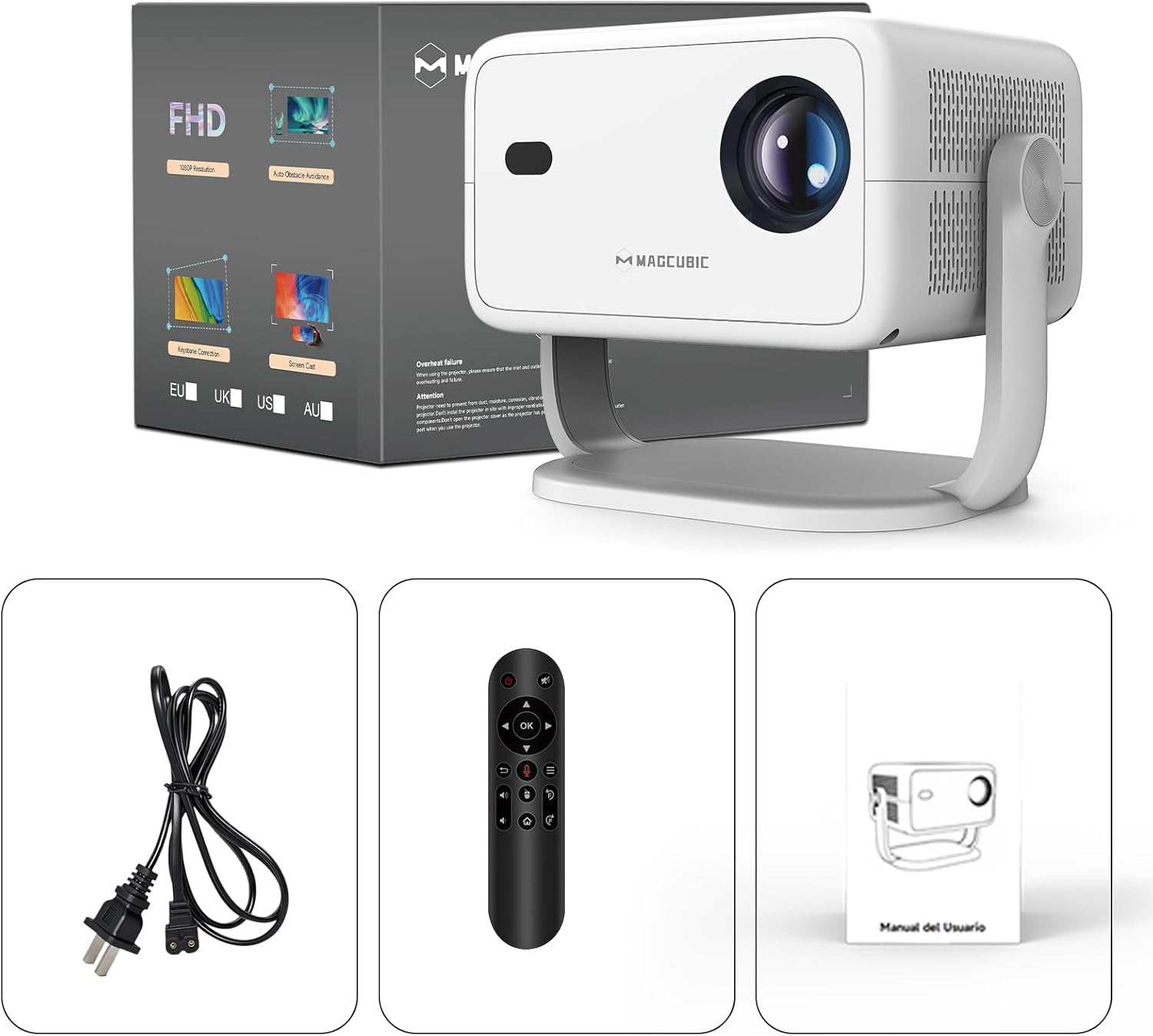
Image: The Magcubic L018 projector, power cable, remote control, and user manual are shown, illustrating the package contents.
Aufstellen
- Stromanschluss: Verbinden Sie das mitgelieferte Netzkabel mit dem Stromeingang des Projektors und anschließend mit einer Steckdose.
- Platzierung: Place the projector on a stable surface (floor mount or tabletop stand) or mount it as desired. The 180° rotatable stand allows for flexible positioning, including ceiling projection.
- Einschalten: Drücken Sie den Netzschalter am Projektor oder auf der Fernbedienung, um das Gerät einzuschalten.
- Automatische Anpassungen: The projector features automatic keystone correction and electric focus. It will automatically adjust the image shape and sharpness. If needed, use the remote control for fine-tuning the focus.
- Initial Setup (Android OS): Follow the on-screen prompts to complete the initial setup, including language selection, Wi-Fi connection, and time zone settings.
- Konnektivität:
- W-lan: Connect to your home Wi-Fi network (2.4G or 5G) via the settings menu for internet access and streaming.
- Bluetooth: Pair Bluetooth devices like external speakers or headphones through the Bluetooth settings.
- HDMI: Connect external devices (e.g., laptop, game console) using an HDMI cable to the HDMI port.
- USB: Insert a USB drive into the USB port to play local media files.
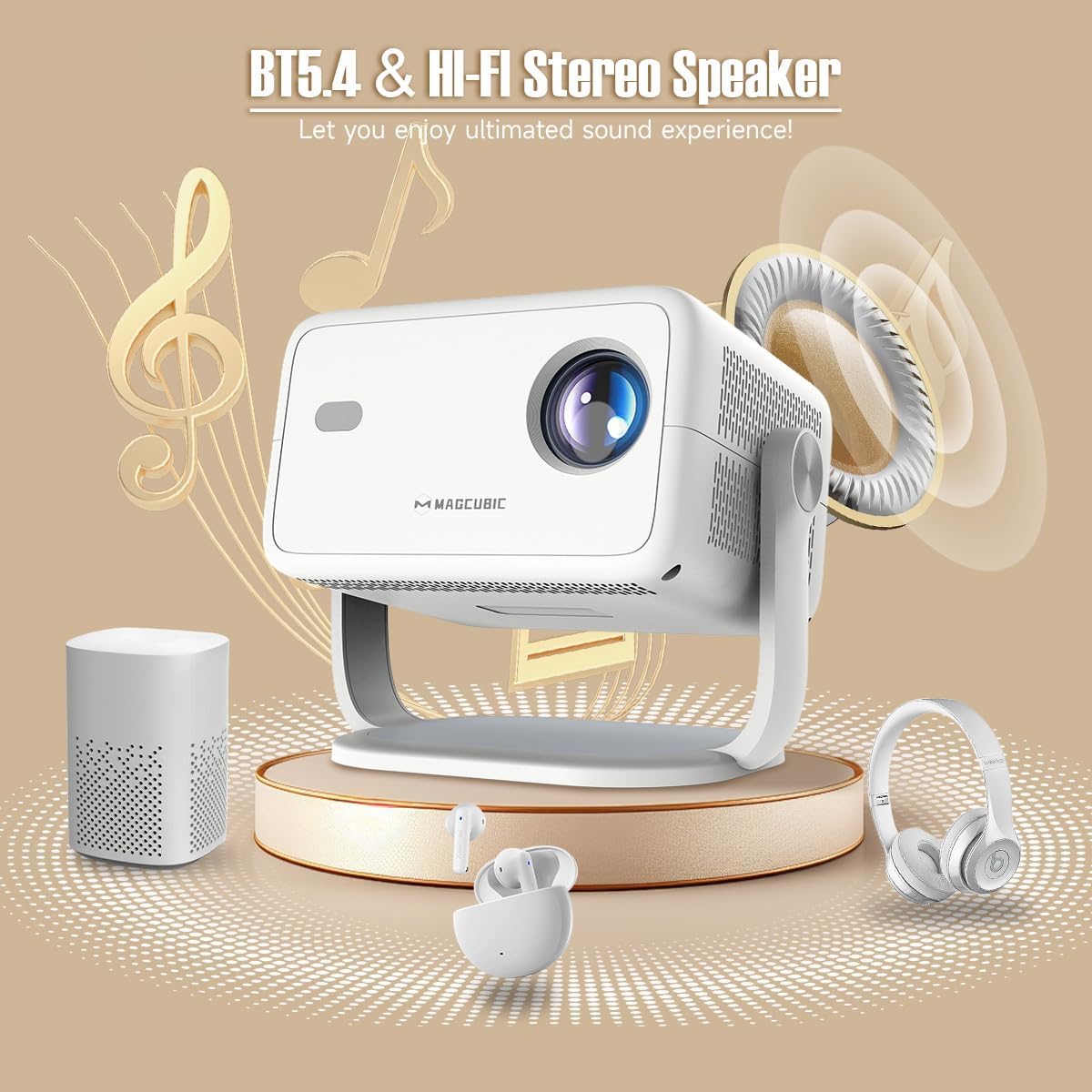
Image: The rear panel of the projector displays the HDMI, USB, and 3.5mm audio ports for connecting various devices.

Image: The projector is shown on a coffee table, projecting an image onto a wall, with on-screen indicators for auto keystone correction and auto focus.
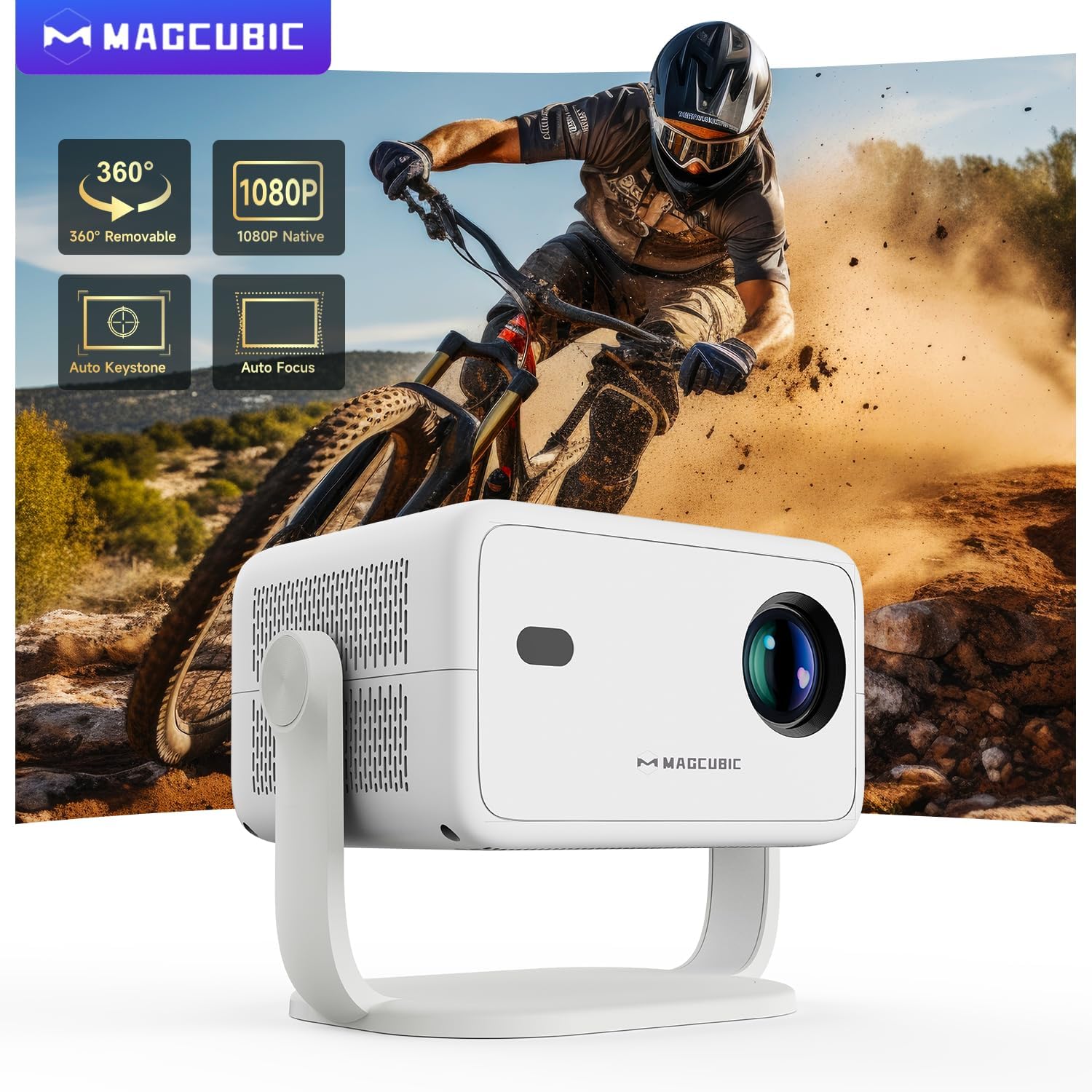
Image: The projector is shown rotating 180 degrees on its integrated stand, demonstrating its flexible projection capabilities.
Bedienungsanleitung
- Navigation: Use the remote control to navigate the Android 14 OS interface. The remote supports both standard button navigation and an air mouse function for easier control.
- App-Zugriff: From the home screen, select your desired streaming apps (e.g., Netflix, YouTube, Prime Video) or browse the app store to download more.
- Bildschirmspiegelung: Use the built-in screen mirroring function (compatible with Android and iOS devices) to project content from your smartphone or tablet wirelessly.
- Medienwiedergabe: Play videos, photos, or music from connected USB drives or HDMI sources.
- Audioausgang: The projector has a built-in speaker. For enhanced audio, connect external Bluetooth speakers or headphones.
- Bildeinstellungen: Adjust brightness, contrast, color, and sharpness through the projector's settings menu to optimize your viewErfahrung.
Video: This video demonstrates the features of the Mini Projector HY350Max Black, including its design, performance, auto-focus, auto-keystone, wireless mirroring, and audio capabilities.
Video: This video showcases the Portable Projector with 4K support and 180° rotatable stand, highlighting its versatility and ease of use for various projection scenarios.
Video: This video presents the Android 11 L018 projector, demonstrating its native 1080P resolution, 650 ANSI lumens, and 4K capabilities.
Video: This video highlights the WiMiUS P61 Pro Portable Projector with Official Netflix support, showcasing its smart features and entertainment options.
Video: This video features the Magcubic HY310 Portable Projector, demonstrating its compact design and projection capabilities.
Wartung
- Reinigung der Linse: Reinigen Sie die Projektorlinse vorsichtig mit einem weichen, fusselfreien Tuch. Verwenden Sie keine Scheuermittel oder Lösungsmittel.
- Belüftung: Um eine Überhitzung zu vermeiden, stellen Sie sicher, dass die Lüftungsöffnungen des Projektors frei und ungehindert sind.
- Lagerung: Bewahren Sie den Projektor bei Nichtgebrauch an einem kühlen, trockenen Ort, fern von direkter Sonneneinstrahlung und extremen Temperaturen auf.
- Staubschutz: Use a dust cover when the projector is not in use for extended periods.
Fehlerbehebung
| Problem | Mögliche Ursache | Lösung |
|---|---|---|
| Kein Bild projiziert | Power cable disconnected, projector off, input source not selected. | Check power connection, turn on projector, select correct input source (HDMI, USB, Screen Mirroring). |
| Bild ist verschwommen | Unscharf, falscher Projektionsabstand. | Use the remote control to adjust electric focus. Ensure the projector is within the recommended projection distance (1.05m - 4m). |
| Das Bild ist verzerrt (trapezförmig). | Der Projektor steht nicht senkrecht zur Leinwand. | The projector has auto keystone correction. If manual adjustment is needed, check settings. |
| Kein Ton | Volume too low, external speaker not connected/paired, incorrect audio output selected. | Increase volume. Check Bluetooth connection for external speakers. Ensure internal speaker is selected or correct audio output is chosen. |
| Probleme mit der Wi-Fi-Verbindung | Falsches Passwort, außerhalb der Reichweite, Routerprobleme. | Verify Wi-Fi password. Move projector closer to the router. Restart router. |
Technische Daten
- Marke:
- Magcubic
- Modellname:
- L018
- Empfohlene Verwendung:
- Heimkino
- Besondere Merkmale:
- Automatic screen alignment, Built-in speaker, Digital keystone correction, Auto focus, Wi-Fi enabled
- Konnektivitätstechnologie:
- HDMI, USB, WLAN
- Bildschirmauflösung:
- 1920 x 1080 (Native Auflösung)
- Maximale Bildschirmauflösung:
- 3840 x 2160 (4K-Unterstützung)
- Anzeigetyp:
- LED
- Formfaktor:
- Tragbar
- Montageart:
- Floor mount, Tabletop stand
- Helligkeit:
- 400 lm (ANSI)
- Farbe:
- Weiß
- Wastage:
- 80 Watt
- Control Unit Type:
- Voice control, Remote control
- Kompatible Geräte:
- Television (and other HDMI/USB devices)
- Kontrastverhältnis:
- 10000:1
- Maximaler Projektionsabstand:
- 4 Meter
- Minimaler Projektionsabstand:
- 1.05 Meter
- Hardware-Schnittstelle:
- 3.5mm Audio, Bluetooth 5, HDMI, USB 2.0
- Videocodierung:
- H.264 oder H.265
- Artikelgewicht:
- 1.3 Kilogramm
- Ursprungsland:
- China
Garantie und Support
Your Magcubic L018 Mini Portable Projector comes with a 2 Jahre ProduktgarantieWir legen großen Wert auf exzellenten Kundenservice.
- Transparenz bestätigt: Each item has a unique code verified before shipment.
- 30 Tage Rückgabe- oder Umtauschrecht: Für Ihre Sicherheit und Ihr Wohlbefinden.
- Lebenslanger technischer Support: Unser professionelles Support-Team steht Ihnen gerne zur Verfügung.
- 24/7-Serviceprofi: Persönlicher Support für alle Anfragen und Probleme.
For further assistance, please refer to the contact information provided with your purchase or visit the official Magcubic support webWebsite.
Ask a question about this manual
Ask about setup, troubleshooting, compatibility, parts, safety, or missing instructions. Manuals+ will review the question and use this page’s manual context to help answer it.