
Einführung
Thank you for choosing the Dyson Hushjet Compact Purifier HJ10. This device is engineered to purify your indoor environment, removing airborne pollutants and allergens. Its compact design and advanced electrostatic filtration system ensure clean air in spaces up to 100 square meters. Please read this manual thoroughly before operating your purifier to ensure safe and optimal performance.
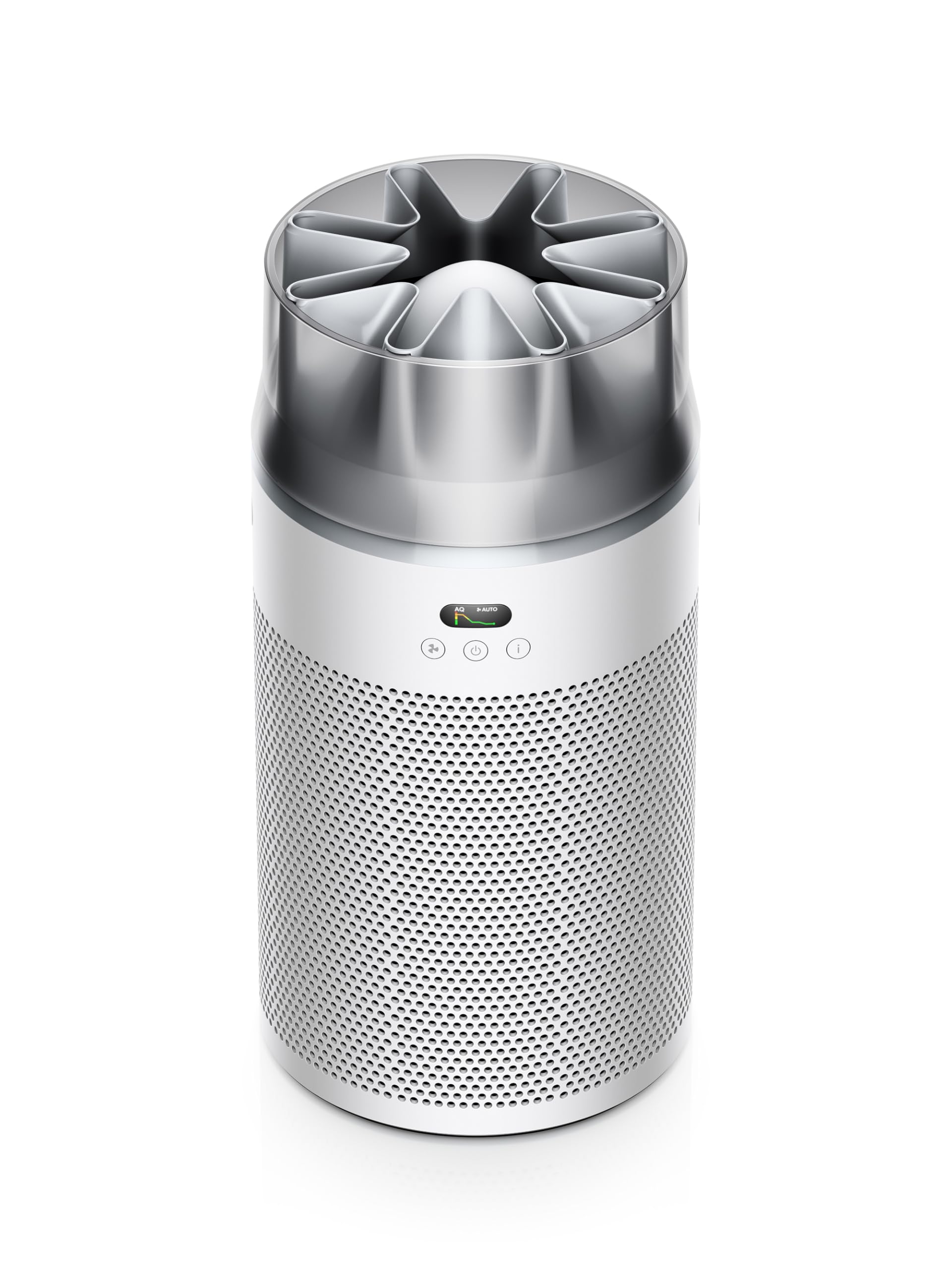
Image: The Dyson Hushjet Compact Purifier HJ10, a sleek, compact air purification unit.
Wichtige Sicherheitsinformationen
Beachten Sie beim Gebrauch elektrischer Geräte stets die grundlegenden Sicherheitsvorkehrungen, um das Risiko von Bränden, Stromschlägen oder Verletzungen zu verringern.
- Lesen Sie vor der Verwendung des Geräts alle Anweisungen.
- Unplug the purifier from the power outlet before cleaning, performing any maintenance, or when not in use.
- Do not operate any appliance with a damaged cord or plug. If the cord or plug is damaged, contact Dyson customer support.
- Do not use the purifier near water or in wet environments.
- Keep the air inlets and outlets clear of obstructions. Do not insert objects into any openings.
- Dieses Gerät ist nur für den Gebrauch in Innenräumen bestimmt.
- Do not allow children to play with the purifier.
Packungsinhalt
Überprüfen Sie, ob alle Artikel im Paket vorhanden sind:
- Dyson Hushjet Compact Purifier HJ10 Main Unit
- Electrostatic Filter (pre-installed or separate)
- Fernbedienung
- Stromkabel
- Benutzerhandbuch (dieses Dokument)
Aufstellen
1. Unpacking and Filter Installation
Carefully remove all components from the packaging. If the electrostatic filter is not pre-installed, follow the instructions below to install it.
- Place the purifier on a stable, level surface.
- Twist the base of the purifier counter-clockwise to unlock and remove the filter cover.
- Insert the electrostatic filter into the base, ensuring it is seated correctly.
- Bringen Sie die Filterabdeckung wieder an und drehen Sie sie im Uhrzeigersinn, um sie zu verriegeln.
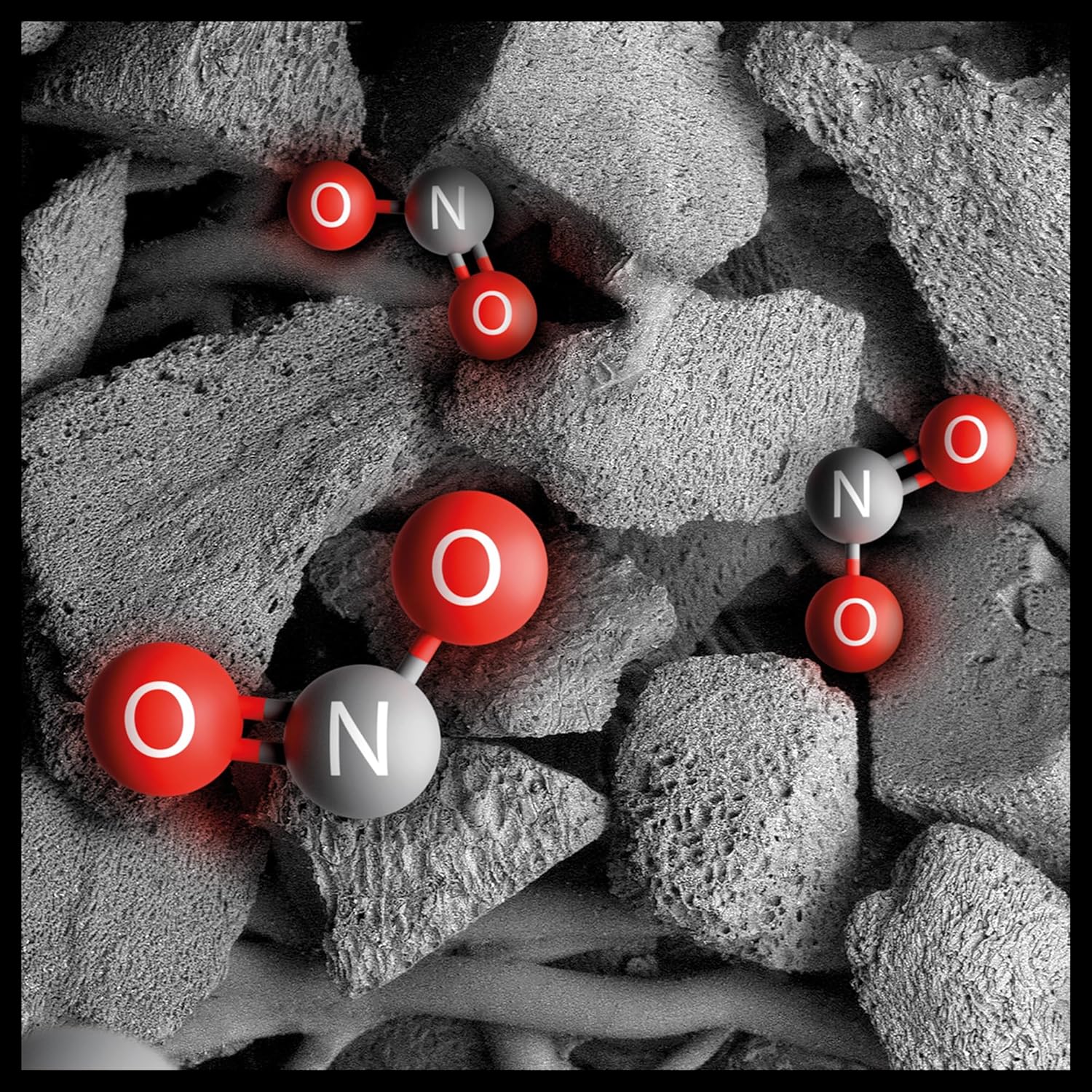
Image: Illustration of the electrostatic filter being installed into the purifier base.
2. Platzierung
Position the purifier in a central location within the room to ensure optimal air circulation. The Dyson Hushjet Compact Purifier HJ10 is designed to effectively purify rooms up to 100 square meters. Ensure there is adequate space around the unit for air intake and output.
3. Stromanschluss
Connect the power cable to the purifier and then plug it into a suitable electrical outlet.
4. App-Verbindung (optional)
For enhanced control and monitoring, download the Dyson Link app from your device's app store. Follow the in-app instructions to connect your purifier to your mobile device.

Image: A smartphone displaying the Dyson Link app interface, showing controls for the air purifier.
Bedienungsanleitung
1. Ein-/Ausschalten
Drücke den Power Knopf (⏻) on the unit or the remote control to turn the purifier on or off.

Image: Close-up of the purifier's control panel, featuring the power button and display.
2. Betriebsarten
- Automatikmodus: Press the 'Auto' button on the remote or select it via the app. The purifier will automatically adjust its fan speed based on detected air quality.
- Manueller Modus: Adjust the fan speed manually using the fan speed buttons on the remote or through the app.
- Nachtmodus: Activate Night Mode for quieter operation and dimmed display lights, ideal for use during sleep.

Image: A digital display showing an air quality graph over time, indicating good air quality and an auto target setting.
3. Air Projection Technology
The Dyson Hushjet features special Dyson Hushjet air projection, designed to circulate purified air efficiently throughout the room.
Wartung
1. Filterwechsel
The electrostatic filter in your Dyson Hushjet Purifier is designed for long-term use, with an estimated lifespan of 5 years under normal operating conditions. The device or app will notify you when a filter replacement is due.
- Ziehen Sie den Netzreiniger aus der Steckdose.
- Twist the base counter-clockwise to remove the filter cover.
- Den alten Filter vorsichtig entnehmen und gemäß den örtlichen Vorschriften entsorgen.
- Insert a new Dyson electrostatic filter, ensuring proper alignment.
- Bringen Sie die Filterabdeckung wieder an und drehen Sie sie im Uhrzeigersinn, um sie zu verriegeln.
- Reset the filter life indicator via the app or by following instructions on the device display.

Image: An artistic representation of electrostatic filtration, showing charged particles being attracted to and captured by filter fibers.
2. Reinigung des Geräts
Wischen Sie die Außenseite des Luftreinigers mit einem weichen, trockenen Tuch ab. Verwenden Sie keine flüssigen Reinigungsmittel oder Scheuermittel. Stellen Sie sicher, dass das Gerät vor der Reinigung vom Stromnetz getrennt ist.
Fehlerbehebung
| Problem | Mögliche Ursache | Lösung |
|---|---|---|
| Der Luftreiniger schaltet sich nicht ein. | Keine Stromversorgung. | Check if the power cable is securely plugged into the unit and the wall outlet. Test the outlet with another device. |
| Mangelhafte Luftreinigungsleistung. | Clogged or incorrectly installed filter. | Check filter installation. Replace the filter if it has reached its end of life. Ensure air inlets/outlets are not blocked. |
| Fernbedienung funktioniert nicht. | Leere Batterien oder Verstopfung. | Replace remote control batteries. Ensure no objects are blocking the signal path to the purifier. |
| Probleme mit der App-Verbindung. | Wi-Fi network problem or app error. | Ensure your Wi-Fi network is active. Restart the purifier and your mobile device. Re-attempt the app connection process. |
Technische Daten
| Besonderheit | Detail |
|---|---|
| Marke | Dyson |
| Modellnummer | HJ10 / SP01 |
| Abmessungen (T x B x H) | 36P x 27.5W x 52.5H cm (14.17 x 10.83 x 20.67 inches) |
| Artikelgewicht | 3.15 Kilogramm (6.94 Pfund) |
| Stromquelle | Kabelgebundene Elektrik |
| Kontrollmethode | Fernbedienung, App |
| Filtertyp | Elektrostatischer Filter |
| Nutzfläche | Bis zu 100 Quadratmeter |
| Besondere Merkmale | Dyson Hushjet Air Projection, Contaminant Filtration Capability |
| Filterlebensdauer | 5 years (estimated) |
Garantie und Support
Your Dyson Hushjet Compact Purifier HJ10 comes with a manufacturer's warranty. For detailed warranty information, product registration, or technical support, please visit the official Dyson website or contact Dyson customer service. Keep your proof of purchase for warranty claims.
Offizieller Dyson WebWebsite: www.dyson.com