
Sanag S6S Ultra
Sanag S6S Ultra Open Ear Earbuds Instruction Manual
Model: S6S Ultra
Einführung
Thank you for choosing the Sanag S6S Ultra Open Ear Earbuds. This manual provides essential information for setting up, operating, and maintaining your earbuds. Please read it thoroughly before use to ensure optimal performance and longevity of your device.
Lieferumfang
The Sanag S6S Ultra package includes the following items:
- Sanag S6S Ultra Wireless Earbuds
- Ladeetui
- USB-C-Ladekabel
- Bedienungsanleitung

Image: Package contents of the Sanag S6S Ultra earbuds.
Aufstellen
1. Aufladen der Ohrhörer und des Ladecase
Before first use, fully charge the earbuds and the charging case. Connect the provided USB-C cable to the charging case and a power source. The indicator light on the case will show charging status. A full charge provides approximately 7 hours of playtime for the earbuds, with the charging case extending total playtime to 42 hours. A quick 10-minute charge can provide up to 2 hours of playback.

Image: Sanag S6S Ultra earbuds in their charging case.
2. Koppeln mit Ihrem Gerät
- Stellen Sie sicher, dass beide Ohrhörer aufgeladen sind.
- Öffnen Sie das Ladeetui. Die Ohrhörer wechseln automatisch in den Kopplungsmodus.
- Gehen Sie auf Ihrem Gerät (Smartphone, Tablet usw.) zu den Bluetooth-Einstellungen und aktivieren Sie Bluetooth.
- Select "Sanag S6S Ultra" from the list of available devices.
- Once paired, the earbuds will automatically reconnect to your device within 0.04 seconds when taken out of the case for subsequent uses.
3. Tragen der Ohrhörer
The Sanag S6S Ultra earbuds feature an open-ear clip design for comfortable and stable wear. Gently clip the earbuds onto your ear, ensuring the speaker is positioned correctly for optimal sound delivery without blocking your ear canal. This design allows you to remain aware of your surroundings.

Image: Illustration of how to wear the Sanag S6S Ultra earbuds.

Image: Person wearing Sanag S6S Ultra earbuds.
Bedienungsanleitung
Touch-Bedienelemente
The Sanag S6S Ultra earbuds feature intuitive touch controls for managing audio playback and calls:
- Doppelt tippen: Play/Pause audio or Answer/End calls.
- Dreimaliges Tippen auf den linken Ohrhörer: Zum vorherigen Titel springen.
- Dreimaliges Tippen auf den rechten Ohrhörer: Zum nächsten Titel springen.

Image: Touch control gestures on the Sanag S6S Ultra earbuds.
Sanag App Integration
Enhance your experience by downloading the official Sanag App. The app allows you to:
- Überwachen Sie den Batteriestand.
- Utilize the built-in sleep assistant.
- Change Equalizer (EQ) modes or create custom sound profiles.
- Explore additional features such as face-to-face translation and AI functionalities.

Image: Sanag App interface for customizing earbud settings.
Sound Quality and Call Clarity
The S6S Ultra earbuds deliver clear audio with rich mids and balanced treble. For calls, the dual-mic ENC (Environmental Noise Cancellation) technology ensures your voice is clear, even in noisy environments, by reducing background noise.
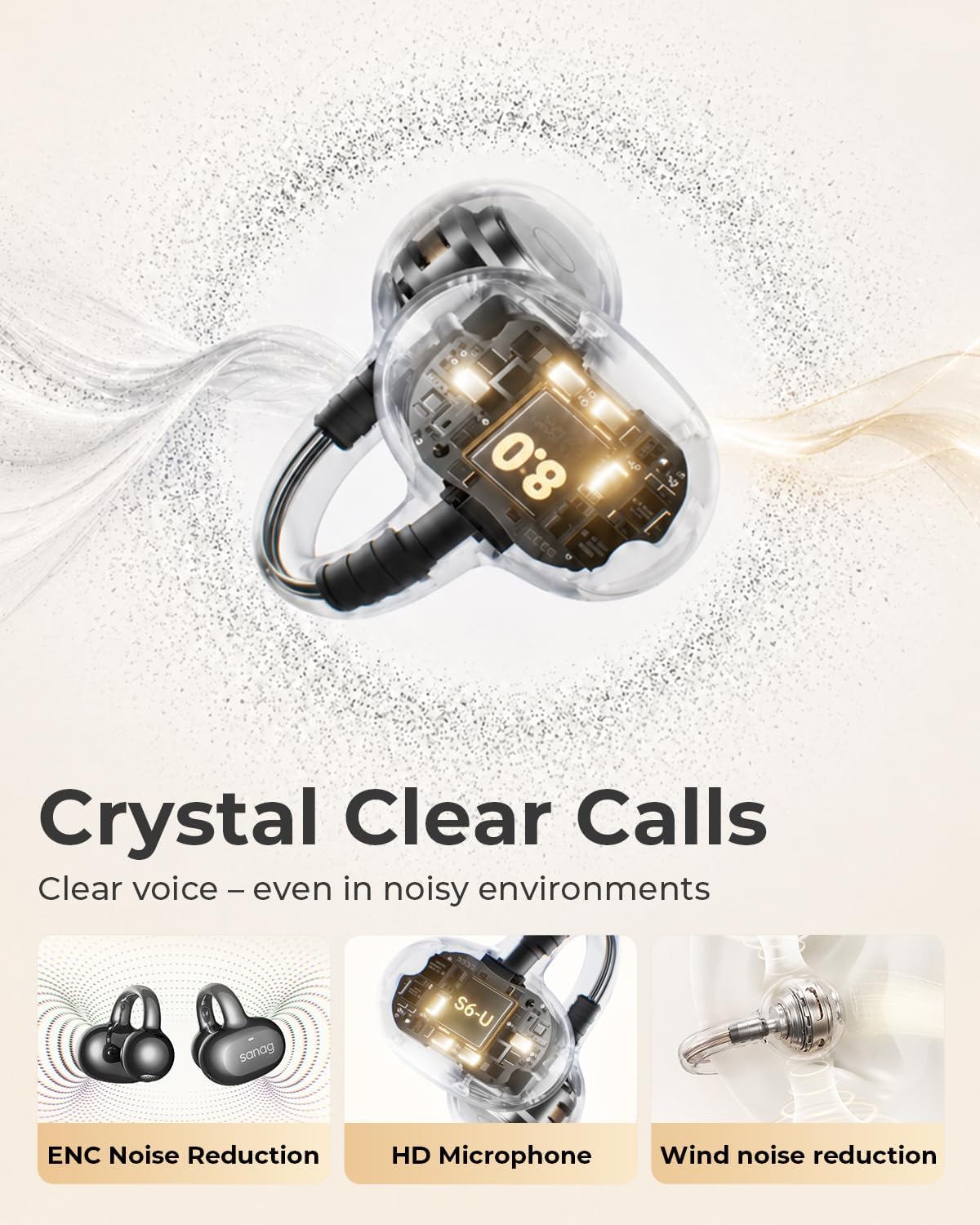
Image: Internal components and call clarity features of Sanag S6S Ultra.

Image: Sound profile of Sanag S6S Ultra earbuds.
Wartung
Reinigung
Regular cleaning helps maintain the performance and hygiene of your earbuds. Use a soft, dry, lint-free cloth to wipe the earbuds and charging case. Avoid using abrasive materials, alcohol, or chemical cleaners. Do not allow liquids to enter any openings.
Wasser- und Staubbeständigkeit (IP67)
The Sanag S6S Ultra earbuds are rated IP67, meaning they are protected against dust ingress and can withstand immersion in water up to 1 meter for 30 minutes. This makes them suitable for use during workouts, in light rain, or dusty environments. However, they are not designed for swimming or prolonged submersion. Always ensure the charging port is dry before charging.
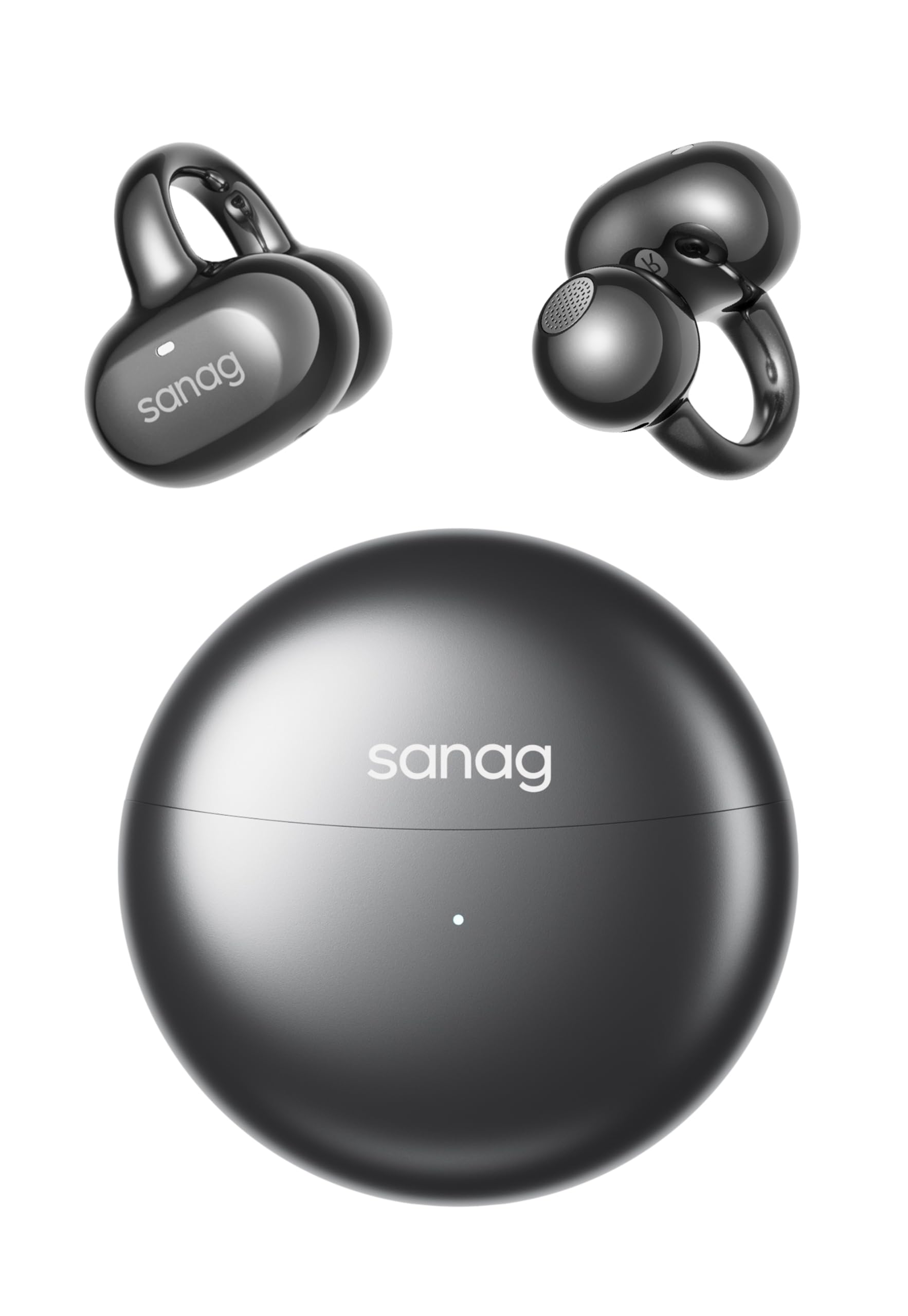
Image: Sanag S6S Ultra earbuds demonstrating IP67 water resistance.
Lagerung
Bewahren Sie die Ohrhörer bei Nichtgebrauch im Ladecase auf, um sie vor Staub und Beschädigungen zu schützen und den Ladevorgang aufrechtzuerhalten. Lagern Sie das Case an einem kühlen, trockenen Ort, geschützt vor direkter Sonneneinstrahlung und extremen Temperaturen.
Fehlerbehebung
- Ohrhörer verbinden sich nicht oder lassen sich nicht koppeln:
- Stellen Sie sicher, dass beide Ohrhörer aufgeladen sind.
- Schalten Sie Bluetooth an Ihrem Gerät aus und wieder ein.
- Legen Sie die Ohrhörer zurück in das Ladecase, schließen Sie es und öffnen Sie es dann wieder, um den Kopplungsmodus erneut zu aktivieren.
- If issues persist, try forgetting "Sanag S6S Ultra" from your device's Bluetooth list and re-pairing.
- Kein Ton aus einem oder beiden Ohrhörern:
- Überprüfen Sie die Lautstärke auf Ihrem angeschlossenen Gerät.
- Stellen Sie sicher, dass die Ohrhörer richtig in Ihren Ohren sitzen.
- Verbinden Sie die Ohrhörer erneut mit Ihrem Gerät.
- Probleme beim Aufladen:
- Vergewissern Sie sich, dass das USB-C-Kabel sowohl mit dem Gehäuse als auch mit der Stromquelle fest verbunden ist.
- Versuchen Sie es mit einem anderen USB-C-Kabel oder Netzteil.
- Stellen Sie sicher, dass die Ladekontakte an den Ohrhörern und im Inneren des Ladecase sauber und frei von Verunreinigungen sind.
- Touch-Bedienelemente reagieren nicht:
- Achten Sie darauf, dass Ihre Finger sauber und trocken sind.
- Versuchen Sie, die Ohrhörer neu zu starten, indem Sie sie in das Ladecase legen und wieder herausnehmen.
Technische Daten
| Marke | Sanag |
| Modellname | S6S Ultra |
| Platzierung des Ohrs | Offenes Ohr |
| Konnektivitätstechnologie | Kabellos (Bluetooth 6.0) |
| Bluetooth-Reichweite | 33 Fuß |
| Playtime per Earbud | 7 Stunden |
| Gesamtspielzeit mit Hülle | 42 Stunden |
| Schnelles Laden | 10 Minuten Ladezeit für 2 Stunden Spielzeit |
| Wasserbeständigkeit | IP67 (Dustproof, Moisture Resistant) |
| Ohrhörergewicht | 4.5 g (jeweils) |
| Steuerungstyp | Touch-Steuerung |
| Lärmschutz | Passive Geräuschunterdrückung (ENC für Anrufe) |
| Audiotreibertyp | Dynamischer Treiber |
| Frequenzbereich | 20Hz - 20,000Hz |
| Material | Plastik |
Garantie und Support
The Sanag S6S Ultra Open Ear Earbuds come with a product warranty. For detailed warranty information, please refer to the warranty card included in your package or visit the official Sanag website. For any technical support, troubleshooting assistance, or warranty claims, please contact Sanag customer support through their official channels.
Weitere Informationen und Unterstützung finden Sie auf der Sanag Official Store on Amazon.
Offizielle Produktvideos
Sanag S6S Ultra Open Ear Headphones Overview
Video: Ein Beamter überview of the Sanag S6S Ultra Open Ear Headphones, showcasing deren Design und Funktionen.
Ask a question about this manual
Ask about setup, troubleshooting, compatibility, parts, safety, or missing instructions. Manuals+ will review the question and use this page’s manual context to help answer it.