
1. Installationsanleitung
1.1 Auspacken und Packungsinhalt
Carefully unpack your LG OLED77C6HUP TV. Ensure all components listed below are present. Retain the packaging materials for future transport or service needs.
- LG 77-Zoll OLED evo AI 4K C6 Serie Smart TV
- Magische Fernbedienung
- Batterien für die Fernbedienung (2 AAA)
- Stromkabel
- Standkomponenten
- Benutzerhandbuch (dieses Dokument)
- Kurzanleitung

Image: LG OLED evo AI TV showing overall dimensions and included accessories.
1.2 Standinstallation
If you are not wall-mounting the TV, attach the included stand. Follow the instructions provided in the Quick Start Guide for secure assembly. The stand footprint is 20.5 inches wide.

Bild: Detailliert view des TV-Ständers.
1.3 Wandmontage
For wall mounting, use a VESA compatible mount with a standard of 300 x 200 mm. Consult a professional for installation to ensure safety and proper mounting.

Bild: Seitenansichtfile of the LG OLED TV, illustrating its thin design suitable for wall mounting.
1.4 Anschließen von Peripheriegeräten
Connect your external devices to the TV's ports. The TV features 4 HDMI ports, 2 USB 2.0 ports, 1 USB 3.0 port, an Ethernet port, and an antenna input.
- HDMI: For Blu-ray players, gaming consoles, and set-top boxes.
- USB: For external storage devices or compatible accessories.
- Ethernet (LAN): Für eine kabelgebundene Internetverbindung.
- Antenne/Kabel: Für terrestrische oder Kabelfernsehübertragungen.

Bild: Rückseite view of the LG OLED TV highlighting the connectivity ports.
1.5 Installation der Fernbedienungsbatterie
Open the battery compartment on the back of the Magic Remote. Insert two AAA batteries, ensuring correct polarity (+/-). Close the compartment securely.
1.6 Erstes Einschalten und webBetriebssystem-Einrichtung
Connect the power cable to the TV and a wall outlet. Press the power button on the remote or TV. Follow the on-screen instructions to complete the initial setup of webOS, including network connection, channel scanning, and basic settings.
2. Bedienung Ihres Fernsehgeräts
2.1 Grundfunktionen
- Leistung: Drücken Sie die Ein-/Aus-Taste auf der Fernbedienung, um den Fernseher ein- oder auszuschalten.
- Volumen: Passen Sie die Lautstärke mit den Lauter-/Leiser-Tasten an.
- Kanal: Use the channel up/down buttons to change channels or navigate lists.
- Eingang: Press the input button to select connected devices (HDMI, USB, etc.).
2.2 Smart-TV-Funktionen (webBetriebssystem)
Ihr Fernseher läuft auf dem webOS operating system, providing access to various streaming services and smart features. Use the Magic Remote to navigate the intuitive interface.

Bild: Das webOS smart TV platform interface, showcasing available applications and content.
AI Hub for Personalization
The AI Hub, accessible via the AI button on your remote, offers personalized AI experiences including Multi AI Search, AI Concierge, AI Picture Wizard, AI Sound Wizard, AI Voice ID, and AI Chatbot.
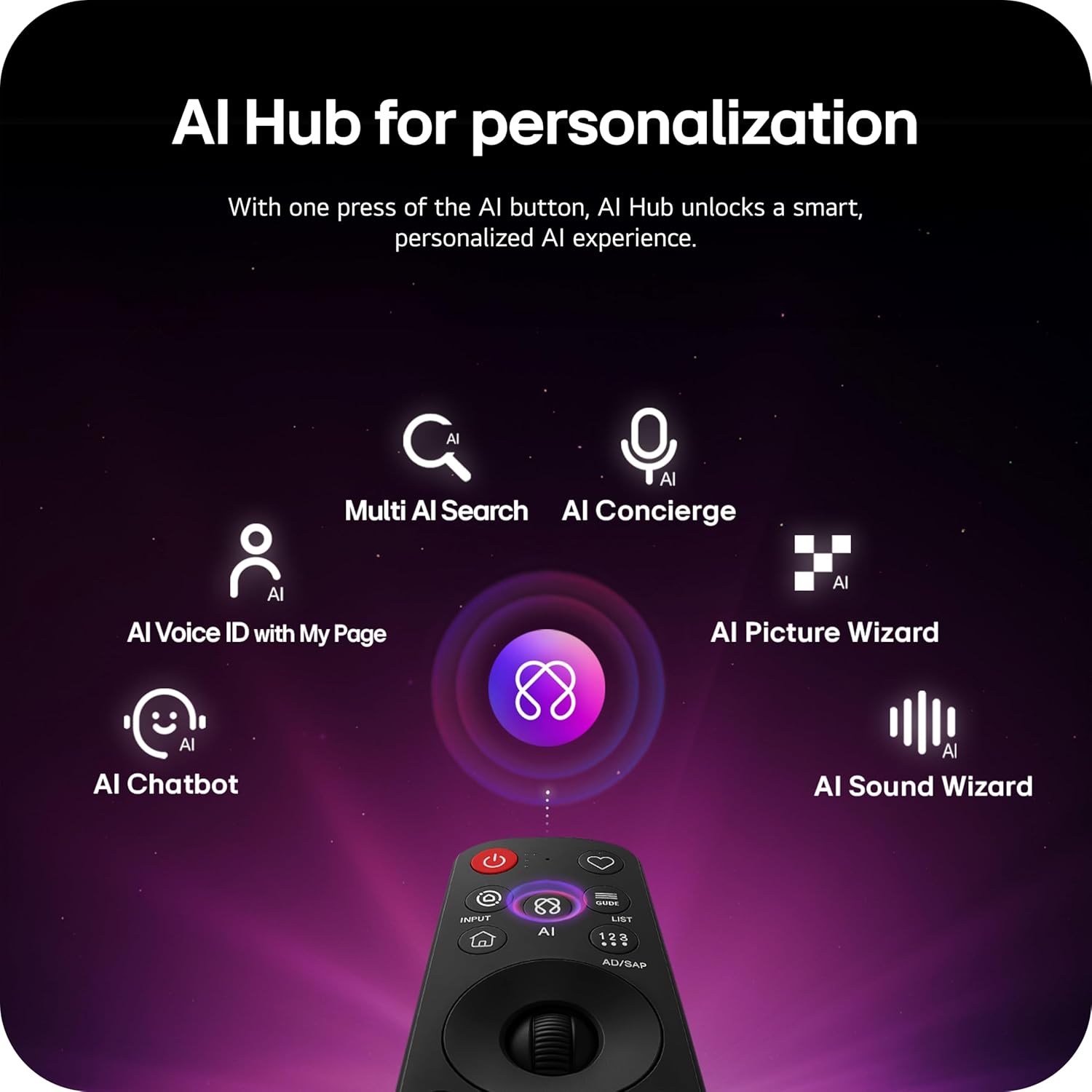
Image: Magic Remote highlighting the AI button and various AI Hub features.
Multi AI Search with Google Gemini and Microsoft Copilot
Utilize the Multi AI search function to find content and information across multiple AI models, including Google Gemini and Microsoft Copilot, for broader and more relevant results.
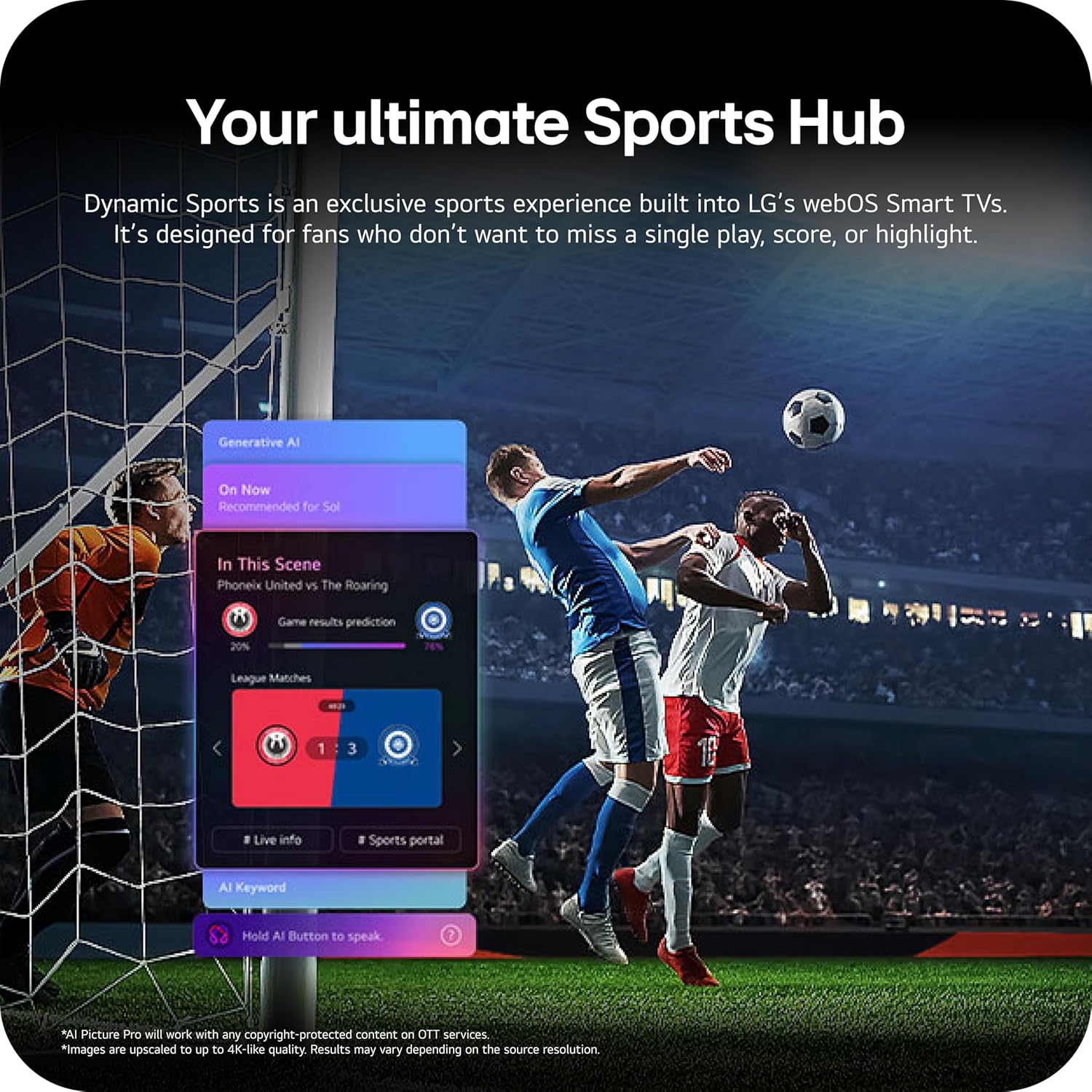
Image: Multi AI search interface displaying integration with Google Gemini and Microsoft Copilot.
2.3 Bildeinstellungen
Your LG OLED TV offers advanced picture technologies for optimal viewing.
- Brightness Booster Pro: Magnifies each pixel to shine up to 3.2 times brighter for enhanced luminosity.
- Perfektes Schwarz und perfekte Farbe: Over 8.3 million self-lit pixels deliver perfect black levels and accurate colors in any lighting condition.
- Dolby Vision, HDR10, HLG: Supports multiple HDR formats for extraordinary color, contrast, and brightness.
- Filmemacher-Modus: Bewahrt die ursprüngliche Vision des Regisseurs durch Deaktivierung der Nachbearbeitungseffekte.
- AI-Bild: The a11 AI Processor Gen3 optimizes picture quality in real-time.
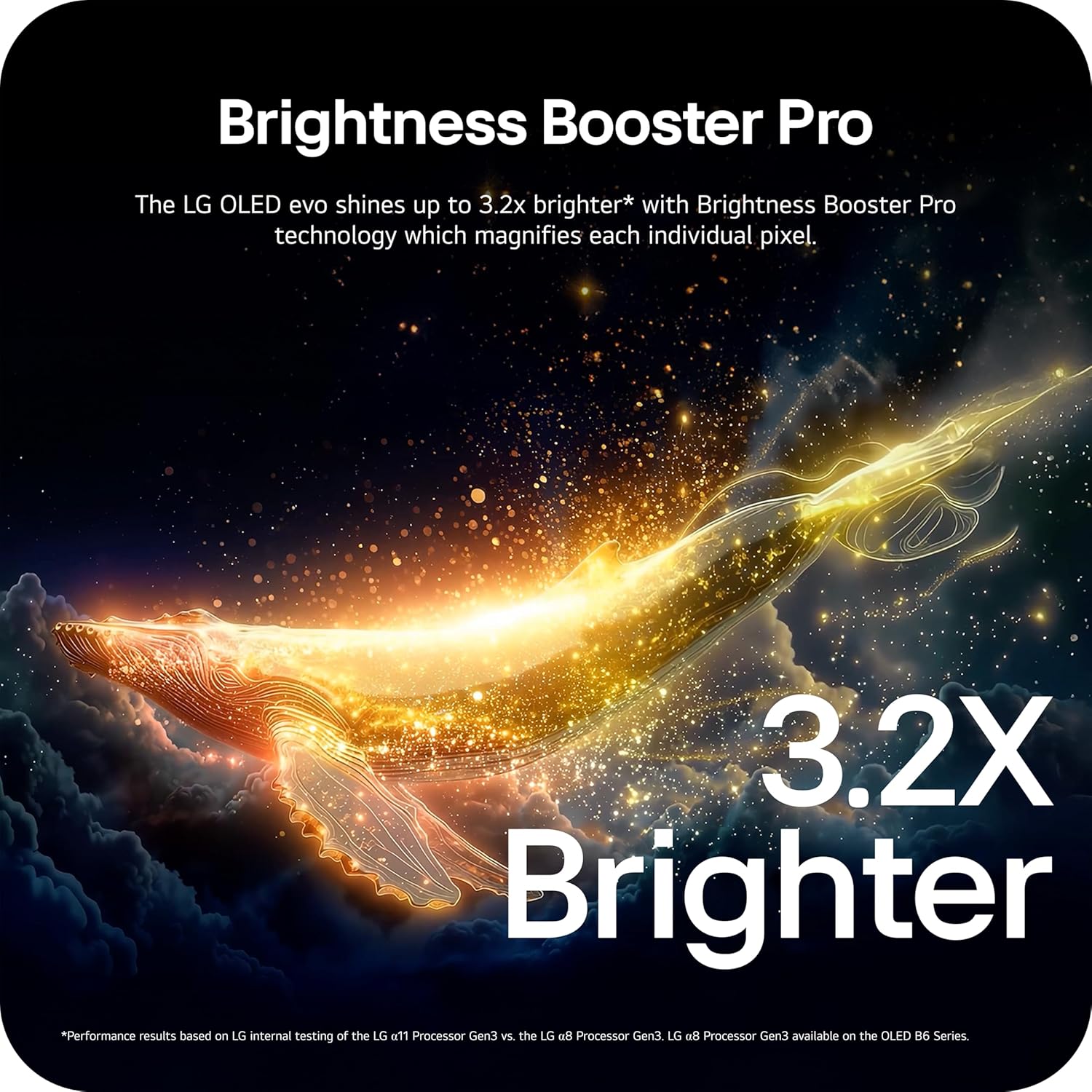
Image: Visual representation of Brightness Booster Pro technology, illustrating increased brightness.

Image: Display demonstrating Perfect Black and Perfect Color capabilities in various light conditions.
2.4 Toneinstellungen
Experience immersive audio with your TV's sound features.
- Dolby Atmos: Erzeugt einen mehrdimensionalen Klang, der Sie umgibt.
- Wow Orchestra: Integrates the TV's speakers with a compatible LG soundbar for an enhanced audio experience.
2.5 Gaming-Funktionen
The TV is equipped with features for an optimal gaming experience.
- 165Hz Bildwiederholfrequenz: Supports high frame rates for smooth gameplay.
- 0.1 ms Reaktionszeit: Minimizes input lag for quick reactions.
- NVIDIA G-Sync & AMD FreeSync Premium: Reduces screen tearing and stuttering for fluid visuals.

Image: Dynamic gaming visual highlighting the 165Hz refresh rate and G-Sync/FreeSync compatibility.
2.6 Sports Hub
The Dynamic Sports Hub provides an exclusive sports experience, ensuring you don't miss any key moments, scores, or highlights.

Image: Screenshot of the Dynamic Sports Hub interface during a live soccer game.
3. Wartung und Pflege
3.1 OLED-Pflege
To maintain the best picture quality and longevity of your OLED display, utilize the built-in OLED Care features. These features help protect the display from potential issues over time.
3.2 Reinigungshinweise
- Bildschirm: Gently wipe the screen with a soft, dry, microfiber cloth. For stubborn marks, lightly dampBefeuchten Sie das Tuch mit destilliertem Wasser. Vermeiden Sie aggressive Chemikalien oder scheuernde Materialien.
- TV-Gehäuse: Verwenden Sie ein weiches, trockenes Tuch, um Rahmen und Ständer zu reinigen.
- Fernbedienung: Mit einem weichen, trockenen Tuch abwischen.
3.3 Softwareaktualisierungen
Ensure your TV's software is up-to-date for optimal performance and new features. webOS 26 automatically downloads updates for up to 5 years. If auto-update is disabled, you will receive a notification to accept or deny updates. An LG account is required to access network-based smart services.
3.4 LG Shield Security
LG Shield provides digital protection against malware, viruses, and other cyber threats through real-time scanning and automatic updates. An LG account is required to access network-based smart services.

Image: LG Shield security feature, represented by shield and lock icons, indicating digital protection.
4. Fehlerbehebung bei häufigen Problemen
This section addresses common problems you might encounter with your TV. If the issue persists, contact customer support.
| Problem | Mögliche Lösung |
|---|---|
| Kein Strom | Vergewissern Sie sich, dass das Netzkabel fest mit dem Fernseher und einer funktionierenden Steckdose verbunden ist. Testen Sie die Steckdose mit einem anderen Gerät. |
| Kein Bild / Schwarzer Bildschirm | Check if the TV is turned on. Verify the correct input source is selected. Ensure all HDMI cables are securely connected. Try restarting the TV by unplugging it for 30 seconds and plugging it back in. |
| Kein Ton | Check the volume level and ensure the TV is not muted. Verify external audio devices (soundbar, receiver) are properly connected and powered on. Check audio output settings in the TV menu. |
| Fernbedienung reagiert nicht | Tauschen Sie die Batterien in der Magic Remote aus. Stellen Sie sicher, dass sich keine Hindernisse zwischen Fernbedienung und Fernseher befinden. Koppeln Sie die Fernbedienung gegebenenfalls erneut (siehe Kurzanleitung). |
| Netzwerkverbindungsprobleme (WLAN/Ethernet) | Check your router and modem to ensure they are working correctly. Restart your network equipment. Re-enter Wi-Fi password or check Ethernet cable connection. |
| Picture Quality Issues (e.g., motion blur, color smearing) | Adjust picture settings (e.g., sharpness, color, motion interpolation). Ensure Filmmaker Mode is off if you prefer motion smoothing. Check the source content quality. |
5. Technische Daten
Below are the key technical specifications for the LG OLED77C6HUP TV.
| Besonderheit | Spezifikation |
|---|---|
| Modellnummer | OLED77C6HUP |
| Bildschirmgröße | 77 Zoll |
| Display-Technologie | OLED (Self-Luminous Pixels) |
| Auflösung | 4K (3840 x 2160) |
| Bildwiederholrate | 120 Hz (Native), up to 165 Hz (PC Gaming) |
| Prozessor | a11 AI Prozessor 4K Gen3 |
| HDR-Unterstützung | Dolby Vision, HDR10, HLG |
| Ansprechzeit | 0.1 Millisekunden |
| Betriebssystem | webOS |
| Audioausgang | 2.2-Kanal, Dolby Atmos |
| HDMI-Anschlüsse | 4 |
| USB-Anschlüsse | 2 (USB 2.0), 1 (USB 3.0) |
| Konnektivität | WLAN, Bluetooth 5.3, Ethernet |
| Bildschirmspiegelung | AirPlay, Google Cast |
| VESA-Halterungsstandard | 300 x 200 mm |
| Produktabmessungen (mit Ständer) | 67.4 Zoll (B) x 40.7 Zoll (H) x 10.5 Zoll (T) |
| Produktabmessungen (ohne Standfuß) | 67.4 Zoll (B) x 38.7 Zoll (H) x 1.9 Zoll (T) |
| Artikelgewicht (mit Ständer) | 59.5 Pfund |
| Artikelgewicht (ohne Ständer) | 51.8 Pfund |
6. Garantieinformationen
Your LG OLED77C6HUP TV comes with a 1 Jahr auf Teile und Arbeitsleistung limited warranty. Please retain your proof of purchase for warranty claims. For detailed terms and conditions, refer to the warranty card included with your product or visit the official LG webWebsite.
7. Kundendienst
Für weitere Hilfe, technischen Support oder Serviceanfragen besuchen Sie bitte die offizielle LG-Supportseite. website or contact their customer service. You can also refer to the comprehensive User Manual (PDF) available for download on the LG support page.
LG-Kundendienst WebWebsite: https://www.lg.com/us/support
Benutzerhandbuch (PDF): PDF herunterladen