
1. Einleitung
This manual provides essential information for setting up, operating, and maintaining your RebotAi A9 Android Tablet. Please read it thoroughly before using the device to ensure proper functionality and safety.

Abbildung 1.1: Vorder- und Rückseite view of the RebotAi A9 Android Tablet.

Bild 1.2: Überview of the RebotAi A9 Android Tablet highlighting its 8.68-inch 90Hz IPS display, MediaTek Helio G100 processor, 7.8mm thickness, 360g weight, 18GB RAM, 128GB ROM, 5000mAh battery, 2.4GHz+5GHz WiFi, GPS, and BT5.2.
2. Hauptmerkmale
- Prozessor: Latest MediaTek Helio G100 (MT8781) octa-core CPU (up to 2.2GHz) for enhanced performance and energy efficiency.
- Speicher: 18 GB RAM (6 GB physisch + 12 GB virtuell) und 128 GB interner Speicher, erweiterbar auf bis zu 1 TB über microSD.
- Anzeige: 8.68-inch high-definition IPS LCD display with 1340x800 resolution, 90Hz refresh rate, and 450 nits brightness.
- Konnektivität: Dual nano SIM 4G LTE support (B1 / B3 / B7 / B8 / B19 / B20), high-speed 5G Wi-Fi, Bluetooth 5.2, and integrated high-precision GPS.
- Kameras: 13-megapixel autofocus rear camera and 5-megapixel front camera.
- Batterie: 5000mAh large-capacity battery with 20W PD fast charging support.
- Design: Ultra-thin 7.8mm and lightweight 360g nano-coated metal body.
- Software: Runs on Android 15 with GMS certification, supporting various AI applications and features like face recognition (for unlocking).
3. Einrichtung
3.1 Packungsinhalt
Überprüfen Sie, ob alle Artikel im Paket vorhanden sind:
- RebotAi A9 Tablet x1
- Ladegerät x1
- USB-C-Kabel x1
- Stylus Pen x1
- Screen Protector (pre-applied) x1
- Instruction Manual (Japanese) x1
- SIM-Karten-PIN x1

Image 3.1: Illustration of the RebotAi A9 tablet and its included accessories.
3.2 Erstaufladung
Before first use, fully charge the tablet using the provided USB-C cable and charger. Connect the USB-C cable to the tablet's charging port and the charger to a power outlet.
Video 3.1: This video demonstrates the physical features of the RebotAi A9 tablet, including its rear camera, side buttons, USB-C port, and speaker grille. It also shows the tablet being charged and powered on, displaying the RebotAi logo.
3.3 Installation der SIM-Karte und der microSD-Karte
Locate the card slot on the side of the tablet. Use the provided SIM card pin to open the tray. Insert up to two nano SIM cards and/or one microSD card (up to 1TB) into the tray, ensuring correct orientation. Gently push the tray back into the slot until it clicks into place.
4. Bedienungsanleitung
4.1 Ein-/Ausschalten
- So schalten Sie das Gerät ein: Press and hold the power button until the RebotAi logo appears.
- So schalten Sie das Gerät aus: Halten Sie den Netzschalter gedrückt und wählen Sie dann auf dem Bildschirm die Option „Ausschalten“ aus.
- Neustarten: Press and hold the power button, then select 'Restart' from the options on the screen.
4.2 Grundlegende Navigation
The tablet uses a touch-sensitive screen for navigation:
- Klopfen: Berühren Sie den Bildschirm einmal, um ein Element auszuwählen oder eine App zu öffnen.
- Lange drücken: Berühren und halten Sie ein Element, um weitere Optionen anzuzeigen.
- Wischen: Ziehen Sie mit dem Finger über den Bildschirm, um zu scrollen oder zwischen den Seiten zu navigieren.
- Prise: Verwenden Sie zwei Finger, um Bilder zu vergrößern oder zu verkleinern. web Seiten.
4.3 Split-Screen-Funktionalität
The tablet supports split-screen mode, allowing you to use two applications simultaneously. This feature is useful for multitasking, such as watching a video while chatting or browsing information.

Image 4.1: The tablet demonstrating split-screen mode, allowing two applications to be viewgleichzeitig bearbeitet.
5. Konnektivität
5.1 Wi-Fi-Verbindung
The RebotAi A9 supports dual-band 2.4GHz and 5GHz Wi-Fi (802.11ac) for fast and stable internet access.
- Gehe zu Einstellungen > Netzwerk & Internet > W-lan.
- Schalten Sie WLAN ein.
- Wählen Sie das gewünschte Netzwerk aus der Liste aus und geben Sie gegebenenfalls das Passwort ein.
5.2 4G LTE Mobile Data and Calls
With dual nano SIM support, you can use 4G LTE for mobile data and voice calls. The tablet supports bands B1 / B3 / B7 / B8 / B19 / B20.
- Ensure SIM cards are correctly installed.
- Gehe zu Einstellungen > Netzwerk & Internet > Mobilfunknetz.
- Configure your mobile data settings as per your carrier's instructions.
5.3 Bluetooth-Verbindung
The tablet features Bluetooth 5.2 for connecting wireless accessories.
- Gehe zu Einstellungen > Verbundene Geräte > Bluetooth.
- Schalten Sie Bluetooth ein.
- Select the device you wish to pair from the list and follow the on-screen prompts.
5.4 GPS-Navigation
The integrated high-precision GPS supports navigation and location-based services, compatible with Beidou, Galileo, and GLONASS.

Image 5.1: The tablet displaying GPS navigation, indicating its capability for accurate positioning.
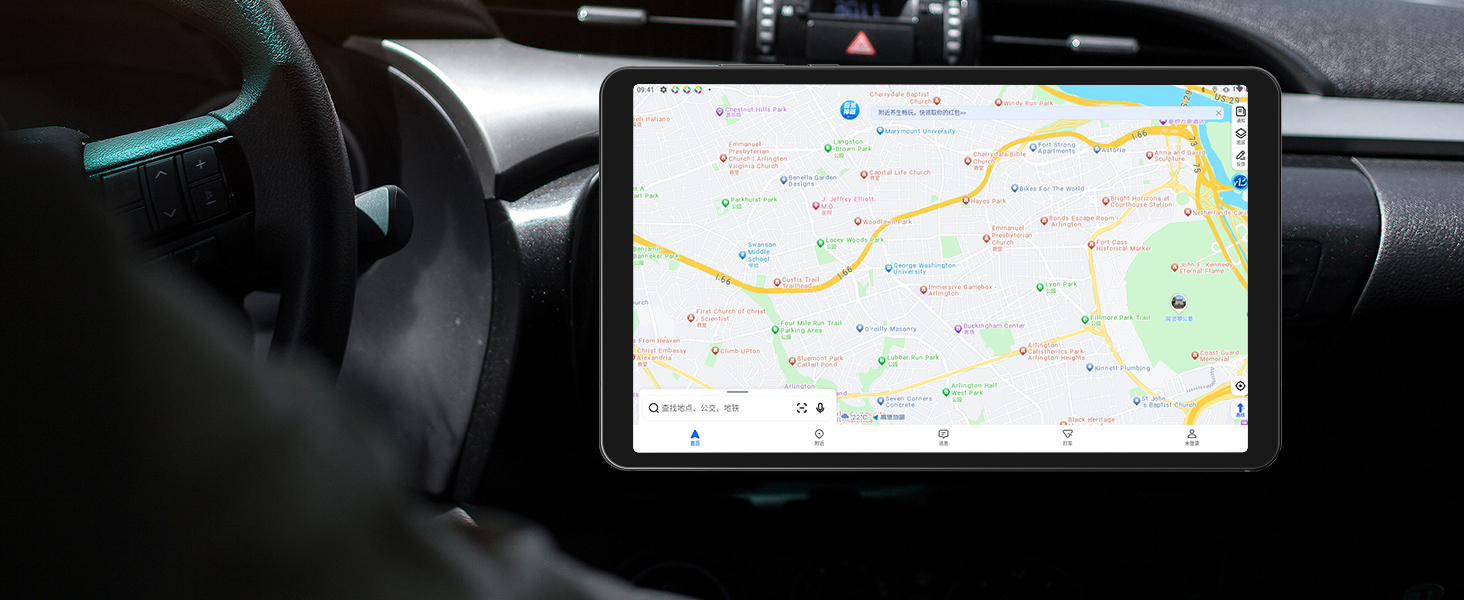
Image 5.2: The RebotAi A9 tablet being used for in-car navigation, demonstrating its GPS functionality.
6. Display und Multimedia
6.1 High-Definition-Display
The 8.68-inch IPS LCD display offers a 1340x800 resolution, 90Hz refresh rate, and 450 nits brightness. Its full lamination structure ensures vibrant colors and clear visuals for videos, games, photos, and documents.

Image 6.1: The tablet screen displaying a visual representation of its 90Hz refresh rate.

Image 6.2: The RebotAi A9 tablet showcasing a colorful image on its IPS display, emphasizing visual quality.
6.2 Widevine L1-Unterstützung
With Widevine L1 certification, the tablet allows high-quality, full HD content streaming from services like Amazon Prime Video, Netflix, Disney+, and Hulu.

Image 6.3: The tablet highlighting its Widevine L1 support for high-definition streaming from various platforms.
6.3 Audioausgang
The tablet features dual BOX speakers for clear audio and a 3.5mm headphone jack for private listening.

Abbildung 6.4: Die Tablet-Showcasing its dual BOX speakers for enhanced audio experience.
6.4 Kabellose Projektion
The tablet supports wireless projection, allowing you to easily connect to a large-screen TV for sharing content.
7. Kamera
The RebotAi A9 is equipped with a 13-megapixel autofocus rear camera and a 5-megapixel front camera, suitable for photography, video calls, and QR code scanning.

Bild 7.1: Nahaufnahme view of the RebotAi A9 tablet's rear camera module.

Image 7.2: Visual representation of the tablet's 5MP front and 13MP rear cameras.
8. Speicherung und Leistung
8.1 Prozessor
The tablet is powered by the MediaTek Helio G100 (MT8781) octa-core processor, featuring two Cortex-A76 and six Cortex-A55 cores, clocked up to 2.2GHz. This configuration provides an AnTuTu score exceeding 400,000, ensuring smooth performance for various applications, including gaming.

Image 8.1: Details of the MTK Helio G100 processor, highlighting its performance and efficiency.
8.2 Speicher und Speicher
The RebotAi A9 comes with 18GB RAM (6GB physical + 12GB virtual) and 128GB of internal storage. Storage can be expanded up to 1TB using a microSD card, providing ampPlatz für Anwendungen, Medien und Dokumente.

Image 8.2: Visual representation of the tablet's 18GB RAM and 128GB ROM, with 1TB expansion capability.

Image 8.3: Illustration of the tablet's large storage capacity, including 6GB+12GB virtual memory, 128GB storage, and 1TB expansion.
8.3 Spiele und Unterhaltung
The combination of the Helio G100 processor, Mali-G76 GPU, 90Hz display, and 6-axis gyroscope provides a responsive and immersive experience for gaming and multimedia consumption.

Image 8.4: The tablet displaying a racing game, demonstrating its smooth performance for gaming.

Image 8.5: A user playing a game on the RebotAi A9 tablet, highlighting its suitability for gaming.

Image 8.6: A user reading comics on the RebotAi A9 tablet, showcasing its display quality for reading.
9. Akku und Aufladen
The tablet is equipped with a 5000mAh battery and supports 20W PD fast charging, providing extended usage times for various activities such as reading, online classes, video viewing, and work.
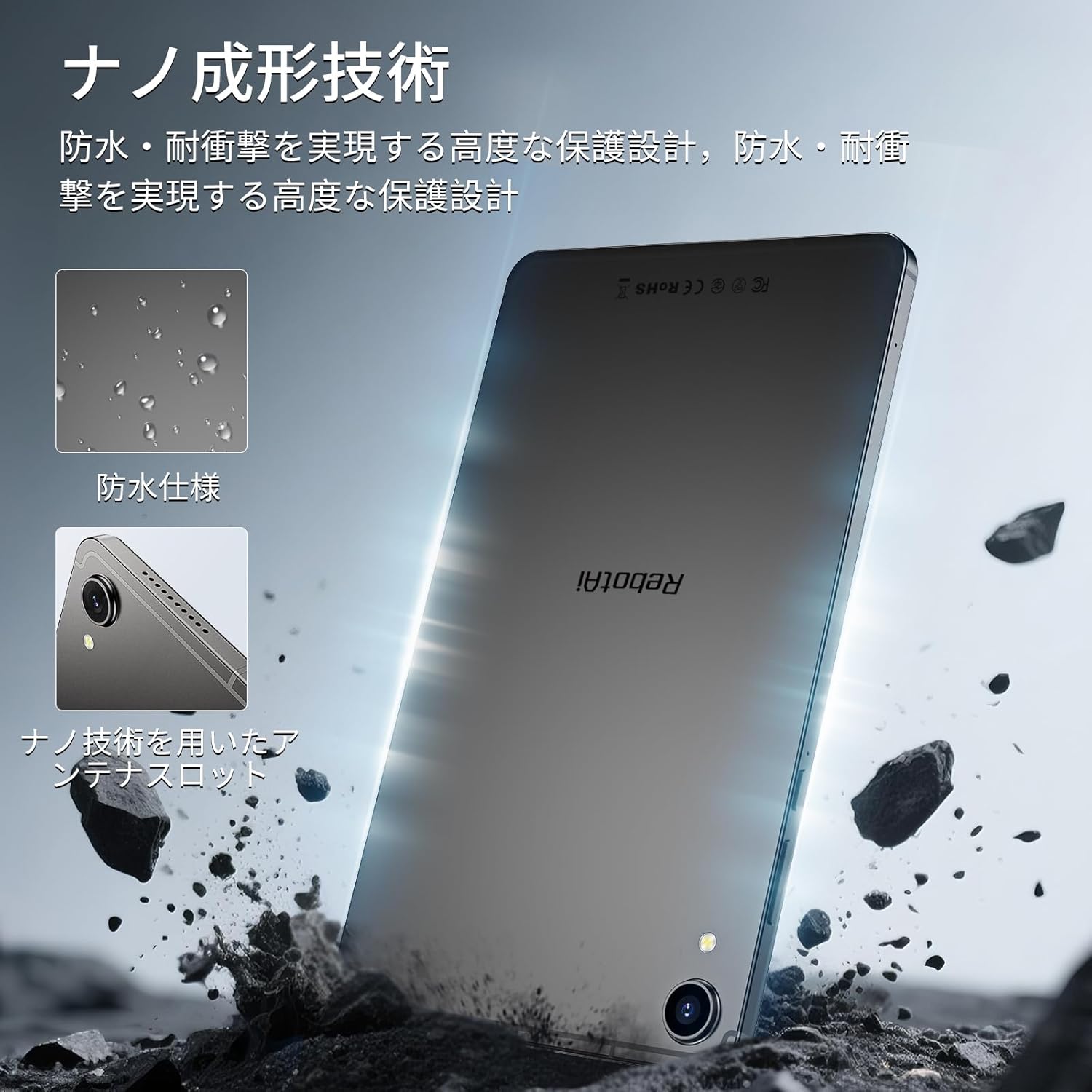
Image 9.1: The RebotAi A9 tablet connected to its charger, indicating its charging capability.

Image 9.2: Details of the tablet's 5000mAh battery and 20W fast charging, with estimated usage times for different activities.
10. Physical Design and Durability
The RebotAi A9 features a nano-coated metal body, offering a smooth and premium feel. Its ultra-thin 7.8mm profile and lightweight 360g design make it highly portable. The nano-molding technology provides enhanced protection against water and impacts.

Image 10.1: The tablet highlighting its water-resistant features and nano-molding technology for durability.

Image 10.2: The RebotAi A9 tablet emphasizing its thinness (7.8mm) and light weight (360g).

Abbildung 10.3: Detailansicht view of the tablet's nano-molding technology, contributing to its robust design.
11. Spezifikationen
| Besonderheit | Spezifikation |
|---|---|
| Marke | RebotAi |
| Modellname | A9 |
| Betriebssystem | Android 15 |
| Prozessor | MediaTek Helio G100 (Octa-core, up to 2.2 GHz) |
| Grafikkarte | Mali-G76 |
| RAM | 18 GB (6 GB physisch + 12 GB virtuell) |
| Interner Speicher | 128 GB |
| Erweiterbarer Speicher | Bis zu 1 TB über microSD-Karte |
| Bildschirmgröße | 8.68 Zoll |
| Anzeigetyp | IPS-LCD |
| Auflösung | 1340x800 Pixel |
| Bildwiederholrate | 90 Hz |
| Helligkeit | 450 Nits |
| Seitenverhältnis | 16:10 |
| Rückfahrkamera | 13 MP (Autofokus) |
| Frontkamera | 5 Megapixel |
| Batteriekapazität | 5000 mAh |
| Laden | 20-W-PD-Schnellladung |
| W-lan | 802.11ac (2.4GHz/5GHz) |
| Bluetooth | 5.2 |
| Mobilfunknetz | 4G LTE (Dual Nano SIM, Bands: B1/B3/B7/B8/B19/B20) |
| GPS | Integrated (Supports Beidou, Galileo, GLONASS) |
| Sensoren | 6-axis Gyroscope, Light Sensor, Gravity Sensor, Hall Sensor, Proximity Sensor |
| Häfen | USB 2.0 Type-C, 3.5mm Headphone Jack |
| Maße | 7.8 mm Dicke |
| Gewicht | Ca. 360 g |
| Farbe | Gray-Metallic |
| Zertifizierungen | PSE, TELEC, GMS |
12. Wartung
12.1 Reinigung
Reinigen Sie den Bildschirm und das Gehäuse des Tablets mit einem weichen, fusselfreien Tuch. Vermeiden Sie aggressive Chemikalien oder Scheuermittel, die das Gerät beschädigen könnten.
12.2 Softwareaktualisierungen
Prüfen Sie regelmäßig, ob Systemaktualisierungen verfügbar sind, und installieren Sie diese, um optimale Leistung und Sicherheit zu gewährleisten. Gehen Sie zu Einstellungen > System > Systemaktualisierung.
12.3 Speicherverwaltung
Um die Leistung aufrechtzuerhalten, sollten Sie regelmäßig unnötige Ressourcen entfernen. files and applications. You can check storage usage in Einstellungen > Lagerung.
13. Fehlerbehebung
13.1 Tablet lässt sich nicht einschalten
- Stellen Sie sicher, dass der Akku geladen ist. Schließen Sie das Ladegerät an und warten Sie einige Minuten, bevor Sie versuchen, das Gerät erneut einzuschalten.
- Halten Sie den Netzschalter mindestens 10-15 Sekunden lang gedrückt, um einen Neustart zu erzwingen.
13.2 Langsame Leistung
- Schließen Sie nicht benötigte, im Hintergrund laufende Anwendungen.
- Löschen Sie die Cache-Daten häufig verwendeter Apps.
- Prüfen Sie, ob Systemaktualisierungen verfügbar sind.
- Sollten die Probleme weiterhin bestehen, sollten Sie einen Werksreset durchführen (sichern Sie vorher Ihre Daten).
13.3 Probleme mit der WLAN-Verbindung
- Stellen Sie sicher, dass WLAN auf dem Tablet aktiviert ist.
- Starten Sie Ihren WLAN-Router neu.
- Vergessen Sie das Netzwerk in den Tablet-Einstellungen und stellen Sie die Verbindung erneut her.
14. Garantie und Support
The RebotAi A9 tablet comes with a 2-year product warranty. This product has obtained all official certifications based on Japanese regulations, including PSE (Electrical Appliance and Material Safety Act), TELEC (Radio Act), and GMS (Google official certification).
14.1 Kontaktaufnahme mit dem Support
For any inquiries or issues, please contact the seller through your Amazon purchase history. Alternatively, on the product page, click the store name below the 'Add to Cart' button, then click 'Ask a question' in the upper right corner.

Image 14.1: Warranty and support information for the RebotAi A9 tablet.