1. Einleitung
Thank you for choosing the PureMate 5-in-1 Multi-Technology Air Purifier PM 510. This advanced air purification system is designed to significantly improve the air quality in your home or office by effectively removing airborne pollutants, allergens, and odors. Featuring a comprehensive 5-stage filtration process, including True HEPA, Activated Carbon, UV-C light, TiO2, and a Negative Ion Generator, the PM 510 provides a cleaner, healthier environment for you and your family.
Please read this manual thoroughly before operating the appliance and keep it for future reference. Proper use and maintenance will ensure optimal performance and longevity of your air purifier.
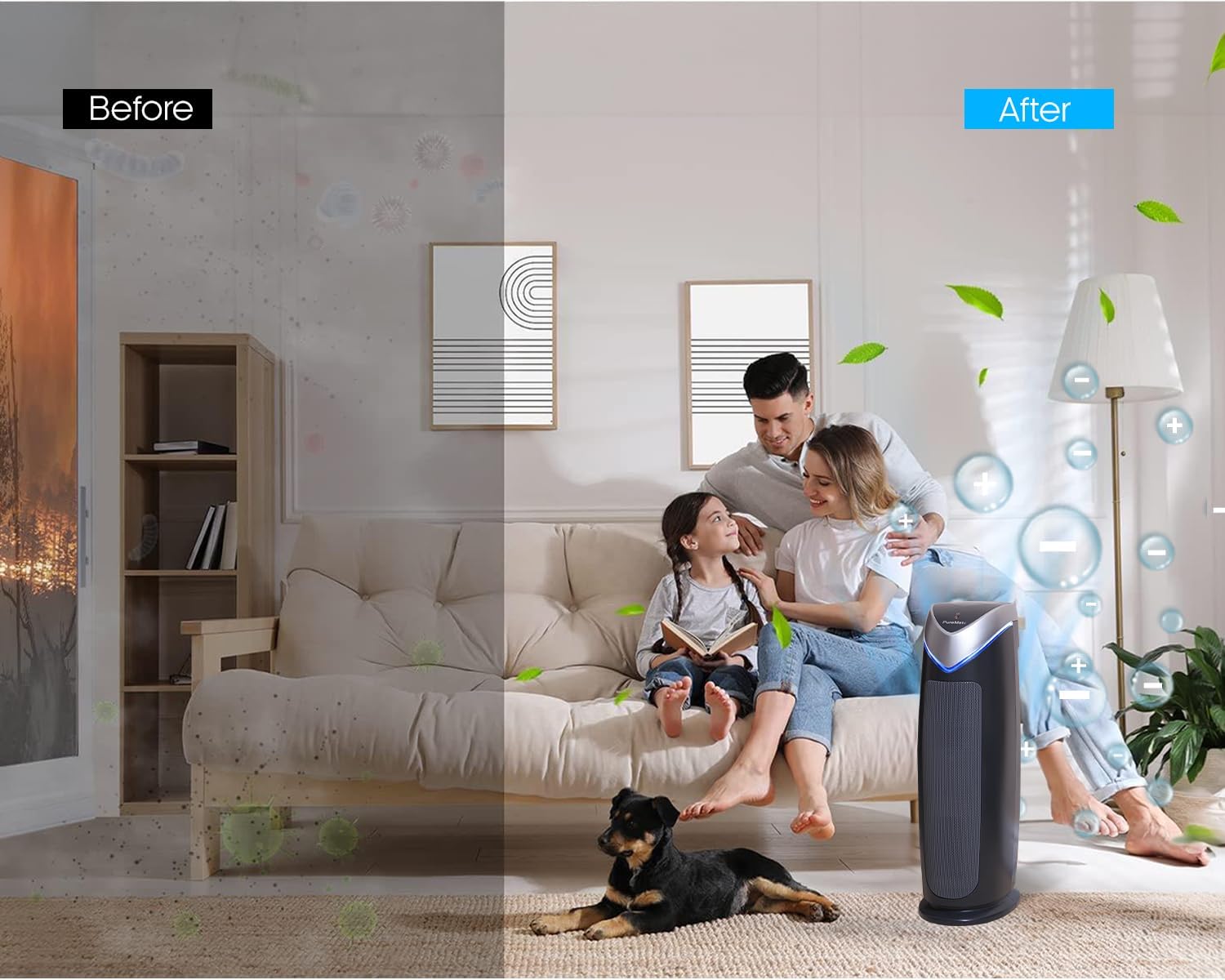
Figure 1.1: Visual representation of air quality improvement with the PureMate Air Purifier.
2. Sicherheitshinweise
To reduce the risk of electric shock, fire, and injury, please read all instructions carefully before operating the appliance.
- Stellen Sie den Luftreiniger immer auf eine feste, ebene Oberfläche.
- Do not operate the appliance with a damaged cord or plug. If the cord or plug is damaged, it must be replaced by the manufacturer, its service agent, or similarly qualified persons to avoid a hazard.
- Benutzen Sie den Luftreiniger nicht in feuchten oder trockenenamp environments, such as bathrooms or laundries.
- Halten Sie das Gerät von Wärmequellen, direkter Sonneneinstrahlung und brennbaren Materialien fern.
- Führen Sie keine Gegenstände in die Lüftungsschlitze oder Öffnungen ein.
- Unplug the air purifier from the power outlet before cleaning, performing any maintenance, or when not in use.
- Dieses Gerät ist nicht für den Gebrauch durch Personen (einschließlich Kinder) mit eingeschränkten physischen, sensorischen oder geistigen Fähigkeiten oder Mangel an Erfahrung und Wissen bestimmt, es sei denn, sie werden von einer für ihre Sicherheit verantwortlichen Person beaufsichtigt oder erhalten Anweisungen zur Verwendung des Geräts.
- Kinder sollten beaufsichtigt werden, um sicherzustellen, dass sie nicht mit dem Gerät spielen.
- Das UV-C lamp enthält Quecksilber. Wenn das lamp breaks, handle with care and dispose of according to local regulations. Do not look directly at the UV-C light when it is on, as it can cause eye damage.
3. Produktüberschreitungview
3.1 Komponenten
The PureMate PM 510 Air Purifier consists of several key components working together to provide comprehensive air purification:
- Haupteinheit: Houses the fan, control panel, and filtration system.
- Vorfilter: Fängt größere Partikel wie Staub, Flusen und Tierhaare ein.
- Echter HEPA-Filter: Traps 99.97% of airborne particles as small as 0.3 microns, including pollen, dust mites, and mold spores.
- Aktivkohlefilter: Absorbs odors from cooking, pets, smoke, and harmful gases.
- UV-C Lamp: Kills airborne bacteria, viruses, and mold spores.
- TiO2 Filter: Works with the UV-C lamp to decompose odor molecules.
- Negativ-Ionen-Generator: Releases negative ions to help airborne particles settle, making them easier to filter.
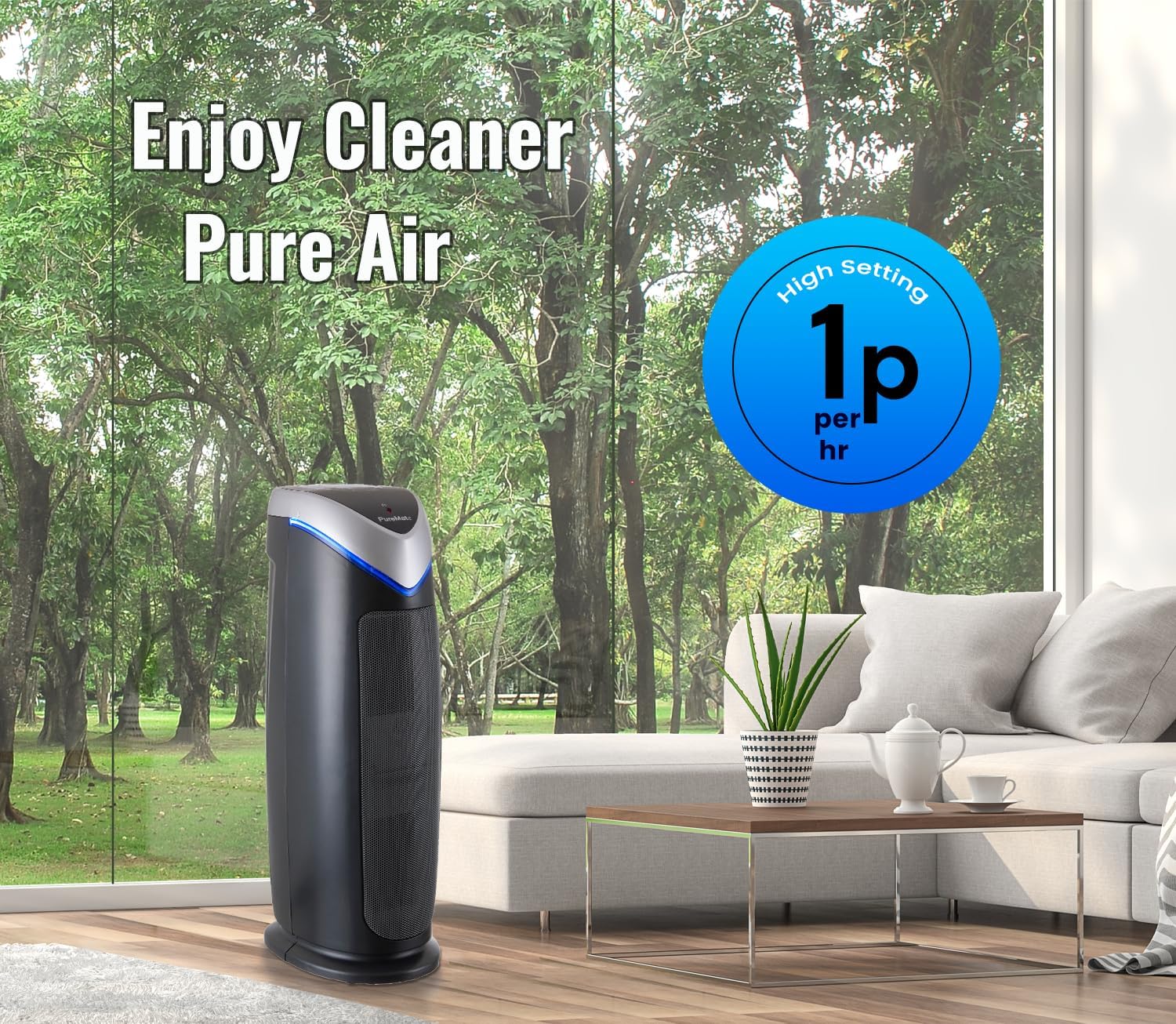
Figure 3.1: Internal components and filtration stages of the PureMate Air Purifier.
3.2 Funktionen
The PM 510 is equipped with features designed for effective and convenient air purification:
- 5-Stage Luftreinigung: Combines multiple technologies for comprehensive air cleaning.
- High CADR Rating: CADR (Clean Air Delivery Rate) values of SMOK: 110, POLLEN: 120, DUST: 126 ensure rapid air purification.
- 5 Lüftergeschwindigkeiten: Adjustable fan speeds from ultra-quiet to powerful for various needs.
- Digitaler Bildschirm: Clear LCD screen shows activated modes and settings.
- Timer-Funktion: Die Betriebszeit sollte zwischen 1 und 8 Stunden eingestellt werden.
- Optional Ionizer and UV Light: Independent control for customized purification.
- Filterwechselanzeige: Alerts you when it's time to change the filter and UV lamp.
- Suitable for Medium to Large Rooms: Effective for areas up to 400 sq ft (38 m²).

Figure 3.2: Key features and dimensions of the PureMate Air Purifier.
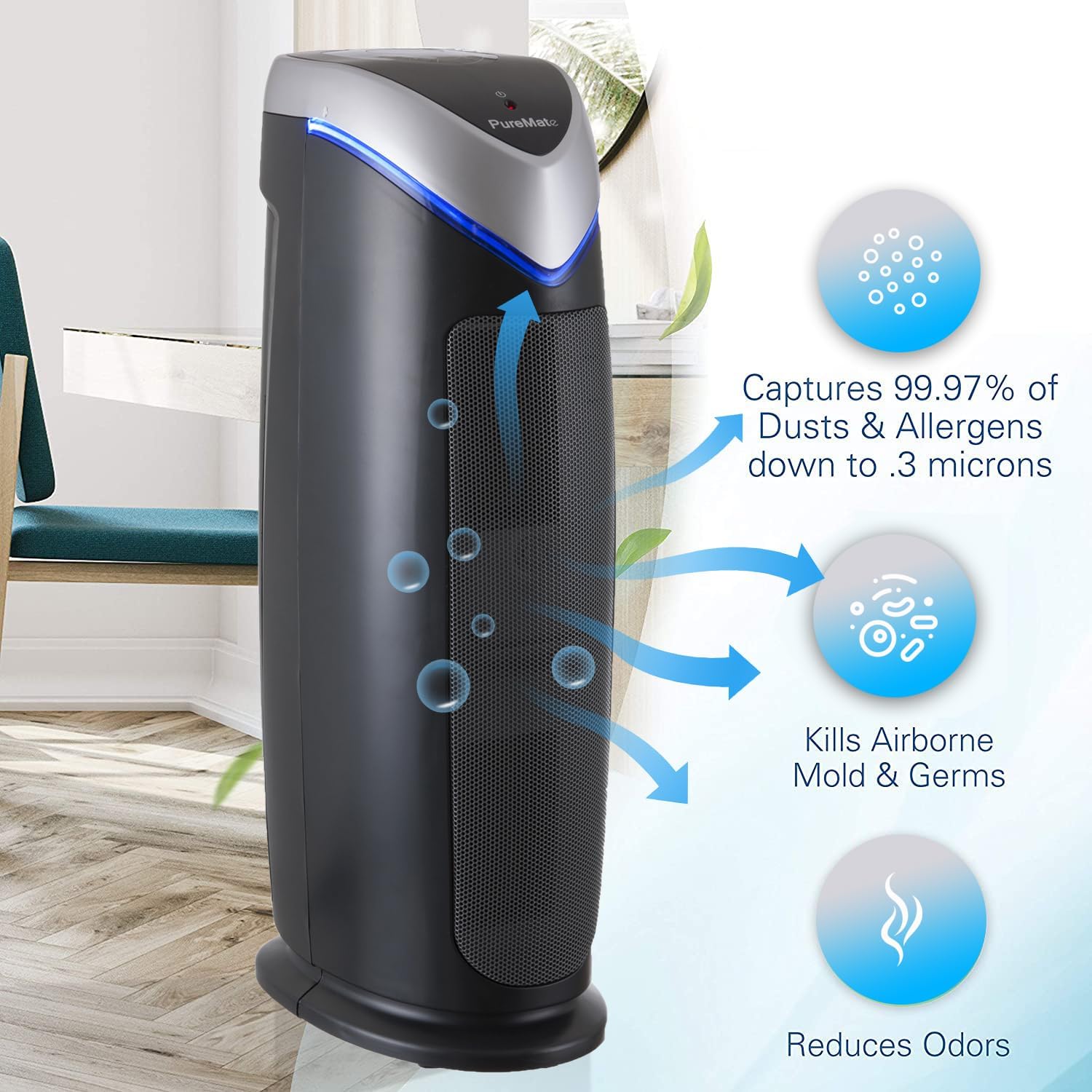
Figure 3.3: Types of pollutants captured by the 2-in-1 True HEPA and Activated Carbon Filter.
4. Einrichtung
4.1 Auspacken
- Nehmen Sie den Luftreiniger vorsichtig aus der Verpackung.
- Remove all packaging materials, including any protective plastic films or wraps.
- Check the appliance for any signs of damage. If damaged, do not operate and contact customer support.
4.2 Filterinstallation
Die Filter sind in der Regel vorinstalliert, können aber für den Versand in Plastikfolie verpackt sein. Bitte entfernen Sie vor dem ersten Gebrauch die gesamte Plastikverpackung von den Filtern.
- Locate the filter compartment cover (usually on the back or side of the unit).
- Open the cover and carefully remove the filter assembly.
- Remove any plastic bags from the True HEPA and Activated Carbon filters.
- Reinsert the filters into the unit, ensuring they are correctly oriented.
- Schließen Sie den Filterfachdeckel fest.
4.3 Platzierung
For optimal performance, place the air purifier in a location that allows for unrestricted airflow.
- Stellen Sie das Gerät auf eine feste, ebene Fläche.
- Ensure there is at least 15-30 cm (6-12 inches) of space around all sides of the unit for proper air circulation.
- Avoid placing the unit directly against walls or furniture that might block air intake or output.
- The PM 510 is effective for rooms up to 38 m² (400 sq ft). Position it in the area where air purification is most needed.

Figure 4.1: Recommended placement of the PureMate Air Purifier in a room.
5. Bedienungsanleitung
The control panel on top of the unit allows you to manage all functions of your air purifier.

Abbildung 5.1: Bedienfeldview
5.1 Ein-/Ausschalten
- Stecken Sie das Netzkabel in eine normale Steckdose.
- Drücken Sie die EIN/AUS button to turn the unit on or off. The unit will start at the lowest fan speed.
5.2 Lüftergeschwindigkeitseinstellung
- Drücken Sie die MODUS button repeatedly to cycle through the 5 fan speed settings (1 to 5).
- Speed 1 is the quietest, suitable for overnight use. Speed 5 provides maximum air purification.
5.3 Timer-Funktion
- Drücken Sie die TIMER button to set the operating time.
- Each press will cycle through 1, 2, 4, and 8 hours. The unit will automatically turn off after the selected time.
5.4 Ionizer and UV-C Lamp Kontrolle
- Drücken Sie die Optional Ionizer & UV-C button to activate or deactivate the ionizer and UV-C lamp.
- You can choose to have both on, only the ionizer, or only the UV-C lamp, or both off.
5.5 HEPA Reset Button
- After replacing the HEPA filter, press and hold the HEPA Reset button for 3-5 seconds until the indicator light turns off. This resets the filter life monitor.
6. Wartung
Regular maintenance ensures your PureMate Air Purifier operates efficiently and extends its lifespan.
6.1 Filterwechsel
The filter replacement indicator light will illuminate when it's time to replace the filter. Filter life varies depending on air quality and usage, but typically lasts 6-8 months.
- Trennen Sie den Luftreiniger von der Steckdose.
- Öffnen Sie die Abdeckung des Filterfachs.
- Remove the old filter assembly.
- Entsorgen Sie den alten Filter verantwortungsvoll.
- Unpack the new filter and insert it into the unit, ensuring correct orientation.
- Schließen Sie den Filterfachdeckel fest.
- Schließen Sie das Gerät an und halten Sie die Taste gedrückt. HEPA Reset button for 3-5 seconds to reset the filter indicator.
6.2 Filterreinigung
While the HEPA and Activated Carbon filters are not washable, the pre-filter component can be gently vacuumed to remove larger dust particles between replacements. Do not wash the HEPA or Activated Carbon filters with water.
6.3 UV-C Lamp Ersatz
Das UV-C lamp also has a lifespan and an indicator light will signal when replacement is needed. Refer to the specific instructions provided with replacement lamps for safe handling and installation.
6.4 Außenreinigung
- Ziehen Sie vor der Reinigung immer den Stecker aus der Steckdose.
- Wischen Sie die Außenflächen mit einem weichen, damp Tuch.
- Keine Scheuer- oder Lösungsmittel verwenden.
- Ensure no water enters the unit's interior.
7. Fehlerbehebung
If you experience issues with your air purifier, please consult the following table before contacting customer support.
| Problem | Mögliche Ursache | Lösung |
|---|---|---|
| Das Gerät lässt sich nicht einschalten | Keine Stromversorgung Netzkabel nicht richtig eingesteckt | Check if the unit is plugged into a working outlet Ensure the power cord is firmly connected |
| Der Luftstrom ist schwach oder laut. | Filter sind verstopft Air intake/output blocked | Replace filters if indicator is on, or vacuum pre-filter Ensure unit is not obstructed by walls or furniture |
| Luftqualität verbessert sich nicht | Filter müssen ausgetauscht werden Unit size not suitable for room UV-C lamp funktioniert nicht | Filter ersetzen Ensure room size is within specified limits (38 m² / 400 sq ft) Check if UV-C lamp is on; replace if indicator is on |
| Ungewöhnlicher Geruch aus der Wohnung | Activated Carbon filter saturated Geruch des neuen Geräts | Replace Activated Carbon filter Run unit on high for a few hours in a well-ventilated area to dissipate new unit smell |
8. Spezifikationen
| Spezifikation | Detail |
|---|---|
| Modellnummer | PM510 |
| Marke | PureMate |
| Abmessungen (H x B x T) | 55 cm x 17 cm x 25.5 cm (ca. 21.65 x 6.7 x 10 Zoll) |
| Gewicht | 4.4 kg (ca. 9.7 Pfund) |
| Farbe | Schwarz |
| Stromquelle | Stromkabel |
| Steuerungstyp | Tastensteuerung |
| Abdeckungsbereich | Bis zu 38 m² (400 Quadratfuß) |
| CADR (Rauch) | 110 |
| CADR (Pollen) | 120 |
| CADR (Staub) | 126 |
| Filterung Stages | 5 (Pre-filter, True HEPA, Activated Carbon, UV-C, TiO2, Ionizer) |
| Zertifizierungen | CE- und RoHS-zertifiziert |
| UPC | 700587027659 |
9. Garantie und Support
For information regarding warranty coverage and terms, please refer to the warranty card included with your purchase or contact the retailer where you purchased the PureMate Air Purifier. Keep your proof of purchase for warranty claims.
If you require technical assistance or have questions not covered in this manual, please contact PureMate customer support through their official webWebsite oder die von Ihrem Händler bereitgestellten Kontaktinformationen.
Please have your model number (PM510) and purchase date ready when contacting support.


