1. Produktüberschreitungview
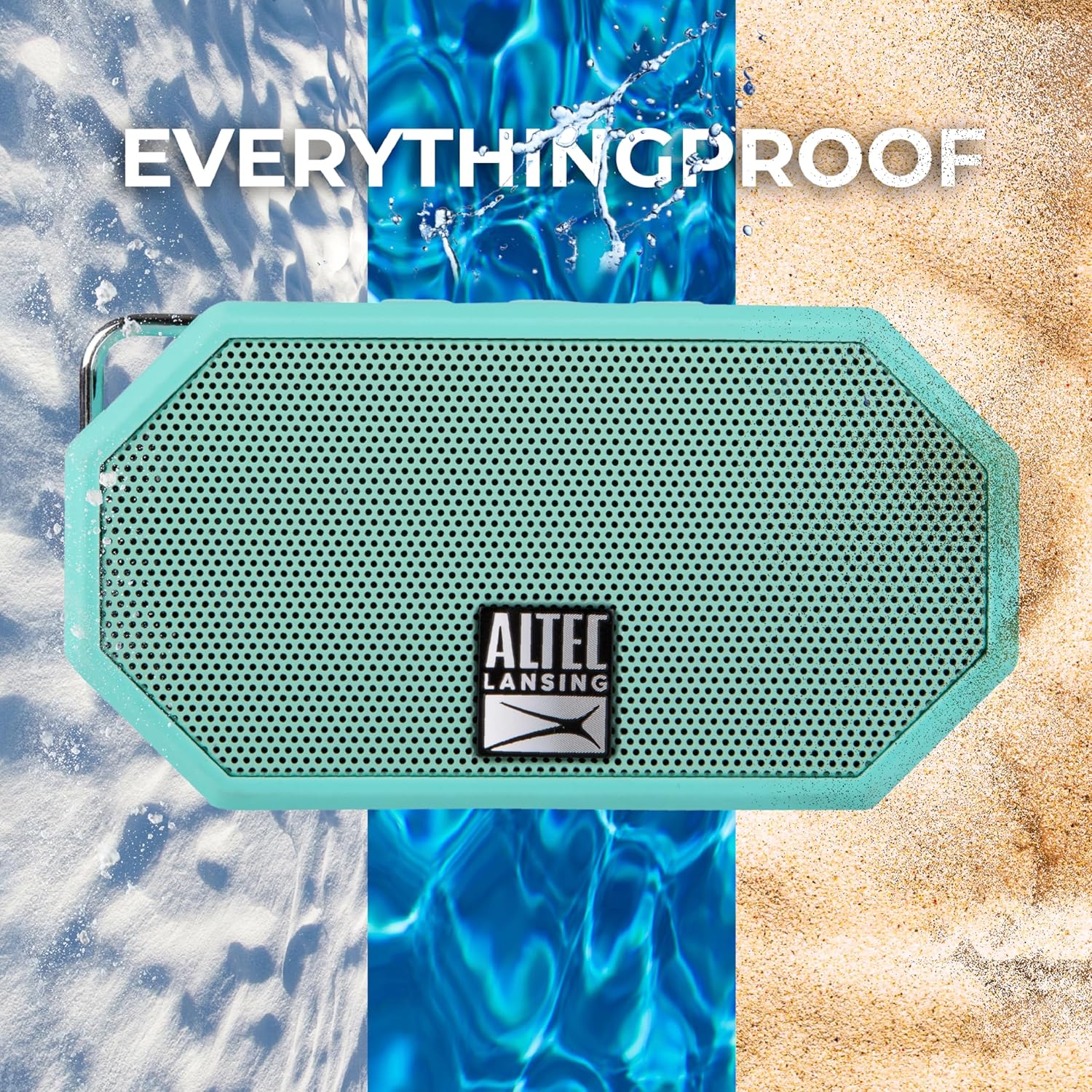
The Altec Lansing Mini H2O IMW257 is a compact, portable, and waterproof Bluetooth speaker designed for versatile use in various environments. Its robust construction and IP67 rating ensure durability against water, dust, and shock, making it ideal for outdoor activities. The speaker features clear audio output, easy Bluetooth connectivity, and a built-in carabiner for convenient portability.

2. Packungsinhalt
- Altec Mini H2O Bluetooth Waterproof Speaker (Mint)
- USB-Ladekabel
- Karabinerhaken
3. Bedienelemente und Anzeigen
The speaker features intuitive controls located on the top panel and essential ports protected by a rubber flap.

3.1. Bedienelemente auf der Oberseite
- Netzschalter: Zum Ein- oder Ausschalten des Lautsprechers drücken und halten.
- Lautstärke runter (-): Drücken Sie, um die Lautstärke zu verringern. Halten Sie gedrückt, um zum vorherigen Titel zu springen.
- Sprachassistent-Taste: Press to activate your device's voice assistant.
- Lauter (+): Drücken Sie, um die Lautstärke zu erhöhen. Halten Sie gedrückt, um zum nächsten Titel zu springen.
- LED-Lichttaste: Press to cycle through different LED lighting modes.
3.2. Häfen
The charging and auxiliary input ports are located under a protective rubber flap on the side of the speaker to maintain its waterproof integrity.
- DC-Eingangsanschluss: Zum Aufladen des Lautsprechers mit dem mitgelieferten USB-Kabel.
- AUX-IN-Anschluss: For connecting devices via a 3.5mm audio cable (not included).
4. Einrichtung
4.1. Laden Sie den Lautsprecher auf
- Open the protective rubber flap on the side of the speaker.
- Connect the small end of the provided USB charging cable to the DC IN port on the speaker.
- Verbinden Sie das größere Ende des USB-Kabels mit einem USB-Netzteil (nicht im Lieferumfang enthalten) oder einem USB-Anschluss Ihres Computers.
- The charging indicator light will illuminate. A full charge takes approximately 6 hours and provides up to 6 hours of playtime.
- Once charging is complete, securely close the rubber flap to maintain waterproof integrity.
4.2. Bluetooth-Kopplung
- Press and hold the Power Button on the speaker to turn it on. The speaker will enter Bluetooth pairing mode, indicated by a blinking blue LED light.
- Aktivieren Sie auf Ihrem Mobilgerät (Smartphone, Tablet usw.) Bluetooth und suchen Sie nach verfügbaren Geräten.
- Select "Mini H2O" from the list of available devices.
- Once successfully paired, the speaker will emit an audible confirmation tone, and the blue LED light will remain solid.
5. Bedienungsanleitung
5.1. Audiowiedergabe
- Abspielen/Pause: Press the Power Button once to play or pause audio.
- Lautstärkeregelung: Press the Volume Up (+) or Volume Down (-) buttons to adjust the playback volume.
- Tracks überspringen: Hold the Volume Up (+) button to skip to the next track. Hold the Volume Down (-) button to skip to the previous track.
5.2. Sprachassistent
- Press the Voice Assistant button to activate your paired device's voice assistant (e.g., Siri, Google Assistant).
5.3. LED-Beleuchtungsmodi
- Press the LED Light button to cycle through various lighting effects.
5.4. Portabilität
The integrated carabiner clip allows for easy attachment to backpacks, belt loops, or other gear, keeping your hands free while on the go.

6. Wartung
- Reinigung: Wischen Sie den Lautsprecher mit einem weichen, damp Tuch. Vermeiden Sie die Verwendung aggressiver Chemikalien oder Scheuermittel.
- Wasserdichte Pflege: Always ensure the protective rubber flap covering the charging and AUX IN ports is securely closed when the speaker is exposed to water or moisture.
- Lagerung: Bewahren Sie den Lautsprecher bei Nichtgebrauch an einem kühlen, trockenen Ort auf.
7. Fehlerbehebung
- Speaker Not Discoverable:
- Hold down the Volume Up (+) and Volume Down (-) buttons simultaneously for a few seconds until the lights in the grill flash to reset the speaker.
- Turn Bluetooth off on your device, then turn the speaker off.
- Wait approximately 30 seconds, then turn Bluetooth on your device, and then turn the speaker on.
- Kopplung erneut versuchen.
- Muffled or Low-Quality Sound:
- Disconnect the speaker from your Bluetooth device.
- Reset the speaker by holding down the Volume Up (+) and Volume Down (-) buttons simultaneously for a few seconds.
- Reconnect to your Bluetooth device.
8. Spezifikationen
| Besonderheit | Spezifikation |
|---|---|
| Modellname | Mini-H2O |
| Artikelmodellnummer | IMW257-MNT-GRP |
| Marke | Altec Lansing |
| Material | Plastic Or Lightweight Metal |
| Lautsprechertyp | Im Freien |
| Besonderheit | Kabellos |
| Technische Daten | 1"T x 4.2"B x 2.5"H |
| Artikelgewicht | 5.87 Unzen |
| Ist wasserdicht | True (IP67 Certified) |
| Wasserbeständigkeit | Wasserdicht |
| Maximale Reichweite | 30 Fuß (10 Meter) |
| Stromquelle | Batteriebetrieben (1 Lithium-Ionen-Akku im Lieferumfang enthalten) |
| Ladezeit | 6 Stunden |
| Drahtlose Kommunikationstechnologie | Bluetooth |
| Audioausgabemodus | Stereo |
| UPC | 021331487612 |
9. Garantie und Support
The Altec Lansing Mini H2O speaker comes with a Limited Warranty. For detailed warranty information, product support, or to explore other Altec Lansing products, please visit the official Altec Lansing Store.


