1. Produktüberschreitungview
The Cosmic Byte CB-GK-02 Corona Wired Gaming Keyboard is designed for an enhanced gaming and typing experience. It features a sleek design, RGB backlighting, and essential functionalities for efficient use.
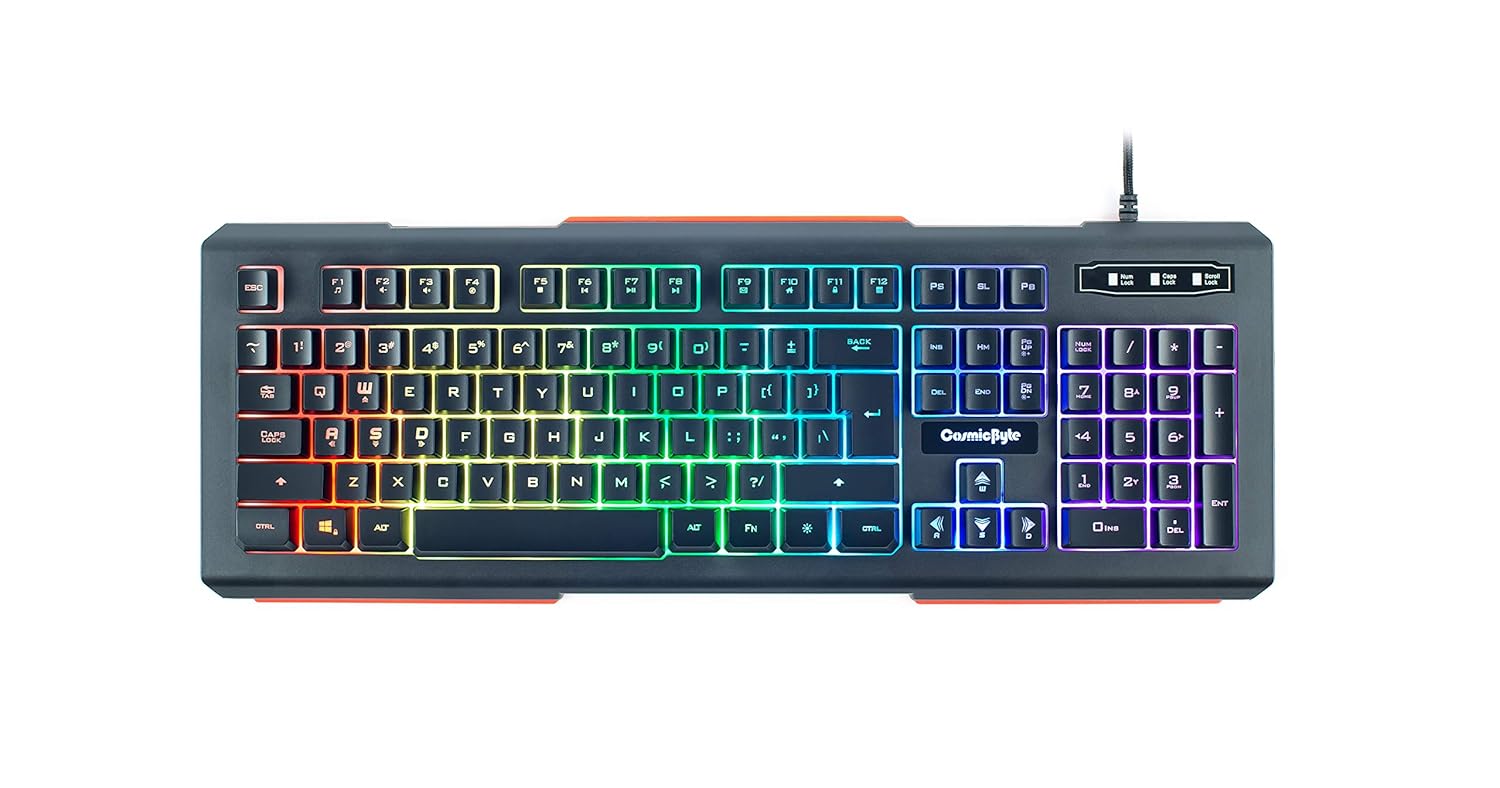
Bild 1.1: Draufsicht view of the Cosmic Byte CB-GK-02 Corona Wired Gaming Keyboard with RGB backlighting.
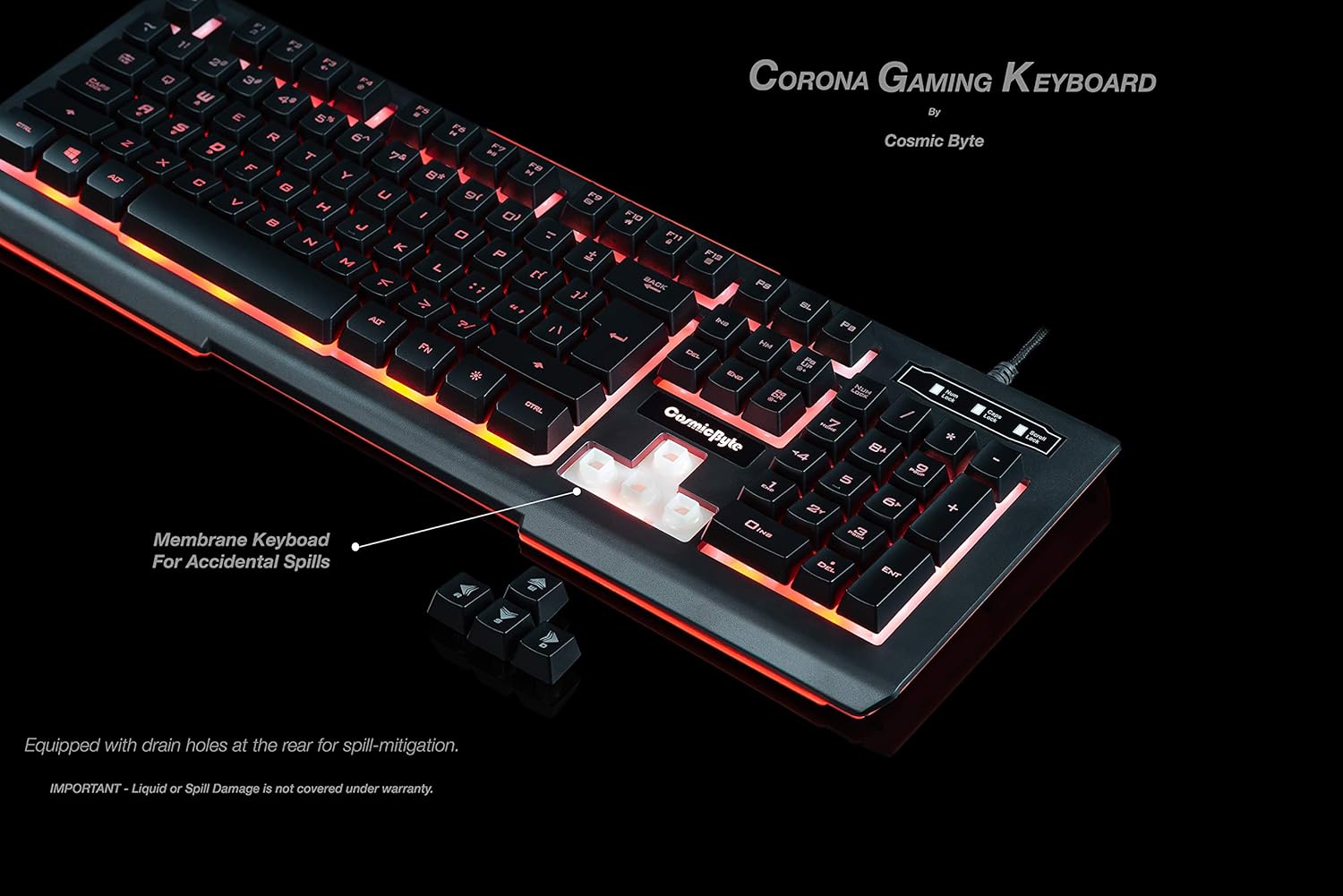
Abbildung 1.2: Detailansicht view highlighting key features such as RGB backlighting, multi-function hotkeys, scratch-resistant keys, 19-key anti-ghosting, elevated keys, slim sleek design, braided cable, and membrane keyboard for accidental spills.
2. Einrichtungsanweisungen
2.1 Anschließen der Tastatur
- Locate the USB connector at the end of the keyboard's braided cable.
- Plug the USB connector into an available USB port on your computer or compatible device.
- Die Tastatur ist Plug-and-Play-fähig und sollte von Ihrem Betriebssystem automatisch erkannt werden.
2.2 Systemkompatibilität
The Cosmic Byte CB-GK-02 Corona Wired Gaming Keyboard is compatible with the following operating systems:
- Windows 98
- Windows 2000
- Windows XP
- Windows VISTA
- Windows 7
- Windows 8
- Windows 10 und höher
3. Bedienung der Tastatur
3.1 RGB-Hintergrundbeleuchtung
The keyboard features 7-color RGB backlighting with 9 distinct backlight effects and 4 levels of brightness adjustment. This allows for customization to match user preference or mood.
- Anpassen der Helligkeit: Use the dedicated brightness control keys (often combined with Fn key) to cycle through the 4 brightness levels.
- Effekte ändern: Cycle through the 9 backlight effects using the designated function keys (refer to keyboard legends for specific keys, typically Fn + Scroll Lock or similar).
Video 3.1: Demonstration of the RGB backlighting effects and key presses on the Cosmic Byte CB-GK-02 keyboard.

Image 3.1: The keyboard displaying a red backlight effect.
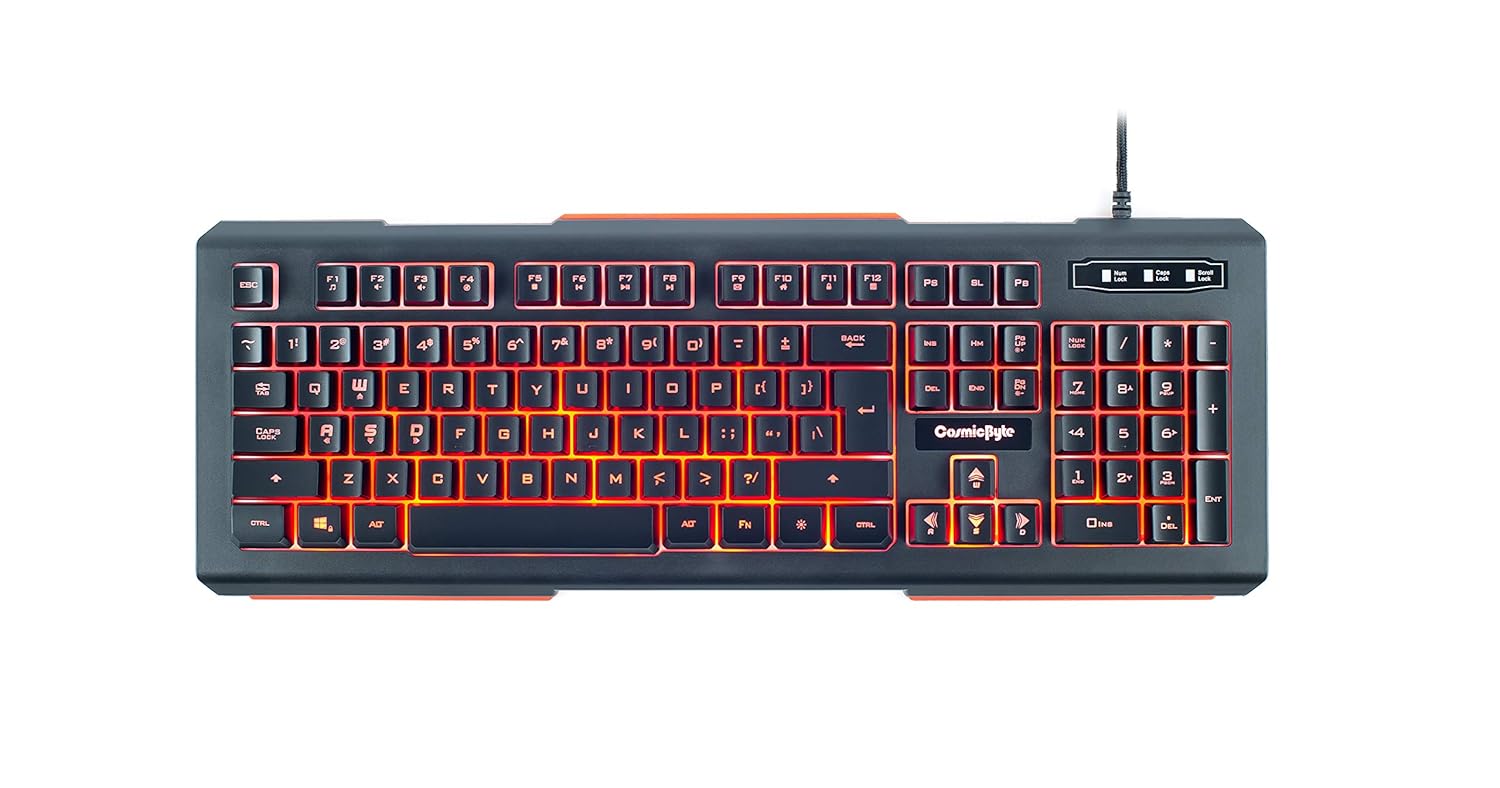
Image 3.2: The keyboard displaying a blue backlight effect.
3.2 Anti-Ghosting-Tasten
The keyboard features 19 anti-ghosting keys, ensuring that multiple key presses are registered simultaneously and accurately, which is crucial for gaming performance.
3.3 Multifunktions-Hotkeys
Dedicated multimedia hotkeys provide quick and easy access to various functions, including media control, sound adjustments, and internet browsing features.
3.4 Elevated Keys
The elevated key design provides good tactile feedback, contributing to a more satisfying typing and gaming experience.
3.5 Sound-Responsive LED
The keyboard's LED lighting can respond to surrounding sounds, functioning like an equalizer to create dynamic visual effects.
4. Wartung
4.1 Cleaning the Keys
The keys are scratch-resistant and designed for easy cleaning. You can gently pull off individual keycaps to clean underneath them, ensuring the keyboard remains free from dust and debris.
4.2 Spill Mitigation
The keyboard is designed with a membrane structure and equipped with drain holes at the rear to mitigate damage from accidental liquid spills. While this feature helps, it is important to note that liquid or spill damage is typically not covered under warranty.

Bild 4.1: View illustrating the membrane keyboard design and drain holes for spill mitigation.
5. Fehlerbehebung
If you encounter any issues with your Cosmic Byte CB-GK-02 Corona Wired Gaming Keyboard, please consider the following basic troubleshooting steps:
- Keine Antwort: Stellen Sie sicher, dass das USB-Kabel fest mit der Tastatur und dem Computer verbunden ist. Versuchen Sie, die Tastatur an einen anderen USB-Anschluss anzuschließen.
- Probleme mit der Hintergrundbeleuchtung: Verify that the backlight is not turned off or set to the lowest brightness level. Use the brightness adjustment keys to check.
- Schlüsselfunktionsstörung: If a specific key is not responding, gently remove the keycap and check for any obstructions or debris underneath.
- Softwarekonflikte: Ensure your operating system drivers are up to date. Restarting your computer can often resolve minor software glitches.
6. Spezifikationen
| Besonderheit | Detail |
|---|---|
| Marke | Kosmisches Byte |
| Modellnummer | CB-GK-02 |
| Serie | Corona |
| Farbe | Schwarz |
| Konnektivitätstechnologie | Verdrahtet |
| Hintergrundbeleuchtung | 7 Color RGB Backlit, 4 Levels of Brightness, 9 Backlight Effects |
| Anti-Ghosting | 19 Anti-ghosting Keys |
| Schlüssellebensdauer | Bis zu 10 Millionen Tastenanschläge |
| Kabellänge | 1.6 meters (Braided) |
| Schnittstelle | USB |
| Betriebssystem | Windows 98/2000/XP/VISTA/7/8/10 and above |
| Technische Daten | 10 x 10 x 10 cm |
| Artikelgewicht | 807 g |
7. Garantie und Support
7.1 Garantieinformationen
The Cosmic Byte CB-GK-02 Corona Wired Gaming Keyboard comes with a 1 Jahr Garantie. Please note that liability is limited to the cost of the product. For detailed terms and conditions, refer to the warranty card included with your product or contact Cosmic Byte customer support.
7.2 Enthaltene Komponenten
- Tastatur x 1
- Benutzerhandbuch x 1
8. Product Features Video
Schauen Sie sich dieses Video für einen schnellen Überblick an.view of the Cosmic Byte CB-GK-02 Corona Wired Gaming Keyboard's features and benefits.
Video 8.1: Eine kurze Demonstrationsshowasing the various features and lighting modes of the Cosmic Byte CB-GK-02 Corona Gaming Keyboard.


