1. Einleitung
This manual provides detailed instructions for the Joyroom JR-P1 Bluetooth Headset. Please read this manual carefully before using the product to ensure proper operation and to maximize your user experience. The JR-P1 is a wireless on-ear headset designed for mobile phone compatibility, featuring a built-in microphone for calls and touch controls.
2. Produktüberschreitungview
The Joyroom JR-P1 features an ergonomic ear-hook design for comfortable and stable wear. It is lightweight and designed for various activities.
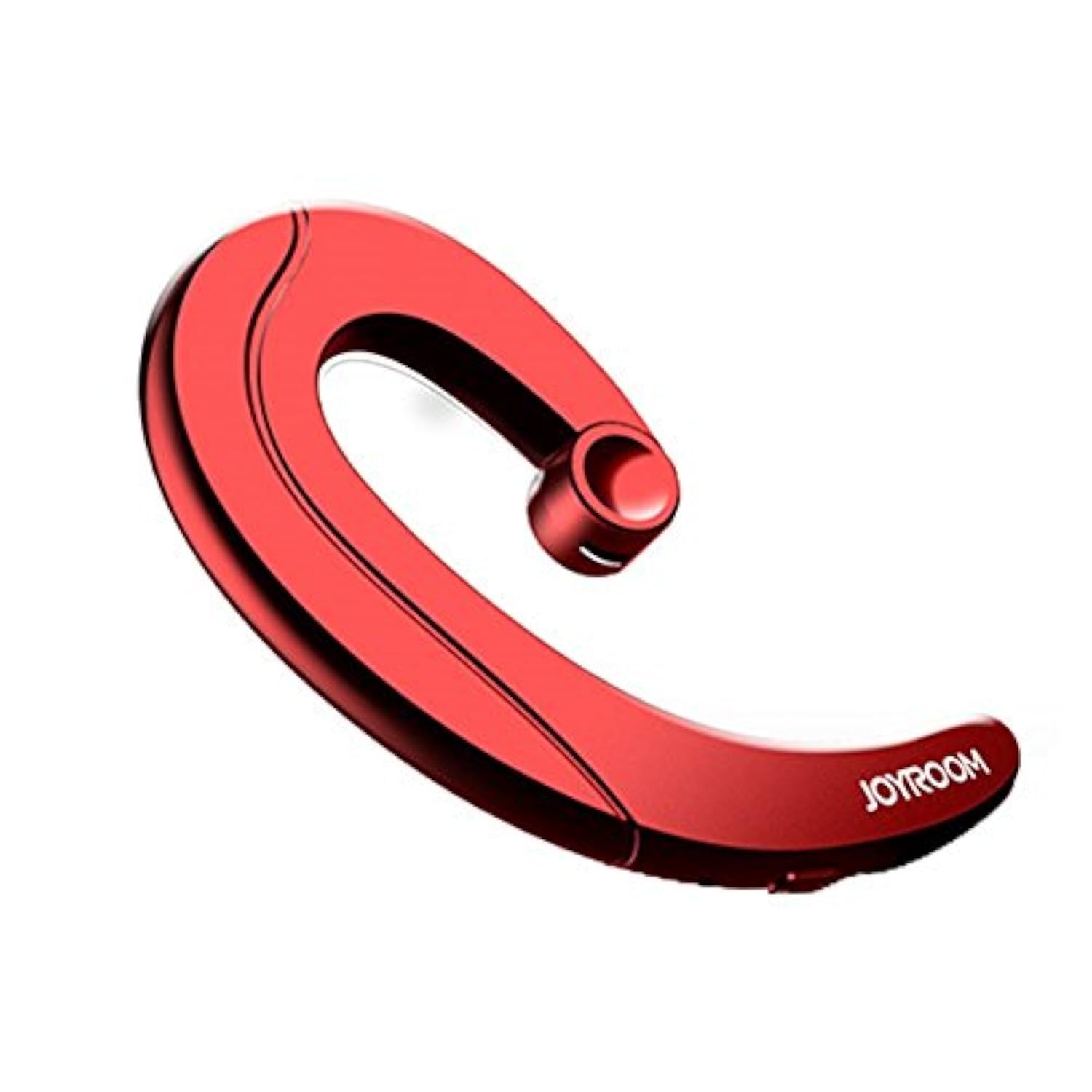
Figure 2.1: Joyroom JR-P1 Bluetooth Headset, showcasing its ear-hook design.
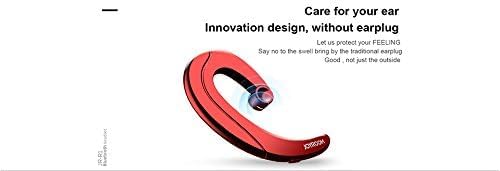
Figure 2.2: Illustration of the innovative design, providing comfort without an earplug.
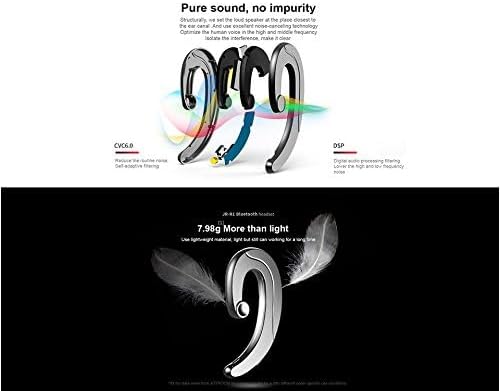
Figure 2.3: Internal technologies including CVC6.0 for noise reduction and DSP for digital audio processing.
3. Einrichtung
3.1 Aufladen des Headsets
Before first use, fully charge the headset. Connect the charging cable (not specified, assume standard USB) to the charging port on the headset and to a compatible USB power source. The indicator light will show charging status and turn off or change color when fully charged.
3.2 Bluetooth-Kopplung
- Stellen Sie sicher, dass das Headset geladen und ausgeschaltet ist.
- Press and hold the power button (or multi-function button) on the headset until the indicator light flashes red and blue, indicating pairing mode.
- Aktivieren Sie Bluetooth auf Ihrem Mobiltelefon oder Gerät und suchen Sie nach verfügbaren Geräten.
- Select "JR-P1" from the list of found devices.
- Once connected, the indicator light on the headset will typically flash blue slowly or turn off.
- Wenn Sie zur Eingabe eines Passworts aufgefordert werden, geben Sie „0000“ ein.
4. Bedienungsanleitung
The JR-P1 headset uses touch controls for various functions.
4.1 Ein-/Ausschalten
- Einschalten: Press and hold the multi-function button for approximately 3 seconds until the indicator light flashes.
- Ausschalten: Halten Sie die Multifunktionstaste etwa 5 Sekunden lang gedrückt, bis die Kontrollleuchte erlischt.
4.2 Anrufmanagement
- Anruf annehmen/beenden: Tap the multi-function button once.
- Anruf ablehnen: Halten Sie die Multifunktionstaste 2 Sekunden lang gedrückt.
- Wahlwiederholung letzte Nummer: Double-tap the multi-function button.
4.3 Musikwiedergabe
- Abspielen/Pause: Tap the multi-function button once.
- Nächster Titel: Triple-tap the multi-function button.
- Vorheriges Lied: Quadruple-tap the multi-function button.
4.4 Lautstärkeregelung
Volume is typically controlled via your connected mobile device. Some headsets may have dedicated volume buttons; refer to the physical design of your JR-P1 headset.

Figure 4.1: The JR-P1 headset is suitable for hands-free communication, such as during driving.
5. Wartung
Proper maintenance ensures the longevity and performance of your Joyroom JR-P1 headset.
- Reinigung: Reinigen Sie das Headset mit einem weichen, trockenen und fusselfreien Tuch. Verwenden Sie keine scharfen Chemikalien oder Scheuermittel.
- Wasserbeständigkeit: Dieses Headset ist nicht wasserbeständigUm Beschädigungen zu vermeiden, sollte der Kontakt mit Wasser, Feuchtigkeit, Regen oder Schweiß vermieden werden.
- Lagerung: Bewahren Sie das Headset an einem kühlen, trockenen Ort fern von direkter Sonneneinstrahlung und extremen Temperaturen auf.
- Laden: Do not overcharge the battery. Disconnect the charger once the headset is fully charged.
6. Fehlerbehebung
If you encounter issues with your JR-P1 headset, refer to the following common solutions:
| Problem | Lösung |
|---|---|
| Das Headset lässt sich nicht einschalten. | Ensure the headset is fully charged. Press and hold the power button for a longer duration. |
| Kopplung mit dem Gerät nicht möglich. | Ensure the headset is in pairing mode (flashing red/blue). Turn off and on Bluetooth on your device. Move the headset closer to your device. Clear previous Bluetooth connections on your device. |
| Kein Ton oder schlechte Tonqualität. | Check the volume level on both the headset and your connected device. Ensure the headset is properly connected. Try re-pairing the headset. |
| Mikrofon funktioniert nicht. | Ensure the headset is properly connected and selected as the audio input device on your phone. Check for any obstructions on the microphone. |
7. Spezifikationen
Key technical specifications for the Joyroom JR-P1 Bluetooth Headset:
- Marke: Freudenraum
- Modellnummer: JR-P1
- Konnektivitätstechnologie: Kabellos
- Drahtlose Technologie: Bluetooth
- Headset-Formfaktor: On-ear (Ear-hook)
- Kontrollmethode: Berühren
- Inklusive Mikrofon: Ja
- Geräuschisolierung: NEIN
- Kompatible Geräte: Mobiltelefone
- Empfohlene Verwendung: Anrufen
- Gewicht: 20 Gramm
- Produktabmessungen: 7.36 x 3.89 x 0.65 cm
- Wasserbeständigkeit: Nicht wasserbeständig
- Kabeleigenschaft: Without cable
8. Sicherheitshinweise
Bitte beachten Sie die folgenden Sicherheitshinweise:
- Do not disassemble or modify the headset. This may cause damage and void the warranty.
- Keep the headset away from extreme temperatures, humidity, and corrosive substances.
- Vermeiden Sie es, längere Zeit bei hoher Lautstärke zu hören, um Gehörschäden vorzubeugen.
- Use caution when using the headset in situations requiring awareness of your surroundings, such as driving or walking in traffic.
- Das Produkt und seine Batterie sind gemäß den örtlichen Vorschriften verantwortungsvoll zu entsorgen.
9. Garantie und Support
For warranty information or technical support, please refer to the documentation included with your purchase or contact Joyroom customer service. Keep your proof of purchase for warranty claims.


