1. Einleitung
Thank you for choosing the Viotek NB27CB 27-Inch LED Curved Monitor. This monitor is designed to provide a vibrant and immersive visual experience for both work and entertainment. Featuring a bezel-less Samsung VA panel, 75Hz refresh rate, 1080P Full-HD resolution, and FreeSync technology, it offers exceptional clarity and smooth performance. This manual provides detailed instructions for setting up, operating, maintaining, and troubleshooting your new monitor.

2. Einrichtung
2.1. Auspacken des Monitors
Carefully remove all components from the packaging. Ensure all items listed in the 'What's in the Box' section are present. Retain the original packaging for future transport or storage.
2.2. Zusammenbau des Ständers
- Attach the stand neck to the monitor panel by aligning the grooves and gently pushing until it clicks into place.
- Secure the base to the stand neck using the provided screw.
- Stellen Sie den zusammengebauten Monitor auf eine stabile, ebene Fläche.
2.3. Mit einem Gerät verbinden
The NB27CB monitor supports both VGA and HDMI 1.4 connections. Choose the appropriate cable for your device and connect it to the corresponding port on the monitor. An HDMI cable is included with your purchase.
- HDMI-Verbindung: Connect one end of the HDMI cable to the HDMI port on your computer or gaming console, and the other end to the HDMI port on the monitor.
- VGA-Anschluss: Verbinden Sie ein Ende des VGA-Kabels mit dem VGA-Anschluss Ihres Computers und das andere Ende mit dem VGA-Anschluss des Monitors.
- Stromanschluss: Schließen Sie das Netzteil an den Stromeingang des Monitors an und stecken Sie es dann in eine Steckdose.

2.4. VESA-Montage (optional)
The NB27CB is VESA compatible (75x75mm), allowing you to mount it to a wall or a compatible monitor arm. Ensure you use appropriate VESA screws and mounting hardware (not included) that can support the monitor's weight.
3. Bedienung des Monitors
3.1. Ein-/Ausschalten
Drücken Sie den Netzschalter am Monitor, um ihn ein- oder auszuschalten. Die Betriebsanzeige leuchtet, wenn der Monitor eingeschaltet ist.
3.2. Bildschirmmenü (OSD)
Use the buttons on the monitor's bezel to navigate the OSD menu. This menu allows you to adjust various display settings such as brightness, contrast, color temperature, input source, and more.
3.3. Hauptmerkmale
- 75 Hz Bildwiederholfrequenz & 5 ms Reaktionszeit: Experience smoother visuals with a 75Hz refresh rate and a rapid 5ms response time, ideal for gaming and fast-paced content.
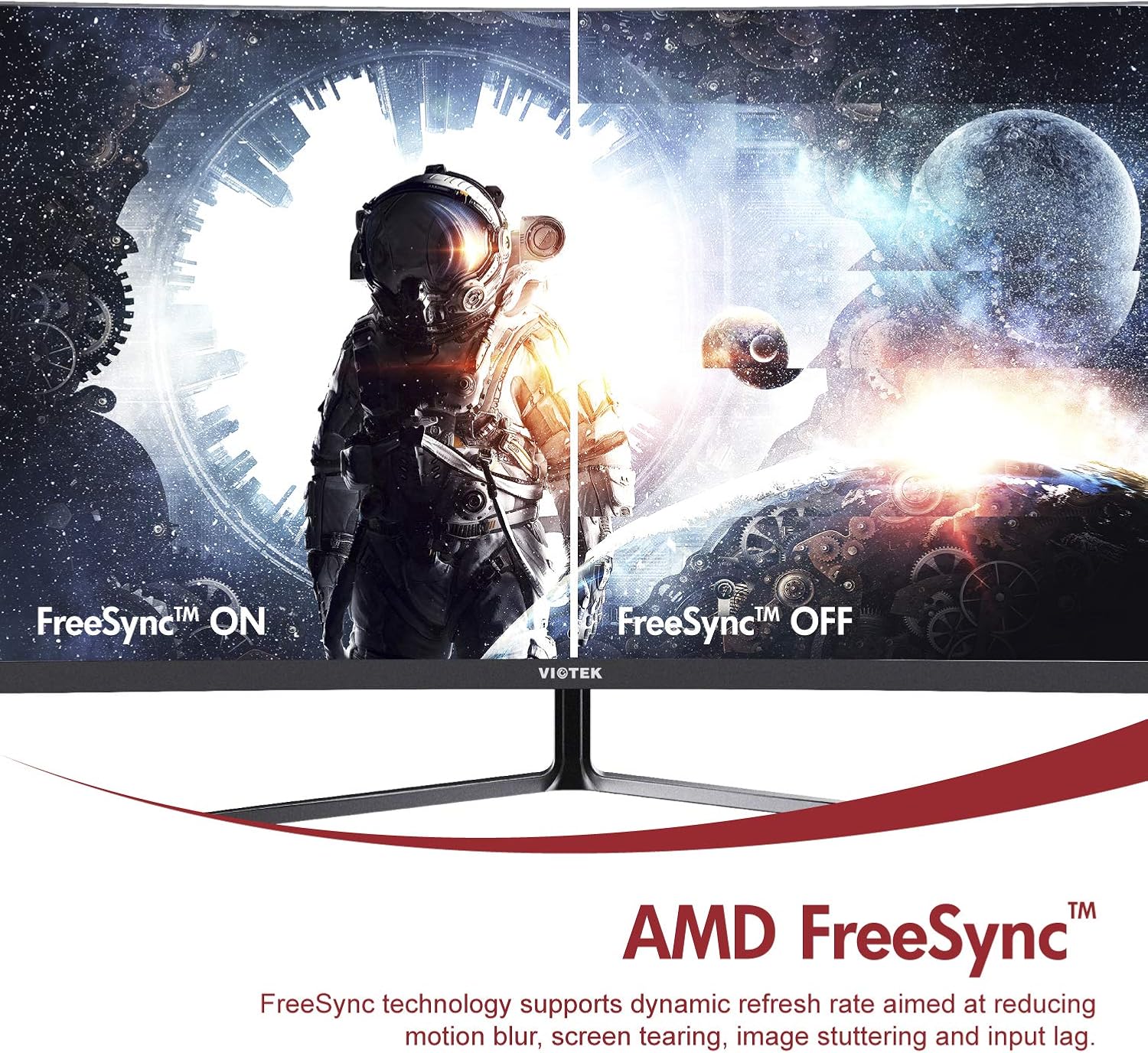
- AMD FreeSync™: Activate FreeSync to synchronize the monitor's refresh rate with your graphics card's frame rate, reducing screen tearing and stuttering for a seamless gaming experience.
- Schwaches blaues Licht: Reduce eye strain during prolonged use by enabling the Low Blue Light setting in the OSD menu. This filters out harmful blue light emissions.
- GamePlus Crosshair Functionality: For competitive gaming, activate the GamePlus crosshair overlay to improve aiming accuracy in FPS/RTS games.
- Eingebaute Lautsprecher: The monitor includes integrated speakers for audio output.



4. Wartung
Durch sachgemäße Wartung wird die Langlebigkeit und optimale Leistung Ihres Monitors sichergestellt.
- Reinigen des Bildschirms: Wischen Sie den Bildschirm vorsichtig mit einem weichen, fusselfreien Tuch ab. Bei hartnäckigen Flecken verwenden Sie ein für Monitore geeignetes Reinigungsmittel, das Sie auf das Tuch und nicht direkt auf den Bildschirm auftragen.
- Reinigung des Casing: Verwenden Sie ein weiches, trockenes Tuch, um den Bildschirm des Monitors zu reinigen.asing. Vermeiden Sie die Verwendung von scheuernden Reinigungs- oder Lösungsmitteln.
- Belüftung: Um eine Überhitzung zu vermeiden, stellen Sie sicher, dass die Lüftungsöffnungen des Monitors nicht blockiert sind.
- Lagerung: If storing the monitor for an extended period, use the original packaging to protect it from dust and damage.
5. Fehlerbehebung
Sollten Sie Probleme mit Ihrem Monitor haben, beachten Sie bitte die folgenden häufig auftretenden Probleme und Lösungen:
| Problem | Mögliche Ursache | Lösung |
|---|---|---|
| Kein Bild auf dem Bildschirm | Stromkabel nicht angeschlossen; Videokabel nicht angeschlossen; Falsche Eingangsquelle. | Stellen Sie sicher, dass Strom- und Videokabel fest angeschlossen sind. Wählen Sie die richtige Eingangsquelle über das OSD-Menü aus. |
| Das Bild ist unscharf oder verzerrt. | Falsche Auflösung; loses Videokabel. | Set the display resolution to 1920x1080. Check video cable connection. |
| Kein Ton von den Lautsprechern | Volume too low; Audio output not set to monitor; Faulty cable. | Increase monitor volume. Ensure your computer's audio output is set to the monitor. Check HDMI cable. |
| Bildschirm flackert | FreeSync not enabled (if applicable); Graphics driver issues; Faulty cable. | Enable FreeSync in OSD and graphics card settings. Update graphics drivers. Try a different video cable. |
6. Spezifikationen
Detailed technical specifications for the Viotek NB27CB monitor:
| Besonderheit | Spezifikation |
|---|---|
| Bildschirmgröße | 27 Zoll |
| Bildschirmauflösung | 1920x1080 (Full HD) |
| Maximale Bildschirmauflösung | 1920 x 1080 |
| Bildwiederholrate | 75Hz Max. |
| Ansprechzeit | 5 ms |
| Panel-Typ | VA-Panel |
| Krümmung | 1800R |
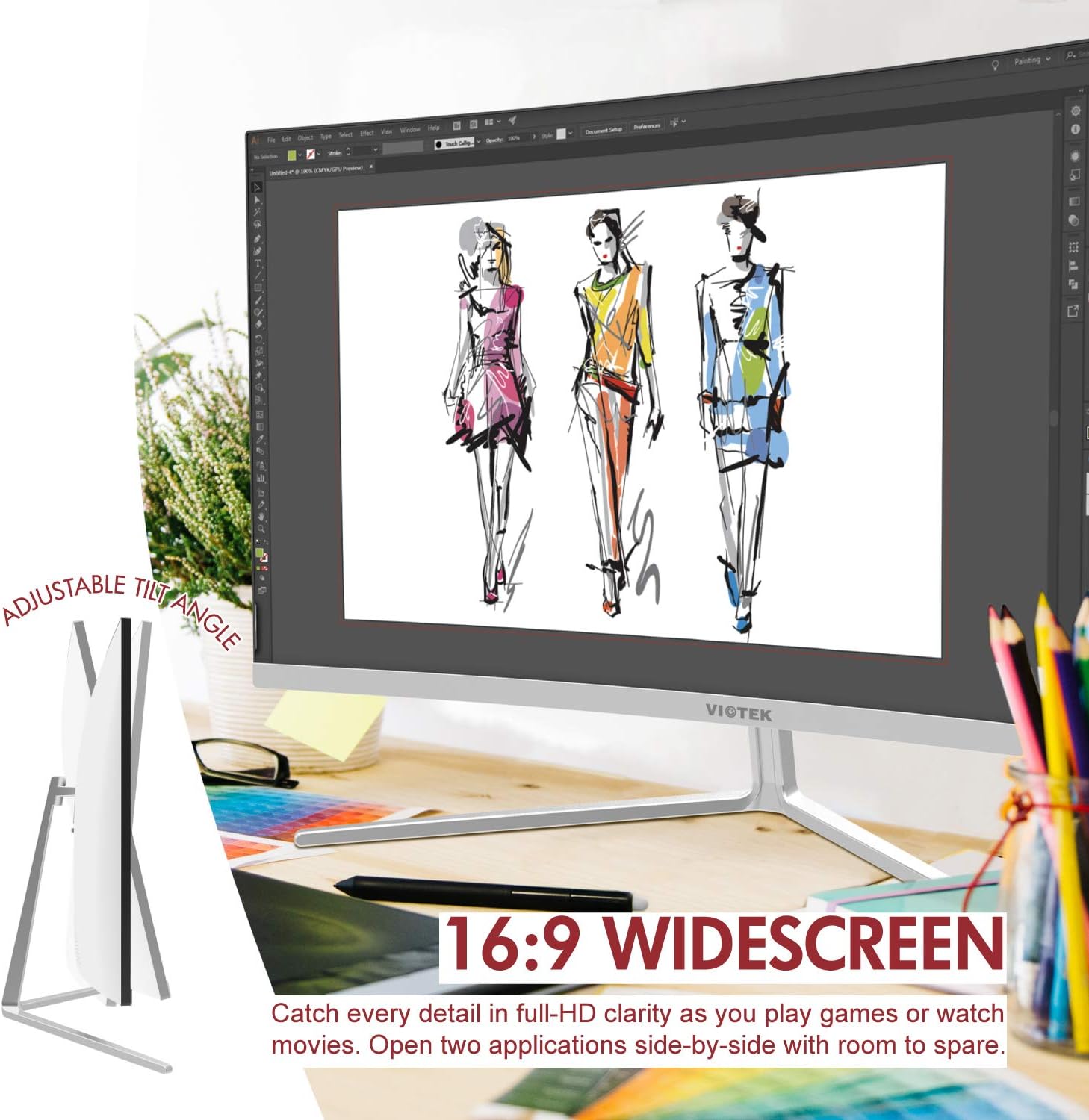
| Seitenverhältnis | 16:9 |
| Anzeigefarben | 16.7 Millionen Farben |
| Dynamisches Kontrastverhältnis | 1000000:1 |
| VESA-Kompatibilität | 75 x 75 mm |
| Häfen | 1x VGA / 1x HDMI 1.4 |
| Lautsprecher | Yes, 2x 4Ω/3W |
| Neigung einstellbar | Yes, -5° ~ 15° |
| Artikelgewicht | 10.36 Pfund |
| Technische Daten | 24.13 x 8.38 x 17.67 Zoll |
7. Garantie und Support
7.1. Produktgarantie
The Viotek NB27CB monitor comes with a 3 Jahr Garantie covering parts and labor. This includes Viotek's industry-leading Zero-Tolerance Dead Pixel Policy, ensuring a high-quality display experience.

7.2. Kundendienst
Viotek provides 100% U.S.-based customer support, available 7 days a week via live-chat, email, and social media. For assistance, please visit the official Viotek webBesuchen Sie die Website oder konsultieren Sie die Kontaktinformationen, die Ihrer Produktdokumentation beiliegen.


