Einführung
This manual provides detailed instructions for the setup, operation, and maintenance of your ACS ACR122U NFC Reader Writer. The ACR122U is a PC-linked contactless smart card reader/writer developed based on 13.56 MHz Contactless (RFID) Technology. It supports ISO/IEC18092 (NFC) standard, as well as MIFARE and ISO 14443 A and B cards. It is designed for various NFC applications, including payment, public transport, and network log-on.
Packungsinhalt
Bitte überprüfen Sie, ob alle unten aufgeführten Artikel in Ihrem Paket enthalten sind:
- 1x ACS ACR122U NFC Reader Writer
- 5x Ntag213 NFC Tags
- 2x UID MF1 Cards
- 1x SDK and Free NFC Tool Software (typically provided via download link or included media)
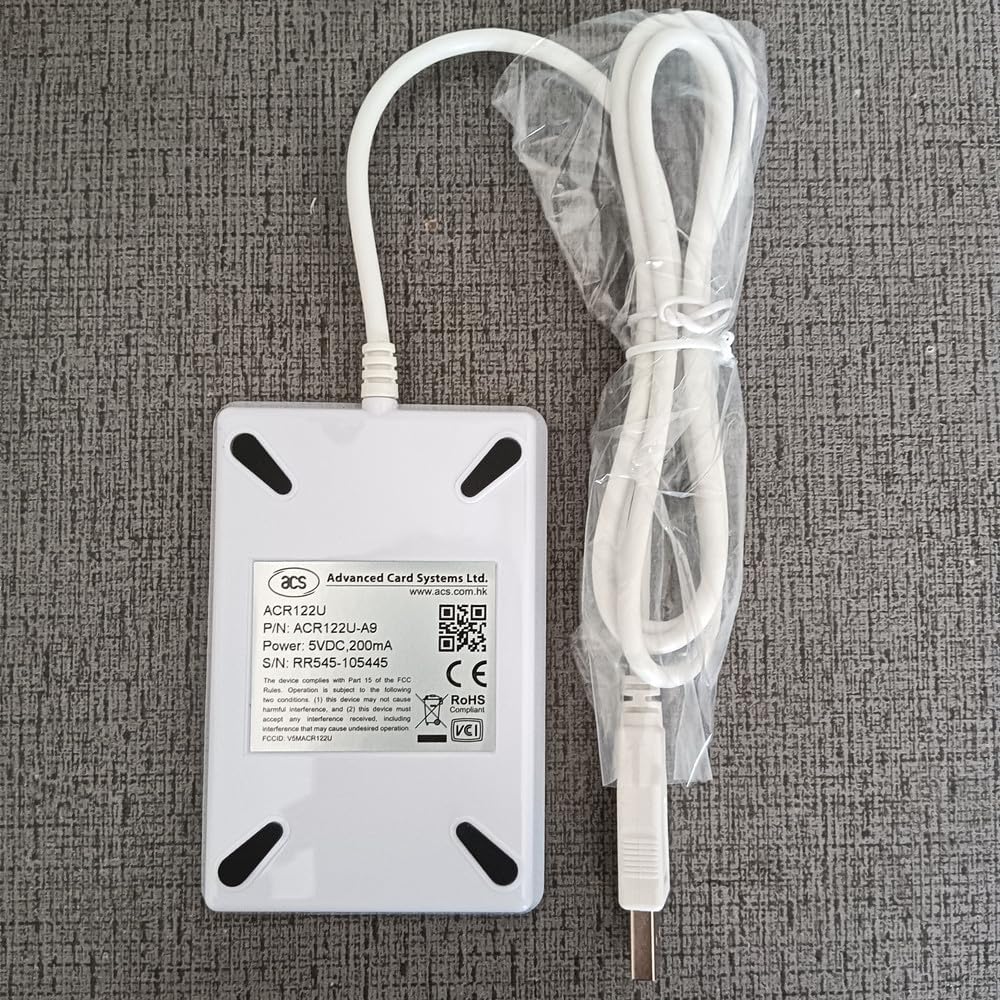
Image: The ACS ACR122U NFC Reader Writer with its USB cable and a plastic bag containing sample NFC tags and cards.
Aufstellen
- Schließen Sie das Gerät an: Plug the USB cable of the ACR122U reader into an available USB 2.0 port on your computer. The device is powered directly from the USB port.
- Treiberinstallation: The ACR122U is designed to be driver-free for Windows XP, Vista, 7, 8, and 10. Your operating system should automatically detect and install the necessary drivers. If prompted, allow the system to install the device.
- Softwareinstallation: Install the provided SDK and NFC tool software. This software is essential for utilizing the full read/write capabilities of the device. Refer to the software's specific installation guide for detailed steps.

Bild: Eine Nahaufnahme view of the white ACS ACR122U NFC Reader Writer with the NFC logo, connected to a USB cable.
Bedienungsanleitung
NFC auslesen Tags:
- Ensure the ACR122U reader is connected to your computer and the NFC tool software is running.
- Platzieren Sie den NFC tag or card directly on the surface of the ACR122U reader.
- The software should detect the tag and display its information. The read distance is typically 3-5 cm.
Writing to NFC Tags:
- Open the NFC tool software and navigate to the writing function (e.g., "Encode Smart Poster", "Text", or "URI" tabs).
- Enter the data you wish to write to the NFC tag (e.g., a URL, text message).
- Place a compatible NFC tag auf dem Leser.
- Initiate the writing process through the software. Follow any on-screen prompts.

Image: A screenshot of the "NFC Tool for ultralight" software interface, showing options for Smart Poster, Text, and URI encoding, with input fields for title, URI, prefix, and message.

Image: A screenshot of the "M1 Card Service Program" software, illustrating support for ISO14443 Type A (Mifare), ISO14443 Type B, and FeliCa (ISO14443 Type C) protocols, along with peer-to-peer communication and extension diagrams.
Supported Cards and Protocols
The ACR122U supports a wide range of NFC and RFID standards:
- Protokolle: IEC14443A & ISO18092 (NFC)
- Karten: Mifare 1k, Mifare 4k, Ultralight, UltralightC, Ntag213/215/216, Mifare Plus 2k/4k, Mifare Desfire 2k/4k/8k
Technische Daten
| Besonderheit | Spezifikation |
|---|---|
| Abmessungen (L x B x H) | 90 mm x 65 mm x 12.8 mm (3.54 x 2.56 x 0.5 Zoll) |
| Gewicht | 100 Gramm (4.2 Unzen) |
| Material | PC enclosure |
| Farbe | Weiß |
| Kabellänge | 1.0 Meter langes USB-Kabel |
| Arbeitsfrequenz | 13.56 MHz |
| Lesedistanz | 3-5 cm |
| Lesezeit | <100 ms |
| Schnittstelle | USB 2.0 |
| Stromversorgung | 5V/100 mA from USB port |
| Ausgabeformat | 10 digit Decimal (converted from Chip UID) |
| Betriebssystemunterstützung | Windows XP, Vista, 7, 8, 10 (Driver-free) |
| Betriebstemperatur | -10°C bis +60°C |
| Luftfeuchtigkeit bei Betrieb | 5 % bis 95 % relative Luftfeuchtigkeit (nicht kondensierend) |
| Lagertemperatur | -25°C bis +45°C |
| Luftfeuchtigkeit bei Lagerung | 5 % bis 95 % relative Luftfeuchtigkeit (nicht kondensierend) |
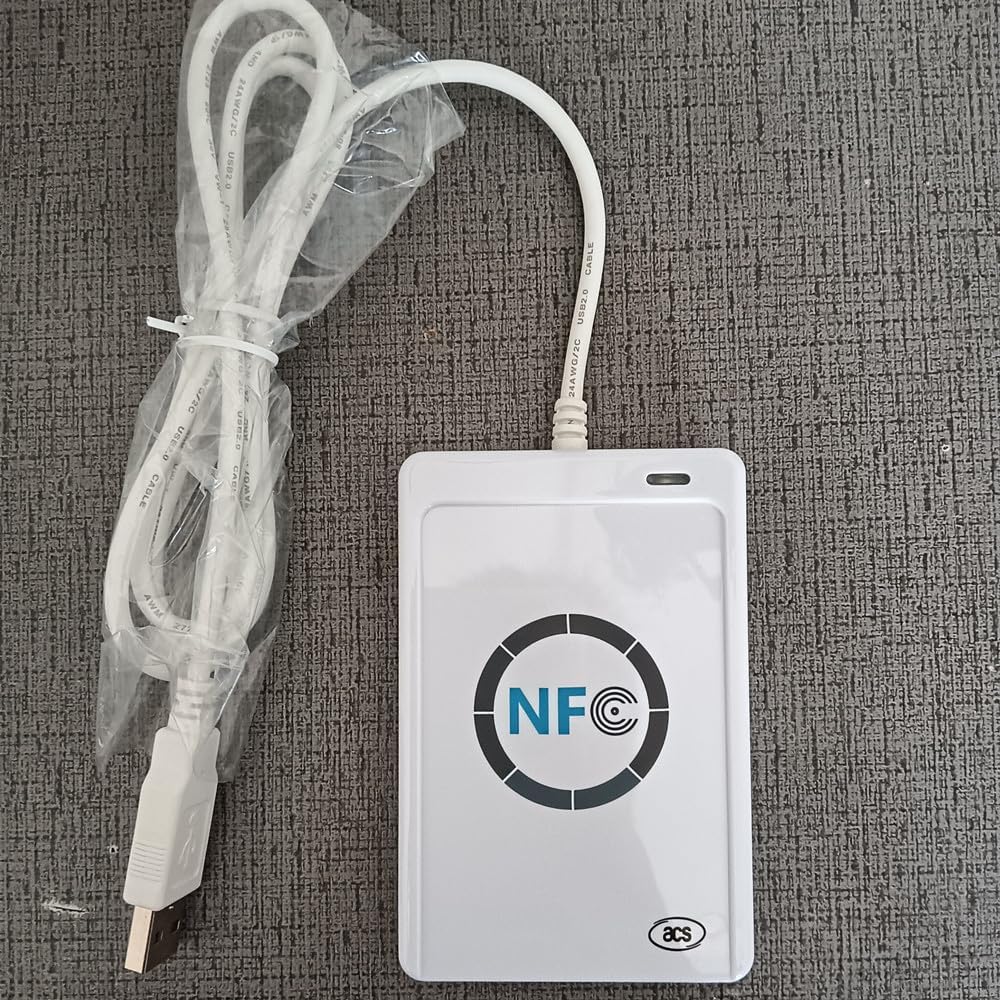
Image: The back of the ACS ACR122U NFC Reader Writer, displaying the model number ACR122U-A9, P/N, S/N RR545-105445, power specifications, and compliance markings.
For more information, refer to the official product page or support documentation for ACR122U-A9 RR545-105445.
Wartung
- Reinigung: Use a soft, dry cloth to clean the surface of the reader. Avoid using liquid cleaners or abrasive materials.
- Lagerung: Bewahren Sie das Gerät bei Nichtgebrauch an einem kühlen, trockenen Ort fern von direkter Sonneneinstrahlung und extremen Temperaturen auf.
- Handhabung: Behandeln Sie das Gerät vorsichtig, um Beschädigungen zu vermeiden. Vermeiden Sie es, es fallen zu lassen oder starken Stößen auszusetzen.
Fehlerbehebung
- Gerät nicht erkannt:
- Stellen Sie sicher, dass das USB-Kabel sowohl mit dem Lesegerät als auch mit dem Computer fest verbunden ist.
- Try plugging the reader into a different USB port.
- Starten Sie Ihren Computer neu.
- Verify that your operating system is supported (Windows XP, Vista, 7, 8, 10).
- Cannot Read/Write Tags:
- Stellen Sie sicher, dass tag is placed correctly on the reader, within the 3-5 cm read distance.
- Überprüfen Sie, ob das tag type is supported by the ACR122U (e.g., Mifare, Ntag213).
- Verify that the NFC tool software is running and configured correctly for the operation (read/write).
- Manche tags may be locked or protected from writing.
- Softwareprobleme:
- Ensure you have the latest version of the SDK and NFC tool software.
- Consult the software's documentation or support resources for specific error messages.
Garantie und Support
For warranty information and technical support, please refer to the documentation provided with your purchase or visit the official ACS webWebsite. Für einen erweiterten Versicherungsschutz sind möglicherweise Schutzpläne erhältlich.
- 3-Jahres-Schutzplan: Erhältlich zum Kauf.
- 4-Jahres-Schutzplan: Erhältlich zum Kauf.
Contact information for ACS support can typically be found on their official website or within the software documentation.


