1. Zu Endeview
The BoxWave EverTouch Capacitive Stylus is designed to provide a natural and precise interaction with your capacitive touchscreen devices, such as the Garmin nuvi 215w. Featuring a durable FiberMesh tip, this stylus offers enhanced accuracy and responsiveness for various tasks, from navigation to drawing. Its lightweight aluminum construction ensures comfortable extended use, and the included lanyard attachments provide convenient portability.
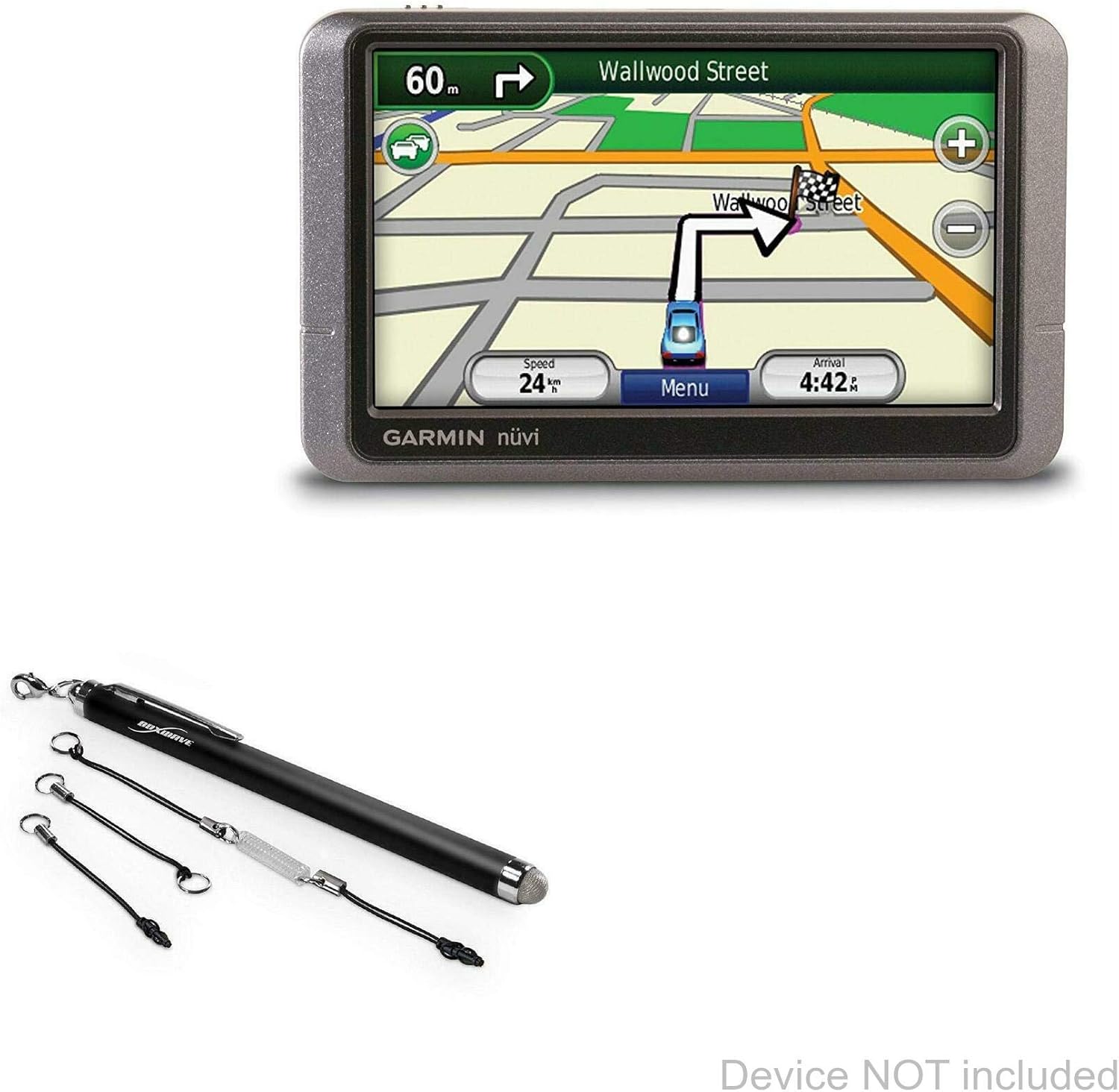
Image: The EverTouch Capacitive Stylus shown alongside a Garmin nuvi 215w device, illustrating its compatibility and intended use. The device is not included with the stylus.
2. Funktionen
- FiberMesh Tip: The stylus features a tightly-woven conductive FiberMesh tip, known for its durability and resistance to tearing. This material ensures a smooth and consistent interaction with your screen.
- High Accuracy and Responsiveness: The super conductive fiber material of the tip provides ultra-accurate and responsive performance, allowing for precise input with minimal pressure from any screen angle.
- Natural and Comfortable Design: Designed with an optimal length and weight, the stylus offers a natural and comfortable feel, similar to a traditional pen. The barrel is constructed from lightweight aluminum.
- Screen Cleaning Functionality: The soft FiberMesh tip helps clean your screen as you use the stylus, reducing streaks and fingerprints.
- Lanyard Attachments: The package includes three clip-on lanyard attachments for convenient portability: a 2-inch lanyard with a 3.5mm headphone jack attachment, a 12-inch elastic coil with a 3.5mm headphone jack attachment, and a charm clip for key chains, charms, or bracelets.

Image: Visual representation of key features: FiberMesh Tip material, accurate and responsive performance, and sleek, lightweight design.

Image: The stylus shown with a keychain attachment, demonstrating its on-the-go convenience.
3. Einrichtung
The BoxWave EverTouch Capacitive Stylus is a passive stylus and requires no batteries, charging, or Bluetooth pairing. It is ready for use right out of the box.
- Auspacken: Carefully remove the stylus and any included lanyard attachments from the packaging.
- Trageschlaufe anbringen (optional): If desired, attach one of the provided lanyards to the stylus and then to your device's headphone jack, a keychain, or a charm.
- Beginnen Sie mit der Verwendung: The stylus is now ready to interact with your capacitive touchscreen device.
4. Bedienungsanleitung
The EverTouch Capacitive Stylus simulates the touch of your finger on the screen, providing a more precise and comfortable input method.
- Basic Interaction: Use the stylus to tap, swipe, scroll, and select items on your touchscreen just as you would with your finger.
- Zeichnen und Schreiben: For applications requiring fine motor control, such as drawing, note-taking, or signature capture, the stylus offers enhanced precision compared to finger input.
- Navigation: Navigate menus, maps, and other interfaces with ease, especially useful for smaller buttons or detailed screens.

Image: A hand using the stylus on a tablet, demonstrating its natural and comfortable feel during use.

Image: The stylus being used for drawing on a tablet, highlighting its precision for creative and detailed tasks.
5. Wartung
Proper care will ensure the longevity and optimal performance of your BoxWave EverTouch Capacitive Stylus.
- Cleaning the Tip: The FiberMesh tip is designed to clean your screen during use. If the tip itself becomes dirty, gently wipe it with a soft, lint-free cloth. Do not use harsh chemicals or abrasive materials.
- Reinigung des Fasses: Wipe the aluminum barrel with a soft, dry cloth to remove any dust or smudges.
- Lagerung: Store the stylus in a clean, dry place when not in use. Avoid exposing it to extreme temperatures or direct sunlight for prolonged periods.
- Fallenlassen vermeiden: While durable, repeated dropping can damage the stylus or its tip.
6. Fehlerbehebung
If you encounter issues with your stylus, consider the following common solutions:
- Stift reagiert nicht:
- Ensure your device's screen is clean and free of debris.
- Gently wipe the stylus tip to ensure it is clean.
- Verify that your device's screen is a capacitive touchscreen. This stylus is not compatible with resistive screens.
- Versuchen Sie, Ihr Gerät neu zu starten.
- Fehlerhafte Eingabe:
- Ensure the stylus tip is making full contact with the screen.
- Clean the screen and the stylus tip.
- Some screen protectors may affect stylus performance. If you are using a thick or textured screen protector, try testing the stylus without it.
Sollten die Probleme weiterhin bestehen, konsultieren Sie bitte den Supportbereich für weitere Hilfe.
7. Spezifikationen
| Attribut | Detail |
|---|---|
| Marke | BoxWave |
| Modell | EverTouch kapazitiver Stift |
| ASIN | B07T2FGVR6 |
| Farbe | Tiefschwarz |
| Material | Aluminium |
| Artikelgewicht | 0.5 Unzen |
| Batterien erforderlich | NEIN |
| Ursprungsland | China |
8. Garantieinformationen
Specific warranty details for the BoxWave EverTouch Capacitive Stylus are typically provided at the point of purchase or on the manufacturer's official website. Please retain your proof of purchase for any warranty claims. For general inquiries regarding product defects or issues, contact BoxWave customer support.
9. Unterstützung
For technical assistance, product inquiries, or further support regarding your BoxWave EverTouch Capacitive Stylus, please visit the official BoxWave website or contact their customer service department. Limited third-party tech support for your device (up to 3 inquiries via messaging) may be available, as noted in the product description. This support is not affiliated with or endorsed by Garmin.