Einführung
The Logitech K400 Plus Wireless Touch Keyboard is designed for comfortable control of your entertainment from a distance. Featuring a full-size keyboard layout and a large, integrated touchpad, it offers seamless navigation for your PC-connected TV, media center, or other compatible devices. This manual provides essential information for setting up, operating, and maintaining your keyboard.
Aufstellen
1. Einlegen der Batterie
The Logitech K400 Plus requires two AAA batteries (included). To install them:
- Suchen Sie die Abdeckung des Batteriefachs an der Unterseite der Tastatur.
- Schieben Sie die Abdeckung auf.
- Legen Sie zwei AAA-Batterien ein und achten Sie dabei auf die richtige Polarität (+/-).
- Schließen Sie den Batteriefachdeckel fest.
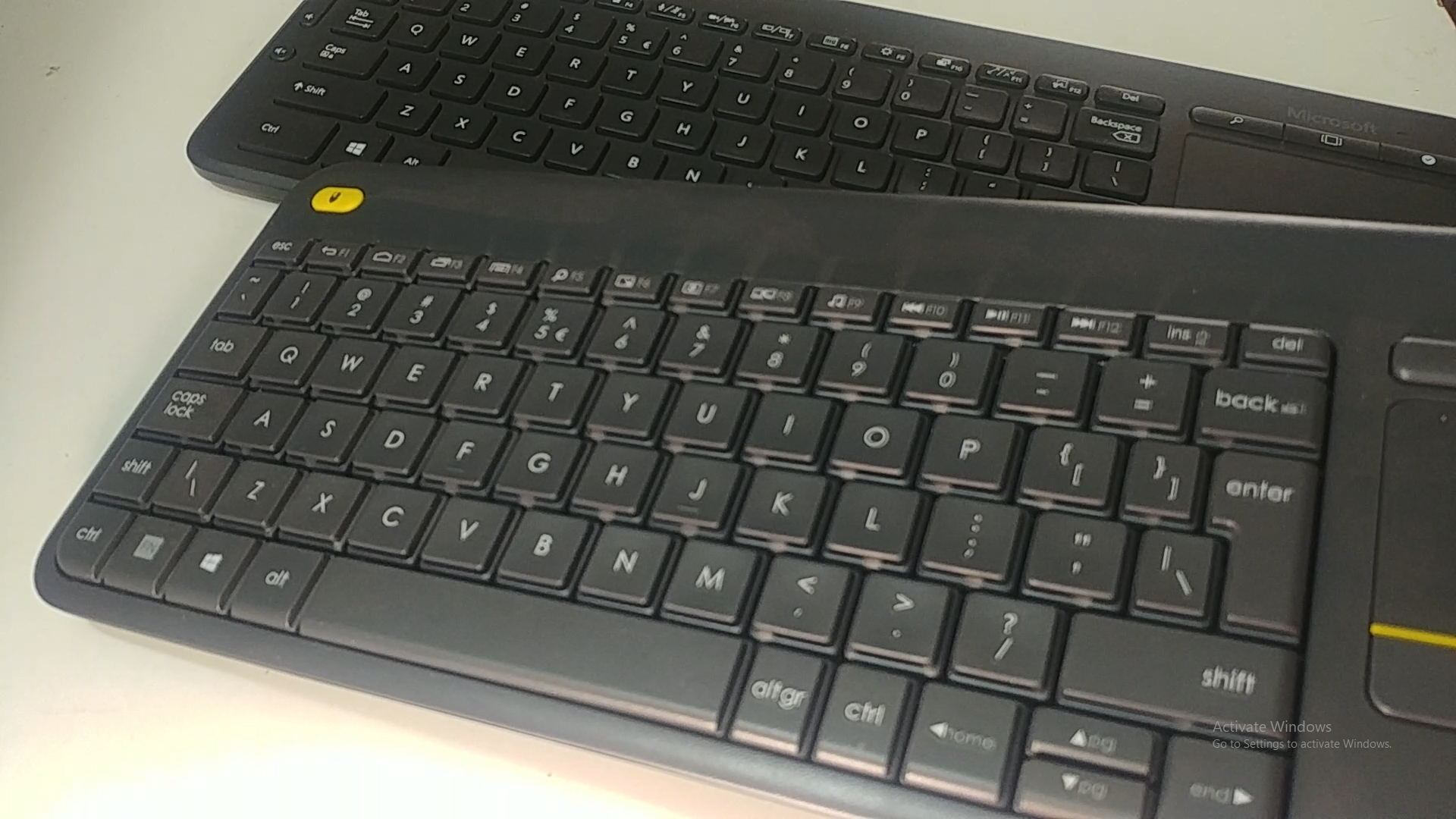
Image: Underside of the Logitech K400 Plus keyboard with the battery compartment open, showing two AAA batteries.
2. Connecting the Keyboard (USB Unifying Receiver)
The K400 Plus connects wirelessly via a small USB Unifying receiver. This receiver is typically stored inside the battery compartment for safekeeping.
- Open the battery compartment cover and remove the USB Unifying receiver.
- Plug the USB Unifying receiver into an available USB port on your PC, smart TV, or other compatible device.
- Turn on the keyboard using the On/Off switch located on the top right edge of the keyboard. A green indicator light will appear.
- Your keyboard should automatically connect. If not, refer to the troubleshooting section or visit the Logitech support website for the Unifying software.

Image: The Logitech K400 Plus Wireless Touch Keyboard, showing its compact design with integrated touchpad.
Bedienungsanleitung
Tastaturlayout
The K400 Plus features a standard QWERTY layout with additional function keys and an integrated touchpad.
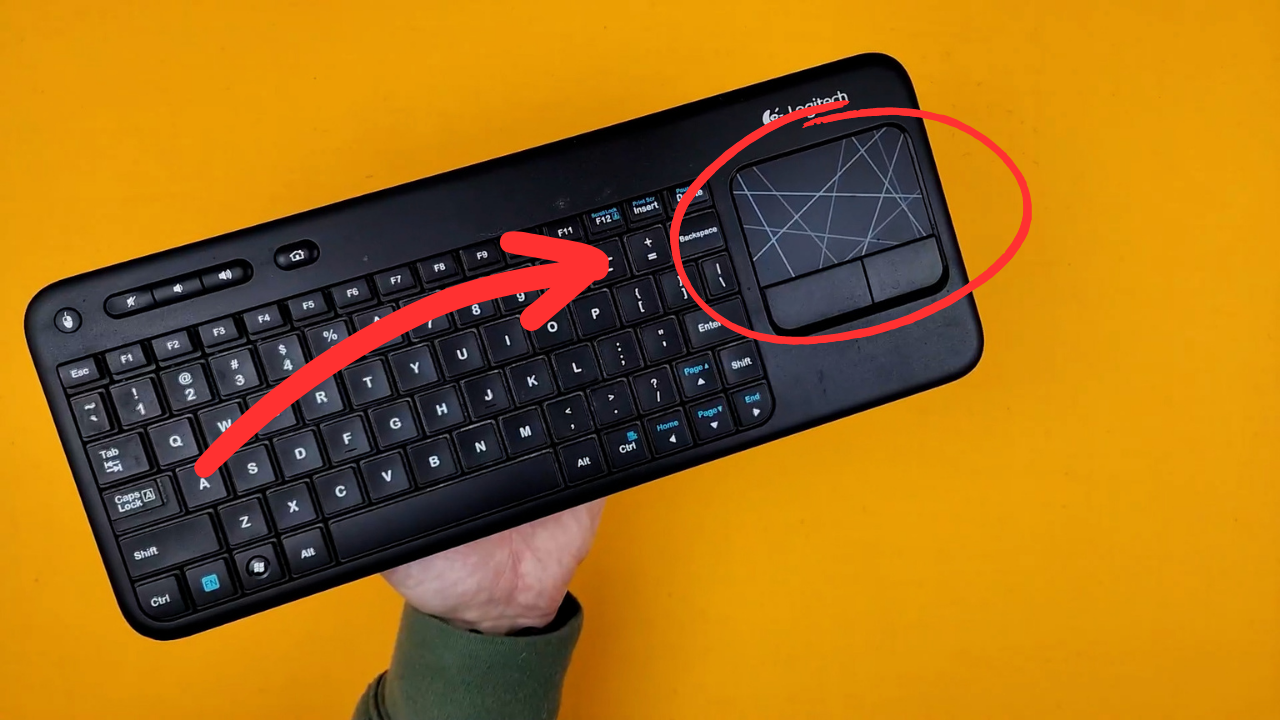
Bild: Eine detaillierte view of the Logitech K400 Plus keyboard keys, highlighting the QWERTY layout.
Touchpad-Nutzung
The large 3.5-inch touchpad allows for intuitive navigation. It supports multi-touch gestures for enhanced control.
- Tippen mit einem Finger: Links Klick.
- Zwei-Finger-Tippen: Rechtsklick.
- Scrollen mit zwei Fingern: Scroll vertically or horizontally.
- Zum Zoomen zusammenziehen: Zoom in or out (if supported by the application).
- Dedicated left and right-click buttons are located below the touchpad for traditional mouse button functionality.
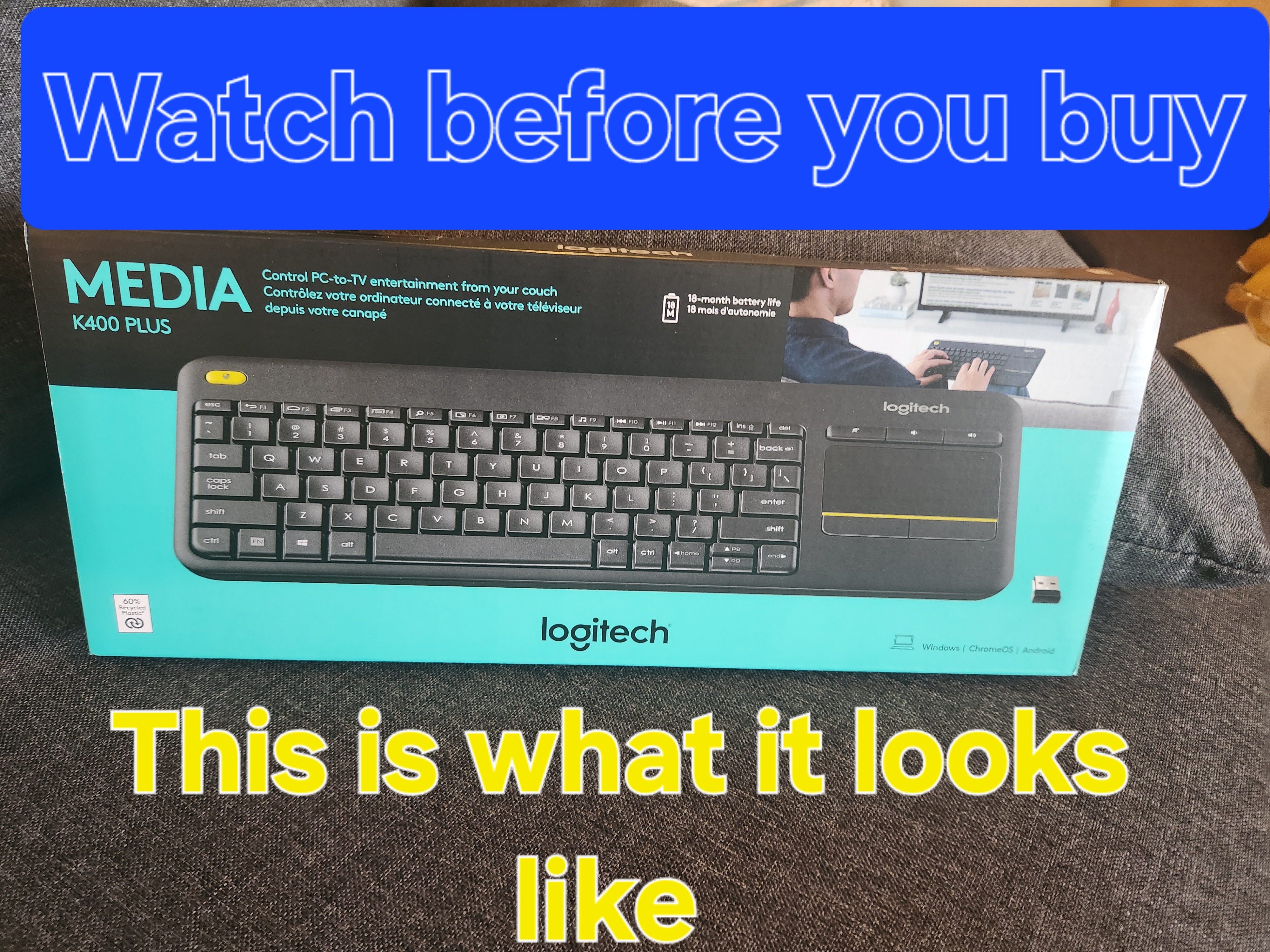
Image: A hand demonstrating the use of the integrated touchpad on the Logitech K400 Plus.
Multimedia- und Funktionstasten
The top row of keys includes dedicated multimedia controls and function keys (F1-F12) with secondary actions. To activate the secondary actions (indicated by blue icons), press and hold the Fn key (located near the left Ctrl key) while pressing the desired function key.
- Lautstärkeregler: Dedicated buttons for mute, volume down, and volume up are located above the touchpad.
- Home "Button: Access your device's home screen or browser home page.
- Page Up/Down, End: Navigieren Sie durch Dokumente und web Seiten.
- Left Mouse Button (top left): An additional left-click button is located on the top left corner of the keyboard for convenient two-hand operation.
Wartung
Reinigung
So reinigen Sie Ihre Tastatur:
- Schalten Sie die Tastatur mit dem Ein-/Ausschalter aus.
- Mit einem weichen, fusselfreien Tuch leichtampMit Wasser oder einer milden Reinigungslösung reinigen.
- Avoid excessive moisture and do not immerse the keyboard in liquid.
- For stubborn dirt between keys, use compressed air.
Batteriewechsel
When the battery indicator light (usually located near the On/Off switch) turns red or the keyboard becomes unresponsive, it's time to replace the batteries. Follow the "Battery Installation" steps in the Setup section to replace the two AAA batteries.
Fehlerbehebung
Tastatur reagiert nicht
- Überprüfen Sie die Leistung: Ensure the keyboard is turned on and the battery indicator light is green. Replace batteries if necessary.
- Empfänger prüfen: Make sure the USB Unifying receiver is securely plugged into a working USB port on your device. Try a different USB port.
- Distanz: Ensure the keyboard is within the operating range (up to 10 meters or 33 feet) of the USB receiver.
- Interferenz: Halten Sie Tastatur und Empfänger von anderen drahtlosen Geräten oder großen Metallgegenständen fern, die Störungen verursachen könnten.
- Reparatur: If issues persist, you may need to re-pair the keyboard with the Unifying receiver using the Logitech Unifying software, available for download from the official Logitech support webWebsite.
Touchpad Not Working Correctly
- Saubere Oberfläche: Stellen Sie sicher, dass die Oberfläche des Touchpads sauber und frei von Verunreinigungen ist.
- Treiber-Update: Check your device's operating system for updated drivers for the Logitech Unifying receiver or touchpad.
- Einstellungen: Verify touchpad settings in your device's control panel or system preferences.
Technische Daten
| Marke | Logitech |
| Modellnummer | 920-009280 |
| Konnektivitätstechnologie | Wireless (2.4 GHz via USB Unifying Receiver) |
| Drahtlose Reichweite | Bis zu 10 Meter (33 Fuß) |
| Batterien | 2 x AAA-Batterien (im Lieferumfang enthalten) |
| Akkulaufzeit | Bis zu 18 Monate (kann je nach Nutzung variieren) |
| Integriertes Touchpad | 3.5-Zoll-Multi-Touchpad |
| Kompatible Geräte | PC (Windows 7, 8, 10 or later), Android TV, Chrome OS |
| Abmessungen (L x B x H) | Ungefähr 13.9 x 5.5 x 0.9 Zoll (354 x 139.9 x 23.5 mm) |
| Gewicht | Approximately 13.76 oz (390 g) with batteries |
Garantie und Support
Logitech provides a limited hardware warranty for this product. For detailed warranty information, technical support, and driver downloads, please visit the official Logitech support webWebsite:
You can also find FAQs and community forums for additional assistance.


