Einführung
Thank you for choosing the Edifier TWS1 True Wireless Stereo Earbuds. This manual provides essential information for the proper use and maintenance of your device. The TWS1 earbuds offer a wire-free audio experience with dynamic stereo sound. They feature an impressive 32-hour total playtime with the charging case and are designed with an IPX5 rating for splash and sweat resistance, making them suitable for various activities.
Please read this manual thoroughly before operating the earbuds to ensure optimal performance and longevity.
Packungsinhalt
Bitte überprüfen Sie, ob alle unten aufgeführten Artikel in Ihrem Paket enthalten sind:
- Edifier TWS1 True Wireless Stereo Earbuds (Left and Right)
- Ladeetui
- USB-Ladekabel
- Ohrstöpsel in verschiedenen Größen (Klein, Mittel, Groß)
- Bedienungsanleitung
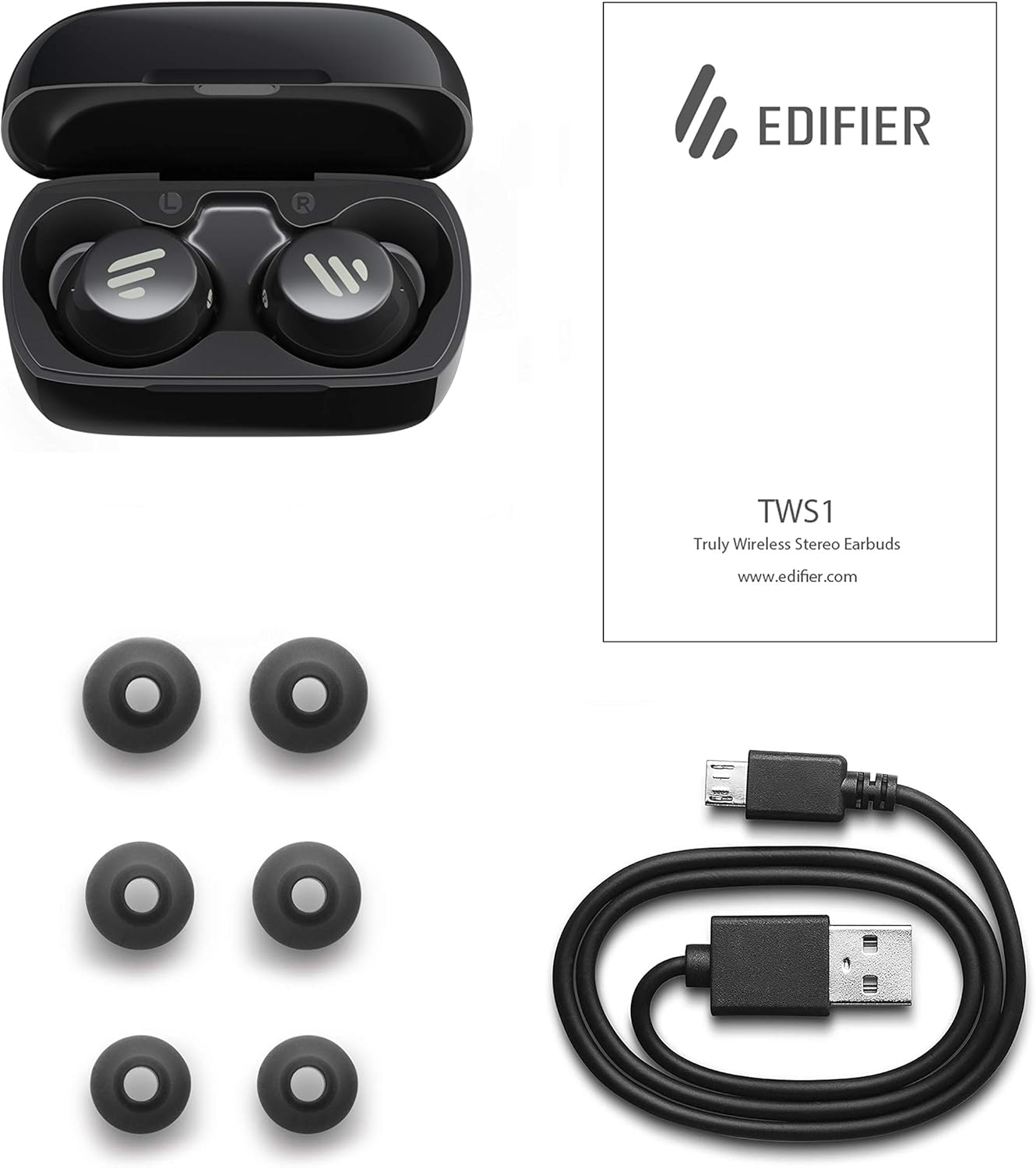
Image: The Edifier TWS1 earbuds, charging case, USB charging cable, and various sizes of ear tips are displayed alongside the user manual, illustrating the complete package contents.
Aufstellen
1. Aufladen der Ohrhörer und des Ladecase
Before first use, fully charge the earbuds and the charging case. Place the earbuds into the charging case. Connect the USB charging cable to the charging port on the case and a power source. The indicator light on the case will show charging status. Once fully charged, the indicator will change or turn off.
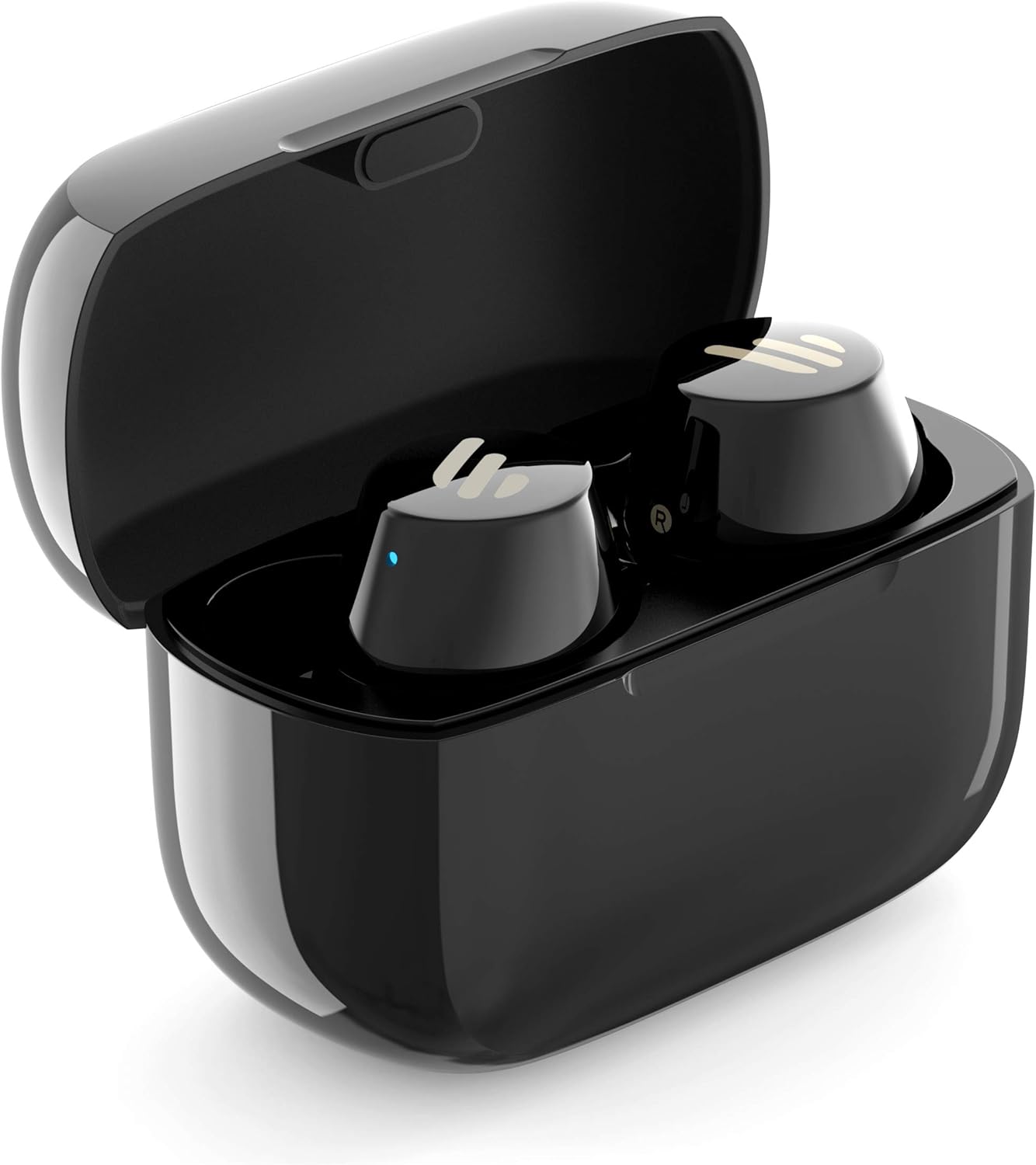
Image: The Edifier TWS1 earbuds are shown nestled within their open charging case, with a blue indicator light visible, signifying charging or power status.
2. Koppeln mit einem Gerät
- Stellen Sie sicher, dass die Ohrhörer aufgeladen sind.
- Open the charging case. The earbuds will automatically enter pairing mode, and the indicator light on one earbud will flash rapidly.
- Aktivieren Sie auf Ihrem Gerät (Smartphone, Tablet, Laptop) Bluetooth und suchen Sie nach neuen Geräten.
- Select "EDIFIER TWS1" from the list of available devices.
- Sobald die Verbindung hergestellt ist, hört die Kontrollleuchte an den Ohrhörern auf zu blinken.
3. Einsetzen der Ohrhörer
Choose the ear tips that provide the most comfortable and secure fit for your ears. Insert the earbuds into your ear canals and gently twist them until they feel snug and stable. A proper fit is crucial for optimal sound quality and noise isolation.
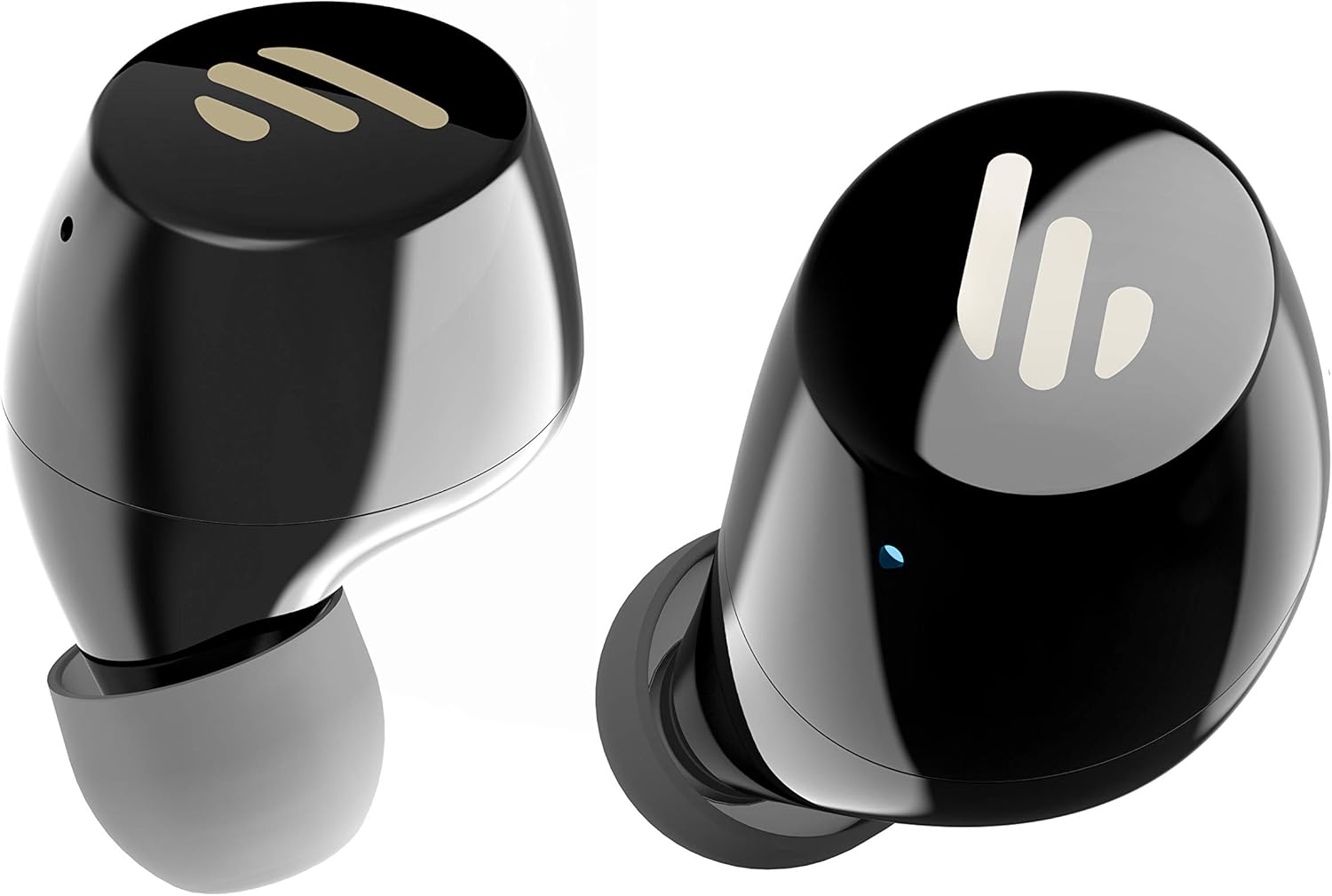
Bild: Eine detaillierte view of the Edifier TWS1 earbuds, highlighting their ergonomic shape and the silicone ear tips designed for a comfortable and secure in-ear fit.
Bedienungsanleitung
The Edifier TWS1 earbuds feature touch controls for easy operation.
- Einschalten: Die Ohrhörer schalten sich automatisch ein, sobald sie aus dem Ladecase genommen werden.
- Ausschalten: Place earbuds back into the charging case to power off automatically.
- Abspielen/Pause: Tippen Sie zweimal auf das Touchpanel an einem der Ohrhörer.
- Nächster Titel: Triple-tap the touch panel on the right earbud.
- Vorheriges Lied: Triple-tap the touch panel on the left earbud.
- Anruf annehmen/beenden: Tippen Sie zweimal auf das Touchpanel an einem der Ohrhörer.
- Anruf ablehnen: Drücken und halten Sie das Touchpanel an einem der Ohrhörer 2 Sekunden lang.
- Sprachassistenten aktivieren: Press and hold the touch panel on the left earbud for 2 seconds.
Wartung
- Reinigung: Regularly clean the earbuds and charging case with a soft, dry cloth. Do not use abrasive cleaners or solvents.
- Wasserbeständigkeit: The earbuds are IPX5 rated, meaning they are resistant to splashes and sweat. Do not submerge them in water or expose them to heavy rain. Ensure the charging port is dry before charging.
- Lagerung: Bewahren Sie die Ohrhörer bei Nichtgebrauch im Ladecase auf, um sie zu schützen und geladen zu halten. Lagern Sie sie an einem kühlen, trockenen Ort und schützen Sie sie vor extremen Temperaturen.
- Batteriepflege: Um die Akkulaufzeit zu verlängern, sollten Sie die Ohrhörer und das Ladecase nicht häufig vollständig entladen. Laden Sie sie regelmäßig auf, auch wenn Sie sie nicht ständig benutzen.
Fehlerbehebung
If you encounter issues with your Edifier TWS1 earbuds, please refer to the following common solutions:
| Problem | Lösung |
|---|---|
| Die Ohrhörer lassen sich nicht einschalten. | Ensure the earbuds and charging case are fully charged. Place earbuds in the case and close it, then open to power on. |
| Kopplung mit dem Gerät nicht möglich. | Make sure Bluetooth is enabled on your device. Ensure earbuds are in pairing mode (flashing indicator). Try forgetting the device in your Bluetooth settings and re-pairing. |
| Nur ein Ohrhörer funktioniert. | Place both earbuds back into the charging case, close the lid, and then open it again. This should re-sync them. If the issue persists, try resetting the earbuds. |
| Kein Ton oder geringe Lautstärke. | Check the volume level on both your device and the earbuds. Ensure earbuds are properly seated in your ears. Try cleaning the ear tips and speaker mesh. |
| Ladeprobleme. | Ensure the charging cable is securely connected. Try a different USB port or power adapter. Clean the charging contacts on the earbuds and inside the case. |
Werksrücksetzung
If problems persist, a factory reset may resolve them:
- Legen Sie beide Ohrhörer in das Ladeetui.
- Press and hold the touch panel on both earbuds simultaneously for approximately 8 seconds until the indicator lights flash rapidly, then release.
- Remove the earbuds from the case and attempt to re-pair them with your device.
Technische Daten
| Besonderheit | Detail |
|---|---|
| Markenname | Erbauer |
| Modellname | TWS1 BK |
| Artikelmodellnummer | TWS1_BK |
| Farbe | Schwarz |
| Materialien | Plastik |
| Konnektivitätstechnologie | Kabellos |
| Drahtlose Kommunikationstechnologie | Bluetooth |
| Kopfhörer-Formfaktor | Im Ohr |
| Platzierung des Ohrs | Im Ohr |
| Kopfhöreranschluss | Kein Jack |
| Kontrollmethode | Berühren |
| Wasserbeständigkeit | Wasserdicht (IPX5) |
| Kompatible Geräte | Smartphones, Tablets, Laptops, Desktop-Computer |
| Spezifische Verwendungen für das Produkt | Kommunikation |
| Technische Daten | 2.32 x 1.72 x 2.04 cm; 130 Gramm |
| Im Lieferumfang enthaltene Komponenten | TWS1 Earbuds |
| Altersbereich Beschreibung | Erwachsene |
Garantie und Support
Edifier products are designed and manufactured to the highest quality standards. For information regarding warranty coverage, please refer to the warranty card included with your product or visit the official Edifier website. For technical support or further assistance, please contact Edifier customer service through their official channels.


