1. Produktüberschreitungview
The BoxWave DirectSync Cable is designed to provide efficient charging and high-speed data transfer for compatible devices, such as the Holux GPSport 260. This durable cable features a shielded design and reinforced strain reliefs to ensure longevity and reliable performance.

Image: The BoxWave DirectSync Cable shown alongside a Holux GPSport 260 device, illustrating its intended use.
2. Einrichtung und Verbindung
To begin using your DirectSync Cable, follow these simple steps:
- Konnektoren identifizieren: The DirectSync Cable has a standard USB-A connector on one end and a Mini USB connector on the other.
- Mit Gerät verbinden: Insert the Mini USB connector into the corresponding port on your Holux GPSport 260 or other compatible device. Ensure the connector is fully seated.
- Anschluss an Strom-/Datenquelle: Insert the USB-A connector into a compatible USB port on a computer, wall adapter, car charger, or power bank for charging or data transfer.

Bild: Eine detaillierte view of the DirectSync Cable, highlighting its USB-A and Mini USB connectors.
3. Bedienungsanleitung
3.1 Aufladen Ihres Geräts
Once connected to a power source, the DirectSync Cable will automatically begin charging your compatible device. The charging status is typically indicated on your device's screen.
3.2 Datenübertragung
For data transfer, connect the USB-A end of the cable to a computer's USB port. Your device should appear as a removable storage drive or be recognized by relevant software. You can then transfer files such as GPS logs, maps, or other data at Hi-Speed USB 2.0 rates (up to 480Mbps).
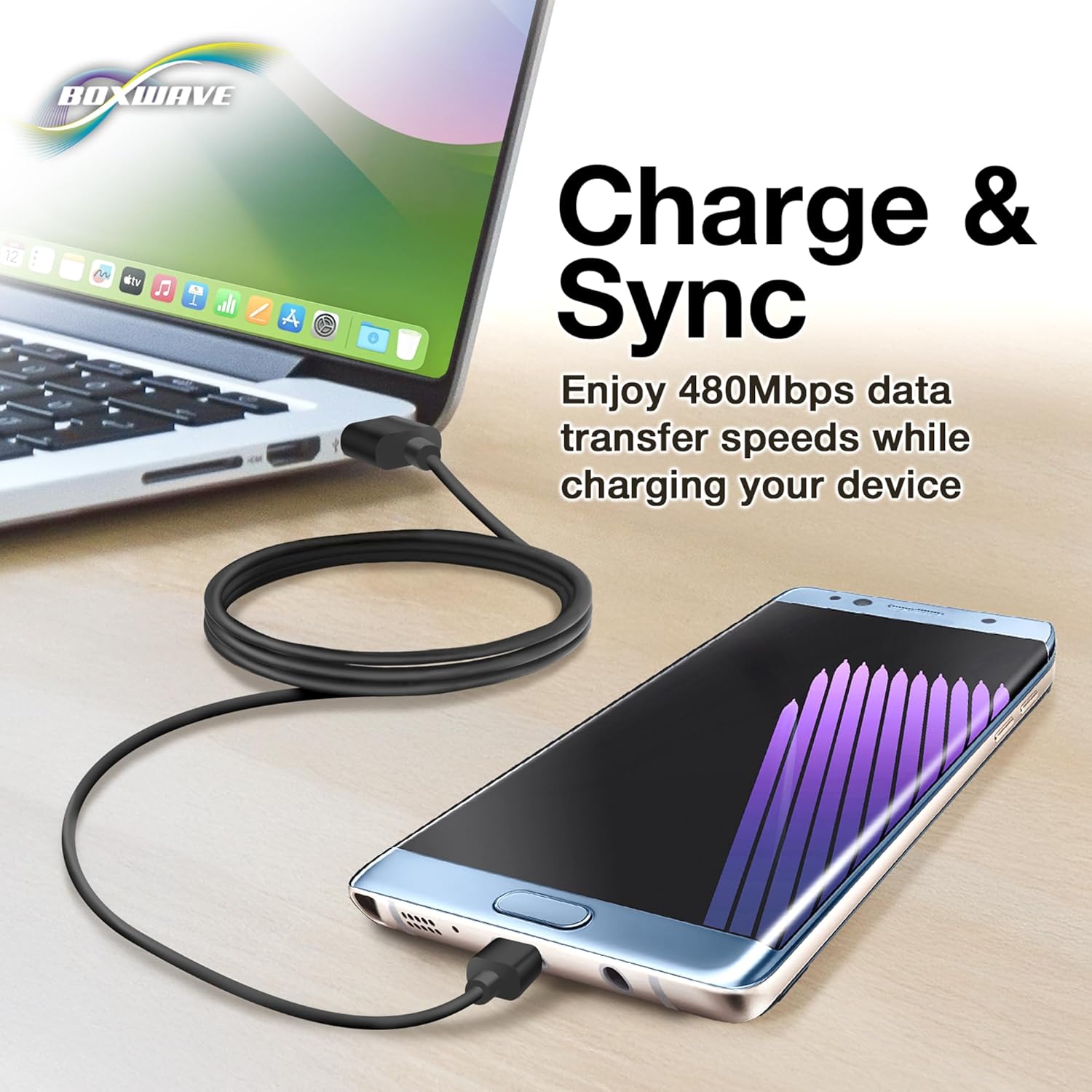
Image: The DirectSync Cable facilitating both charging and data synchronization between a device and a laptop.
4. Wartung und Pflege
To ensure the longevity and optimal performance of your DirectSync Cable, please observe the following care guidelines:
- Avoid Kinks and Bends: Do not sharply bend or kink the cable, especially near the connectors. The cable features reinforced strain reliefs to minimize damage, but excessive force can still cause internal wire breakage.
- Richtige Lagerung: When not in use, coil the cable loosely. Avoid tightly wrapping it around objects or tying it in knots.
- Saubere Anschlüsse: Keep the connectors free from dust and debris. Use a dry, soft cloth to gently wipe them if necessary.
- Vorsichtig handhaben: Always pull from the connector housing, not the cable itself, when disconnecting.

Image: A close-up demonstrating the reinforced strain relief design at the cable's connectors, which helps prevent kinking and tearing.
5. Fehlerbehebung
If you encounter issues with your DirectSync Cable, try the following solutions:
- Gerät wird nicht geladen:
- Stellen Sie sicher, dass beide Enden des Kabels fest angeschlossen sind.
- Versuchen Sie es mit einem anderen USB-Anschluss oder Netzteil.
- Vergewissern Sie sich, dass der Ladeanschluss Ihres Geräts sauber und unbeschädigt ist.
- Test the cable with another compatible device, if possible, to determine if the issue is with the cable or the device.
- Probleme bei der Datenübertragung:
- Confirm the cable is connected to a computer's data-enabled USB port (not just a charging port).
- Restart both your device and the computer.
- Check your device's settings to ensure it's configured for data transfer (e.g., "File Transfermodus).
- Probieren Sie einen anderen USB-Anschluss an Ihrem Computer aus.
- Kabelschaden:
Visually inspect the cable for any signs of physical damage, such as cuts, fraying, or bent connectors. A damaged cable should be replaced.
6. Spezifikationen
| Produktname | BoxWave DirectSync-Kabel |
| Modellnummer | Not specified (Generic DirectSync Cable) |
| Anschlüsse | USB-A to Mini USB |
| Datenübertragungsgeschwindigkeit | Hi-Speed USB 2.0 (up to 480Mbps) |
| Funktionalität | Charge and Sync |
| Kabellänge | Generous length (approx. 3 feet based on A+ content image) |
| Merkmale | Shielded cable, Reinforced rubberized grommet strain reliefs |
| Artikelgewicht | 3.2 Unzen |
7. Support-Informationen
For technical assistance or inquiries regarding your BoxWave DirectSync Cable, limited third-party technical support is available (up to 3 inquiries via messaging). Please refer to your purchase documentation or the seller's contact information for details on how to reach support.
This product is manufactured by BoxWave Corporation.


