Einführung
The HyperGear RaveMini is a compact, portable wireless speaker designed to deliver powerful sound with an interactive, beat-driven LED light show. This speaker is suitable for both indoor and outdoor use, offering extended battery life and multiple playback options for a versatile audio experience.

The HyperGear RaveMini speaker and its packaging.
Lieferumfang
- HyperGear RaveMini Portable Wireless LED Speaker
- Micro-USB-Ladekabel
- 3.5-mm-Stereo-Aux-Kabel
Merkmale
- Small Size, Big Sound: Engineered with a 40mm neodymium driver for room-filling sound.
- Beat-Driven LED Lightshow: Multi-colored LEDs flash to the beat of your music.
- Kabellose Verbindung: Connects with any Bluetooth device within a 33-foot range.
- Verlängerte Akkulaufzeit: Built-in rechargeable battery provides up to 3 hours of wireless playback on a single charge.
- Freisprechkommunikation: Integrated microphone and intuitive controls for managing calls and playlists.
- Mehrere Wiedergabeoptionen: Supports Bluetooth, Aux-in, Micro SD memory card, and USB flash drive audio playback.

The RaveMini combines HD sound with a vibrant LED lightshow.

The multi-colored LED lights dance to the beat of the music.
Aufstellen
Aufladen des Lautsprechers
Before first use, fully charge your RaveMini speaker. Connect the included Micro USB charging cable to the speaker's charging port and the other end to a USB power source (e.g., wall adapter, computer USB port). The charging time is approximately 1 hour, providing up to 3 hours of playback.
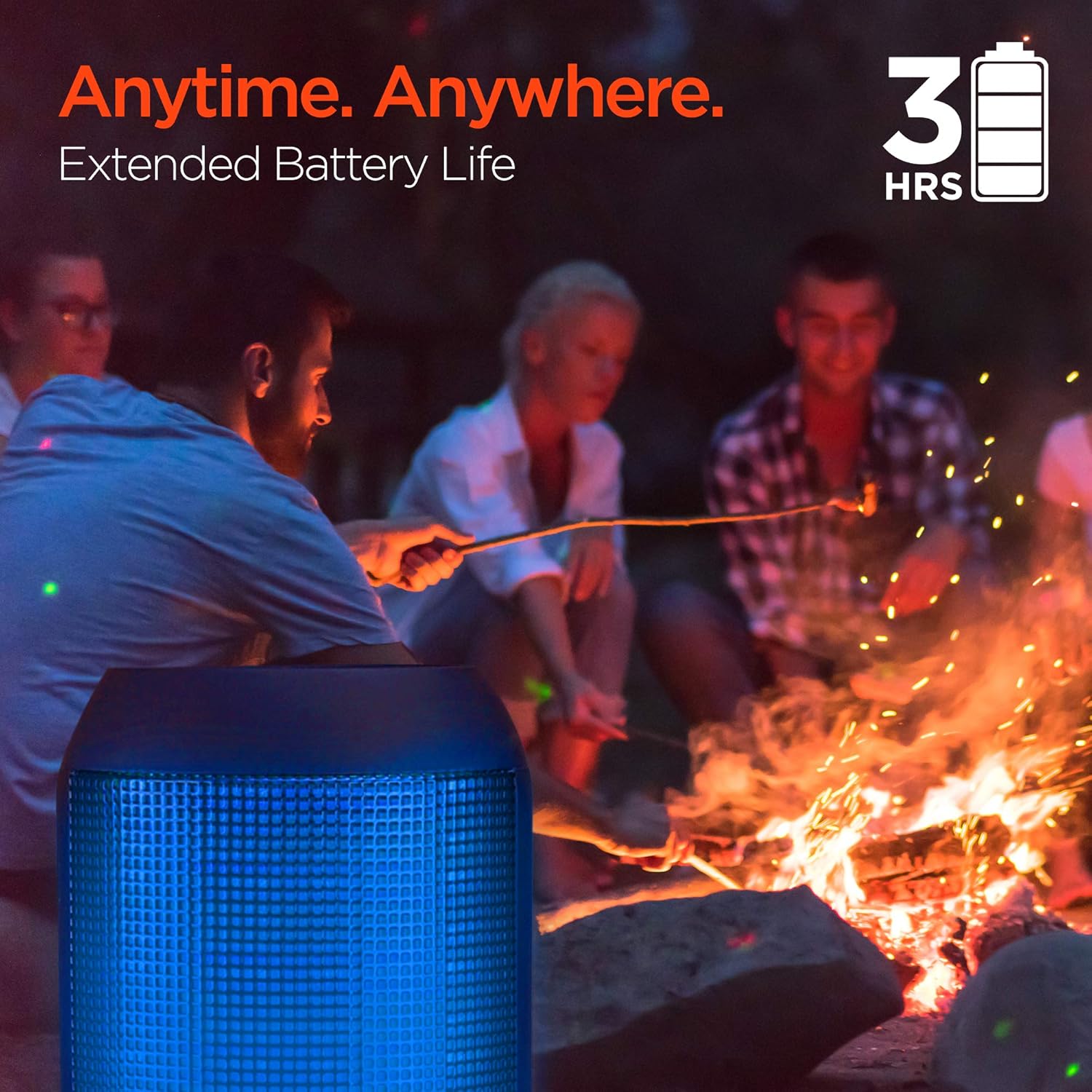
Enjoy up to 3 hours of music with the RaveMini's extended battery life.
Ein-/Ausschalten
Locate the power button on the speaker. Press and hold the power button for a few seconds to turn the speaker on or off. An audible cue or LED indicator will confirm the power status.
Bluetooth-Kopplung
- Ensure the RaveMini speaker is powered on and in pairing mode (usually indicated by a flashing LED light).
- Gehen Sie auf Ihrem Bluetooth-fähigen Gerät (Smartphone, Tablet usw.) zu den Bluetooth-Einstellungen.
- Suchen nach available devices and select "HyperGear RaveMini" (or similar name) from the list.
- Once connected, the speaker will provide an audible confirmation, and the LED light may change to a solid color.
- The speaker has a wireless range of up to 33 feet.
Bedienung des Lautsprechers
Bedienelemente und Funktionen
The RaveMini features intuitive controls for managing your audio and calls directly from the speaker. Refer to the specific button layout on your device for functions such as:
- Musik abspielen/pausieren
- Adjust Volume (Volume Up/Down)
- Titel überspringen (Nächster/Vorheriger)
- Anrufe annehmen/beenden
- Activate Voice Assistant (if supported)
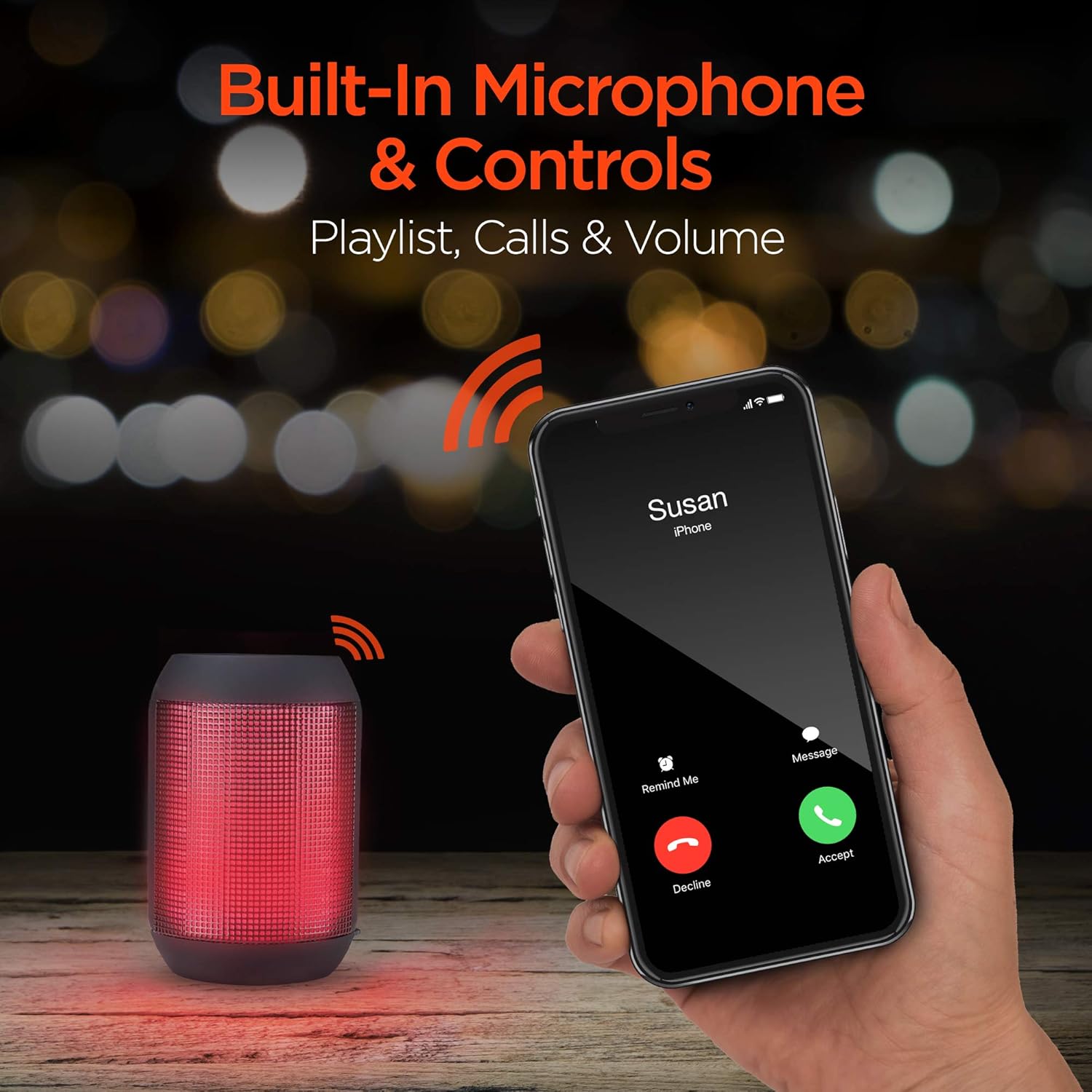
Built-in microphone and controls allow for hands-free calls and playlist navigation.
Wiedergabemodi
The RaveMini offers four ways to play your audio:
- Bluetooth: Verbinden Sie sich drahtlos mit Ihrem Smartphone, Tablet oder anderen Bluetooth-fähigen Geräten.
- Aux-Eingang: Use the included 3.5mm stereo auxiliary cable to connect to non-Bluetooth devices.
- Micro SD Karte: Insert a Micro SD memory card with audio files in den dafür vorgesehenen Schlitz.
- USB-Stick: Schließen Sie einen USB-Stick mit Audiodateien an. files an den USB-Anschluss.

The RaveMini supports four versatile playback options.
Wartung
- Keep the speaker dry. Do not expose it to excessive moisture or liquids.
- Reinigen Sie den Lautsprecher mit einem weichen, trockenen Tuch. Vermeiden Sie die Verwendung von scharfen Chemikalien oder Scheuermitteln.
- Bewahren Sie den Lautsprecher bei Nichtgebrauch an einem kühlen, trockenen Ort auf.
- Vermeiden Sie, den Lautsprecher fallen zu lassen oder starken Stößen auszusetzen.
Fehlerbehebung
| Problem | Mögliche Lösung |
|---|---|
| Der Lautsprecher lässt sich nicht einschalten. | Stellen Sie sicher, dass der Lautsprecher vollständig aufgeladen ist. Verbinden Sie ihn mit dem Micro-USB-Kabel mit einer Stromquelle. |
| Kopplung mit Bluetooth-Gerät nicht möglich. |
|
| Kein Ton oder geringe Lautstärke. |
|
| Die LED-Leuchten funktionieren nicht. | Check if the light show feature is enabled (if there's a dedicated button). Ensure the speaker has sufficient battery charge. |
Technische Daten
| Besonderheit | Detail |
|---|---|
| Modellname | 15077 |
| Lautsprechertyp | Im Freien |
| Besonderheit | Wireless Music + Calls, HD Stereo Sound, Beat-Driven LED Lightshow, Aux-in, Micro SD & USB compatible |
| Empfohlene Verwendung für das Produkt | Für Musik-Player |
| Controllertyp | Batteriebetrieben |
| Farbe | Schwarz |
| Akkulaufzeit | 3 Stunden |
| Ladezeit | 1 Stunden |
| Ist wasserdicht | FALSCH |
| Kontrollmethode | App |
| Drahtlose Kommunikationstechnologie | Bluetooth |
| Lautsprechergröße | 40 Millimeter |
| Stromquelle | Batteriebetrieben |
| Anzahl Batterien | 2 AAA-Batterien erforderlich. (im Lieferumfang enthalten) |
| Audiotreibertyp | Dynamischer Treiber |
| Bluetooth-Reichweite | 33 Fuß |
| Größe des Audiotreibers | 40 Millimeter |
| Konnektivitätsprotokoll | Bluetooth |
| Anzahl der USB 2-Anschlüsse | 1 |
| UPC | 633755150777 |
| Hersteller | HYPERGEAR |
| Artikelgewicht | 10.9 Unzen |
| ASIN | B07VHTZHJ4 |
| Datum der ersten Verfügbarkeit | 18. Juli 2019 |
| Marke | HyperGear |
| Maximale Lautsprecherausgangsleistung | 5 Watt |
| Konnektivitätstechnologie | Bluetooth, AUX, USB |
| Audioausgabemodus | Stereo |
| Montagetyp | Tischhalterung |
Garantie
The HyperGear RaveMini Portable Wireless LED Speaker comes with a Limited Warranty. For detailed information regarding warranty coverage, terms, and conditions, please refer to the official HyperGear webBesuchen Sie die Website oder kontaktieren Sie direkt den Kundendienst. Bewahren Sie Ihren Kaufbeleg für Garantieansprüche auf.
Unterstützung
Für weitere Unterstützung, Produktregistrierung oder um view frequently asked questions, please visit the official HyperGear webWebsite:
Besuchen Sie den HyperGear Store auf Amazon.
You may also contact HyperGear customer service for direct support.


