Einführung
This manual provides detailed instructions for the safe and effective use of your OneOdio A70 Wireless Bluetooth Headphones. Please read this manual thoroughly before using the product and retain it for future reference.

Image: OneOdio A70 Wireless Bluetooth Headphones in red and black, shown with 3.5mm and 6.35mm audio cables.
Packungsinhalt
Stellen Sie sicher, dass alle Artikel im Paket vorhanden sind:
- OneOdio A70 Fusion Headphones
- 3.5mm to 3.5mm Jack Cable with Microphone (1.2 M)
- 3.5mm to 6.35mm Jack Cable with Spring Wire (2-3 M)
- Micro-USB Charging Cable (0.6 M)
- Schutzhülle
- Benutzerhandbuch (dieses Dokument)

Bild: Überview of the OneOdio A70 package contents, including the headphones, various cables, and a carrying pouch.
Produkt überview
The OneOdio A70 headphones feature a versatile design for both wireless and wired use, offering high-quality audio and comfortable wear.
- Audiotreiber: Equipped with 40mm drivers for powerful bass and clear treble.
- Konnektivität: Bluetooth 5.2 for wireless connection, and multiple wired options (3.5mm, 6.35mm).
- Akkulaufzeit: Bis zu 72 Stunden Wiedergabezeit mit einer einzigen Akkuladung (bei 50 % Lautstärke).
- Mikrofon: Integrated CVC 8.0 noise-cancelling microphone for clear calls.
- Port teilen: Allows two headphones to connect to one audio source for shared listening.
- Komfort: Thick foam ear pads and a foldable, adjustable headband for extended wear comfort.
- Jack Lock: Secure locking mechanism for the auxiliary stereo cable.
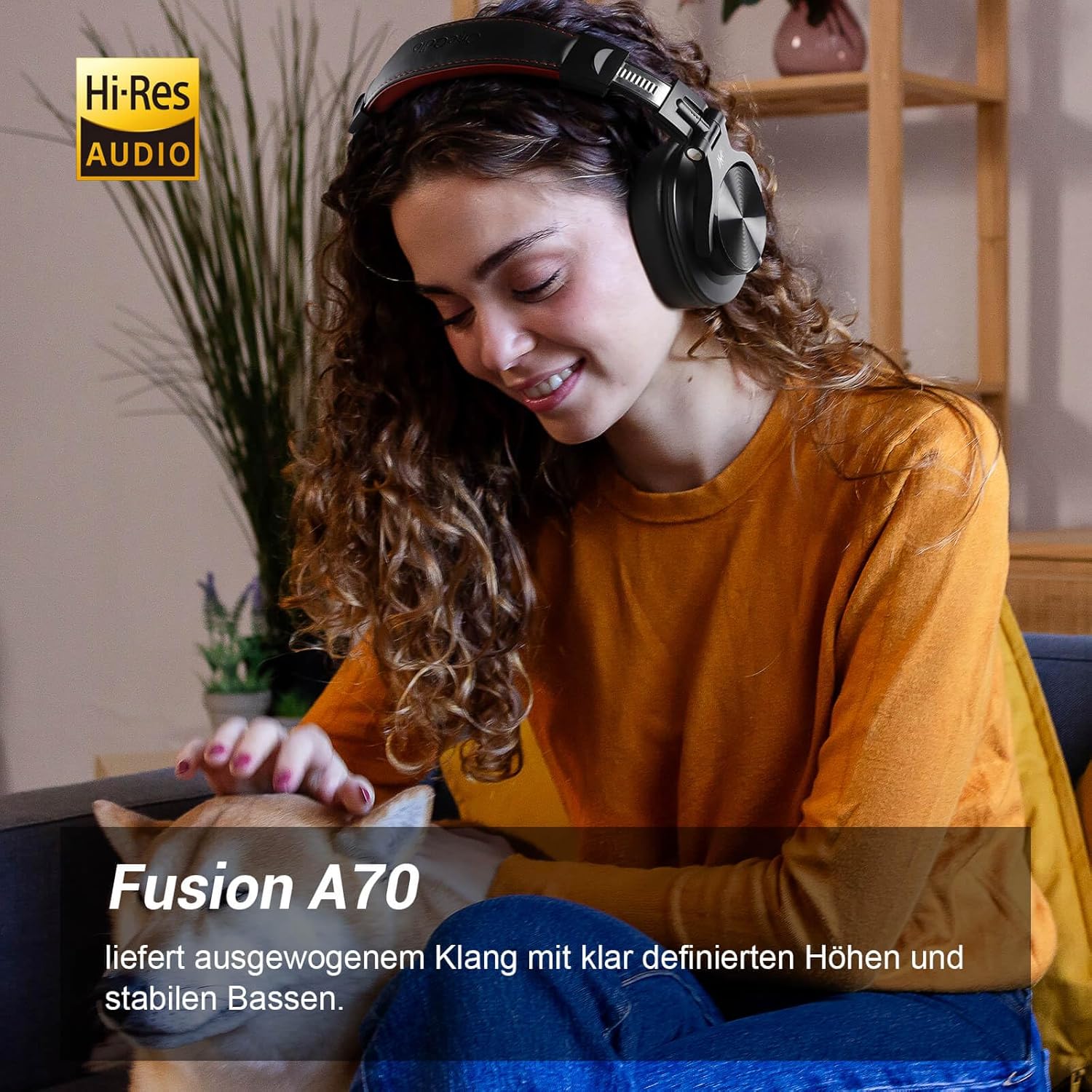
Image: A woman wearing the OneOdio A70 headphones, emphasizing the Hi-Res Audio capability.
Aufstellen
Aufladen der Kopfhörer
Before first use, fully charge the headphones. Use the provided Micro-USB charging cable.
- Connect the Micro-USB end of the charging cable to the charging port on the headphone.
- Verbinden Sie das USB-A-Ende mit einem USB-Netzteil (nicht im Lieferumfang enthalten) oder einem USB-Anschluss Ihres Computers.
- Die LED-Anzeige zeigt den Ladestatus an (z. B. rot für Ladevorgang, blau für vollständig geladen).

Bild: Eine detaillierte view of the headphone's side, showing the Micro-USB charging port and control buttons.
Bluetooth-Kopplung
So verbinden Sie Ihre Kopfhörer kabellos:
- Stellen Sie sicher, dass die Kopfhörer aufgeladen und ausgeschaltet sind.
- Press and hold the Multi-function button (usually the power button) for approximately 5 seconds until the LED indicator flashes red and blue alternately, indicating pairing mode.
- Aktivieren Sie auf Ihrem Gerät (Smartphone, Tablet, PC) Bluetooth und suchen Sie nach verfügbaren Geräten.
- Select "OneOdio A70" from the list of devices.
- Sobald die Verbindung hergestellt ist, leuchtet die LED-Anzeige entweder durchgehend blau oder blinkt langsam blau.
Kabelverbindung
Die A70-Kopfhörer unterstützen zwei Arten von kabelgebundenen Verbindungen:
- 3.5-mm-auf-3.5-mm-Kabel: For connecting to smartphones, tablets, laptops, and other devices with a 3.5mm audio jack. This cable includes an in-line microphone for calls.
- 3.5-mm-auf-6.35-mm-Kabel: For connecting to professional audio equipment like DJ mixers, amplifiers, and guitars.
To use a wired connection, simply plug the appropriate cable into the headphone's corresponding port and the other end into your audio source. The headphones will automatically switch to wired mode when a cable is inserted.

Image: A visual guide illustrating the wide compatibility of the OneOdio A70 headphones with different devices using 3.5mm and 6.35mm cables.
Bedienungsanleitung
Basic Controls (Bluetooth Mode)
| Funktion | Aktion |
|---|---|
| Ein-/Ausschalten | Multifunktionstaste 3 Sekunden lang gedrückt halten. |
| Abspielen/Pause | Press Multi-function button once. |
| Lautstärke erhöhen | Press '+' button. |
| Lautstärke verringern | Press '-' button. |
| Nächster Titel | Press and hold '+' button. |
| Vorheriger Titel | Press and hold '-' button. |
| Anruf annehmen/beenden | Press Multi-function button once. |
| Anruf ablehnen | Multifunktionstaste 2 Sekunden lang gedrückt halten. |
| Sprachassistent aktivieren | Double-press Multi-function button. |

Image: Controls for the in-line microphone on the 3.5mm cable, detailing functions like play, pause, answer, and end calls.
Funktion zum Teilen von Ports
The OneOdio A70 headphones feature a unique Share Port, allowing two headphones to share audio from one source.
- Connect the 3.5mm to 3.5mm cable to the 3.5mm input port on your A70 headphones.
- Connect the other end of this cable to the 3.5mm output port of another headphone (e.g., another A70 or compatible headphone).
- Ensure the primary A70 headphone is connected to your audio source (via Bluetooth or 6.35mm cable).
- Beide Kopfhörer empfangen nun Audiosignale von derselben Quelle.

Image: Two individuals sharing audio from a single device using the Share Port technology of the OneOdio A70 headphones.
Wartung und Pflege
- Reinigen Sie die Kopfhörer regelmäßig mit einem weichen, trockenen Tuch. Verwenden Sie keine Scheuermittel oder Lösungsmittel.
- Store the headphones in the provided protective pouch when not in use to prevent scratches and damage.
- Vermeiden Sie es, die Kopfhörer extremen Temperaturen, hoher Luftfeuchtigkeit oder direkter Sonneneinstrahlung auszusetzen.
- Versuchen Sie nicht, die Kopfhörer zu zerlegen oder zu verändern, da dies zum Erlöschen der Garantie führt.
- The headphones are not waterproof. Avoid contact with liquids.

Image: The OneOdio A70 headphones in their folded configuration, ready for storage in the protective pouch.
Fehlerbehebung
| Problem | Mögliche Ursache | Lösung |
|---|---|---|
| Kein Ton (Bluetooth) | Headphones not paired or connected. Low battery. Volume too low. | Ensure headphones are in pairing mode and connected. Recharge headphones. Increase volume on headphones and device. |
| No sound (Wired) | Cable not fully inserted. Incorrect cable used. Device volume too low. | Ensure cables are securely plugged in. Use the correct cable for your device. Increase volume on device. |
| Schlechte Tonqualität | Interference (Bluetooth). Damaged cable. Low quality audio source. | Move closer to the Bluetooth device. Try a different cable. Test with a different audio source. |
| Mikrofon funktioniert nicht | Using wrong cable (only 3.5mm to 3.5mm has mic). Mic muted on device. | Ensure you are using the 3.5mm cable with the in-line microphone. Check microphone settings on your device. |
| Die Kopfhörer lassen sich nicht einschalten | Der Akku ist komplett leer. | Charge the headphones for at least 30 minutes before attempting to power on. |
Technische Daten
| Besonderheit | Detail |
|---|---|
| Modellname | OneOdio A70 Fusion |
| Konnektivitätstechnologie | Bluetooth 5.2, Wired (3.5mm, 6.35mm) |
| Treibergröße | 40 mm |
| Frequenzbereich | 20 Hz – 20,000 Hz |
| Impedanz | 32 Ohm |
| Empfindlichkeit | 110 dB |
| Batteriezusammensetzung | Lithium-Polymer |
| Akkulaufzeit | Bis zu 72 Stunden (bei 50 % Lautstärke) |
| Gewicht | 250 Gramm |
| Material | Leather (earpads/headband) |
| Besondere Merkmale | Volume Control, Noise Isolation, Built-in Microphone (CVC 8.0), Foldable Design, Share Port, Jack Lock |
Garantie und Support
OneOdio products are designed and manufactured to the highest quality standards. For warranty information and customer support, please refer to the official OneOdio webWebsite oder wenden Sie sich direkt an den Kundendienst.
Hersteller: OneOdio
Verkäufer: OneOdio EU (via Amazon.com.be)
Weitere Unterstützung finden Sie unter OneOdio Store auf Amazon.


