Einführung
This manual provides detailed instructions for the installation, operation, and maintenance of your ESX VN1015-MA-DAB-1DIN 1-DIN Touchscreen Navigation System. This advanced car multimedia unit features a 10.1-inch multi-angle touchscreen, Android operating system, DAB+ digital radio, Bluetooth hands-free and audio streaming, GPS navigation, and extensive media connectivity. Please read this manual thoroughly before using the device to ensure proper operation and to maximize your user experience.
Setup und Installation
Proper installation is crucial for the optimal performance of your ESX navigation system. It is recommended that installation be performed by a qualified professional.
1. Auspacken und Inspektion
- Entnehmen Sie vorsichtig alle Komponenten aus der Verpackung.
- Prüfen Sie, ob alle aufgeführten Zubehörteile vorhanden sind.
- Überprüfen Sie das Gerät auf etwaige Beschädigungen.
2. Kabelverbindungen
Refer to the wiring diagram for detailed connections. Ensure all connections are secure to prevent malfunctions.
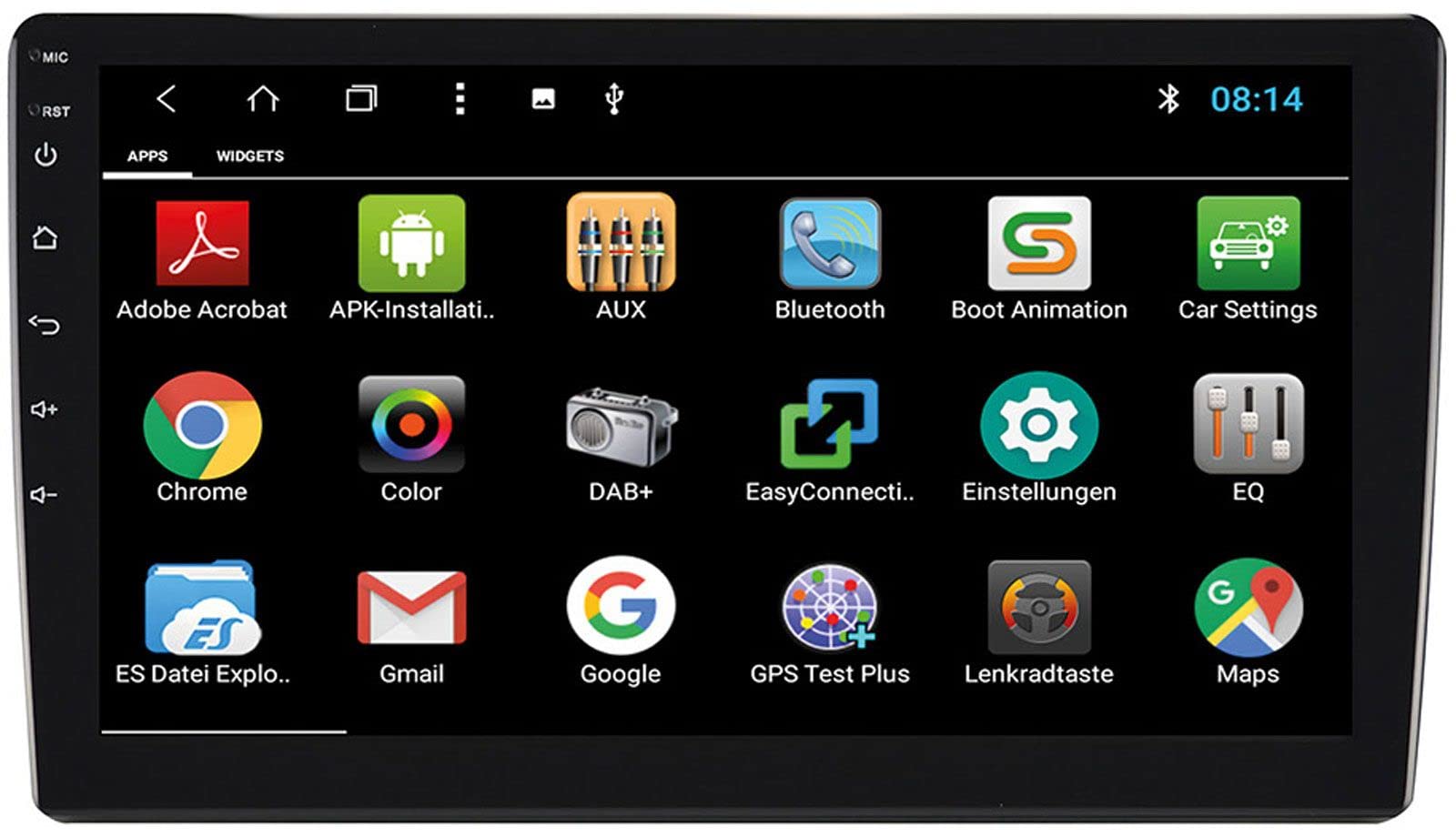
Image: Rear Connection Ports. This image displays the rear panel of the ESX VN1015-MA-DAB-1DIN unit, highlighting the various input and output ports. Key connections visible include GPS antenna input, WiFi antenna input, microphone input, USB ports, AV inputs, and the main power/speaker harness connector. A DAB+ antenna input is also present, along with a "PASSED" quality control sticker.
- Stromanschluss: Connect the main power harness to your vehicle's power supply (constant 12V, ignition 12V, and ground).
- Lautsprecheranschlüsse: Schließen Sie die Lautsprecherkabel an die Lautsprecher Ihres Fahrzeugs an und achten Sie dabei auf die richtige Polarität.
- GPS-Antenne: Connect the GPS antenna to the dedicated GPS input. Position the antenna in a location with a clear view des Himmels für optimalen Signalempfang.
- DAB+ Antenne: Connect the included DAB+ antenna to the DAB+ input. Ensure proper placement for best digital radio reception.
- WLAN-Antenne: Connect the WiFi antenna for internet connectivity via a mobile hotspot.
- USB-Anschlüsse: Connect USB devices for media playback or smartphone charging.
- Mikrofon: Connect the internal microphone or an optional external microphone (VNA-MIC-AND) for Bluetooth hands-free calling.
- AUX/Video Input: Connect external audio/video sources.
- Kameraeingang: Schließen Sie eine Rückseite anview camera to the camera input. The system supports adjustable parking lines.
- Vor-amp Ausgaben: Extern verbinden ampVerstärker für Front-, Rück- und Subwoofer-Kanäle.
- Lenkradsteuerung: If your vehicle supports steering wheel controls, an optional adapter may be required. Connect the steering wheel control wires as per the adapter's instructions.
3. Montage der Einheit
- Install the 1-DIN chassis into your vehicle's dashboard opening.
- Attach the 10.1-inch touchscreen display to the chassis. The display is multi-angle adjustable (height and viewing angle) for optimal visibility.
- Secure the unit firmly to prevent movement during driving.
4. Erstes Einschalten
- After all connections are made, turn on your vehicle's ignition.
- The unit should power on and display the ESX logo.
- Folgen Sie den Anweisungen auf dem Bildschirm für die Ersteinrichtung, z. B. zur Sprachauswahl und Zeitzonenwahl.
Bedienungsanleitung
Your ESX navigation system runs on an Android operating system, offering a familiar and intuitive user interface.
1. Touchscreen-Schnittstelle
The 10.1-inch high-resolution touchscreen allows for easy control of all functions. Tap, swipe, and pinch-to-zoom gestures are supported.
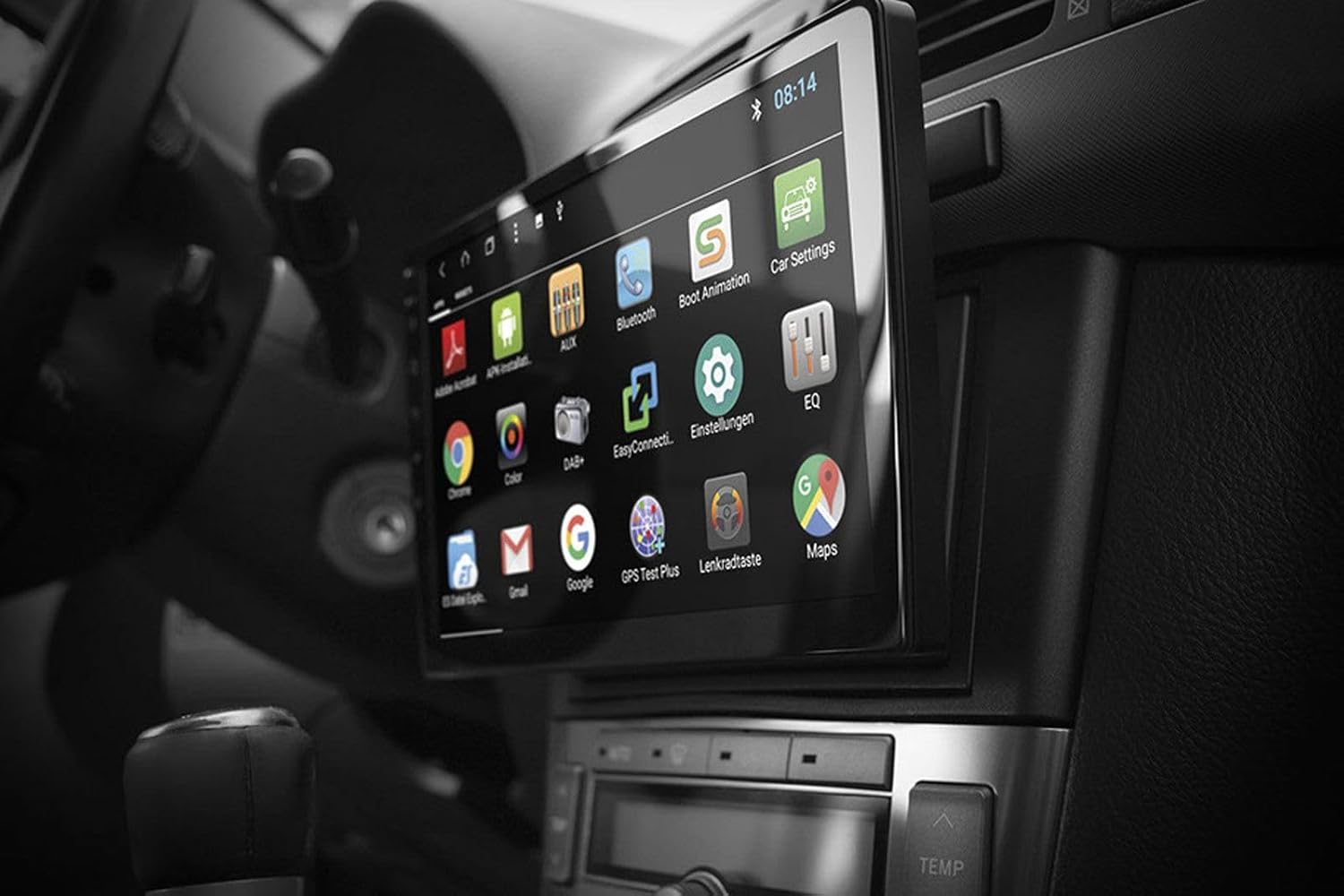
Image: Android App Interface. This image shows the ESX VN1015-MA-DAB-1DIN unit installed in a car, with its screen displaying a grid of Android application icons. Visible apps include Bluetooth, DAB+, EQ, Google, Maps, and various system settings, indicating the unit's smart functionality.
2. Navigation (GPS)
- The system uses Google Maps for navigation, supporting both online and offline modes.
- Stellen Sie sicher, dass die GPS-Antenne ordnungsgemäß angeschlossen und positioniert ist.
- For offline maps, download the required map data via a WiFi connection.
- To start navigation, open the Maps application and enter your destination.

Image: Navigation Display. This image illustrates the ESX VN1015-MA-DAB-1DIN unit's screen showing a detailed navigation map. The map displays street names and routes, indicating active GPS guidance within a vehicle's interior.
3. Radio Functions (DAB+/AM/FM)
- DAB+ Digitalradio: Access high-quality digital radio broadcasts. The system displays station logos. Ensure the DAB+ antenna is connected.
- AM/FM-Radio: Tune into analog radio stations. RDS (Radio Data System) functionality provides station information.
- To switch between radio modes, select the appropriate option in the radio application.
- Scan for stations and save your favorites for quick access.

Image: Radio Interface. This image shows the ESX VN1015-MA-DAB-1DIN unit's screen displaying the FM radio interface. It features a frequency tuner, station presets, and controls for functions like REG, TA, AF, and PTY, indicating comprehensive radio capabilities.
4. Bluetooth-Konnektivität
- Paarung: Go to the Bluetooth settings on the unit and your smartphone. Suchen nach available devices and select "ESX VN1015-MA-DAB-1DIN" (or similar). Enter the PIN if prompted (usually 0000 or 1234).
- Freisprechen: Once paired, you can make and receive calls directly from the unit. Use the internal microphone or an optional external microphone for clear communication.
- Audio-Streaming (A2DP): Stream music from your smartphone to the unit wirelessly.
5. Medienwiedergabe
- USB/MicroSD: Insert USB drives or MicroSD cards containing audio or video files into the respective ports. The system will automatically detect and allow playback through the media player application.
- AUX-Eingang: Connect external audio/video devices via the AUX input.
- Smartphone-Verbindung: Connect Android or iPhone devices via USB for charging. Some Android devices may support mirroring or data transfer depending on the phone and app.
6. Systemeinstellungen
- Access the Android settings menu to customize various aspects of the unit, including display, sound, network, and system information.
- You can adjust display brightness, sound equalizer settings, and connect to a WiFi hotspot for internet access.
- Customize boot logos and background images from the settings.
Wartung
Regular maintenance ensures the longevity and optimal performance of your ESX navigation system.
- Reinigen des Bildschirms: Verwenden Sie ein weiches, fusselfreies Tuch, um den Touchscreen vorsichtig abzuwischen. Bei hartnäckigen Flecken etwas nachhelfen.ampReinigen Sie das Tuch mit Wasser oder einem für Bildschirme geeigneten Reiniger. Vermeiden Sie aggressive Chemikalien oder Scheuermittel.
- Software-Updates: Prüfen Sie regelmäßig, ob Software-Updates vom Hersteller verfügbar sind. website or through the unit's system settings (if available). Updates can improve performance and add new features.
- Allgemeine Pflege: Setzen Sie das Gerät keinen extremen Temperaturen, direkter Sonneneinstrahlung über längere Zeiträume oder übermäßiger Feuchtigkeit aus. Sorgen Sie für ausreichende Belüftung um das Gerät herum.
Fehlerbehebung
If you encounter issues with your ESX navigation system, refer to the following common problems and solutions.
| Problem | Mögliche Lösung |
|---|---|
| Gerät lässt sich nicht einschalten. | Check all power connections (constant 12V, ignition 12V, ground). Verify the vehicle's fuse box and the unit's inline fuse. Ensure the ignition is on. |
| Kein Ton. | Check speaker connections. Ensure volume is not muted or set too low. Verify ampVerstärkeranschlüsse, falls extern amplifiers are used. Check audio source selection. |
| Das GPS-Signal ist schwach oder nicht verfügbar. | Stellen Sie sicher, dass die GPS-Antenne sicher angeschlossen und an einem Ort mit freiem Blick platziert ist. view of the sky (e.g., dashboard, under windshield). Avoid obstructions. |
| Bluetooth verbindet sich nicht oder ist instabil. | Ensure Bluetooth is enabled on both the unit and your smartphone. Delete previous pairings and try re-pairing. Move the phone closer to the unit. Restart both devices. |
| Der DAB+-Radioempfang ist schlecht. | Check the DAB+ antenna connection and its placement. Ensure you are in an area with DAB+ coverage. Rescan for stations. |
| Touchscreen reagiert nicht. | Perform a soft reset of the unit (refer to the system settings for a reset option, or press and hold the power button if available). Ensure the screen is clean and free of debris. |
Technische Daten
Key technical specifications for the ESX VN1015-MA-DAB-1DIN navigation system:
- Anzeige: 10.1-inch high-resolution multi-angle LCD touchscreen
- Betriebssystem: Android
- Navigation: Google Maps (online and offline)
- Konnektivität: WiFi Hotspot (requires compatible smartphone), Bluetooth (hands-free, audio streaming), USB (2 ports), MicroSD card slot (for navigation and media), AUX/Video input, AUX/Audio input
- Radio: DAB+ Digital Radio (with station logos, DAB antenna included), AM/FM Radio (with RDS function)
- Audioausgänge: Front/Rear/Subwoofer pre-amp Ausgänge
- Eingänge: 1 Camera input (adjustable lines), 1 AUX/Video input, 1 AUX/Audio input
- Besondere Merkmale: Adjustable boot logos and background images, Internal microphone, Connector for optional external microphone (VNA-MIC-AND), Steering wheel control support (optional adapter required)
- Kontrollmethode: Touch-Screen
- Fahrzeugservicetyp: Auto
- Hersteller: ESX
- Ursprungsland: China
Garantieinformationen
The ESX VN1015-MA-DAB-1DIN unit includes a Certificate of Authenticity. For specific warranty terms and conditions, please refer to the documentation provided with your purchase or contact your retailer. Information regarding spare parts availability and guaranteed software updates is not explicitly provided.
Kundenservice
If you require further assistance or have questions not covered in this manual, please contact your authorized ESX dealer or the retailer from whom you purchased the product. They can provide specialized support and service.


