1. Einleitung
Thank you for choosing the Tribit FlyBuds C1 True Wireless Earbuds (Model BTH91). This manual provides essential information for setting up, operating, and maintaining your new earbuds. Please read it thoroughly to ensure optimal performance and longevity of your device.

Image: Tribit FlyBuds C1 Wireless Earbuds and Charging Case.
2. Sicherheitshinweise
To prevent damage to your earbuds or injury to yourself, please observe the following safety precautions:
- Die Ohrhörer und das Ladecase dürfen nicht auseinandergenommen oder verändert werden.
- Das Gerät darf keinen extremen Temperaturen, direkter Sonneneinstrahlung oder offenen Flammen ausgesetzt werden.
- Avoid exposing the earbuds to water for prolonged periods, despite their IPX8 rating. Ensure the charging port cover is securely closed before exposure to liquids.
- Verwenden Sie zur Reinigung des Geräts keine Scheuermittel oder aggressive Chemikalien.
- Um Gehörschäden zu vermeiden, achten Sie auf eine moderate Lautstärke.
- Außerhalb der Reichweite von Kindern und Haustieren aufbewahren.
3. Packungsinhalt
The Tribit FlyBuds C1 package includes:
- Tribit FlyBuds C1 Earbuds (Model BTH91)
- Ladeetui
- USB-C-Ladekabel
- Schlüsselband
- 6 Pairs of Silicone Ear Tips (various sizes)
- Bedienungsanleitung
- 18-Monats-Garantiekarte
Image: All items included in the Tribit FlyBuds C1 retail package.
4. Einrichtung
4.1. Aufladen der Ohrhörer und des Ladecase
Vor dem ersten Gebrauch die Ohrhörer und das Ladecase vollständig aufladen.
- Legen Sie die Ohrhörer in das Ladecase. Achten Sie darauf, dass sie richtig in ihren jeweiligen Fächern sitzen.
- Connect the USB-C charging cable to the charging port on the case and to a power source. The LED indicators on the case will show charging status. A full charge takes approximately 1.5 hours.
- Das Ladecase unterstützt auch kabelloses Laden. Legen Sie das Case einfach auf ein kompatibles kabelloses Ladepad.
The earbuds provide up to 5 hours of playback on a single charge, and the charging case extends total playtime to up to 100 hours.
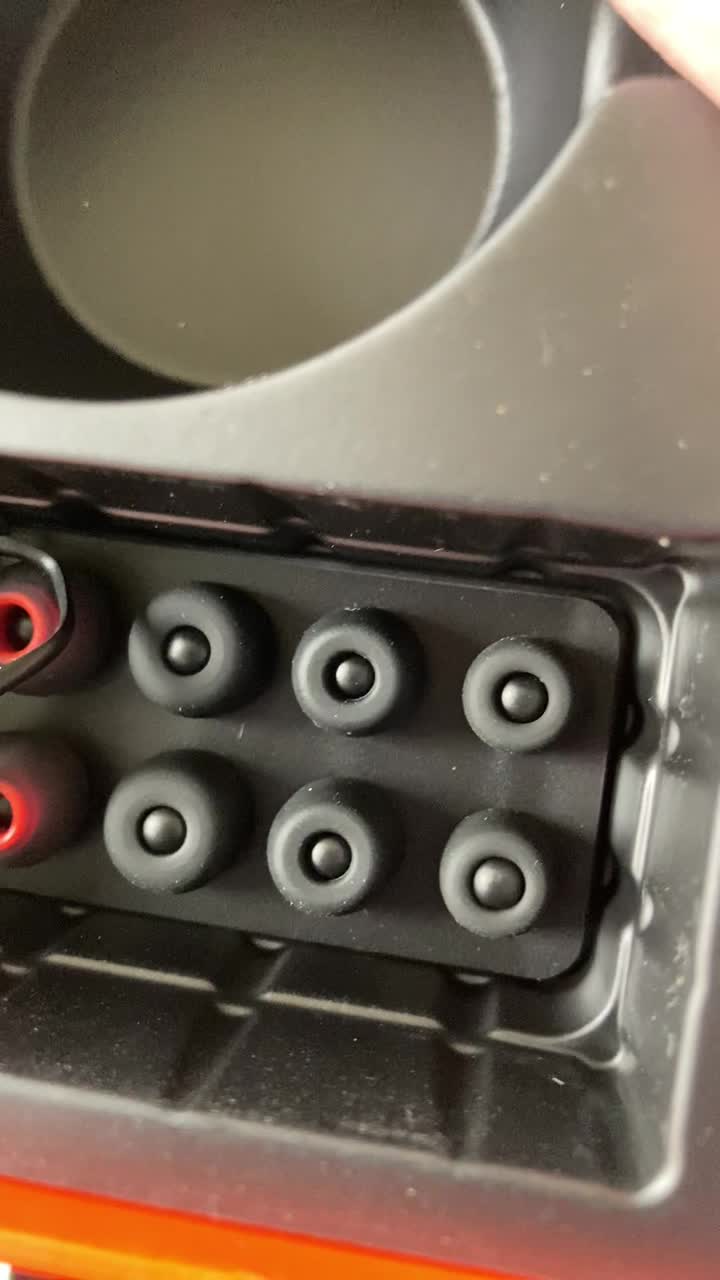
Image: Tribit FlyBuds C1 earbuds charging inside their case, with battery indicator lights visible.
4.2. Koppeln mit Ihrem Gerät
The Tribit FlyBuds C1 feature one-step pairing for convenience.
- Öffnen Sie das Ladeetui. Die Ohrhörer wechseln automatisch in den Kopplungsmodus.
- Aktivieren Sie auf Ihrem Gerät (Smartphone, Tablet, Laptop) Bluetooth und suchen Sie nach verfügbaren Geräten.
- Select "Tribit FlyBuds C1" from the list of devices. Once connected, a voice prompt will confirm successful pairing.
- The earbuds will automatically connect to the last paired device when the case is opened. To unpair, press and hold the button on the charging case.
4.3. Einsetzen der Ohrhörer
For optimal sound quality and comfort, choose the correct size ear tips.
- Experiment with the 6 included pairs of silicone ear tips to find the best fit for your ears. A snug fit ensures better bass response and noise isolation.
- Führen Sie die Ohrhörer vorsichtig in Ihren Gehörgang ein und drehen Sie sie leicht, um sie zu fixieren.
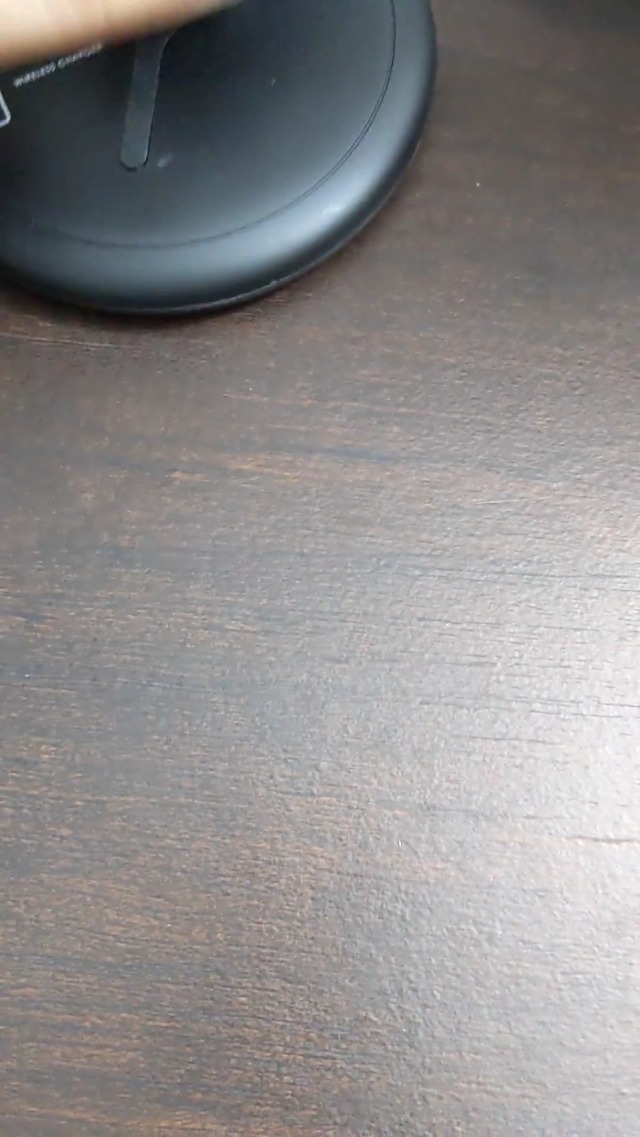
Image: Selection of silicone ear tips for personalized fit.
5. Bedienungsanleitung
5.1. Ein-/Ausschalten
- Einschalten: Öffnen Sie das Ladeetui und die Ohrhörer schalten sich automatisch ein.
- Ausschalten: Legen Sie die Ohrhörer zurück in das Ladecase und schließen Sie den Deckel. Sie schalten sich automatisch aus und beginnen mit dem Ladevorgang.
5.2. Musikwiedergabe
The Tribit FlyBuds C1 feature physical buttons for control:
- Abspielen/Pause: Drücken Sie einmal die Taste an einem der Ohrhörer.
- Nächster Titel: Drücken Sie die Taste am rechten Ohrhörer zweimal.
- Vorheriges Lied: Drücken Sie die Taste am linken Ohrhörer zweimal.
Note: Volume control is not directly available on the earbuds. Please adjust volume via your connected device.
5.3. Anrufverwaltung
- Anruf annehmen/beenden: Drücken Sie einmal die Taste an einem der Ohrhörer.
- Anruf ablehnen: Press and hold the button on either earbud for 2 seconds.
- Sprachassistent aktivieren (Siri, Google Assistant): Triple-press the button on either earbud.
The earbuds feature 4 microphones with CVC 8.0 Call Noise Reduction for clear calls.
5.4. Einzelohrhörer-Modus
Beide Ohrhörer können unabhängig voneinander verwendet werden. Nehmen Sie einfach einen Ohrhörer aus dem Ladecase, und er verbindet sich automatisch mit Ihrem Gerät. Der andere Ohrhörer kann im Ladecase verbleiben oder später verwendet werden.
5.5. IPX8 Waterproofing
The Tribit FlyBuds C1 are IPX8 rated, offering protection against sweat, splashes, and submersion in water up to 1 meter for 30 minutes. This makes them suitable for sports and exercise in various weather conditions.
- Ensure the USB-C charging port cover is securely closed before exposing the earbuds to water.
- Do not charge the earbuds if they are wet. Dry them thoroughly before placing them back in the charging case.
6. Wartung
Proper maintenance ensures the longevity and performance of your Tribit FlyBuds C1.
- Reinigung: Regularly clean the earbuds and charging case with a soft, dry, lint-free cloth. For ear tips, remove them and wash with mild soap and water, then dry completely before reattaching.
- Lagerung: Bewahren Sie die Ohrhörer bei Nichtgebrauch im Ladecase auf, um sie zu schützen und geladen zu halten. Lagern Sie sie an einem kühlen, trockenen Ort und schützen Sie sie vor extremen Temperaturen.
- Schäden vermeiden: Do not drop, puncture, or expose the device to strong impacts.
7. Fehlerbehebung
If you encounter issues with your Tribit FlyBuds C1, try the following solutions:
| Problem | Lösung |
|---|---|
| Ohrhörer lassen sich nicht koppeln |
|
| Kein Ton oder geringe Lautstärke |
|
| Ohrhörer werden nicht aufgeladen |
|
| Intermittierende Verbindung |
|
8. Spezifikationen
| Besonderheit | Detail |
|---|---|
| Modellname | BTH91 (FlyBuds C1) |
| Konnektivitätstechnologie | Kabellos (Bluetooth) |
| Bluetooth-Version | 5.2 |
| Bluetooth-Reichweite | 10 Meter |
| Akkulaufzeit (Ohrhörer) | Bis zu 5 Stunden pro Ladung |
| Gesamtspielzeit (mit Ladeetui) | Bis zu 100 Stunden |
| Ladezeit | Ca. 1.5 Stunden (Fall) |
| Wasserbeständigkeit | IPX8 (wasserdicht) |
| Geräuschunterdrückungsmerkmale | CVC 8.0 Call Noise Reduction, Sound Isolation |
| Kontrollmethode | Physische Taste |
| Ladeanschluss | USB-C, Wireless Charging (Qi-compatible) |
| Artikelgewicht | 2.4 Unzen |
| Technische Daten | 2.4 x 2.4 x 1.2 Zoll |
9. Garantie und Support
Tribit provides an 18-month warranty for the FlyBuds C1 (Model BTH91) from the date of purchase. This warranty covers manufacturing defects and ensures your product is free from material and workmanship flaws under normal use.
For warranty claims, technical support, or any questions regarding your product, please contact Tribit customer service:
- E-Mail: support@tribitaudio.com
- Unterstüzungsticket: Besuchen tribitaudio.com/support
- Telefon: 1-888-232-3138 (Mon-Fri, 9:00-6:00 PST [US])
Please have your purchase receipt and product model number (BTH91) ready when contacting support.


