1. Einleitung
Thank you for choosing the alphatronics T-22 SBI+ LED display. This manual provides essential information for the safe and efficient use of your device. Please read it thoroughly before operating the product and keep it for future reference.
The alphatronics T-22 SBI+ is equipped with a Basic-Smart Function, allowing easy internet browsing via an integrated browser and access to a selection of applications. It features a Triple Tuner for versatile reception options.
2. Lieferumfang
Bitte überprüfen Sie den Inhalt Ihres Pakets:
- alphatronics T-22 SBI+ LED Display
- DVB-T Antenna AN5
- Standfuß
- Fernbedienung und Zubehör
- Benutzerhandbuch (dieses Dokument)
Falls Artikel fehlen oder beschädigt sind, wenden Sie sich bitte an Ihren Händler.
3. Hauptmerkmale
- Triple-Tuner: Integrated DVB-S2, DVB-T2 HD, and DVB-C Tuner for HDTV (MPEG2/4).
- 100% Pixel-Free Display: Ensures a perfect visual experience without pixel defects.
- Bluetooth 4.2: For wireless audio connectivity with compatible devices.
- alphatronics Basic-Smart Function: Enables easy internet browsing and access to selected apps.
- LED-Anzeige: High-quality display technology for vibrant images.

Image: The alphatronics T-22 SBI+ display highlighting its Basic-Smart Functionality.
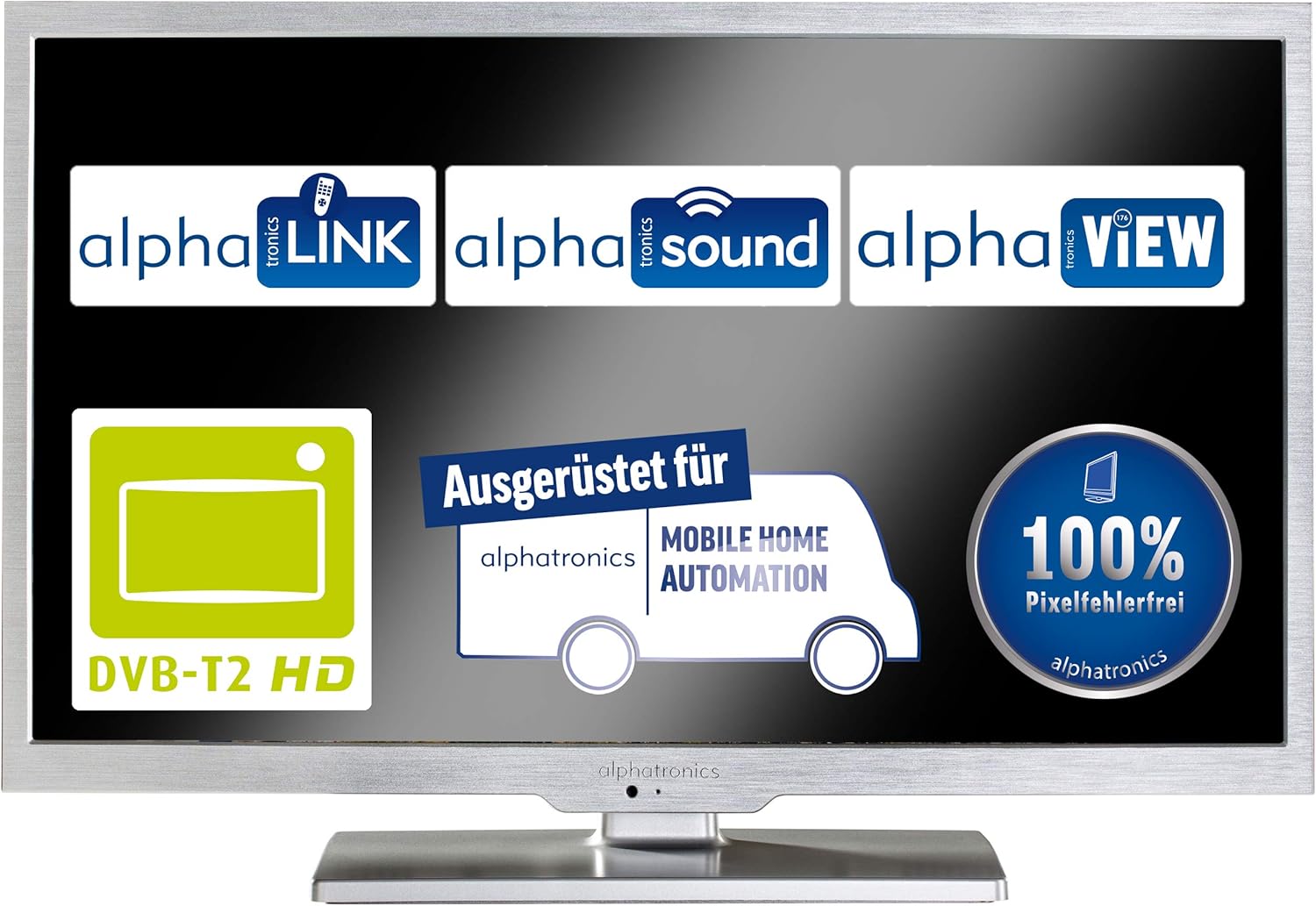
Bild: Display showcasing key features such as DVB-T2 HD compatibility and 100% pixel-free guarantee.
4. Einrichtung
4.1 Montage des Ständers
- Carefully place the display face down on a soft, clean surface to prevent scratches.
- Attach the stand base to the bottom of the display using the provided screws. Ensure it is securely fastened.
- Gently lift the display and place it on a stable, flat surface.

Image: Dimensions of the alphatronics T-22 SBI+ including the stand, useful for placement.
4.2 Anschlusskabel
- Leistung: Connect the power cable to the display and then to a wall outlet.
- Antenne/Satellit: Connect your DVB-T antenna (AN5 included) or satellite cable to the corresponding input on the display.
- Externe Geräte: Use HDMI, USB, or other available ports to connect external devices such as media players or game consoles.
4.3 Erstes Einschalten und Ersteinrichtung
- Press the power button on the display or remote control to turn on the device.
- Follow the on-screen prompts to select your language, country, and perform an automatic channel scan for DVB-S2, DVB-T2 HD, or DVB-C.
- Connect to your Wi-Fi network to enable the Basic-Smart Function and access online features.

Image: The alphatronics T-22 SBI+ display, ready for use after setup.
5. Bedienungsanleitung
5.1 Grundlegende Bedienung
- Ein-/Ausschalten: Use the power button on the remote or display.
- Kanalauswahl: Verwenden Sie die CH+/- Tasten oder das Ziffernfeld auf der Fernbedienung.
- Lautstärkeregelung: Verwenden Sie die Tasten VOL+/- auf der Fernbedienung.
- Eingabequelle: Press the 'Source' or 'Input' button on the remote to switch between TV, HDMI, USB, etc.
5.2 Using the Basic-Smart Function
The integrated Basic-Smart Function allows you to access internet content directly on your display.
- Ensure the display is connected to a stable Wi-Fi network.
- Navigate to the 'Smart' or 'Apps' menu using your remote control.
- Select the integrated browser to surf the internet or choose from the pre-installed applications.
5.3 Bluetooth-Konnektivität
To connect Bluetooth audio devices (e.g., headphones, speakers):
- Gehen Sie zum Menü „Einstellungen“ und wählen Sie „Bluetooth“.
- Enable Bluetooth on the display and put your audio device into pairing mode.
- Select your device from the list of available devices on the display to pair.
6. Wartung
6.1 Display reinigen
- Vor der Reinigung muss das Display immer vom Stromnetz getrennt werden.
- Verwenden Sie ein weiches, fusselfreies Tuch, um den Bildschirm und das Gehäuse vorsichtig abzuwischen.
- Bei hartnäckigen Flecken, dampBefeuchten Sie das Tuch leicht mit Wasser oder einem speziellen Bildschirmreiniger. Sprühen Sie niemals Flüssigkeit direkt auf den Bildschirm.
- Vermeiden Sie die Verwendung von Scheuermitteln, Wachsen oder Lösungsmitteln.
6.2 Allgemeine Pflege
- Belüftungsöffnungen nicht blockieren.
- Keep the display away from direct sunlight, heat sources, and excessive moisture.
- Avoid placing heavy objects on top of the display.
7. Fehlerbehebung
If you encounter issues with your alphatronics T-22 SBI+, please refer to the following common problems and solutions:
| Problem | Mögliche Ursache | Lösung |
|---|---|---|
| Kein Strom / Display schaltet sich nicht ein | Power cable not connected; Power outlet faulty; Remote control batteries low. | Check power cable connection; Try a different outlet; Replace remote control batteries. |
| Kein Signal / Bildschirm schwarz | Incorrect input source selected; Antenna/cable not connected; Channel scan not performed. | Press 'Source' button to select correct input; Check antenna/cable connections; Perform a channel scan. |
| No internet connection (Basic-Smart Function) | Wi-Fi not connected; Incorrect Wi-Fi password; Router issue. | Check Wi-Fi settings and password; Restart your Wi-Fi router; Ensure strong Wi-Fi signal. |
| Fernbedienung funktioniert nicht | Batteries depleted; Obstruction between remote and display; Remote not paired (if applicable). | Replace batteries; Remove obstructions; Refer to remote control pairing instructions if necessary. |
If the problem persists after trying these solutions, please contact alphatronics customer support.
8. Spezifikationen
| Besonderheit | Detail |
|---|---|
| Modellname | T-22 Sbi+ |
| Produktabmessungen (mit Ständer) | 50.3 x 34.2 x 15.3 cm |
| Artikelgewicht | 3.3 Kilogramm |
| Bildschirmtechnologie | LED |
| Auflösung | HD |
| Konnektivitätstechnologie | Bluetooth |
| Unterstützte Internetdienste | Browser |
| Montagetyp | Wandhalterung |
| Farbe | Gebürstetes Silber |
| Hersteller | Alphatronik |
| ASIN | B087B76663 |

Image: Dimensions of the alphatronics T-22 SBI+ without the stand, useful for wall mounting.
9. Garantie und Support
For information regarding warranty coverage, technical support, or service, please refer to the warranty card included with your product or visit the official alphatronics webWebsite. Sie können sich auch an Ihren Händler wenden, um Unterstützung zu erhalten.
alphatronics Official WebWebsite: www.alphatronics.de


