Einführung
Thank you for choosing the BONAI ZN834E Universal Battery Charger. This intelligent charger is designed to safely and efficiently charge a wide range of rechargeable batteries, including Li-ion and Ni-MH/Ni-CD types. Please read this manual thoroughly before use to ensure proper operation and to maximize the lifespan of your batteries and charger.
Wichtige Sicherheitshinweise
- Use this charger only for rechargeable batteries specified in this manual. Attempting to charge non-rechargeable batteries may lead to explosion, rupture, or leakage.
- Das Ladegerät darf nicht zerlegt, verändert oder repariert werden. Alle Wartungsarbeiten dürfen nur von qualifiziertem Fachpersonal durchgeführt werden.
- Das Ladegerät sollte vor Wasser, Feuchtigkeit und hohen Temperaturen geschützt werden.
- Ensure proper polarity when inserting batteries. Incorrect insertion can cause damage to the charger and batteries.
- It is normal for batteries to become warm during charging. If they become excessively hot, discontinue charging and contact support.
- Trennen Sie das Ladegerät von der Stromquelle, wenn es nicht verwendet wird.
- Außerhalb der Reichweite von Kindern und Haustieren aufbewahren.
- The charger's ABS material is fireproof, durable, and corrosion-resistant, providing enhanced safety.
Packungsinhalt
Bitte überprüfen Sie beim Auspacken, ob alle unten aufgeführten Artikel vorhanden und in gutem Zustand sind:
- 1 x BONAI Universal Battery Charger (Model ZN834E)
- 1 x USB-Ladekabel
- 1 x Benutzerhandbuch
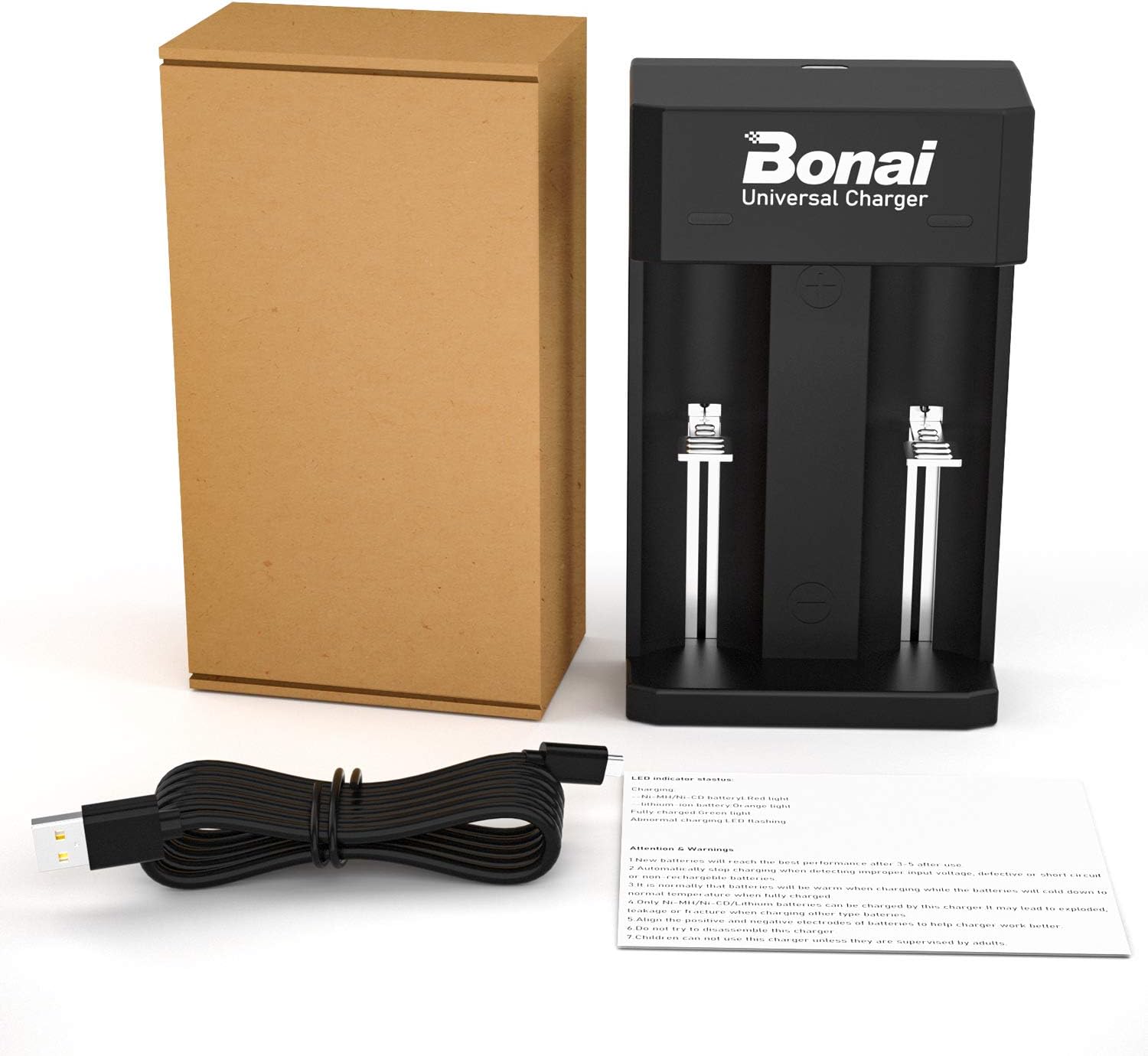
Image: The BONAI Universal Battery Charger, a USB charging cable, and the user manual are included in the package. Batteries are not included.
Technische Daten
| Besonderheit | Detail |
|---|---|
| Marke | Bonai - Die Wunder der Natur |
| Modellnummer | ZN834E |
| Farbe | Schwarz |
| Eingangslautstärketage | 5 Volt |
| Eingang AmpAlter | 1 A |
| Steckertyp | Micro-USB |
| Anzahl der Ports | 2 |
| Artikelgewicht | 100 Gramm |
| Sicherheitszertifizierungen | CE, PSE, UL |
Aufstellen
- Schließen Sie das Ladegerät an: Insert the micro-USB end of the provided USB charging cable into the micro-USB port on the charger.
- Energiequelle: Connect the standard USB-A end of the cable to a 5V USB power source. This can be a wall charger (not included), a power bank, a car charger, or a computer's USB port.
- Betriebsanzeige: Once connected, the charger's LED indicators will briefly light up, indicating it is ready for use.

Image: The charger features a micro-USB input port, allowing it to be powered by various 5V USB sources such as PCs, wall plugs, power banks, or car chargers.
Bedienungsanleitung
Batteriekompatibilität
The BONAI ZN834E charger is compatible with a wide range of rechargeable batteries. The built-in microprocessor automatically detects the battery type and capacity to apply the correct charging parameters.
- Li-ion Batteries: 18650, 14500, 18500, 18490, 18350, 17650, 17670, 17500, 26650, 22650, 25500, 21700.
- Ni-MH/Ni-CD-Akkus: AA, AAA, C, D, SC.

Image: The charger supports a broad range of battery types, including popular Li-ion sizes like 18650 and Ni-MH/Ni-CD sizes like AA, AAA, C, and D.
Ladevorgang
- Batterien einlegen: Carefully insert one or two rechargeable batteries into the charging slots, ensuring correct polarity (+ and - terminals match the markings on the charger). The charger has two independent charging channels, allowing you to charge different battery types simultaneously.
- Automatische Erkennung: The charger will automatically detect the battery type (Li-ion or Ni-MH/Ni-CD) and begin the charging process.
- Aufladen des Monitors: Beobachten Sie die LED-Anzeigen, um den Ladestatus zu überwachen.
- Fertigstellung: Once charging is complete, the LED indicator for that slot will turn green. Remove the fully charged batteries from the charger.
LED-Anzeigestatus
Die LED-Anzeigen liefern visuelles Feedback zum Ladestatus:
- Blinkende LED: Indicates an abnormal charge or an error (e.g., incorrect battery type, short circuit, or damaged battery).
- Rote LED: Battery is charging (Ni-MH/Ni-CD type).
- Orangefarbene LED: Battery is charging (Li-ion type).
- Grüne LED: Der Akku ist vollständig geladen.

Image: LED lights on the charger intelligently indicate battery status. Green signifies a full charge, orange indicates a Li-ion battery is charging, and red indicates a Ni-MH/Ni-CD battery is charging.
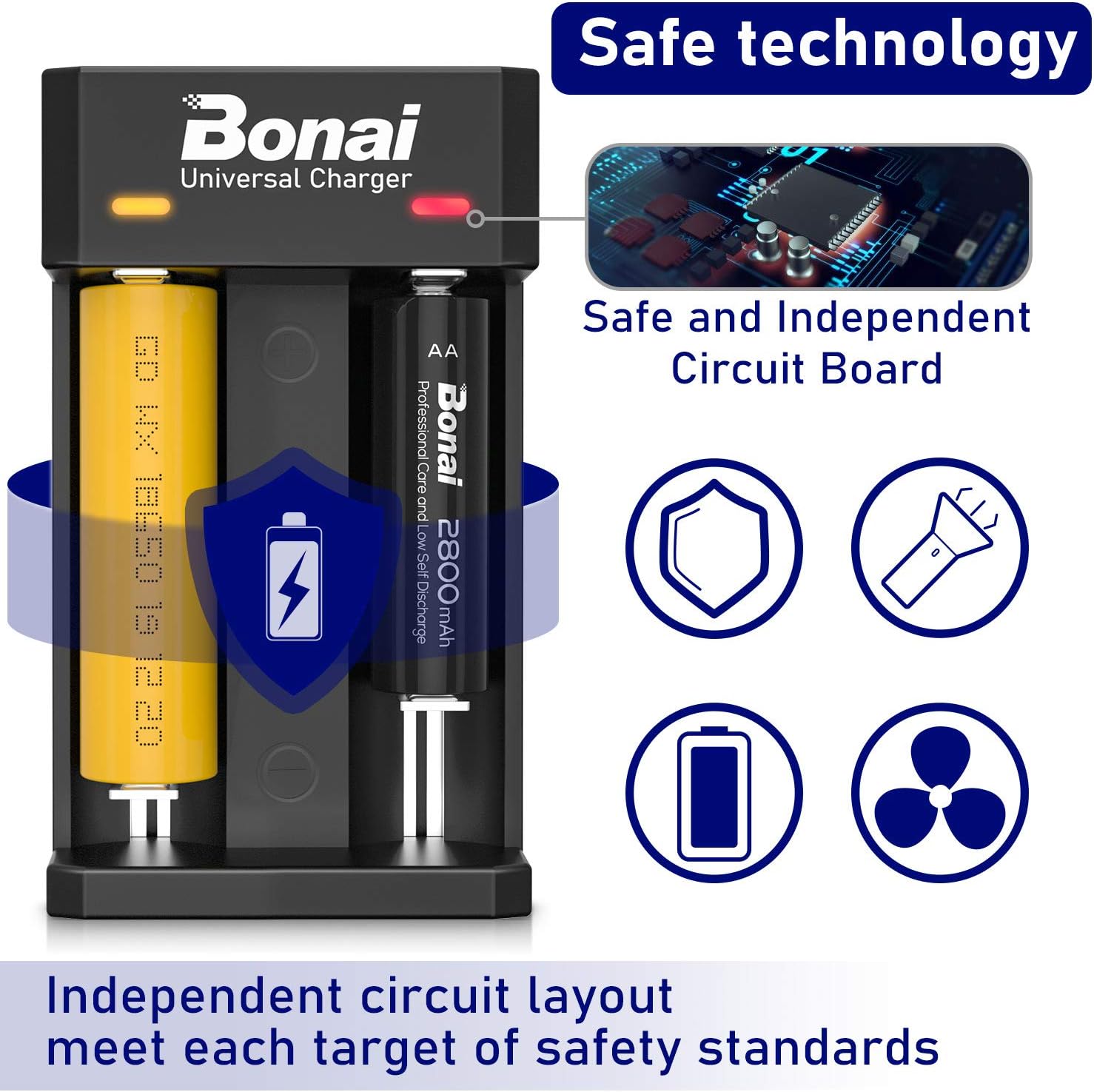
Image: The charger features safe and independent circuit boards, ensuring protection against overcharge, short-circuit, and reverse polarity, meeting various safety standards.
Wartung
- Reinigung: Trennen Sie das Ladegerät vor der Reinigung vom Stromnetz. Wischen Sie die Oberfläche des Ladegeräts mit einem weichen, trockenen Tuch ab. Verwenden Sie keine Scheuermittel oder Lösungsmittel.
- Lagerung: Bewahren Sie das Ladegerät an einem kühlen, trockenen Ort ohne direkte Sonneneinstrahlung und extreme Temperaturen auf.
- Auswirkungen vermeiden: Do not drop the charger or subject it to strong impacts.
Fehlerbehebung
| Problem | Mögliche Ursache | Lösung |
|---|---|---|
| Das Ladegerät lässt sich nicht einschalten. | No power from USB source; faulty USB cable; charger malfunction. | Check USB connection and power source. Try a different USB cable or power adapter. If the issue persists, contact customer support. |
| LED blinking (abnormal charge). | Incorrect battery type (non-rechargeable); reversed polarity; short-circuited battery; damaged battery. | Ensure you are charging a compatible rechargeable battery. Check battery polarity. Remove and reinsert the battery. If the issue persists, the battery may be faulty. |
| Akku lädt nicht. | Poor contact; battery fully charged; faulty battery. | Ensure batteries are properly seated in the slots. Check LED indicator for "Full" (green). Try charging a different battery to isolate the issue. |
| Batteries get excessively hot during charging. | Faulty battery; charger malfunction; charging in high ambient temperature. | Immediately remove the battery. Ensure charging is done in a well-ventilated area. Do not use the battery or charger if overheating persists. Contact customer support. |
Garantie und Kundendienst
BONAI products are manufactured to high-quality standards. If you encounter any problems during the use of your BONAI ZN834E Universal Battery Charger, please do not hesitate to contact our customer support team. We are committed to resolving any issues you may experience.
Please refer to your purchase documentation for specific warranty terms and contact information. Keep your proof of purchase for warranty claims.