Einführung
Thank you for choosing the blucoil 5000mAh Portable Power Bank. This manual provides essential information for the safe and efficient use of your device. Please read it thoroughly before operation and retain it for future reference.
Produkt überview
The blucoil 5000mAh Portable Power Bank is a compact and lightweight external battery designed to charge various electronic devices on the go. It features dual USB output ports for simultaneous charging and a Micro USB input for recharging the power bank itself.

Image: The blucoil 5000mAh Portable Power Bank, a black rectangular device with four LED indicator lights and the blucoil logo.
Einrichtung und Aufladen der Powerbank
Before initial use, fully charge your blucoil Portable Power Bank.
- Locate the Micro USB input port on the power bank.
- Connect one end of the supplied 12-inch Micro USB charging cable to the power bank's input port.
- Connect the other end of the charging cable to a compatible USB wall adapter (not included) or a computer's USB port.
- The LED indicator lights on the power bank will illuminate to show the charging status. A full charge typically takes approximately 3.5 hours.
- Once all four LED lights are solid, the power bank is fully charged and ready for use.
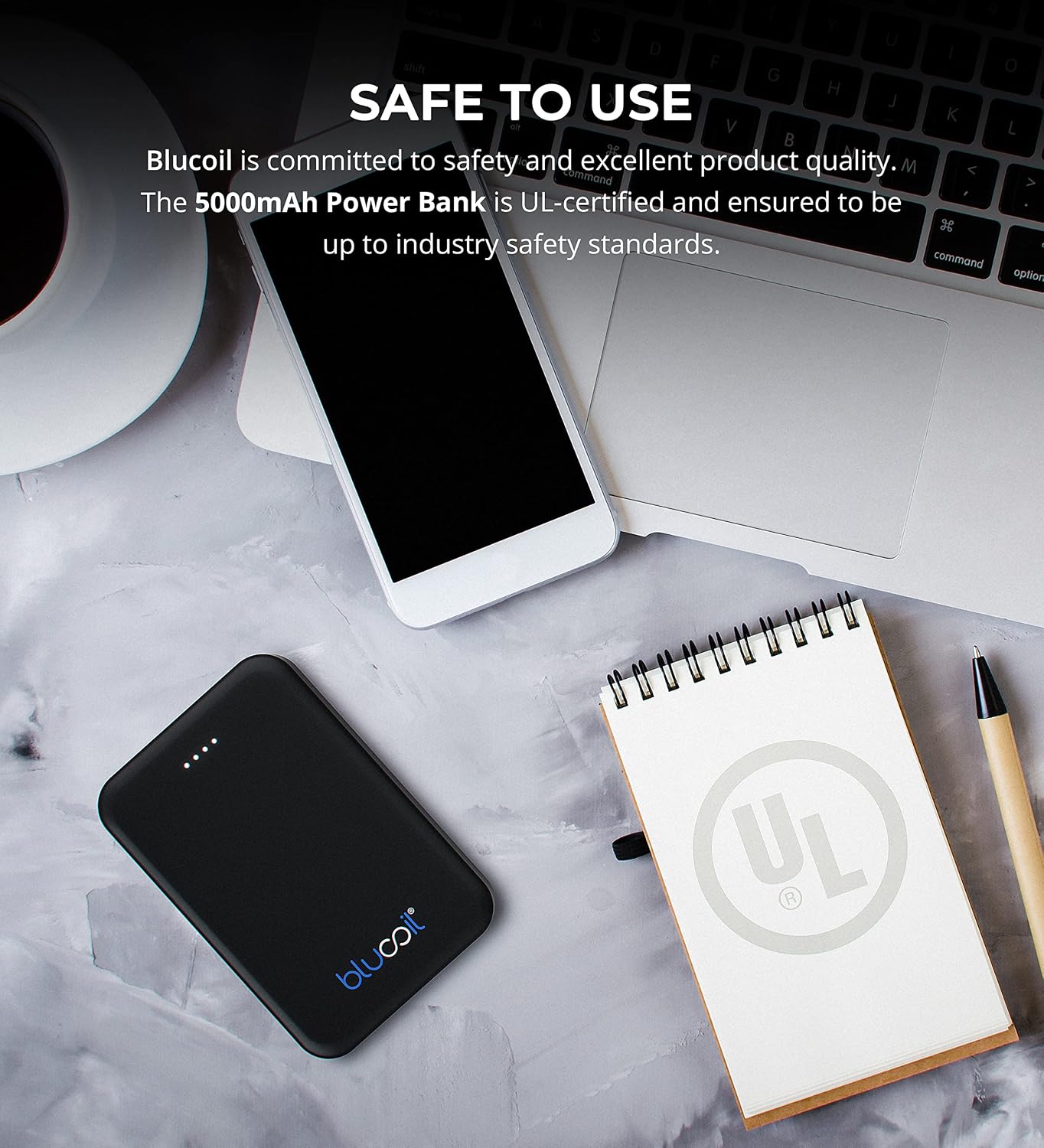
Image: The blucoil power bank connected to a wall adapter via a white USB cable, illustrating the charging process.
Bedienungsanleitung
Aufladen Ihrer Geräte
The blucoil 5000mAh Portable Power Bank is equipped with two USB output ports, allowing you to charge up to two devices simultaneously.
- Connect your device's charging cable to one of the USB output ports on the power bank.
- Verbinden Sie das andere Ende des Kabels mit Ihrem elektronischen Gerät.
- The power bank will automatically begin charging your device. The LED indicator lights will show the remaining power level of the power bank.
- Both USB ports provide 5V, 2.1A output power, suitable for fast charging compatible devices.

Image: The blucoil power bank simultaneously charging a smartphone and a tablet using its dual USB output ports.
Leistungspegelanzeigen
Die vier LED-Leuchten an der Powerbank zeigen die verbleibende Akkukapazität an:
- 4 LEDs: 75-100% berechnet
- 3 LEDs: 50-75% berechnet
- 2 LEDs: 25-50% berechnet
- 1 LEDs: 0-25 % geladen (bald wieder aufladen)
Breite Kompatibilität
The blucoil 5000mAh Portable Power Bank is compatible with a wide range of devices, including but not limited to:
- Smartphones
- Tablets
- Digitalkameras
- MP3 / MP4 Spieler
- Kopfhörer
- Spielkonsolen

Image: The blucoil power bank surrounded by icons representing various compatible devices such as phones, tablets, headphones, and game consoles.
Wartung und Pflege
- Halten Sie die Powerbank trocken. Setzen Sie sie keiner Feuchtigkeit oder Flüssigkeiten aus.
- Extreme Temperaturen vermeiden. Nicht in sehr heißen oder sehr kalten Umgebungen lagern.
- Reinigen Sie die Powerbank mit einem weichen, trockenen Tuch. Verwenden Sie keine scharfen Chemikalien oder Scheuermittel.
- Store the power bank with a partial charge (around 50%) if not used for extended periods to prolong battery life.
- Vermeiden Sie das Fallenlassen oder starke Stöße auf die Powerbank.
Sicherheitshinweise
The blucoil 5000mAh Portable Power Bank is designed with safety in mind and is UL-certified, ensuring it meets industry safety standards.
- Die Powerbank darf nicht auseinandergenommen, verändert oder repariert werden.
- Außerhalb der Reichweite von Kindern aufbewahren.
- Schließen Sie die Powerbank nicht kurz.
- Entsorgen Sie die Powerbank verantwortungsvoll gemäß den örtlichen Vorschriften.

Image: The blucoil power bank placed next to a notebook with a prominent UL certification logo, indicating product safety compliance.
Fehlerbehebung
- Powerbank lädt nicht: Ensure the charging cable is securely connected to both the power bank's Micro USB input and the wall adapter/USB port. Try a different cable or adapter.
- Gerät lädt nicht über die Powerbank: Ensure the power bank is sufficiently charged. Check that the device's charging cable is properly connected to both the power bank's output port and your device. Try a different cable.
- Langsames Laden: Ensure you are using a compatible charging cable and that the power bank has adequate charge. Some devices may charge slower if the power bank's charge is very low.
Technische Daten
| Besonderheit | Detail |
|---|---|
| Marke | Blucoil |
| Modell | 5000mAh tragbare Power Bank |
| Batteriekapazität | 5000 Milliamp Stunden (18.5 Wh) |
| Ausgangsvolumentage | 5 Volt |
| Ausgangsstrom | 2.1A (per port) |
| Steckertyp | Micro USB (Eingang) |
| Artikelgewicht | 4.6 Unzen |
| Verpackungsabmessungen | 6.26 x 3.58 x 0.71 Zoll |
| Besondere Merkmale | Lightweight, Portable, Travel-friendly |
Garantie und Support
For warranty information or technical support, please refer to the product packaging or contact blucoil customer service through the retailer where the product was purchased. Keep your proof of purchase for any warranty claims.


