1. Einleitung
Thank you for choosing the Hama Wi-Fi GU10 Smart LED Lamp. This smart home lamp allows for intelligent light control in your home, functioning as a light source, effect lighting, or for creating special lighting atmospheres. It is designed for easy use via an application and voice control, requiring no additional hub or gateway as it connects directly to your Wi-Fi router. This manual provides essential information for safe installation, setup, and operation of your smart lamp.
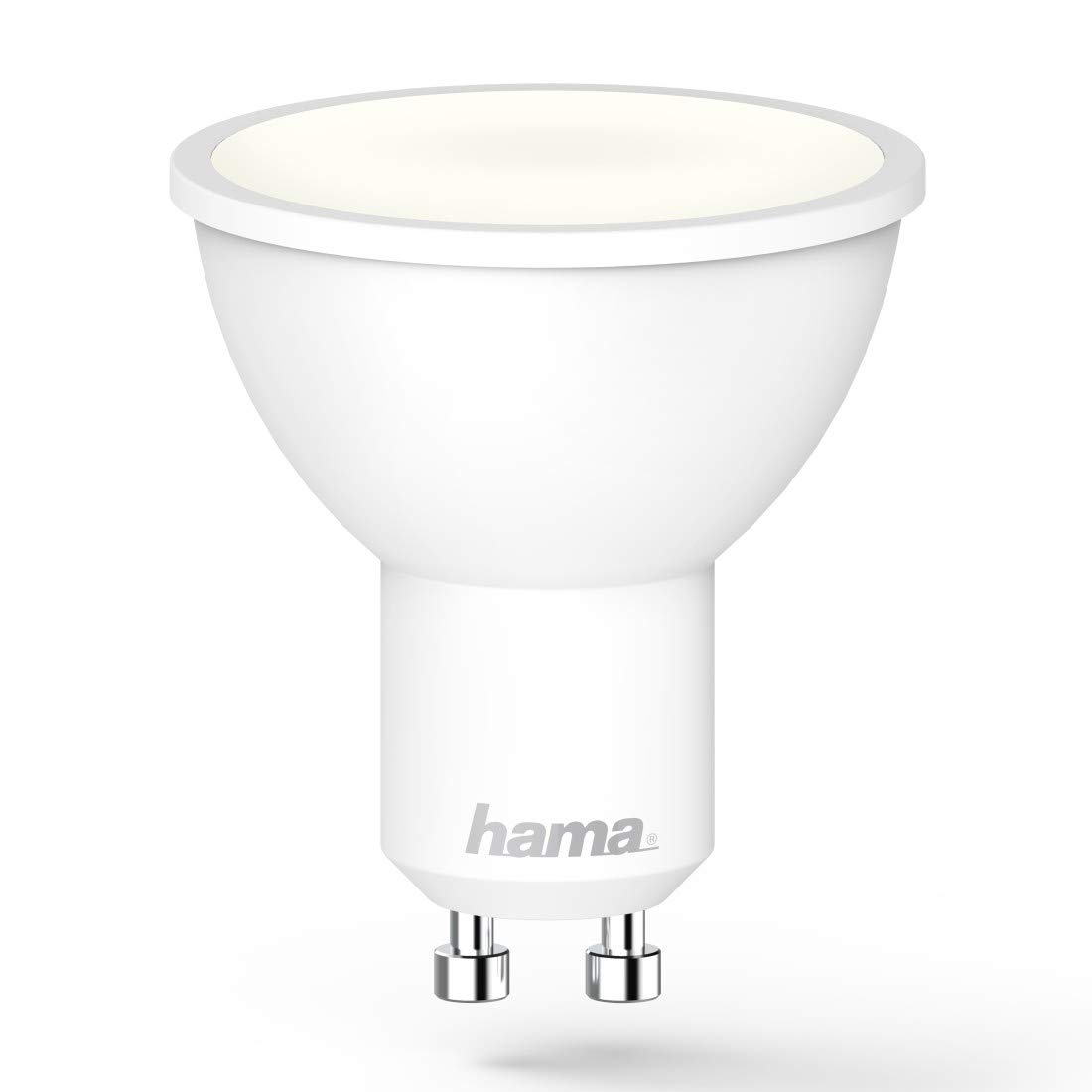
Image 1.1: The Hama GU10 Smart LED Lamp, highlighting its key features including app and voice control, and direct Wi-Fi connectivity.
2. Sicherheitshinweise
Please read these safety instructions carefully before installing or using the product. Keep this manual in a safe place for future reference.
- Elektrische Sicherheit: Always disconnect power before installing or replacing the lamp. Installation should only be performed by a qualified electrician if you are unsure.
- Nur zur Verwendung im Innenbereich: Dieses lamp is designed for indoor use in dry environments (IP20). Do not expose it to moisture or extreme temperatures.
- Kompatibilität: Stellen Sie sicher, dass die lamp holder is compatible with the GU10 base and the electrical supply (230V).
- Hitze: Die lamp may generate heat during operation. Ensure adequate ventilation and do not cover the lamp.
- Dimmen: Dieses lamp is dimmable via the application or voice control. Do not use external dimmers unless specifically designed for smart LED lamps.
- Kinder: Verpackungsmaterialien dürfen wegen Erstickungsgefahr nicht in die Hände von Kindern gelangen.
3. Packungsinhalt
Bitte prüfen Sie, ob alle Artikel vorhanden und in gutem Zustand sind:
- 1x Hama Wi-Fi GU10 Smart LED Lamp
- 1x Schnellstartanleitung
4. Installation
Follow these steps to install your Hama Wi-Fi GU10 Smart LED Lamp:
- Strom ausschalten: Before installation, ensure the power supply to the lamp holder is switched off at the main circuit breaker.
- L einfügenamp: Carefully insert the Hama Wi-Fi GU10 Smart LED Lamp into the GU10 lamp holder. Twist it gently until it is securely in place.
- Strom wiederherstellen: Einmal das lamp is securely installed, restore power at the main circuit breaker. The lamp should briefly flash, indicating it is ready for pairing.
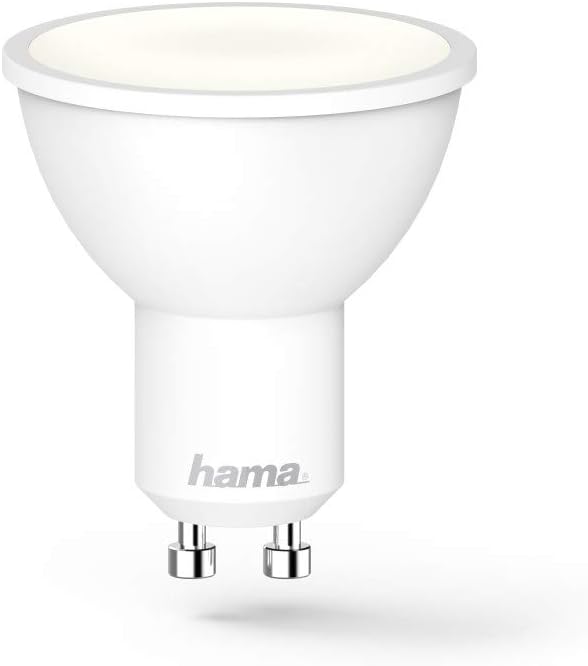
Abbildung 4.1: Eine detaillierte view of the Hama GU10 Smart LED Lamp, showing its GU10 base.
5. WLAN-Verbindung herstellen und App einrichten
The Hama Wi-Fi GU10 Smart LED Lamp connects directly to your home Wi-Fi network without the need for a separate hub.
- Laden Sie die App herunter: Download the "Hama Smart Home" app from the Apple App Store (for iOS) or Google Play Store (for Android).
- Benutzerkonto erstellen: Öffne die App und erstelle ein neues Benutzerkonto oder melde dich an, falls du bereits eines hast.
- Gerät hinzufügen: In the app, select the option to add a new device. Follow the on-screen instructions to put the lamp into pairing mode (usually by turning it on/off a few times until it flashes).
- Mit WLAN verbinden: The app will guide you through connecting the lamp to your 2.4 GHz Wi-Fi network. Ensure your smartphone is connected to the same Wi-Fi network during setup.
- Gerätename: Once connected, you can assign a name to your lamp (e.g., "Living Room Lamp") for easier control.

Image 5.1: A smartphone showing the Hama Smart Home application, used for controlling the smart lamp und andere Geräte.
6. Operating the Smart Lamp
6.1. App-Steuerung
The Hama Smart Home app provides full control over your lamp:
- Ein/Aus: Schalten Sie das l umamp ein oder aus.
- Helligkeit: Adjust the brightness level (dimmable).
- Farbtemperatur: Change the color temperature from warm white (2700K) to daylight white (6500K).
- Szenen und Gruppen: Create custom lighting scenes or group multiple lamps together for synchronized control.
- Zeitkontrolle: Legen Sie Zeitpläne für die l festamp to turn on or off at specific times.

Image 6.1: A user adjusting the brightness and color temperature of the smart lamp via the Hama Smart Home app.
6.2. Sprachsteuerung
The Hama Wi-Fi GU10 Smart LED Lamp is compatible with popular voice assistants:
- Amazon Alexa: Enable the "Hama Smart Home" skill in the Alexa app and link your Hama account.
- Google Assistant: Activate the "Hama Smart Home" service in the Google Home app and link your Hama account.
- Siri-Kurzbefehle: Create custom shortcuts for quick control.
Sobald die Verbindung hergestellt ist, können Sie Sprachbefehle wie die folgenden verwenden:
- "Alexa, schalte Wohnzimmer L ein"amp."
- "Hey Google, dim Kitchen Light to 50%."
- "Alexa, set Bedroom Light to warm white."

Image 6.2: The Hama Smart LED Lamp integrates with various smart home platforms for voice control.
6.3. Color Temperature and Dimming
Die lamp offers a wide range of color temperatures and dimming capabilities to suit different moods and activities:
- Warmweiß (2700 K): Ideal for relaxing evenings and cozy atmospheres.
- Tageslichtweiß (6500K): Suitable for tasks requiring bright, clear light, such as working or cooking.
- Dimmbar: Adjust the light intensity from 1% to 100% via the app or voice commands.
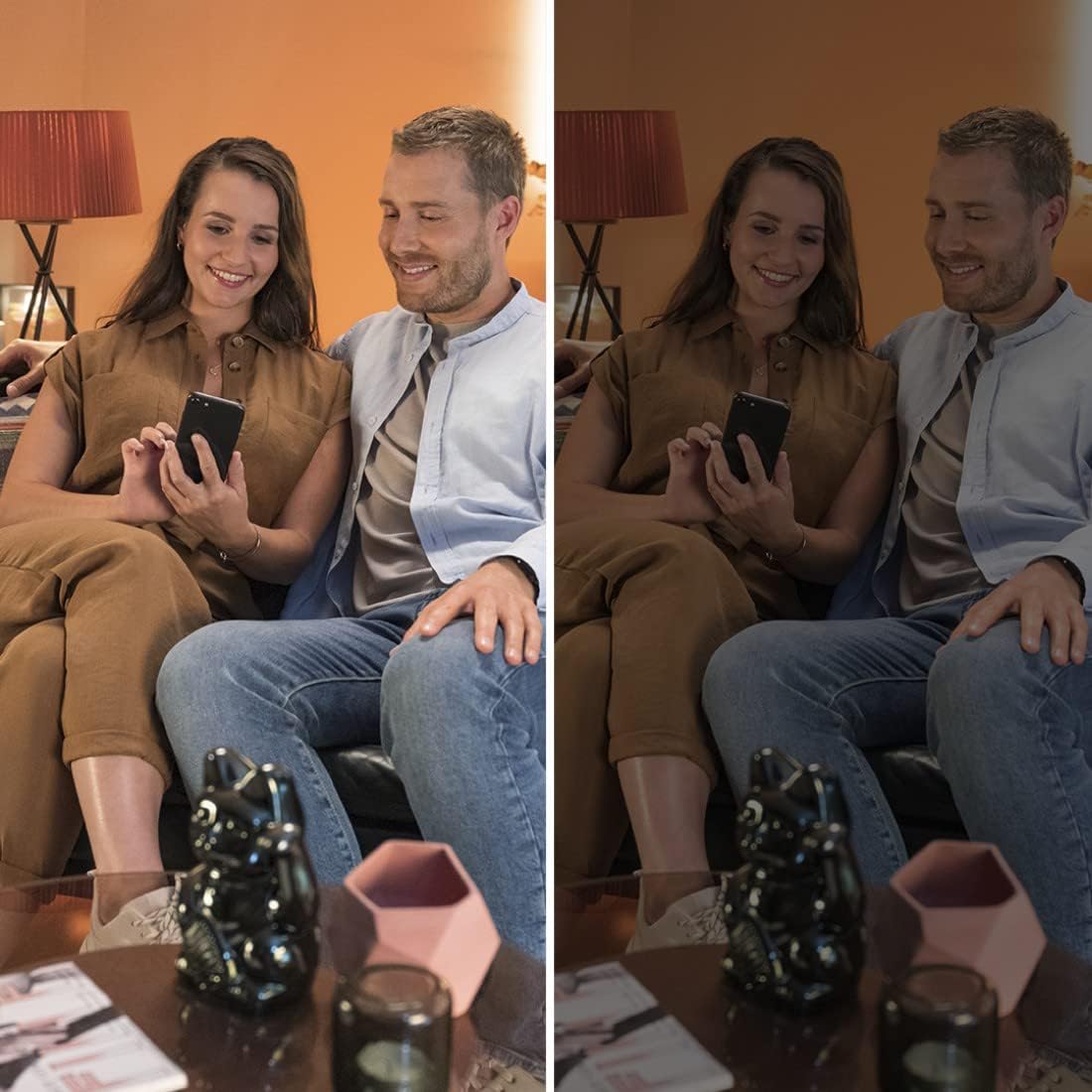
Image 6.3: Demonstrating the dimming capability of the Hama Smart LED Lamp, creating different ambiances.
7. Wartung und Pflege
To ensure optimal performance and longevity of your Hama Wi-Fi GU10 Smart LED LampBeachten Sie bitte diese Wartungsrichtlinien:
- Reinigung: Disconnect power before cleaning. Use a dry, soft, lint-free cloth to wipe the lamp. Do not use abrasive cleaners, solvents, or wet cloths, as these can damage the surface or internal components.
- Lagerung: Bei der Lagerung des lamp Bei längerer Lagerung sollte es an einem kühlen, trockenen Ort, fern von direkter Sonneneinstrahlung und extremen Temperaturen aufbewahrt werden.
- Keine vom Benutzer zu wartenden Teile: Die lamp Enthält keine vom Benutzer austauschbaren Teile. Versuchen Sie nicht, das Gerät zu öffnen oder zu reparieren.amp yourself. This will void the warranty and may pose a safety risk.
8. Fehlerbehebung
If you encounter issues with your Hama Wi-Fi GU10 Smart LED LampBeachten Sie die folgenden häufigen Probleme und Lösungen:
| Problem | Mögliche Ursache | Lösung |
|---|---|---|
| Lamp geht nicht an. | No power supply; lamp not properly installed; faulty lamp. | Check power supply; ensure lamp is securely twisted into the holder; test with another lamp wenn möglich. |
| Lamp is not connecting to Wi-Fi / App. | Incorrect Wi-Fi password; 5 GHz Wi-Fi network; lamp not in pairing mode; Wi-Fi signal too weak. | Verify Wi-Fi password; ensure you are using a 2.4 GHz network; follow app instructions to re-enter pairing mode; move router closer or use a Wi-Fi extender. |
| Lamp frequently desynchronizes or flickers. | Unstable Wi-Fi connection; interference; firmware issue. | Ensure strong Wi-Fi signal; restart router; check for app updates and lamp firmware updates; if problem persists, contact Hama support. |
| Sprachsteuerung funktioniert nicht. | Voice assistant not linked; incorrect device name; internet connection issue. | Ensure Hama Smart Home skill/service is enabled and linked in your voice assistant app; use the exact device name; check internet connection. |
9. Technische Daten
| Besonderheit | Spezifikation |
|---|---|
| Modellnummer | 00176585 |
| Lamp Typ | LED |
| Basistyp | GU10 |
| Energieaufnahme | 5.5 Watt |
| Äquivalente Glühlampenleistung | 40 Watt |
| Lichtstrom | 400 lm |
| Farbtemperatur | 2700 K (Warm White) - 6500 K (Daylight White) |
| Farbwiedergabeindex (CRI) | RA (min.) 80 |
| Dimmbar | Yes (via app/voice) |
| Bandtage | 230 V |
| Frequenz | 50 Hz / 60 Hz |
| WLAN-Frequenzband | 2.4 GHz |
| Abstrahlwinkel | 120° |
| Nennlebensdauer | 25,000 h |
| Energieeffizienzklasse | G |
| Abmessungen (L x B x H) | 50 mm x 50 mm x 56.5 mm (Reflector shape) |
| Gewicht | 90 g |
| Betriebssystemanforderungen | Android 4.4 oder höher, iOS 8.0 oder höher |

Image 9.1: Official Product Information Sheet with detailed technical data. For more details, visit EPREL-Datenbank.

Image 9.2: Energy Efficiency Label, indicating a 'G' rating for the Hama GU10 Smart LED Lamp.
10. Hinweise zur Entsorgung
According to European Directive 2012/19/EU on Waste Electrical and Electronic Equipment (WEEE), electrical and electronic devices must not be disposed of with household waste. Consumers are obliged by law to return electrical and electronic devices at the end of their service lives to the public collection points set up for this purpose or point of sale.
The symbol on the product, the instruction manual, or the packaging indicates that a product is subject to these regulations. By recycling, reusing the materials, or other forms of utilising old devices, you are making an important contribution to protecting our environment.
For proper disposal, please take this product to a designated recycling center or collection point.
11. Garantie und Support
Für Schäden, die aus unsachgemäßer Installation/Montage, unsachgemäßem Gebrauch des Produkts oder Nichtbeachten der Bedienungsanleitung und/oder Sicherheitshinweise resultieren, übernimmt die Hama GmbH & Co. KG keine Haftung oder Gewährleistung.
For technical support or warranty claims, please contact your retailer or the Hama customer service department. Please have your proof of purchase and model number (00176585) ready.
Informationen zur Verfügbarkeit von Ersatzteilen und garantierten Software-Updates sind derzeit nicht verfügbar.