1. Einleitung
Thank you for choosing the MageGee G6 Wired Gaming Mouse. This ergonomic USB optical mouse is designed to enhance your gaming and work experience with its high precision sensor, adjustable speed levels, and vibrant LED backlighting. Please read this manual thoroughly to ensure proper setup and optimal performance.
2. Einrichtung
2.1 Packungsinhalt
- MageGee G6 Wired Gaming Mouse
- Bedienungsanleitung
2.2 Systemanforderungen
- Operating System: Windows 10, Windows 8, Windows 7, Windows XP, WinME, Vista, Linux, etc.
- Verfügbarer USB-Port
2.3 Anschließen der Maus
- Locate an available USB port on your computer (PC, Laptop, or Desktop).
- Plug the USB connector of the MageGee G6 mouse into the USB port.
- The mouse is plug-and-play; no additional drivers or software are required for basic functionality.
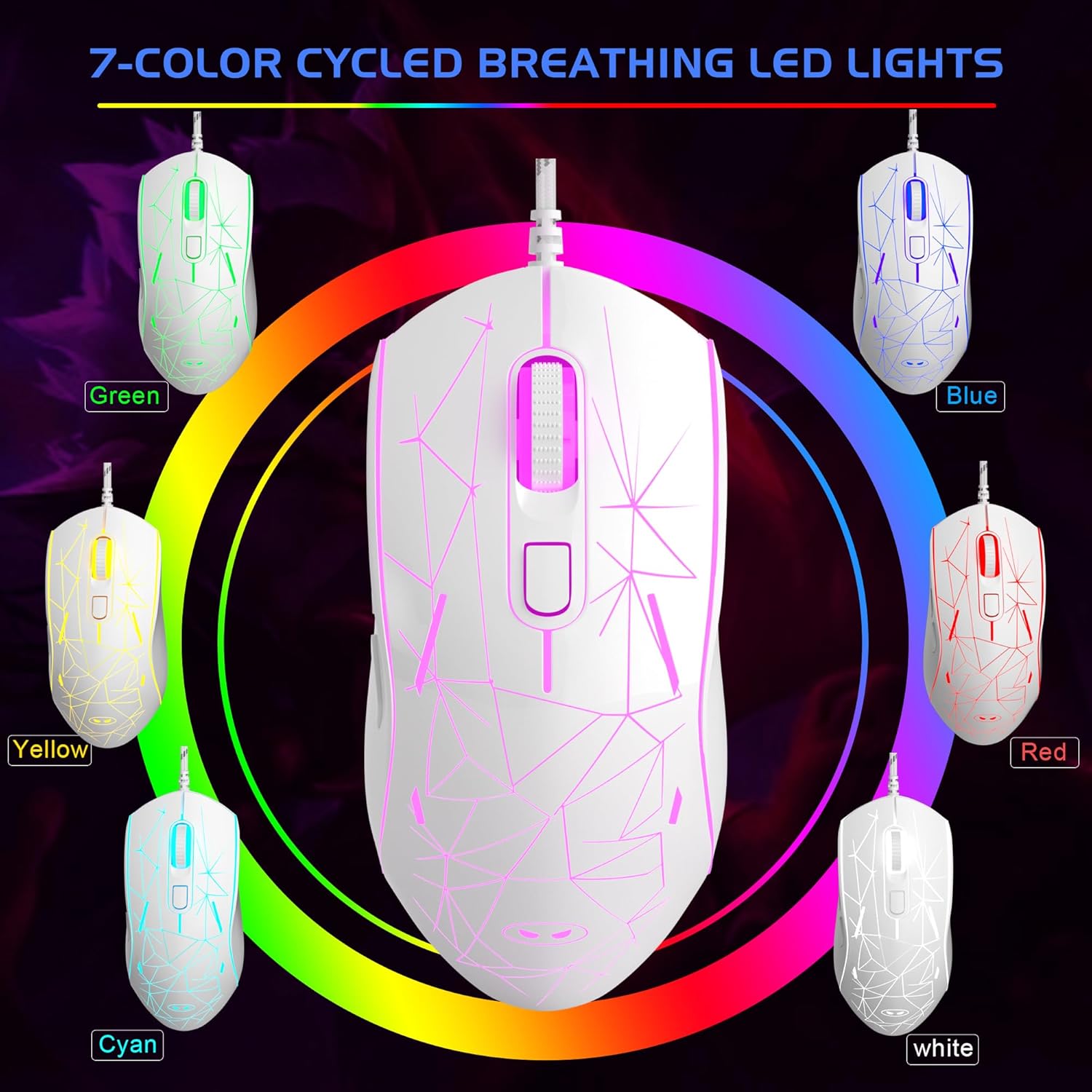
Image: The MageGee G6 Wired Gaming Mouse with its USB cable connected to a computer.
3. Bedienungsanleitung
3.1 Tastenfunktionen
The MageGee G6 offers 6 flexible buttons for versatile control:
- Linke Taste: Standardmäßige Linksklick-Funktion.
- Rechter Knopf: Standardmäßige Rechtsklick-Funktion.
- Scrollrad: Scrollt nach oben/unten und fungiert als mittlere Maustaste.
- Speed Button (DPI Button): Adjusts the DPI (Dots Per Inch) sensitivity.
- Vorwärts-Taste: Navigiert vorwärts in web Browser oder Anwendungen.
- Zurück-Schaltfläche: Navigiert rückwärts in web Browser oder Anwendungen.
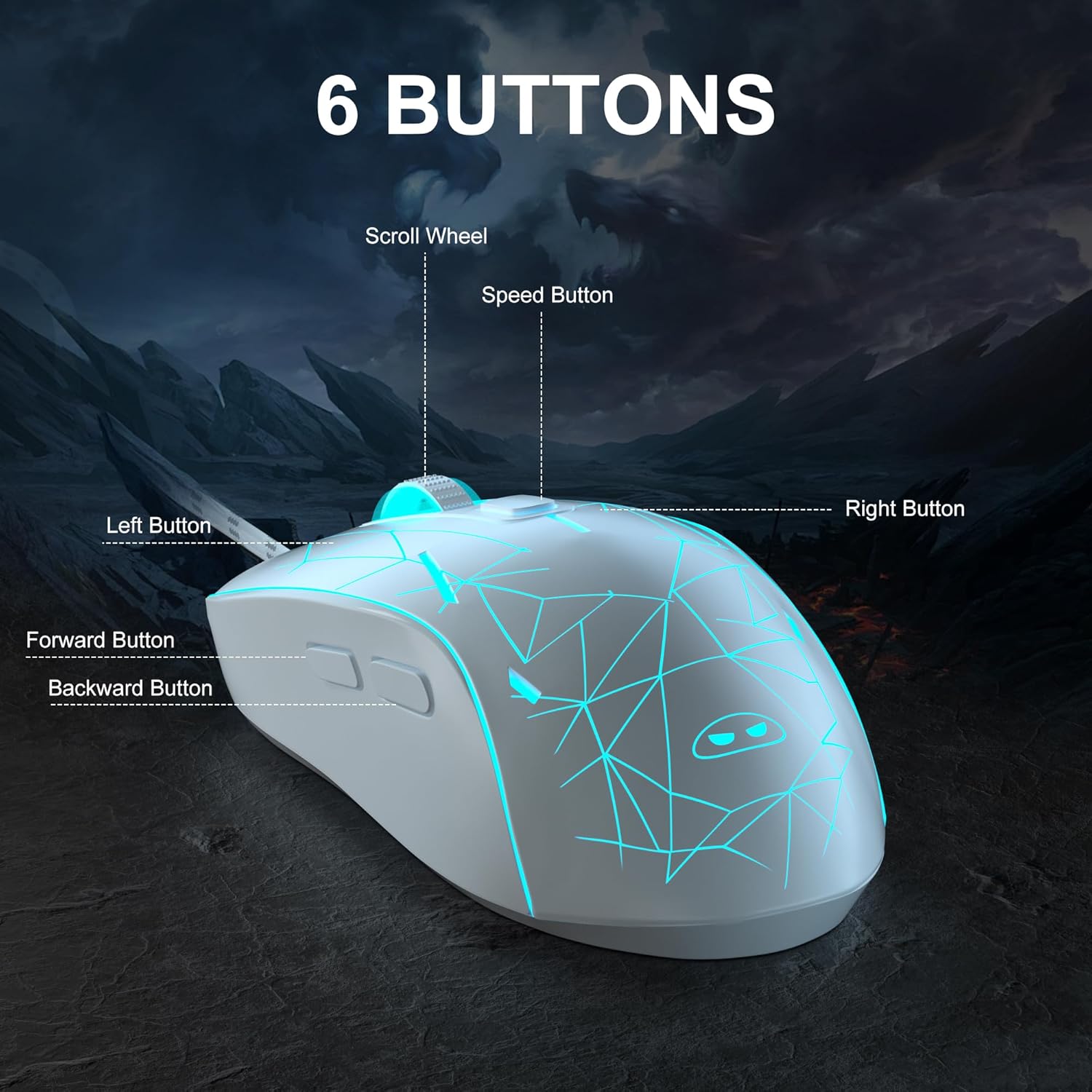
Bild: Eine detaillierte view of the MageGee G6 mouse highlighting the Left, Right, Scroll Wheel, Speed, Forward, and Back buttons.
3.2 Adjusting DPI Speed Levels
The MageGee G6 offers 6 adjustable DPI speed levels for precise cursor control:
- 600 DPI
- 800 DPI
- 1200 DPI
- 1600 DPI
- 2400 DPI
- 3200 DPI
Drücken Sie die Geschwindigkeitstaste (located below the scroll wheel) to cycle through the different DPI settings. Each press will change the sensitivity, allowing you to find the optimal speed for your tasks or games.
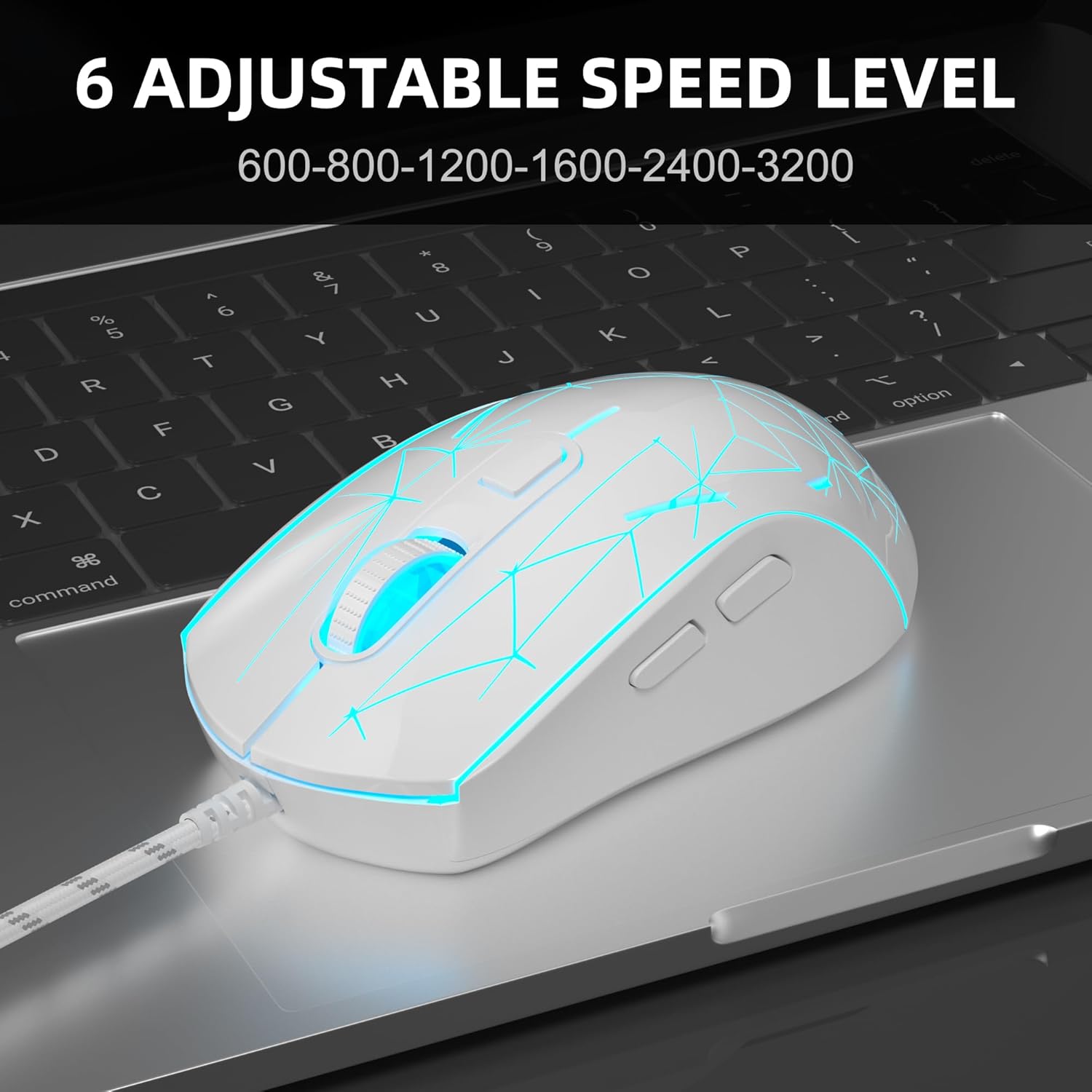
Image: The MageGee G6 mouse in use, demonstrating the adjustable DPI settings from 600 to 3200.
3.3 LED-Hintergrundbeleuchtungssteuerung
The MageGee G6 features 7-color breathing LED backlighting. You can control the lighting as follows:
- Farbe ändern: Drücken Sie die Geschwindigkeitstaste und die Weiter-Taste simultaneously to cycle through and lock a specific color.
- Lichter ein-/ausschalten: Halten Sie die Geschwindigkeitstaste for 3 seconds to toggle the LED lights on or off.
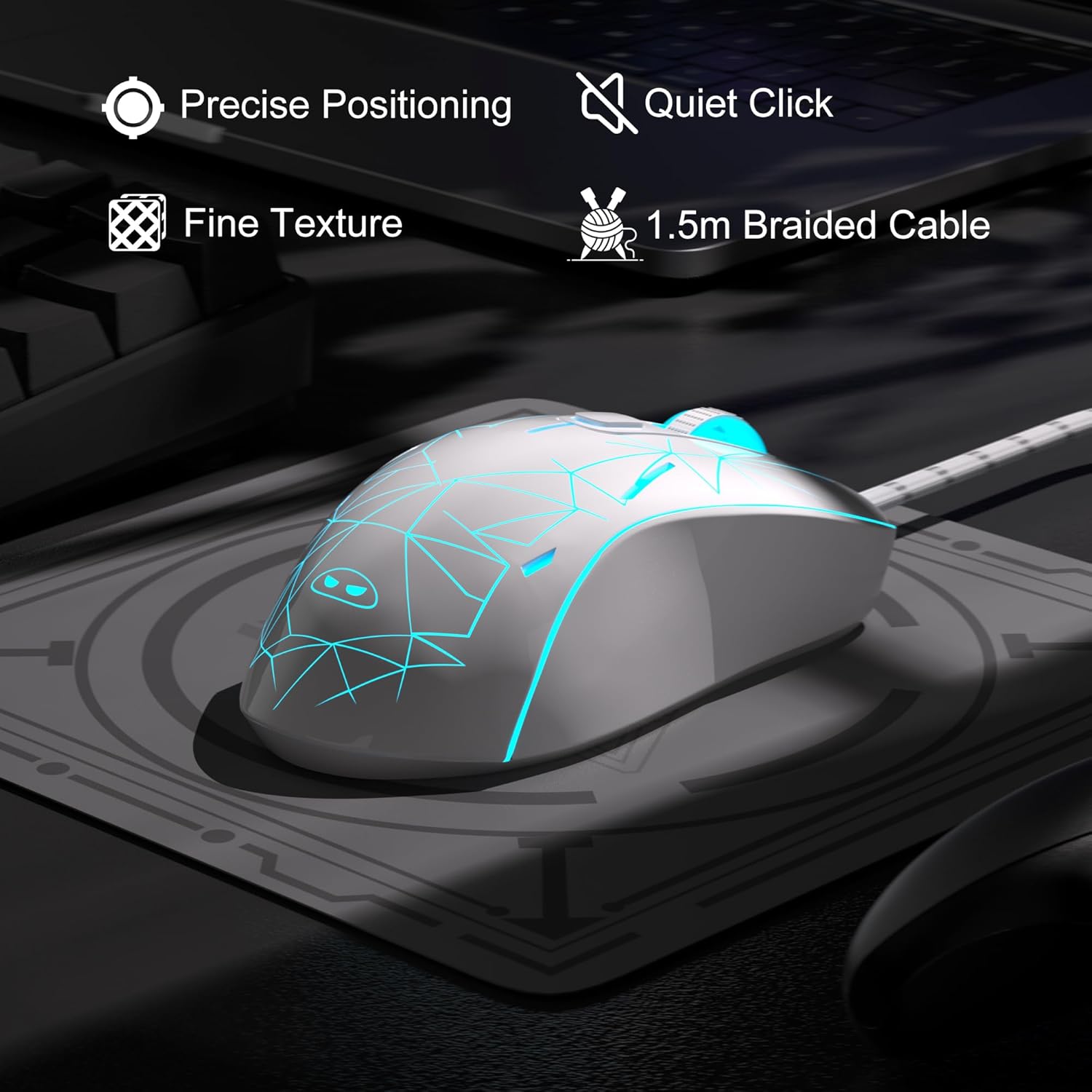
Image: The MageGee G6 mouse showcasing its 7-color breathing LED lights, including green, yellow, cyan, blue, red, and white.
4. Wartung
- Reinigung: Reinigen Sie die Maus mit einem weichen, trockenen Tuch. Vermeiden Sie die Verwendung von scharfen Chemikalien oder scheuernden Materialien.
- Kabelpflege: Do not pull or twist the braided USB cable excessively to prevent damage.
- Lagerung: Store the mouse in a dry place away from extreme temperatures.
5. Fehlerbehebung
5.1 Maus reagiert nicht
- Stellen Sie sicher, dass das USB-Kabel fest an einen funktionierenden USB-Anschluss Ihres Computers angeschlossen ist.
- Versuchen Sie, die Maus an einen anderen USB-Anschluss anzuschließen.
- Starten Sie Ihren Computer neu.
5.2 LED-Leuchten funktionieren nicht
- Stellen Sie sicher, dass die Maus ordnungsgemäß an Ihren Computer angeschlossen ist.
- Halten Sie die Geschwindigkeitstaste for 3 seconds to toggle the LED lights on or off.
5.3 Die Cursorbewegung ist unregelmäßig
- Reinigen Sie den optischen Sensor an der Unterseite der Maus mit einem weichen Tuch.
- Stellen Sie sicher, dass Sie die Maus auf einer geeigneten Oberfläche (z. B. einem Mauspad) verwenden.
- Adjust the DPI sensitivity using the Geschwindigkeitstaste.
6. Spezifikationen
| Besonderheit | Detail |
|---|---|
| Marke | MageGee |
| Modell | G6 |
| Konnektivitätstechnologie | USB, Kabelgebunden |
| Bewegungserkennungstechnologie | Optisch |
| DPI-Stufen | 600/800/1200/1600/2400/3200 (Adjustable) |
| Schaltflächen | 6 (Left, Right, Scroll Wheel, Speed, Forward, Back) |
| LED-Hintergrundbeleuchtung | 7 Colors Breathing LED (Blue, Red, Green, Purple, Cyan, Yellow, White) |
| Kabellänge | 1.5 meters (Durable Braided Cable) |
| Ergonomie | Ergonomic Design with Comfortable Grip |
| Kompatibilität | Windows 10, 8, 7, XP, WinME, Vista, Linux, PC, Laptop, Desktop |
| Artikelgewicht | 5.6 Unzen |
| Verpackungsabmessungen | 5.31 x 3.62 x 1.65 Zoll |
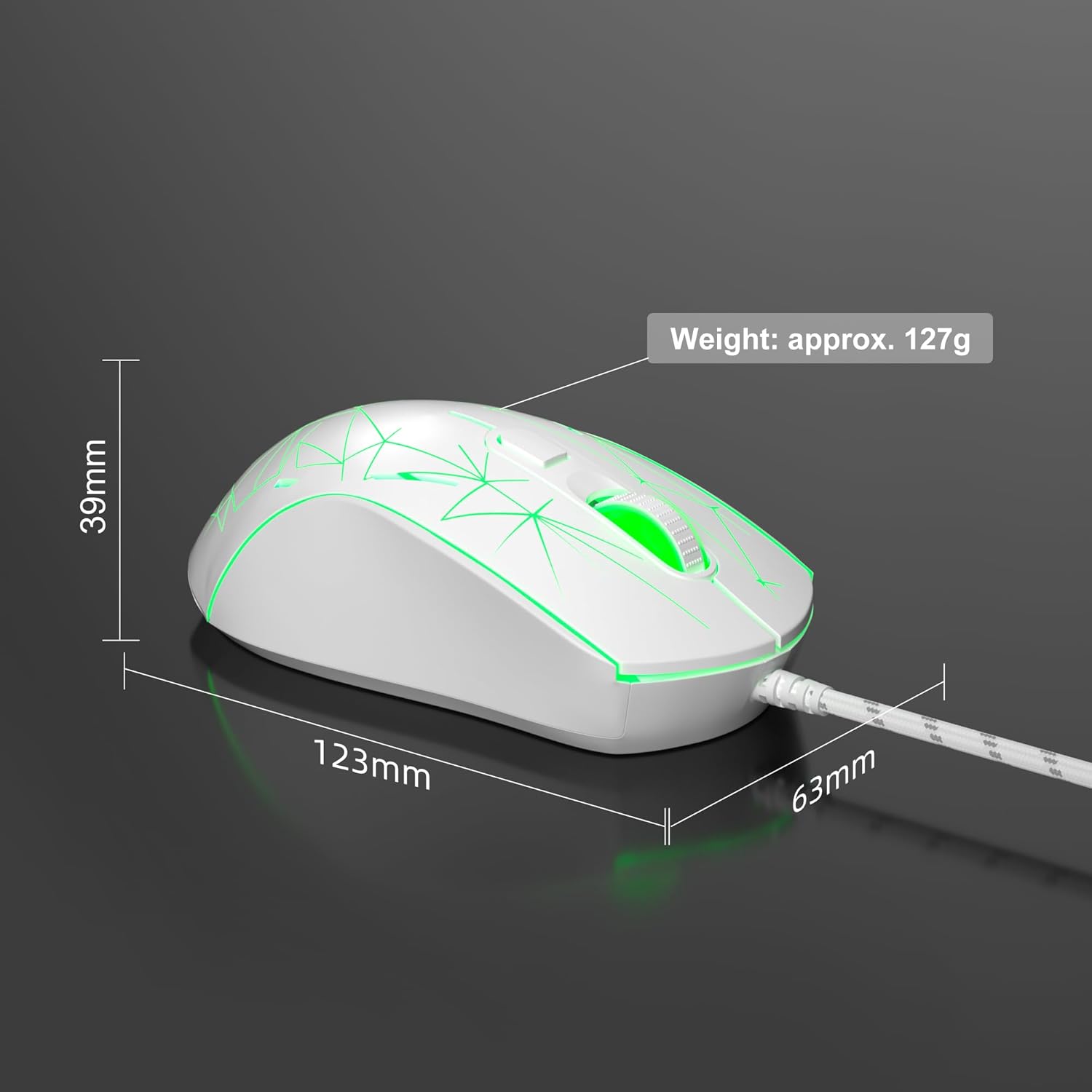
Image: Diagram illustrating the dimensions of the MageGee G6 Wired Gaming Mouse (123mm length, 63mm width, 39mm height, approx. 127g weight).
7. Garantie und Support
For warranty information and customer support, please refer to the official MageGee webBesuchen Sie unsere Website oder wenden Sie sich an Ihren Händler. Bewahren Sie Ihren Kaufbeleg für Garantieansprüche auf.
MageGee is committed to technological and product innovation, providing quality computer peripherals. Our after-sales team is available to promptly respond and solve your problems.
Besuchen Sie die MageGee Store Für weitere Produkte und Informationen.


