1. Einleitung
This manual provides essential information for the safe and effective use of your PowerLocus Smartwatch Activity Tracker. Please read it thoroughly before using the device to ensure optimal performance and longevity.
The PowerLocus Smartwatch is designed to monitor various health and fitness metrics, provide notifications, and assist in managing daily activities. It features a 1.4-inch full touch screen and is compatible with both iOS and Android devices.

Bild 1.1: Front view of the PowerLocus Smartwatch, displaying time, date, and a moon/stars graphic. The watch has a grey strap and a rectangular screen.
2. Einrichtung
2.1. Aufladen des Geräts
Before first use, fully charge your smartwatch. Connect the magnetic charging cable to the charging points on the back of the watch and plug the USB end into a power adapter (not included) or a computer's USB port. A full charge typically takes less than 2 hours.
The watch offers more than 7 days of battery life and up to 15 days in standby mode.

Bild 2.1: Hinteren view of the PowerLocus Smartwatch, highlighting the magnetic charging contacts and the optical heart rate sensor.
2.2. App-Installation und -Kopplung
- Laden Sie die App herunter: Suchen nach the dedicated PowerLocus Smartwatch app on your smartphone's app store (iOS or Android).
- Installieren und öffnen: Installieren Sie die App und öffnen Sie sie auf Ihrem Smartphone.
- Bluetooth aktivieren: Stellen Sie sicher, dass Bluetooth auf Ihrem Smartphone aktiviert ist.
- Gerät koppeln: Follow the in-app instructions to search for and connect to your PowerLocus Smartwatch. The app will guide you through the pairing process.
- Berechtigungen erteilen: Allow necessary permissions (e.g., notifications, location) for the app to function correctly.
3. Bedienungsanleitung
3.1. Grundlegende Navigation
The smartwatch features a full touch screen for easy navigation. Swipe left, right, up, or down to access different menus and functions. Tap to select an option or confirm an action. The side button typically serves as a back or home button.
3.2. Benachrichtigungen
Once paired with your smartphone, the smartwatch can display notifications for incoming calls, SMS messages, and various social media applications like WhatsApp and Messenger. Ensure notification permissions are granted in the app.

Bild 3.1: A hand wearing the PowerLocus Smartwatch, with notification icons for various applications like WhatsApp, Twitter, Instagram, and Facebook floating around the watch face.
3.3. Gesundheitsüberwachung
The smartwatch provides continuous monitoring of several health metrics:
- Herzfrequenzerkennung: Überwacht Ihre Herzfrequenz den ganzen Tag über.
- Blutdruckerkennung: Liefert Schätzwerte für Ihren Blutdruck.
- Blutsauerstoffmessung (SpO2): Misst den Sauerstoffgehalt im Blut.
- Schrittzähler: Zählt Ihre täglichen Schritte.
- Kalorienverbrauch: Schätzt den Kalorienverbrauch anhand der Aktivität.
- Entfernungsberechnung: Erfasst die zurückgelegte Strecke.
Sie können über das Menü der Uhr auf diese Funktionen zugreifen oder view Detaillierte Daten in der Begleit-App.

Bild 3.2: A man in a gym setting, looking at his PowerLocus Smartwatch which displays health metrics such as heart rate, blood pressure, and step count.
3.4. Schlafüberwachung
The smartwatch automatically tracks your sleep patterns, distinguishing between light sleep, deep sleep, and awake stages. This data helps you understand your sleep quality. Set bedtime reminders through the app to establish a consistent sleep routine.

Bild 3.3: A woman sleeping peacefully, wearing a PowerLocus Smartwatch that shows sleep duration and quality metrics on its screen.
3.5. Sports Activities
The smartwatch supports 8 different sports modes to accurately track your workouts. These modes help monitor performance metrics like steps, distance, calories burned, and heart rate during activities such as running, cycling, basketball, and football.

Bild 3.4: The PowerLocus Smartwatch displaying activity tracking data, accompanied by images of a person cycling, running, and playing football, illustrating its multi-sport capabilities.
3.6. Zusätzliche Funktionen
- Kamerasteuerung: Steuern Sie die Kamera Ihres Smartphones aus der Ferne.
- Wecker: Wecker können direkt über die Uhr oder die App gestellt werden.
- Chronometer: Nutzen Sie die Stoppuhrfunktion, um Aktivitäten zu messen.
- Sitzende Erinnerung: Lassen Sie sich nach längerer Inaktivität zur Bewegung auffordern.
- Musiksteuerung: Steuern Sie die Musikwiedergabe auf Ihrem gekoppelten Smartphone (Wiedergabe, Pause, Titel überspringen).
- Anpassbare Zifferblätter: Change the watch face to suit your style.
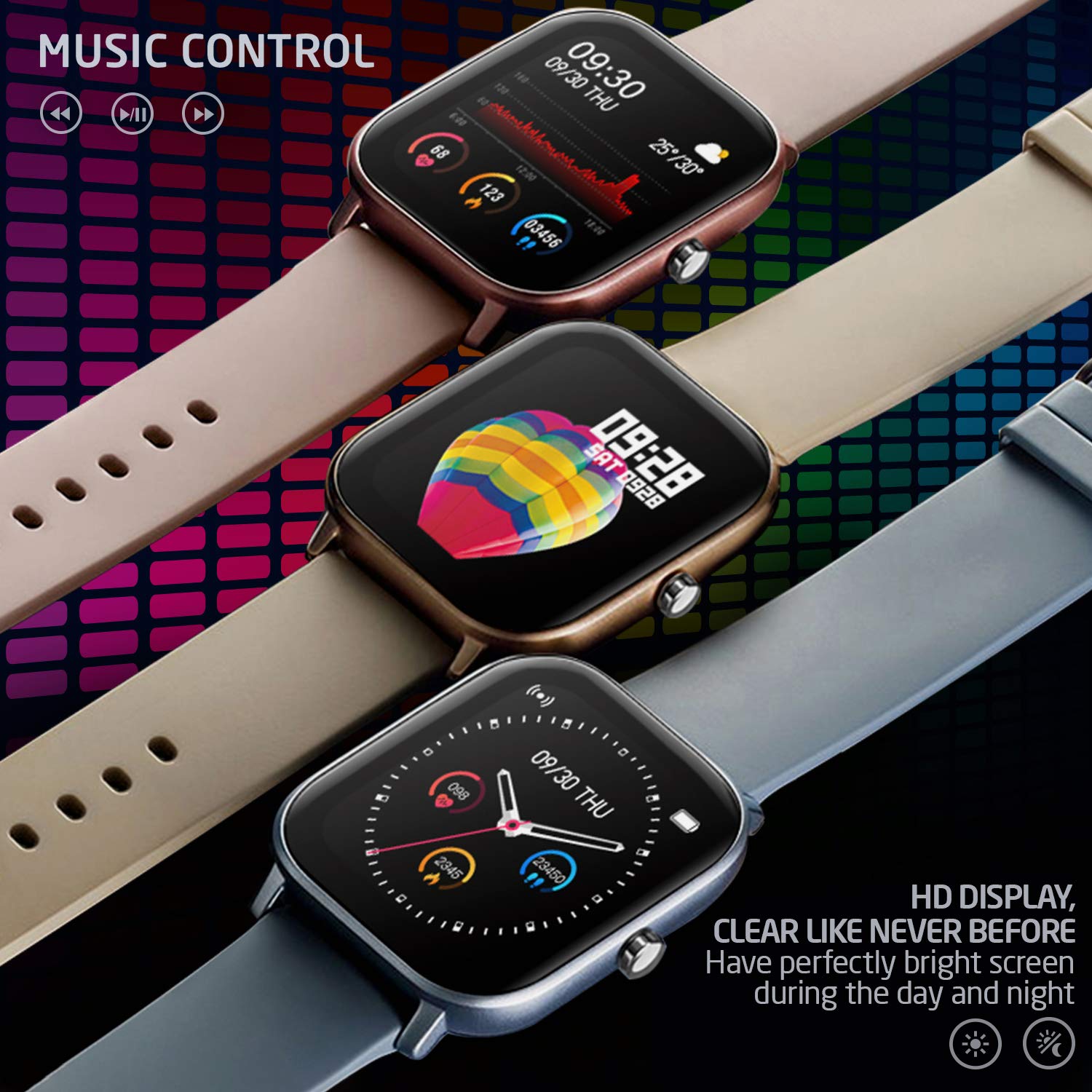
Bild 3.5: Three PowerLocus Smartwatches in different colors, showcasing music control features and various customizable watch faces with health data.
4. Wartung
4.1. Wasserdichtigkeit
The PowerLocus Smartwatch has an IP67 water resistance rating, meaning it is protected against dust and can withstand immersion in water up to 1 meter for 30 minutes. It is suitable for swimming and jogging in the rain. However, it is not recommended for diving or high-pressure water activities.
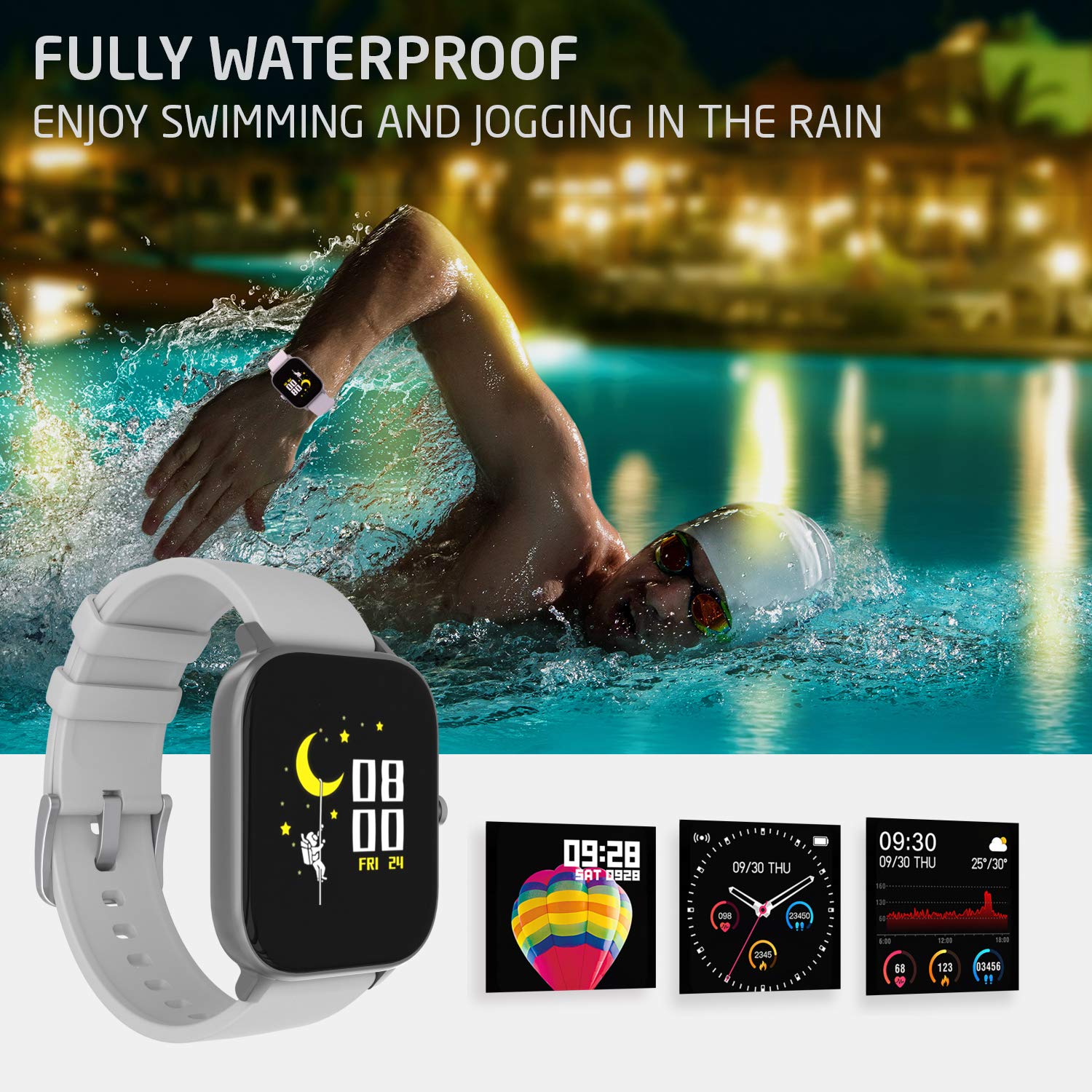
Bild 4.1: A person swimming in a pool, wearing the PowerLocus Smartwatch, demonstrating its waterproof capability.
4.2. Reinigung und Pflege
- Reinigen Sie Uhr und Armband regelmäßig mit einem weichen, fusselfreien Tuch.amp Tuch.
- Vermeiden Sie die Verwendung aggressiver Chemikalien oder Scheuermittel.
- Vor dem Laden sicherstellen, dass die Ladekontakte sauber und trocken sind.
- Schützen Sie den Bildschirm vor Kratzern, indem Sie den Kontakt mit scharfen Gegenständen vermeiden.
5. Fehlerbehebung
- Gerät lässt sich nicht einschalten: Stellen Sie sicher, dass die Uhr vollständig aufgeladen ist. Schließen Sie sie an das Ladegerät an und warten Sie einige Minuten, bevor Sie versuchen, sie einzuschalten.
- Kopplung mit Smartphone nicht möglich:
- Stellen Sie sicher, dass Bluetooth auf Ihrem Smartphone aktiviert ist.
- Stellen Sie sicher, dass sich die Uhr in Reichweite Ihres Smartphones befindet.
- Starten Sie sowohl die Uhr als auch Ihr Smartphone neu.
- Überprüfen Sie, ob die App auf die neueste Version aktualisiert ist.
- Falls das Gerät zuvor gekoppelt war, versuchen Sie, die Kopplung über die App aufzuheben und erneut zu koppeln.
- Ungenaue Gesundheitsdaten:
- Achten Sie darauf, dass die Uhr eng am Handgelenk sitzt, aber nicht zu eng.
- Reinigen Sie den Sensor auf der Rückseite der Uhr.
- Environmental factors and individual physiology can affect readings. The device is not a medical instrument.
- Benachrichtigungen werden nicht angezeigt:
- Verify that notification permissions are enabled for the app on your smartphone.
- Check the app settings to ensure notifications are enabled for specific applications.
- Stellen Sie sicher, dass die Uhr per Bluetooth verbunden ist.
6. Spezifikationen
| Besonderheit | Detail |
|---|---|
| Modellname | Aktivitätstracker |
| Modellnummer | pwl-par-smart1 |
| Bildschirmgröße | 1.4 Zoll |
| Auflösung | 240*240 |
| Gewicht | 46g (device), 141g (package) |
| Armband Größe | L*W*H=36.6*43*9.3 mm |
| Wasserbeständigkeit | IP67 (wasserdicht) |
| Display-Technologie | LCD |
| Konnektivität | Bluetooth |
| Kompatibles Betriebssystem | Android, iOS |
| Akku-Typ | Lithium-Ionen-Akku (1 C-Batterie im Lieferumfang enthalten) |
| Akkulaufzeit | 7+ days (typical use), 15 days (standby) |
| Ladezeit | Weniger als 2 Stunden |
| Besondere Merkmale | Pedometer, Heart Rate Monitor, Blood Pressure Monitor, Blood Oxygen Monitor, Sleep Tracker, Sports Modes, Notifications, Camera Control, Alarm Clock, Chronometer, Sedentary Reminder, Music Control, Customizable Watch Faces |
7. Garantie und Support
7.1. Garantieinformationen
The PowerLocus Smartwatch Activity Tracker comes with a 24 Monate Vollgarantie. This warranty covers manufacturing defects and ensures your smartwatch functions as intended for two years from the date of purchase. Please retain your proof of purchase for warranty claims.
7.2. Kundendienst
For any questions, technical assistance, or warranty claims, please contact PowerLocus customer support through the official website or the contact information provided with your product packaging. Our team is dedicated to providing prompt and helpful assistance.


