1. Einleitung
Thank you for choosing the AUNA CDC 200 Portable DAB+/FM CD Player. This device combines the versatility of a portable CD player with the advanced capabilities of DAB+ and FM radio. Designed for on-the-go listening, it features a rechargeable battery, an anti-skip function, and supports various audio formats. Please read this manual carefully to ensure proper use and maintenance of your device.

Image 1.1: AUNA CDC 200 Portable DAB+/FM CD Player. This image shows the compact design of the device.
2. Produktmerkmale
- DAB+ and FM Radio Tuner: Greifen Sie auf eine breite Palette digitaler und analoger Radiosender zu.
- CD-Wiedergabe: Supports CD, CD-R, CD-RW, and MP3-CD formats.
- Tragbares Design: Kompakt und leicht für einfachen Transport.
- Wiederaufladbarer Akku: Integrated 1000 mAh battery for extended mobile use.
- LC-Display: Clear Liquid Crystal display for track information and radio station details.
- Anti-Skip-Funktion: Ensures stable audio playback during movement.
- Bassverstärkung: Enhances low-frequency audio for a richer sound experience.
- Micro-USB-Anschluss: Zum Aufladen des Gerätes.
- 3.5mm Kopfhörerbuchse: Zum privaten Hören.
3. Packungsinhalt
Bitte prüfen Sie das Paket auf folgende Artikel:
- AUNA CDC 200 Portable DAB+/FM CD Player
- In-Ear-Kopfhörer
- Micro-USB-Ladekabel
- Benutzerhandbuch (dieses Dokument)
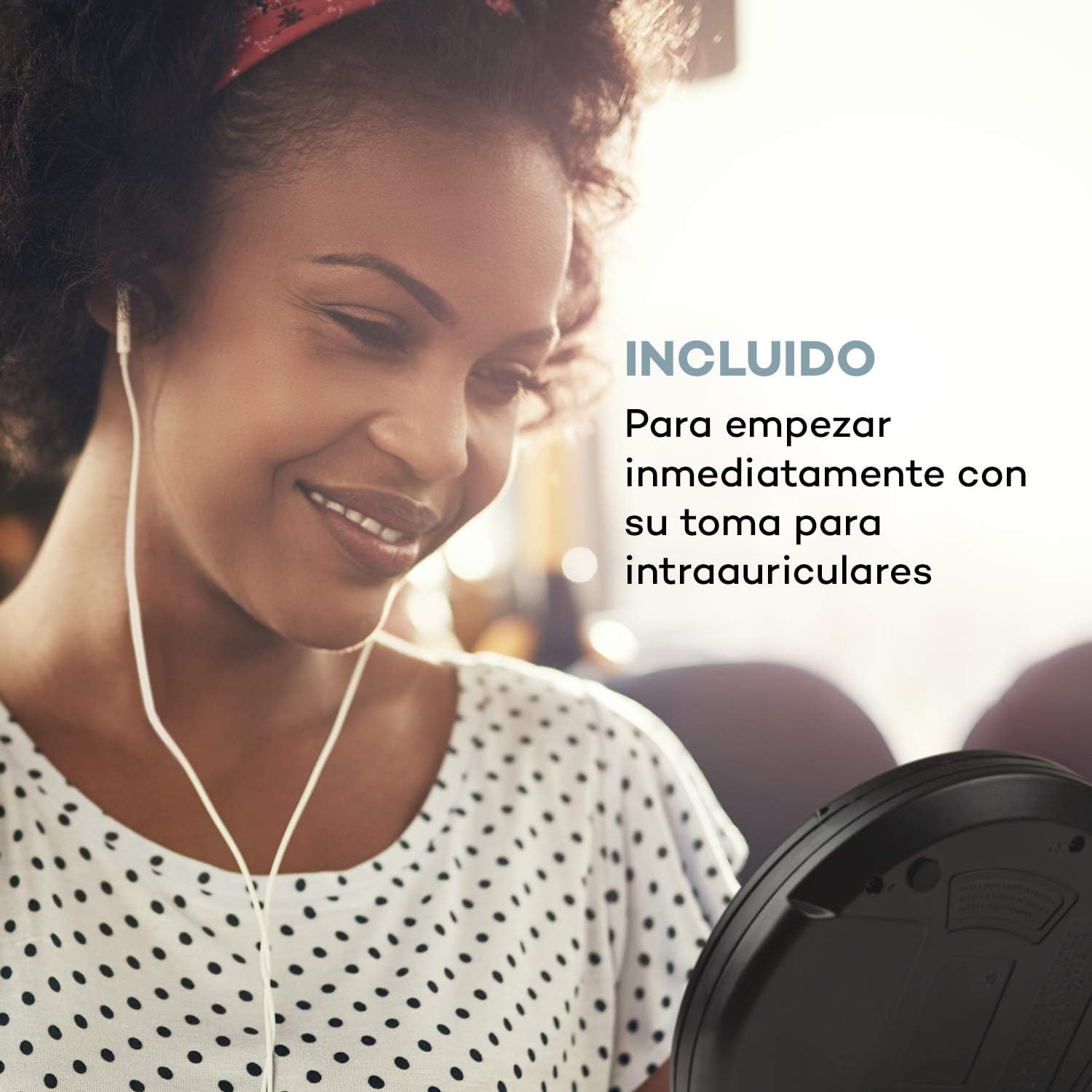
Image 3.1: The AUNA CDC 200 includes a pair of in-ear headphones for immediate use.
4. Bedienelemente und Anschlüsse
Familiarize yourself with the buttons and ports on your AUNA CDC 200:
- AUS/EIN-Schalter: Schaltet das Gerät ein oder aus.
- Play/Pause Button (►/−): Startet oder pausiert die CD-Wiedergabe.
- Stopptaste (■): Stoppt die CD-Wiedergabe.
- Skip/Search Buttons (◀◀ / ►►): Skips tracks or fast forwards/rewinds during CD playback. In radio mode, tunes to the next/previous station.
- MENU-Taste: Greift auf Menüoptionen zu.
- P-MODE Button: Wählt Wiedergabemodi aus (z. B. Wiederholung, Zufallswiedergabe).
- SOURCE-Taste: Switches between CD and Radio modes.
- SCAN-Taste: Initiates station scanning in radio mode.
- INFO-Taste: Displays additional information (e.g., radio station details).
- ENTER-Taste: Bestätigt die Menüauswahl.
- TU+/TU- Buttons: Adjusts tuning in radio mode or navigates menu options.
- Micro-USB-Anschluss: Zum Anschließen des Ladekabels.
- 3.5mm Kopfhörerbuchse: Zum Anschließen von Kopfhörern.

Bild 4.1: Überview of the AUNA CDC 200's top panel with control buttons and LC display.
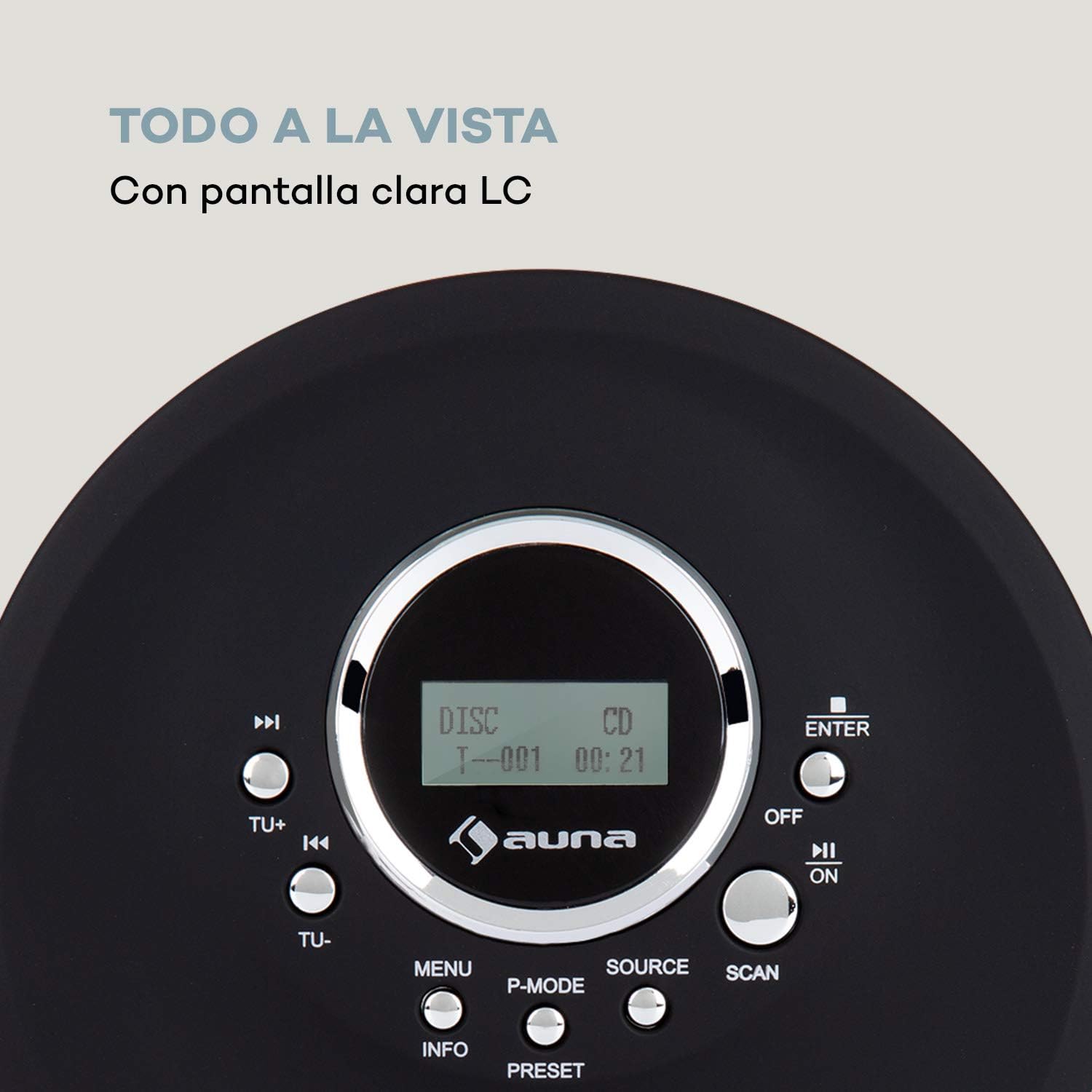
Image 4.2: The clear LC display shows track information and operating status.
5. Einrichtung
5.1 Laden des Akkus
Before first use, fully charge the integrated 1000 mAh battery. Connect the supplied Micro USB cable to the device's Micro USB port and the other end to a USB power source (e.g., a computer USB port, a USB wall adapter, or a power bank). The charging indicator will illuminate during charging and turn off when fully charged.
Image 5.1: The AUNA CDC 200 can be charged via Micro USB from various power sources.
5.2 Kopfhörer anschließen
Insert the 3.5mm jack of your headphones into the headphone port on the side of the device. Ensure the connection is secure for optimal audio output.
5.3 Einlegen einer CD
- Schieben Sie den Schalter OPEN, um den Deckel des CD-Fachs zu öffnen.
- Carefully place a CD (audio CD, CD-R, CD-RW, or MP3-CD) onto the spindle with the label side facing up.
- Drücken Sie die CD vorsichtig an, bis sie einrastet.
- Schließen Sie den Deckel des CD-Fachs fest, bis er einrastet.

Image 5.2: The CD compartment supports various disc formats including CD, CD-R, CD-RW, and MP3-CD.
6. Bedienungsanleitung
6.1 Ein-/Ausschalten
Schieben Sie den AUS/EIN switch to the 'ON' position to power on the device. Slide it to 'OFF' to power off.
6.2 CD-Wiedergabe
- Ensure a CD is inserted and the device is powered on.
- Drücken Sie die QUELLE Drücken Sie die Taste, um den CD-Modus auszuwählen. Im Display wird „CD“ angezeigt.
- Drücken Sie die Wiedergabe/Pause (►/−) Zum Starten der Wiedergabe drücken. Die Titelnummer und die verstrichene Zeit werden angezeigt.
- Drücken Wiedergabe/Pause (►/−) Drücken Sie erneut, um die Wiedergabe anzuhalten. Drücken Sie die Taste ein weiteres Mal, um sie fortzusetzen.
- Drücken Skip/Search (►►) Zum nächsten Titel springen. Skip/Search (◀◀) Zum Anfang des aktuellen oder des vorherigen Titels springen.
- Drücken und halten Skip/Search (►►) or (◀◀) to fast forward or rewind through the current track.
- Drücken Sie die Stopp (■) Taste, um die Wiedergabe zu stoppen.
Anti-Skip Function
The AUNA CDC 200 features an integrated anti-skip function to prevent interruptions during playback, especially when the device is in motion. This function is automatically active during CD playback.
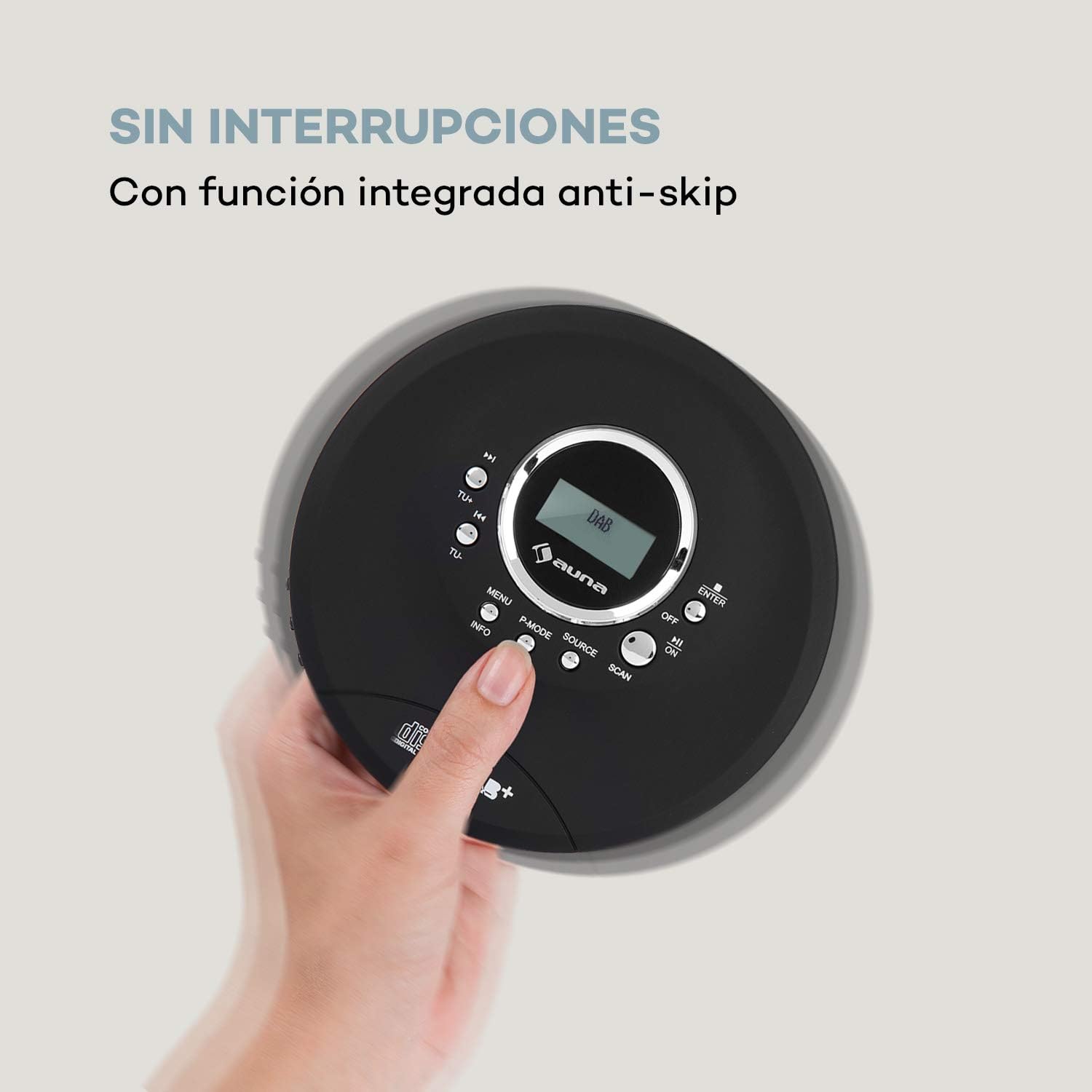
Image 6.1: The anti-skip function ensures uninterrupted audio playback.
Playback Modes (P-MODE)
Drücken Sie die P-MODUS button repeatedly to cycle through different playback modes such as Repeat One, Repeat All, Random, or Program Play (if available).
6.3 Radiobetrieb (DAB+/FM)
- Drücken Sie die QUELLE button to select Radio mode. The display will show 'DAB' or 'FM'.
- Automatischer Scan: Drücken Sie die SCAN button to automatically search for available DAB+ or FM stations. The device will store found stations.
- Manuelle Abstimmung: Verwenden Sie die TU+ or TU- Tasten zur manuellen Einstellung einer bestimmten Frequenz.
- Sender auswählen: After scanning, use the Skip/Search (◀◀ / ►►) Tasten zur Navigation durch die gespeicherten Stationen.
- Informationsanzeige: Drücken Sie die INFO Taste, um view additional information about the current radio station (e.g., program type, signal strength).

Image 6.2: The AUNA CDC 200 features a DAB+ and FM radio tuner for diverse listening options.
6.4 Bassverstärkungsfunktion
The AUNA CDC 200 includes a bass boost feature. To activate or deactivate it, refer to the device's menu options by pressing the SPEISEKARTE button and navigating with TU+/TU- Und EINGEBEN.
7. Wartung
7.1 Reinigung
- Wischen Sie die Außenseite des Geräts mit einem weichen, trockenen Tuch ab.
- Verwenden Sie keine Scheuermittel, Wachse oder Lösungsmittel.
- Verwenden Sie zum Reinigen der CD-Linse ein spezielles CD-Linsenreinigungsset. Berühren Sie die Linse nicht direkt.
7.2 Batteriepflege
- Vermeiden Sie häufiges vollständiges Entladen des Akkus.
- Wenn das Gerät über einen längeren Zeitraum nicht benutzt wird, sollte es regelmäßig aufgeladen werden, um die Batterieleistung zu erhalten.
- Setzen Sie das Gerät keinen extremen Temperaturen aus.
8. Fehlerbehebung
If you encounter issues with your AUNA CDC 200, refer to the following table:
| Problem | Mögliche Ursache | Lösung |
|---|---|---|
| Gerät lässt sich nicht einschalten. | Battery is discharged. Power switch is OFF. | Charge the battery. Slide the power switch to ON. |
| Kein Ton aus den Kopfhörern. | Headphones not connected properly. Volume too low. Faulty headphones. | Ensure headphones are fully plugged in. Increase volume. Try different headphones. |
| Die CD springt oder spielt nicht ab. | CD is dirty or scratched. CD inserted incorrectly. Device is subject to strong vibrations. | Clean or replace the CD. Reinsert the CD correctly. Ensure the anti-skip function is active and minimize movement. |
| Schlechter Radioempfang. | Schwaches Signal. Störungen. | Relocate the device to an area with better reception. Avoid sources of electronic interference. |
9. Spezifikationen
- Marke:
- auna
- Modellnummer:
- CDC 200 (Manufacturer Reference: MG3-90400-jfhg)
- Compatible Audio Formats:
- CD, CD-R, CD-RW, MP3-CD
- Radio-Tuner:
- DAB+, UKW
- Energiequelle:
- 1000 mAh Rechargeable Battery, Micro USB (Electric Cable)
- Konnektivität:
- USB (zum Laden), 3.5-mm-Kopfhöreranschluss
- Anzeige:
- LC-Anzeige
- Kompatible Geräte:
- Kopfhörer
- Stil:
- Tragbar
- Farboptionen:
- Schwarz, Rot
10. Sicherheitshinweise
- Setzen Sie das Gerät weder Regen, Feuchtigkeit noch extremen Temperaturen aus.
- Lassen Sie das Gerät nicht fallen und setzen Sie es keinen starken Stößen aus.
- Versuchen Sie nicht, das Gerät selbst zu zerlegen oder zu reparieren. Wenden Sie sich an qualifiziertes Servicepersonal.
- Halten Sie das Gerät von starken Magnetfeldern fern.
- Batterie und Gerät sind gemäß den örtlichen Vorschriften zu entsorgen.
11. Garantie und Support
For warranty information and technical support, please refer to the documentation provided with your purchase or visit the official AUNA webBewahren Sie Ihren Kaufbeleg für eventuelle Garantieansprüche auf.


