Einführung
The Netatmo Smart Video Doorbell allows you to see and communicate with visitors at your door from anywhere using your smartphone. It provides real-time alerts when someone rings your doorbell and offers advanced security features such as person detection and customizable alert zones. This manual provides comprehensive instructions for installation, operation, maintenance, and troubleshooting of your Smart Video Doorbell.
Key features include Full HD 1080p video, HDR, 140° field of view, infrared night vision, two-way audio, and compatibility with Apple HomeKit, Amazon Alexa, and Google Assistant. All features and video storage are accessible without subscription fees, with data stored locally on an included microSD card.

Image: The Netatmo Smart Video Doorbell alongside a smartphone displaying its live view and event history.
Lieferumfang
Bitte stellen Sie sicher, dass alle folgenden Komponenten in Ihrem Paket enthalten sind:
- 1 Smart Video Doorbell
- 1 microSD memory card (already inserted in the product)
- 1 chime module
- 1 wall mounting plate
- 1 optional finish plate
- 1 optional 25° bracket
- 1 additional fuse
- 1 custom tool
- Schrauben und Dübel
- 1 Benutzerhandbuch
Installationshandbuch
Bevor Sie beginnen
The Netatmo Smart Video Doorbell is designed for easy replacement of an existing wired doorbell. It is compatible with electrical installations ranging from 8-24 V and 230 V. Ensure you have a stable Wi-Fi network with a high-speed internet connection (minimum 25 kbps upload/download speed) for optimal performance. Public internet access points (hotspots) are not supported.
Schritt-für-Schritt-Installation
- Strom ausschalten: Before starting, ensure the power to your existing doorbell circuit is turned off at the main breaker.
- Alte Türklingel entfernen: Carefully disconnect and remove your existing wired doorbell.
- Install chime module: Connect the included chime module to your indoor chime unit according to the user guide.
- Mount the Smart Video Doorbell: Use the provided wall mounting plate, screws, and wall plugs to securely attach the doorbell to your desired location. If needed, use the optional 25° bracket for angled mounting or the finish plate for aesthetic purposes.
- Verkabelung anschließen: Connect the doorbell's wires to your home's existing doorbell wiring.
- Stromversorgung wiederherstellen: Once all connections are secure, turn the power back on at the main breaker.
- Configure via app: Download the Netatmo Security app and follow the on-screen instructions to connect your Smart Video Doorbell to your Wi-Fi network and complete the setup.
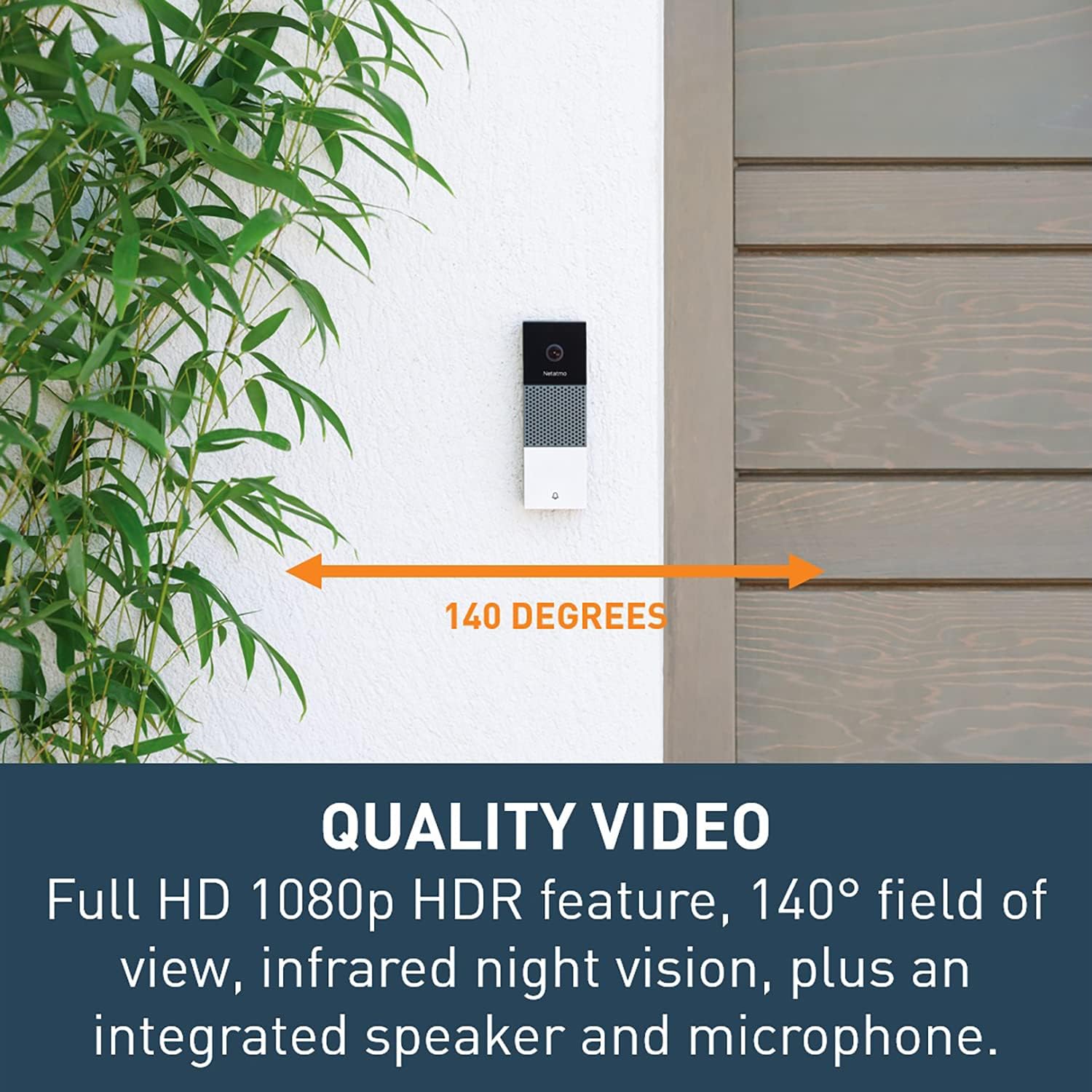
Image: A person demonstrating the easy installation process of the Smart Video Doorbell on an exterior wall.
Operating Your Smart Video Doorbell
Answering Your Door from Anywhere
When a visitor rings your doorbell, you will receive a real-time notification and a video call on your smartphone via the Netatmo Security app. You can then see, hear, and speak to your visitor using the doorbell's integrated microphone and loudspeaker, regardless of your location.
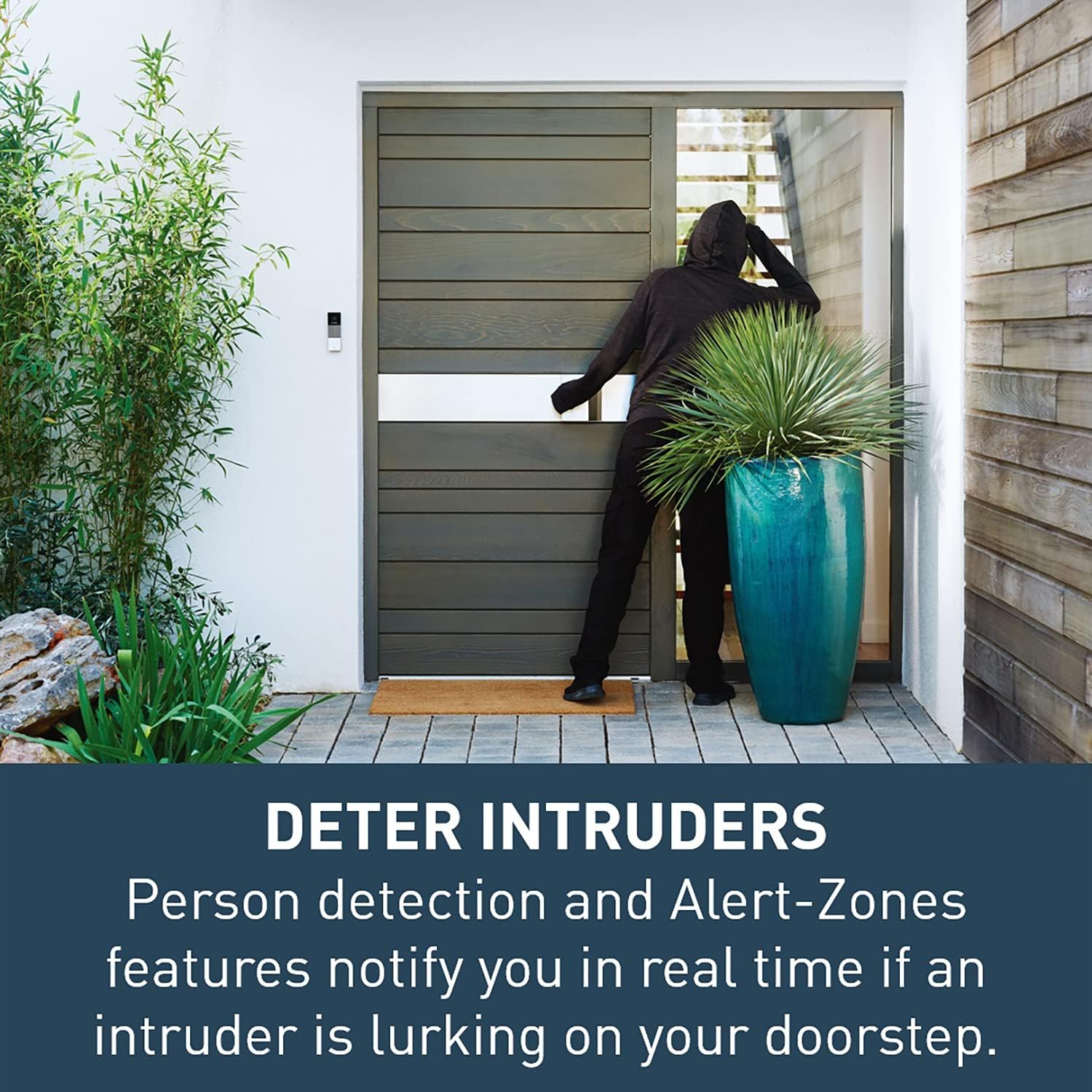
Image: A person interacting with a visitor at their door through the Netatmo app on their smartphone, illustrating the 'answer from anywhere' feature.
Smart Security Features
- Personenerkennung: The doorbell intelligently detects people and sends immediate alerts to your smartphone if someone is loitering near your door.
- Warnzonen: Define up to four specific zones within the camera's field of view to monitor for activity. You will only receive alerts for events occurring in these designated areas.
- Eindringlinge abschrecken: If an intruder is detected, you can use the built-in loudspeaker to speak to them and deter them from your property. The doorbell also alerts you if someone attempts to disable it.
- Nachtsicht & HDR: The infrared LED night vision ensures clear video footage even in complete darkness, while the HDR feature optimizes video quality in challenging lighting conditions.
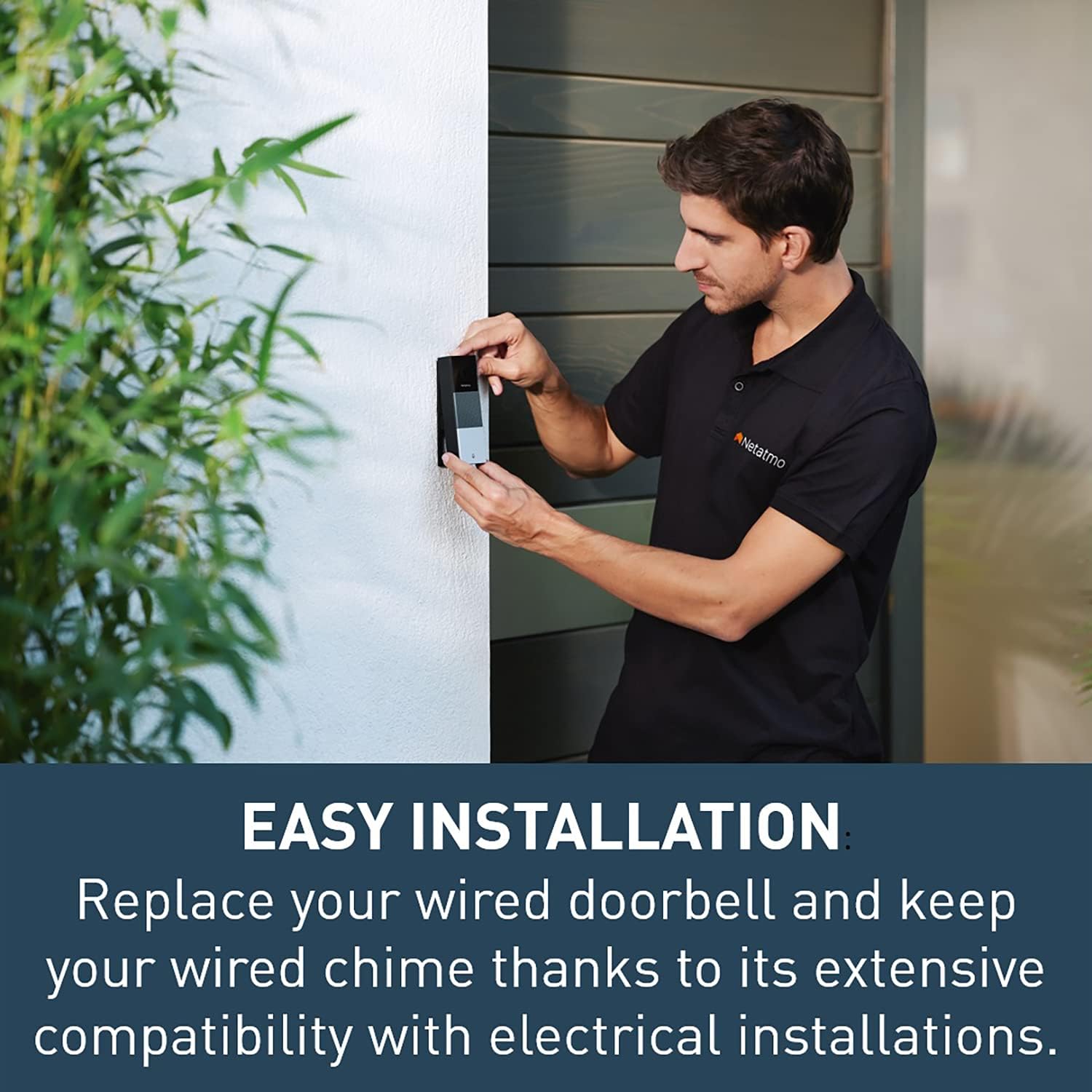
Image: An individual in dark clothing is shown near a doorway, demonstrating the doorbell's ability to detect and alert users to potential intruders.

Image: The Smart Video Doorbell mounted on a wall, with an overlay indicating its 140-degree diagonal field of view für eine umfassende Berichterstattung.
App Usage and Customization
The Netatmo Security app is your central hub for managing the doorbell. Through the app, you can:
- View live video feed from your doorbell.
- Access recorded videos of calls and events.
- Customize notification settings and select which events trigger recordings.
- Define and adjust Alert-Zones.

Image: A smartphone screen showing the Netatmo app's timeline interface, displaying recorded events and live view von der Türklingel.
Smart Home Integration
The Smart Video Doorbell is compatible with leading smart home platforms, allowing for voice control and integration into automated scenarios:
- Apple HomeKit: Integrate with your HomeKit ecosystem to create custom automations and control the doorbell using Siri.
- Amazon Alexa: Use Alexa-enabled devices to interact with your doorbell.
- Google Assistant: Control your doorbell and receive notifications through Google Assistant.

Image: Logos indicating compatibility with Amazon Alexa, Google Assistant, and Apple HomeKit, highlighting the doorbell's smart home integration capabilities.
Data Storage and Security
Lokale und Cloud-Speicheroptionen
Your video data is secured and stored locally on the included 8 GB Class 10 microSD card, ensuring privacy and accessibility. For additional backup, you have the option to save your videos to your personal cloud storage, such as Dropbox or an FTP server.
Keine Abonnementgebühren
All features, updates, and video storage are accessible without any recurring subscription fees. This ensures continuous access to your doorbell's functionalities without additional costs.
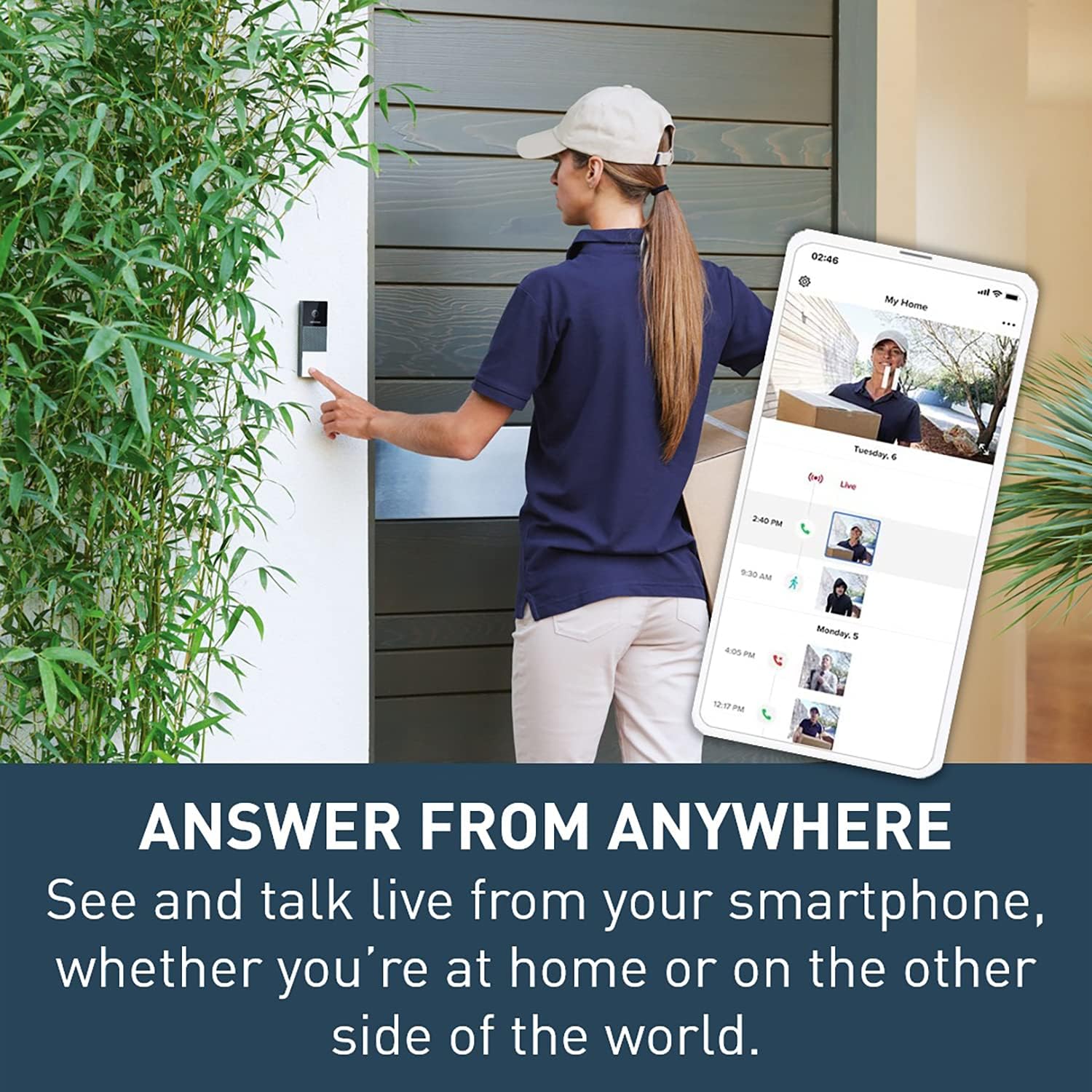
Image: A graphic emphasizing 'NO SUBSCRIPTION FEES' alongside a smartphone displaying the doorbell's app interface, highlighting cost-free access to features.
Wartung
Wetterbeständigkeit
The Netatmo Smart Video Doorbell is designed to withstand various weather conditions, featuring HZO protection and an IP44 rating. This ensures reliable operation in outdoor environments.
Reinigung
Um optimale Funktion und ein ansprechendes Aussehen zu erhalten, reinigen Sie die Außenseite der Türklingel regelmäßig. Verwenden Sie dazu ein weiches, feuchtes Tuch.amp cloth to wipe away dust and dirt. Avoid using harsh chemicals or abrasive materials that could damage the surface or lens.
Fehlerbehebung bei allgemeinen Problemen
| Problem | Mögliche Ursache | Lösung |
|---|---|---|
| No video feed or offline status | Wi-Fi connectivity issues, power supply problem | Check Wi-Fi signal strength, ensure doorbell has power, restart router if necessary. |
| Schlechte Videoqualität | Verschmutzte Linse, schwaches Licht, Netzwerkbandbreite | Clean the camera lens, ensure adequate lighting, check internet speed. |
| Keine Benachrichtigungen | App settings, phone settings, network issues | Verify notification settings in the Netatmo app and on your smartphone. Check network connection. |
| Doorbell not ringing chime | Chime module not installed correctly, electrical compatibility | Ensure chime module is correctly wired, verify electrical compatibility (8-24V & 230V). |
Technische Spezifikationen
| Besonderheit | Spezifikation |
|---|---|
| Kamera | 2 Megapixel, 5x Digital Zoom |
| Videoauflösung | Full HD 1080p, H.264 coding, HDR feature |
| Fachgebiet View | 140° diagonal |
| Audio | High-quality loudspeaker and microphone (2-way audio) |
| Nachtsicht | Infrarot-LED |
| Wetterbeständigkeit | HZO protection, IP44 rating |
| Betriebstemperatur | -10 °C bis 40 °C (14 °F bis 104 °F) |
| Elektrische Kompatibilität | 8-24 V & 230 V |
| Konnektivität | Wi-Fi 802.11 b/g/n (2.4 GHz) |
| Datenspeicherung | Local (8 GB Class 10 microSD card included), Optional Cloud (Dropbox, FTP) |
| Maße | 5.3 x 1.1 x 1.8 Zoll |
| Gewicht | 1.23 Pfund |
| Modellnummer | NDB-US |
Garantie und Support
Netatmo is committed to designing products that are 100% inclusive, 100% secure, and 100% upgradeable. This means no subscription fees, guaranteed data protection and privacy, and regular free upgrades and added features.
For technical support, troubleshooting assistance beyond this manual, or warranty inquiries, please refer to the official Netatmo support website or contact their customer service directly. Always ensure you have your product's model number and purchase information ready when seeking support.


