1. Einleitung
This manual provides detailed instructions for the installation, operation, and maintenance of your BOIFUN DD202 2K Wi-Fi Outdoor Security Camera. Please read this manual thoroughly before using the product to ensure proper functionality and safety. The BOIFUN DD202 is a battery-powered outdoor camera designed for reliable surveillance, featuring 2K Full HD resolution, color night vision, and intelligent motion detection.

Image 1.1: BOIFUN DD202 2K Wi-Fi Outdoor Security Camera
2. Packungsinhalt
Bitte überprüfen Sie den Paketinhalt nach Erhalt. Sollten Artikel fehlen oder beschädigt sein, kontaktieren Sie bitte unseren Kundenservice.
- 1 × BOIFUN DD202 Battery Camera
- 1 × Fixed Mounting Bracket
- 4 × Befestigungsschrauben
- 4 × Wall Plugs (Nuts)
- 1 × USB-Ladekabel
- 1 × Benutzerhandbuch
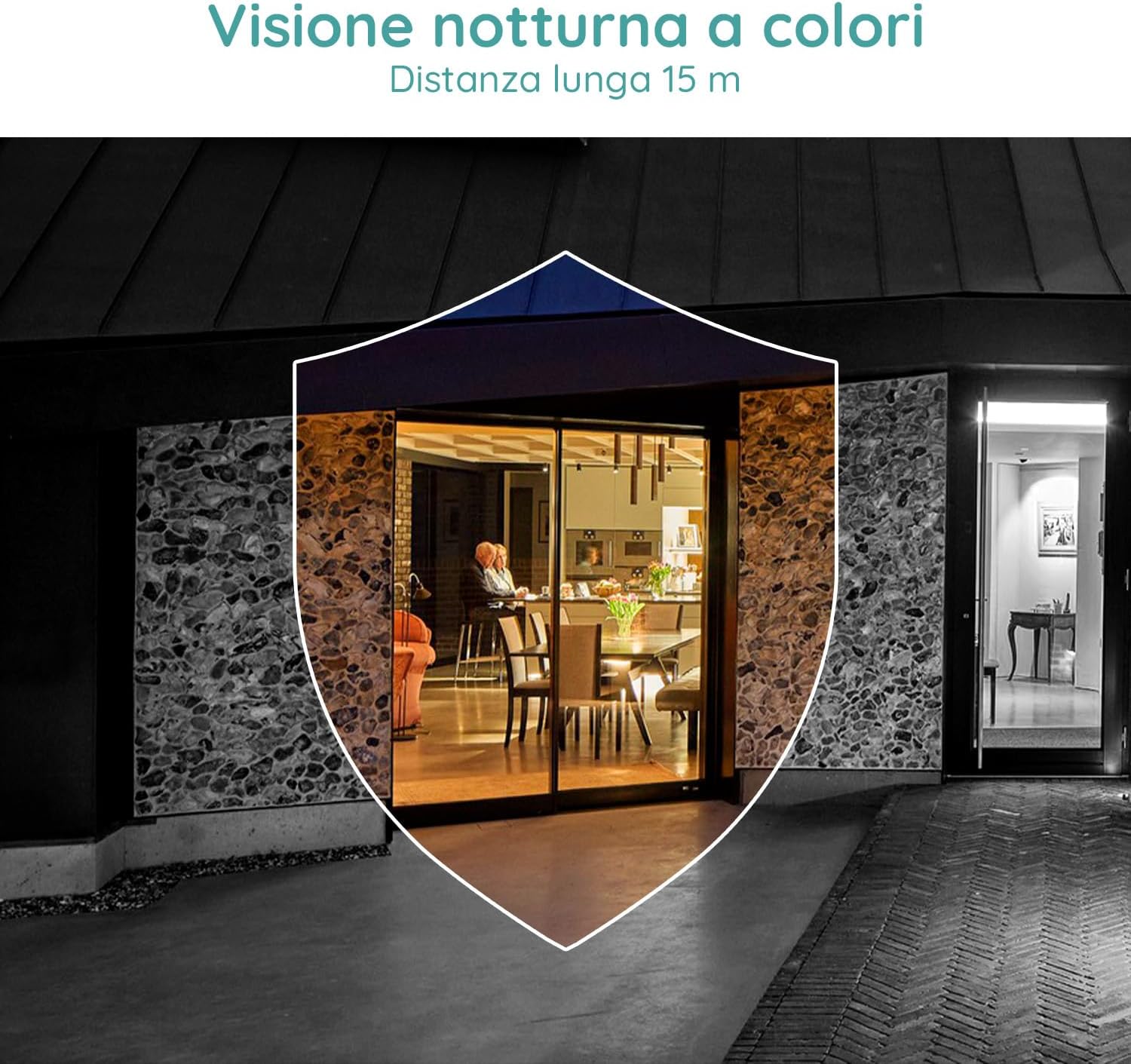
Image 2.1: Included components for the BOIFUN DD202 camera.
3. Produktüberschreitungview
The BOIFUN DD202 camera is designed for outdoor security with several key features:
- 2K Full HD-Auflösung: Nimmt klare und detaillierte Videoaufnahmen auftage.
- Farbnachtsicht: Provides full-color video even in low-light conditions up to 20 meters.
- PIR-Bewegungserkennung: Advanced AI algorithm for accurate human motion detection, reducing false alarms.
- Acoustic Alarm & Spotlight: Deters intruders with a 110 dB siren and bright spotlight.
- 120 Tage Akkulaufzeit: Long-lasting 10400 mAh battery (based on 10 wake-ups/day).
- Zweiwege-Audio: Communicate with visitors or deter unwanted guests remotely.
- IP66 Wetterfest: Entwickelt, um verschiedenen Witterungsbedingungen im Freien standzuhalten.
- 2.4 GHz Wi-Fi Connectivity: Gewährleistet eine stabile drahtlose Verbindung.

Image 3.1: The camera continues to function and record even if the main power supply is interrupted, thanks to its internal battery.
4. Einrichtung
4.1 Aufladen der Kamera
Before initial use, fully charge the camera using the provided USB cable. Connect the cable to the camera's charging port and a standard USB power adapter (not included).
4.2 App-Installation und Kontoerstellung
- Download the official BOIFUN app from your smartphone's app store (iOS or Android).
- Öffnen Sie die App und folgen Sie den Anweisungen auf dem Bildschirm, um ein neues Konto zu erstellen oder sich anzumelden, falls Sie bereits eines besitzen.
4.3 Wi-Fi-Verbindung
The camera supports 2.4 GHz Wi-Fi networks only. Ensure your smartphone is connected to a 2.4 GHz Wi-Fi network during the setup process.
- In der App wählen Sie „Gerät hinzufügen“ und anschließend Ihr Kameramodell aus.
- Follow the app's instructions to connect the camera to your Wi-Fi network. This typically involves scanning a QR code displayed on your phone with the camera.

Image 4.1: The camera supports 2.4 GHz Wi-Fi, offering better penetration and range compared to 5 GHz networks.
4.4 Physische Installation
Die Kamera ist für die Wandmontage vorgesehen. Wählen Sie einen Montageort, der die gewünschten Bedingungen bietet. viewDer Betrachtungswinkel muss eingehalten werden und die Reichweite Ihres 2.4-GHz-WLAN-Netzwerks muss gegeben sein.
- Markieren Sie die Bohrpunkte an der Wand, indem Sie die Montagehalterung als Schablone verwenden.
- Bohren Sie Löcher und setzen Sie die Dübel ein.
- Befestigen Sie die Montagehalterung mit den Schrauben an der Wand.
- Secure the camera to the mounting bracket. Adjust the angle as needed.
5. Bedienungsanleitung
5.1 Live View und Aufzeichnung
Access the live feed of your camera through the BOIFUN app. You can manually record video or take screenshots from the live view.
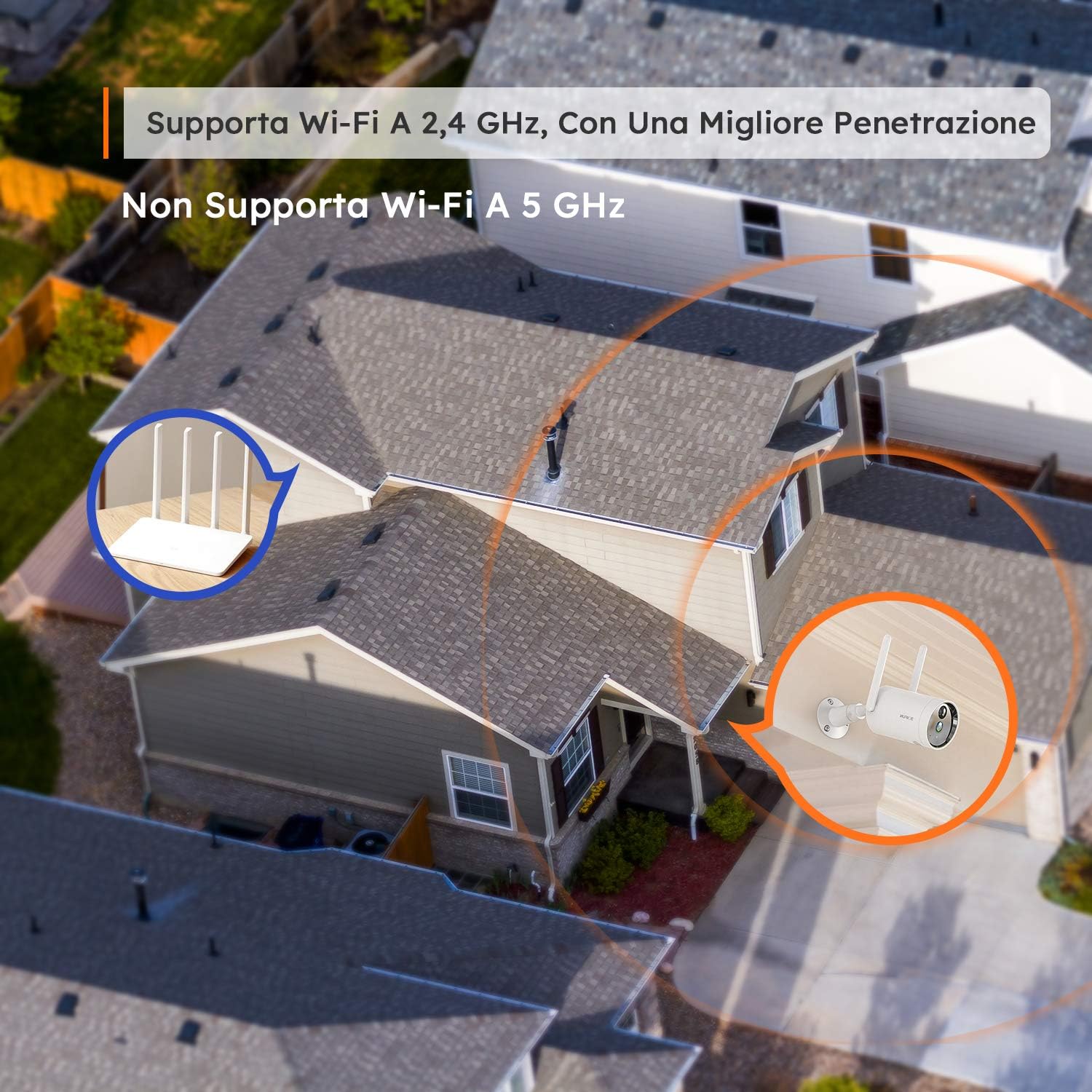
Image 5.1: Monitor multiple camera feeds simultaneously through the BOIFUN app on your smartphone.
5.2 Bewegungserkennung
The camera features PIR (Passive Infrared) motion detection combined with an advanced AI algorithm to distinguish between humans and other moving objects, minimizing false alarms.
- Menschliche Erkennung: Configure the camera to only alert you when a human figure is detected.
- Einstellbare Empfindlichkeit: Customize the detection sensitivity (levels 1-10) to suit your environment.
- Custom Alarm Zone: Definieren Sie spezifische Bereiche innerhalb der Kamera view wo die Bewegungserkennung aktiv sein sollte.
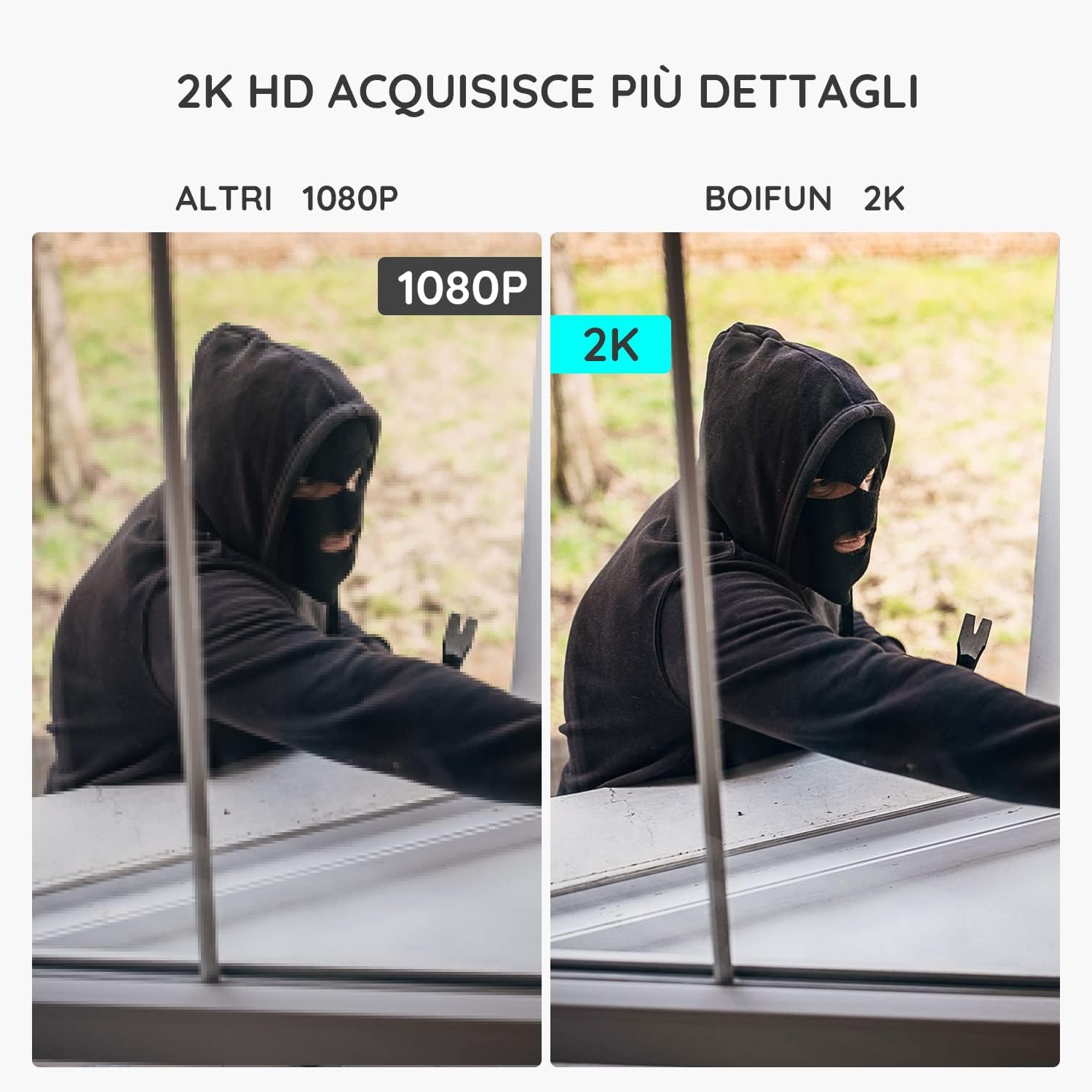
Image 5.2: The camera's PIR human detection accurately identifies people while ignoring other movements like pets or falling leaves, reducing unnecessary alerts.
5.3 Nachtsicht
The BOIFUN DD202 offers 2K Full HD color night vision, allowing you to see clear, detailed, and color images even in complete darkness up to 20 meters. When a human is detected at night, the fill lights automatically activate to provide color footage.

Abbildung 5.3: Beispielample of the camera's color night vision capability, providing clear visibility in low-light conditions.
5.4 Alarmfunktionen
Upon detecting motion, the camera can trigger an acoustic alarm (up to 110 dB) and activate its spotlight to deter intruders. You will also receive real-time notifications on your smartphone.

Image 5.4: The camera's real-time alert system, featuring a siren and spotlight to deter potential threats.
5.5 Zwei-Wege-Audio
The integrated microphone and speaker allow for two-way communication. You can speak through the camera to interact with visitors or warn off unwanted individuals.
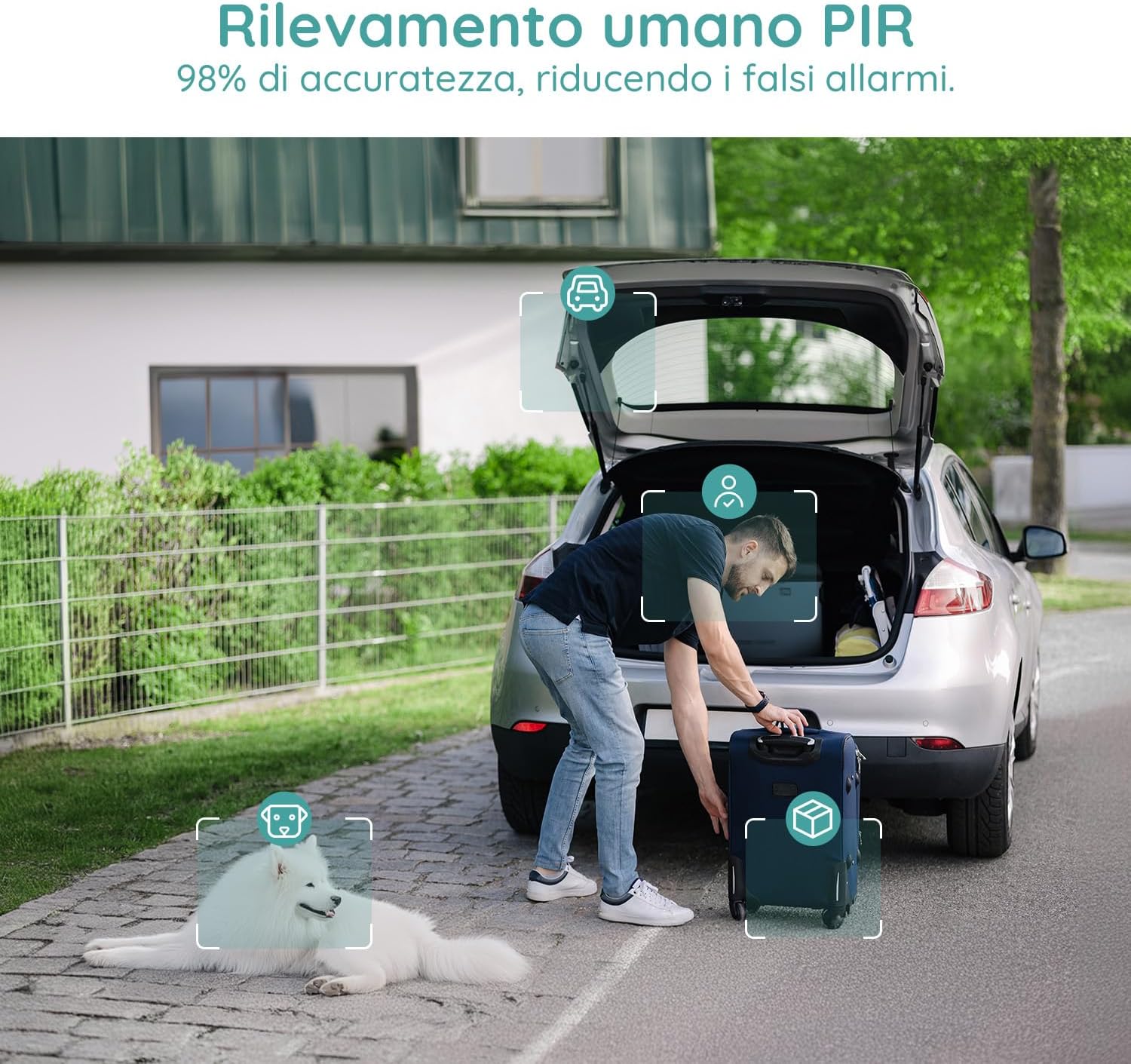
Image 5.5: Use the two-way audio feature to communicate with people near your camera.
5.6 Speichermöglichkeiten
- Micro SD Karte: Supports up to 128GB Micro SD card (not included) for local storage. When the card is full, older footage wird automatisch überschrieben.
- Cloud-Speicher: Offers a 7-day free trial for cloud storage. Subsequent cloud storage requires a subscription. All video files are encrypted for privacy.
6. Wartung
- Reinigung: Regularly wipe the camera lens and body with a soft, dry cloth to ensure clear image quality. Avoid using harsh chemicals.
- Aufladen der Batterie: Monitor the battery level via the app and recharge the camera when necessary to ensure continuous operation.
- Firmware-Updates: Prüfen Sie die App regelmäßig auf Firmware-Updates, um optimale Leistung und Sicherheit zu gewährleisten.
7. Fehlerbehebung
7.1 Kamera verbindet sich nicht mit WLAN
- Stellen Sie sicher, dass Ihr WLAN-Netzwerk mit 2.4 GHz arbeitet. Die Kamera unterstützt kein 5-GHz-WLAN.
- Prüfen Sie, ob sich die Kamera in Reichweite Ihres WLAN-Routers befindet.
- Überprüfen Sie, ob Ihr WLAN-Passwort in der App korrekt eingegeben wurde.
- Starten Sie Ihren Router und die Kamera neu und versuchen Sie dann erneut, eine Verbindung herzustellen.
7.2 Häufige Fehlalarme
- Adjust the motion detection sensitivity in the app to a lower level.
- Utilize the 'Human Detection' feature to filter out non-human movements.
- Set up a 'Custom Alarm Zone' to exclude areas with frequent irrelevant motion (e.g., busy roads, swaying trees).
7.3 Schlechte Bildqualität
- Stellen Sie sicher, dass die Kameralinse sauber und frei von Staub und Fingerabdrücken ist.
- Überprüfen Sie Ihre WLAN-Signalstärke. Ein schwaches Signal kann die Videostreaming-Qualität beeinträchtigen.
- Verify the video resolution setting in the app is set to 2K (HD).
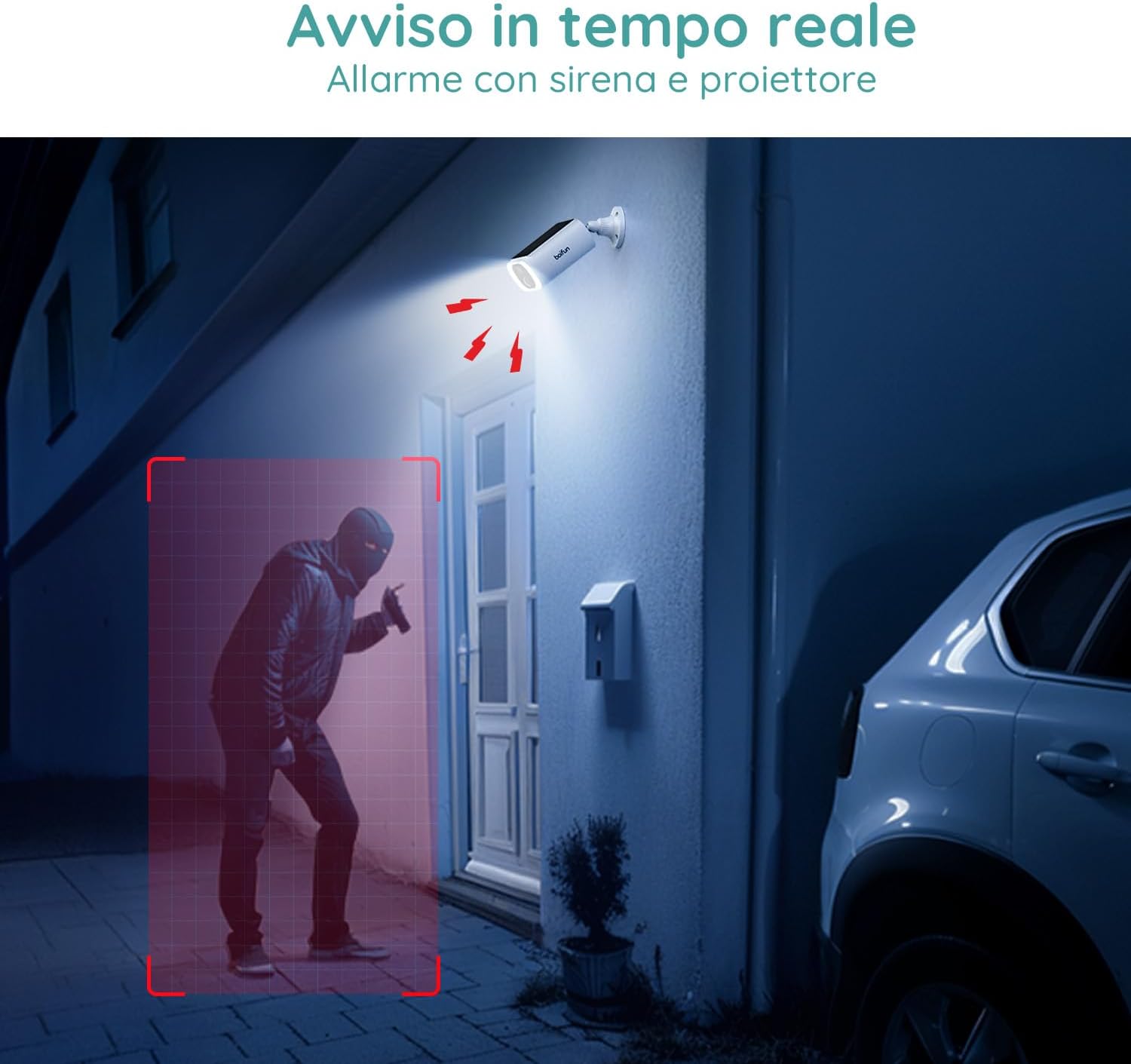
Image 7.1: Comparison illustrating the enhanced detail provided by 2K resolution compared to 1080p.
8. Spezifikationen
| Modellname | DD202 |
| Marke | BOIFUN |
| Videoauflösung | 2K (1296p) |
| Viewing-Winkel | 130 Grad |
| Nachtsichtbereich | 20 Meter |
| Wireless-Technologie | Wi-Fi (2.4 GHz) |
| Stromquelle | Battery Powered (10400 mAh Lithium-ion) |
| Wasserbeständigkeit | IP66 (wasserdicht) |
| Material | Plastik |
| Abmessungen (L x B x H) | 12 x 8.5 x 20 cm |
| Gewicht | 710 Gramm |
| Kompatible Geräte | Smartphone, Tablet (Android & iOS) |
9. Garantie und Support
BOIFUN is committed to providing advanced intelligent protection solutions and excellent customer service.
- Garantie: Dieses Produkt wird mit einer 3-Jahres-Garantie geliefert.
- Rückgaberecht: Profitieren Sie von unserem 30-tägigen kostenlosen Rückgaberecht.
- Kundendienst: 24/7 after-sales support is available.
For any questions or assistance, please contact us at: admin@boifun.net

Image 9.1: BOIFUN offers 9 years of focus, a 3-year warranty, and timely support within 24 hours.


