1. Einleitung
This manual provides essential information for the installation, operation, and maintenance of your Lorex 4K Metal Bullet Camera, Model E841CAB. This camera is designed to enhance your security system with high-resolution video surveillance capabilities for both indoor and outdoor environments.
2. Produktüberschreitungview
The Lorex 4K Metal Bullet Camera offers advanced features for reliable surveillance:
- Ultra HD Clarity: Captures video in stunning 4K resolution with a wide 105-degree field of view, providing detailed footage.
- Farbnachtsicht: Delivers full-color video in well-lit conditions and automatically transitions to crisp black and white video using powerful infrared LEDs in low-light, extending night vision up to 130 feet.
- Wetterfeste Haltbarkeit: Features a rugged IP65-rated metal housing, ensuring resistance to harsh weather conditions, from -22°F (-30°C) to 140°F (60°C).
- Effortless PoE Installation: Utilizes Power over Ethernet (PoE) technology, allowing a single Ethernet cable to provide both power and video transmission, simplifying installation up to 300 feet.
- NVR-Kompatibilität: Designed to work seamlessly with compatible Lorex NVRs, including N841, N842, N861B, N862B, N881B, LNR600X, LNR6100, LNR6100X, NR900X, N843, N844, N845, N846, N863B, and NR810 series recorders.
3. Lieferumfang
Your Lorex 4K Metal Bullet Camera package includes the following components:
- 1 x IP Bullet Camera
- 1 x Ethernet-Kabel
- 1 x Mounting Kit (screws and anchors)
- 1 x Montageschablone
- 1 x Inbusschlüssel
4. Einrichtung
4.1 Aufstellungsort
Choose a suitable location for your camera, considering the desired field of view and proximity to your NVR or PoE switch. The camera is rated for both indoor and outdoor use.
4.2 Montage der Kamera
- Use the provided mounting template to mark the drill holes on your chosen surface.
- Drill pilot holes and insert the wall anchors if mounting on drywall or masonry.
- Befestigen Sie die Montagebasis der Kamera mit den mitgelieferten Schrauben an der Oberfläche.
- Adjust the camera's angle to achieve the desired coverage.
4.3 PoE-Verbindung
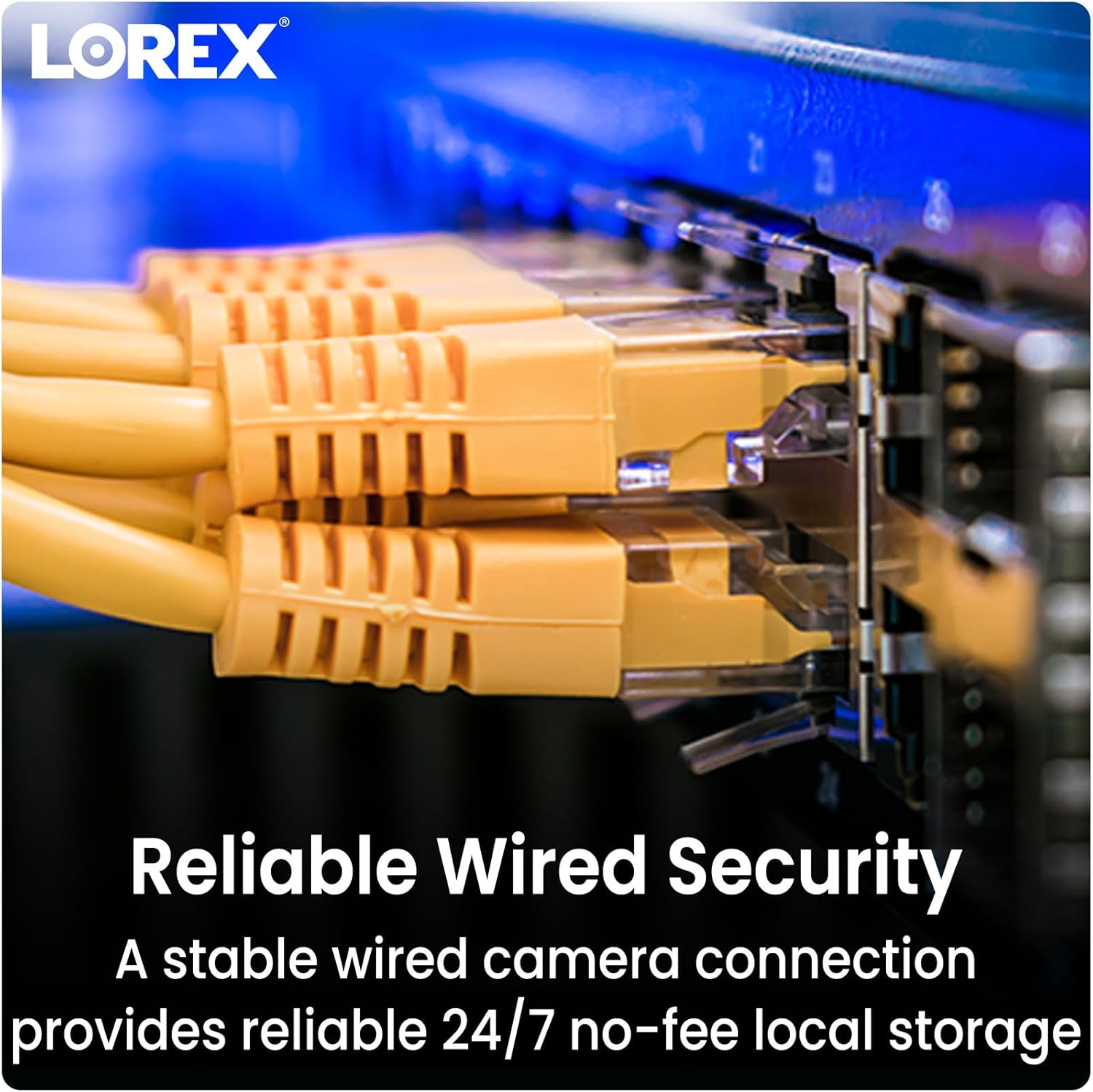
Connect one end of the Ethernet cable to the camera's PoE port and the other end to an available PoE port on your compatible Lorex NVR or a PoE switch. The camera will receive power and transmit video data through this single connection.
4.4 NVR-Kompatibilität
Ensure your NVR is one of the compatible models listed in the Product Overview section for seamless integration and functionality.
5. Bedienungsanleitung
5.1 Zugriff auf Live View
Once connected to your NVR, access the live video feed through your NVR's interface or the Lorex Home app on your smartphone or tablet. Refer to your NVR's manual for specific instructions on adding and viewing cameras.
5.2 Nachtsichtmodi
The camera automatically switches between day and night vision modes. In low light, the infrared LEDs activate for black and white night vision. In sufficiently lit conditions, Color Night Vision provides full-color detail.

5.3 Bewegungserkennung
The camera is equipped with motion detection capabilities. Configure motion detection zones and sensitivity settings via your NVR or the Lorex Home app to receive alerts for activity in specific areas. This model provides motion-only alerts.
5.4 Videoqualität
The camera records in 4K Ultra HD, providing superior clarity and digital zoom capabilities. Ensure your NVR is configured to record at the highest resolution supported by the camera.

6. Wartung
To ensure optimal performance and longevity of your Lorex 4K Metal Bullet Camera, follow these maintenance guidelines:
- Regelmäßige Reinigung: Reinigen Sie das Kameraobjektiv regelmäßig mit einem weichen Tuch.amp Tuch zum Entfernen von Staub, Schmutz oder Wasserflecken, die die Sicht beeinträchtigen könnten viewVermeiden Sie scheuernde Reinigungsmittel.
- Kabelinspektion: Inspect the Ethernet cable for any signs of wear, damage, or loose connections, especially in outdoor installations.
- Firmware-Updates: Überprüfen Sie Lorex. website or your NVR's settings for available firmware updates to ensure your camera has the latest features and security enhancements.
- Wetterschutz: While the camera is weatherproof (IP65 rated), ensure it is installed securely to prevent movement or damage during extreme weather events.

7. Fehlerbehebung
If you encounter issues with your Lorex 4K Metal Bullet Camera, consider the following:
- No Video/Power: Verify that the Ethernet cable is securely connected to both the camera and the NVR/PoE switch. Ensure the NVR/PoE switch is powered on.
- Schlechte Videoqualität: Check the camera lens for obstructions or dirt. Ensure the camera is configured for 4K resolution in your NVR settings. Verify network cable integrity.
- Bewegungserkennung funktioniert nicht: Review motion detection settings in your NVR or Lorex Home app. Adjust sensitivity and detection zones as needed.
- NVR-Kompatibilität: Confirm that your NVR model is listed as compatible. Incompatible NVRs may not fully support all camera features or may not detect the camera at all.
- Netzwerkprobleme: If experiencing connectivity problems, restart your NVR and network router. Ensure there are no network conflicts or bandwidth limitations.
8. Spezifikationen
| Besonderheit | Spezifikation |
|---|---|
| Modellname | E841CAB |
| Verwendung im Innen- und Außenbereich | Innenbereich, Außenbereich |
| Kompatible Geräte | NVR (N841, N842, N861B, N862B, N881B, LNR600X, LNR6100, LNR6100X, NR900X, N843, N844, N845, N846, N863B, NR810 series) |
| Stromquelle | Kabelgebundenes Elektrogerät (PoE) |
| Konnektivitätsprotokoll | Ethernet |
| Controllertyp | Anwendung |
| Montagetyp | Deckenmontage |
| Auflösung der Videoaufnahme | 4K (8 MP effektive Standbildauflösung) |
| Farbe | Schwarz |
| Anzahl der Artikel | 1 |
| Im Lieferumfang enthaltene Komponenten | IP Bullet Camera, Ethernet Cable, Mounting Kit, Mounting Template, Allen Key |
| Drahtlose Kommunikationstechnologie | Wi-Fi (for app control, not primary video transmission) |
| Formfaktor | Kugel |
| Viewing-Winkel | 105 Grad |
| Nachtsichtbereich | 130 Fuß |
| Bildfrequenz | 15 fps |
| Material | Metall |
| Wastage | 3.7 Watt |
| Batterien erforderlich? | NEIN |
| Artikelgewicht | 2.77 Pfund (1.26 Kilogramm) |
| Low-Light-Technologie | Nachtfarbe |
| Alarmtyp | Nur Bewegung |
| Internationale Schutzbewertung | IP65 |
| UPC | 695529028538 |
9. Garantie und Support
Your Lorex 4K Metal Bullet Camera is covered by a manufacturer's warranty. For detailed warranty information, product support, or technical assistance, please visit the official Lorex webBesuchen Sie die Website oder kontaktieren Sie den Kundenservice. Bewahren Sie Ihren Kaufbeleg für Garantieansprüche auf.


