Einführung
This manual provides essential information for the proper use and care of your Calypso K8502/2 Smartwatch. Please read these instructions carefully before using your device to ensure optimal performance and longevity.
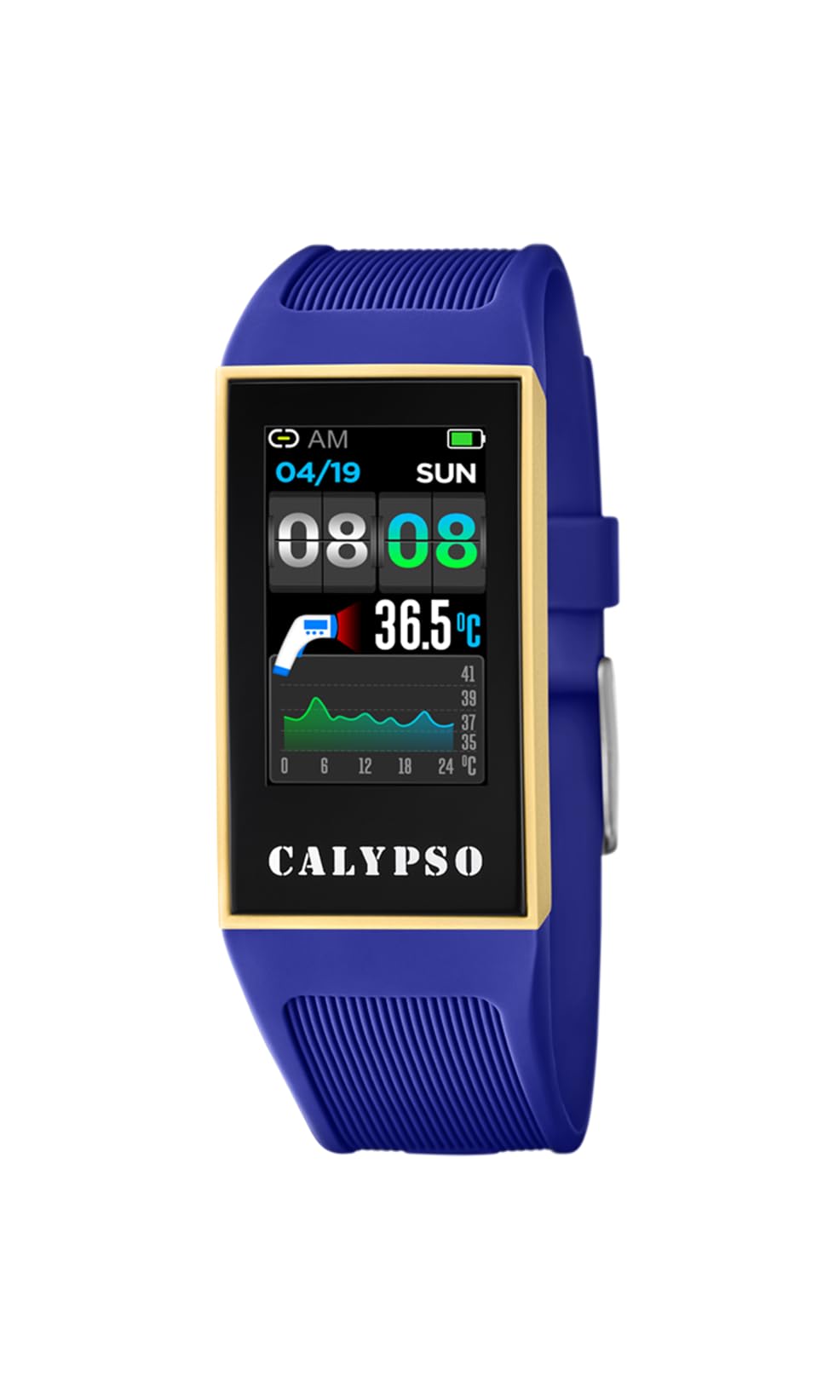
Bild: Vorderseite view of the Calypso K8502/2 Smartwatch, displaying a digital time. The watch features a dark case and a digital display.
Produkt überview
The Calypso K8502/2 is a digital smartwatch designed for daily use. It features a durable plastic case and strap, a digital display, and various functions including time, alarm, calendar, and body temperature indication. It is also water-resistant and compatible with smartphones for enhanced functionality.
Schlüsselkomponenten
- Digitaler Bildschirm: Shows time, date, and various function readouts.
- Bedientasten: Typically located on the sides for navigation and setting adjustments (e.g., SET, MODE, ADJ, LIGHT).
- Gurt: Made of durable plastic/rubber for comfortable wear.
- Sensoren: Integrated for features like body temperature measurement.
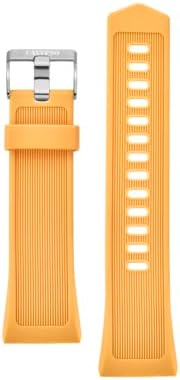
Image: A close-up of the Calypso K8502/2 Smartwatch's plastic strap, showing its texture and buckle mechanism.
Aufstellen
1. Anfangsgebühr
Before first use, ensure your smartwatch is fully charged. Connect the provided charging cable to the watch and a compatible USB power source. The charge indicator on the display will show charging status.
2. Smartphone-Kopplung
- Download the official Calypso Smartwatch application from your smartphone's app store.
- Aktivieren Bluetooth Und Service an der Station auf Ihrem Smartphone.
- Open the Calypso app and follow the on-screen instructions to pair your smartwatch. The app will guide you through the connection process.
- Once paired, the watch will synchronize time and date with your smartphone.
Notiz: For successful synchronization, both Bluetooth and location services must be active on your smartphone during the initial pairing process. Location services can be disabled after successful synchronization if desired.
Bedienungsanleitung
Basic Time Display
The main screen displays the current time, day of the week, and date. Use the MODUS Taste zum Durchschalten verschiedener Anzeigemodi.

Image: A close-up of the smartwatch display, showing the digital time, date, and various indicators. Buttons like SET, MODE, ADJ, LIGHT are visible around the bezel.
Einstellen von Uhrzeit und Datum
- Halten Sie die SATZ Drücken Sie die Taste, bis die Zeitanzeige zu blinken beginnt.
- Verwenden Sie die MODUS Taste zur Auswahl der Ziffer oder Einstellung, die Sie anpassen möchten (z. B. Stunden, Minuten, Jahr, Monat, Tag).
- Verwenden Sie die ADJ Taste, um den Wert zu erhöhen.
- Drücken SATZ Um den Einstellungsmodus erneut zu bestätigen und zu verlassen, gehen Sie wie folgt vor:
Verwendung der Alarmfunktion
So stellen Sie einen Wecker ein:
- Drücken Sie die MODUS button repeatedly until the alarm setting screen appears.
- Drücken und halten SATZ to enter alarm adjustment mode.
- Verwenden MODUS Stunden oder Minuten auswählen, und ADJ um die Werte zu ändern.
- Drücken SATZ zur Bestätigung.
- To activate/deactivate the alarm, use the ADJ button while on the alarm display screen.
Body Temperature Indicator
Your smartwatch is equipped with a body temperature indicator. To view your current body temperature, navigate to the dedicated temperature screen using the MODUS button. Ensure the watch is worn snugly on your wrist for accurate readings.
Wasserbeständigkeit
The Calypso K8502/2 Smartwatch is water-resistant. This means it can withstand splashes, rain, and brief immersion in water. It is not suitable for diving, snorkeling, or high-pressure water activities. Avoid pressing buttons while the watch is submerged.
Wartung
Reinigung
Reinigen Sie das Uhrengehäuse und das Armband regelmäßig mit einem weichen, fusselfreien Tuch.amp cloth. For stubborn dirt, use a mild soap solution and rinse thoroughly with clean water. Ensure the watch is completely dry before charging or prolonged use.
Batteriepflege
- Vermeiden Sie häufiges vollständiges Entladen des Akkus.
- Charge the watch using only the provided cable and a compatible power adapter.
- Setzen Sie die Uhr keinen extremen Temperaturen aus, da dies die Batterielebensdauer beeinträchtigen kann.
Lagerung
When not in use for extended periods, store the smartwatch in a cool, dry place away from direct sunlight and extreme temperatures. Ensure it has a partial charge (around 50%) before storing.
Fehlerbehebung
- Uhr schaltet sich nicht ein: Stellen Sie sicher, dass die Uhr vollständig aufgeladen ist. Schließen Sie sie für mindestens 30 Minuten an das Ladegerät an.
- Synchronization issues with smartphone:
- Stellen Sie sicher, dass Bluetooth auf Ihrem Smartphone aktiviert ist.
- Ensure Location Services are active on your smartphone during the pairing process.
- Starten Sie sowohl Ihr Smartphone als auch Ihre Smartwatch neu.
- Try unpairing and re-pairing the device through the Calypso app.
- Ungenaue Temperaturmesswerte: Ensure the watch is worn snugly on your wrist and has been on for at least 15 minutes for stable readings.
- Bildschirm reagiert nicht: Try restarting the watch (refer to the app or manufacturer's website for specific restart instructions if not covered here). If the issue persists, contact support.
Technische Daten
| Besonderheit | Detail |
|---|---|
| Marke | Calypso |
| Modellnummer | K8502/2 |
| Anzeigetyp | Digitales |
| Gehäuseabmessungen | 23.80 / 41.30 mm |
| Armbandmaterial | Kunststoff / Gummi |
| Kristallart | Plastik |
| Wasserbeständigkeit | Yes (Resistant to splashes and brief immersion) |
| Kompatible Geräte | Smartphone |
| Batteriezusammensetzung | Silberoxid |
| Besondere Merkmale | Alarm, Calendar, Dual strap, Charge indicator, Body temperature indicator |
| Hersteller | GRUPO FESTINA |
Garantie und Support
Your Calypso K8502/2 Smartwatch is manufactured by GRUPO FESTINA. For information regarding warranty coverage, please refer to the warranty card included with your purchase or visit the official Calypso webWebsite.
For technical support, troubleshooting assistance beyond this manual, or spare parts inquiries, please contact your retailer or the official Calypso customer service. Contact details can typically be found on the manufacturer's weboder auf Ihrer Produktverpackung.


