1. Einleitung
Vielen Dank für Ihren Einkauf.asing the Edifier M601DB Bookshelf Coaxial Bluetooth Speaker System. This 2.1 speaker system features two compact satellite speakers and an 8-inch wireless subwoofer, designed to deliver a powerful and immersive audio experience. With versatile connectivity options including Bluetooth 5.1 with AptX, Optical, Coaxial, Line In, and AUX, the M601DB is compatible with a wide range of devices such as computers, tablets, mobile phones, and televisions. This manual provides detailed instructions for setup, operation, maintenance, and troubleshooting to ensure optimal performance and longevity of your speaker system.

Image 1.1: The Edifier M601DB speaker system, showcasing the two satellite speakers, the wireless subwoofer, and the included remote control.
2. Sicherheitshinweise
- Lesen Sie alle Anweisungen sorgfältig durch, bevor Sie das Produkt verwenden.
- Bewahren Sie dieses Handbuch zum späteren Nachschlagen auf.
- Setzen Sie das Produkt weder Regen noch Feuchtigkeit aus.
- Do not use the product near water or heat sources.
- Nur mit trockenem Tuch reinigen.
- Blockieren Sie keine Belüftungsöffnungen.
- Verwenden Sie nur vom Hersteller angegebene Anbaugeräte/Zubehör.
- Trennen Sie das Produkt während eines Gewitters oder wenn es längere Zeit nicht verwendet wird.
- Überlassen Sie sämtliche Wartungsarbeiten qualifiziertem Servicepersonal.
3. Packungsinhalt
Bitte überprüfen Sie den Inhalt der Box, um sicherzustellen, dass alle Artikel vorhanden sind:
- Active Satellite Speaker (1)
- Passive Satellite Speaker (1)
- Wireless Subwoofer (1)
- Remote Control (1)
- Lautsprecheranschlusskabel (1)
- Cinch-zu-3.5-mm-Audiokabel (1)
- Optical Audio Cable (1)
- Stromkabel (1)
- Benutzerhandbuch (1)

Image 3.1: The Edifier M601DB speaker system with protective grilles installed, along with the remote control, illustrating the complete product package.
4. Produktüberschreitungview
4.1 Satellitenlautsprecher
The system includes one active (main) satellite speaker and one passive satellite speaker. The active speaker houses the main controls and input ports.
- Bedienelemente auf der Oberseite: Volume up, Volume down, Power/Input selection button.
- Anschlüsse auf der Rückseite: Speaker output to passive speaker, Optical input, Coaxial input, Line In input, AUX input, Power switch, Power cable input.

Abbildung 4.1: Eine detaillierte view of the active satellite speaker's top panel, highlighting the power button (with an illuminated ring) and the volume adjustment buttons.
4.2 Kabelloser Subwoofer
The 8-inch wireless subwoofer connects automatically to the satellite speakers upon power-up, providing deep bass frequencies.

Image 4.2: The rear panel of the wireless subwoofer, featuring the bass reflex port and the power connection point.
4.3-Fernbedienung
The included remote control allows for convenient adjustment of volume, input selection, and power from a distance.

Image 4.3: A detailed image of the remote control, displaying its various buttons for power, volume, input source selection, and media playback control.
5. Einrichtung
5.1 Lautsprecherplatzierung
For optimal sound quality, place the satellite speakers at an equal distance from your listening position, ideally at ear level. The wireless subwoofer can be placed on the floor, preferably in a corner or near a wall to enhance bass response. Ensure adequate ventilation around all components.
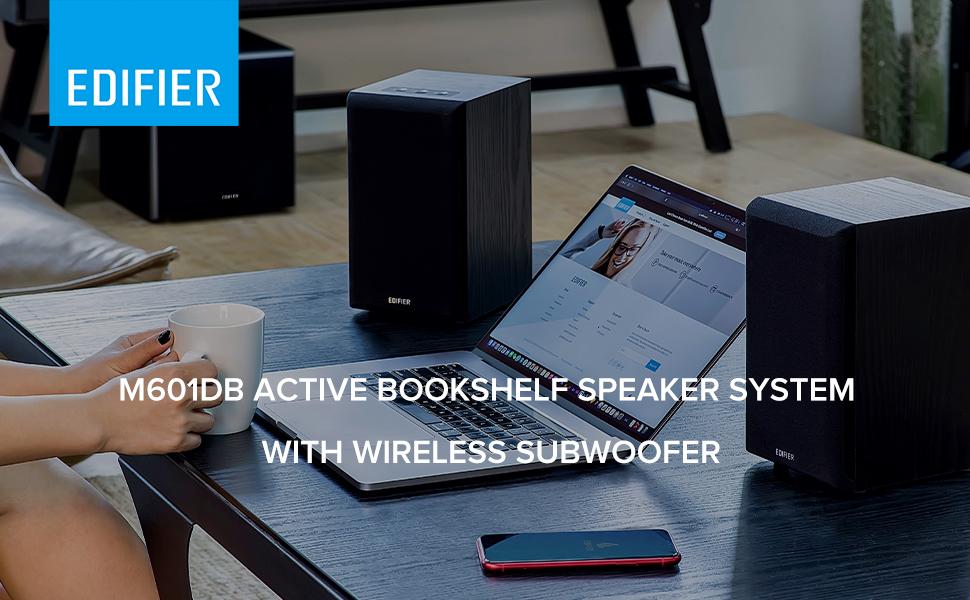
Bild 5.1: Ein Example setup of the M601DB speaker system in a living room environment, demonstrating ideal placement of satellite speakers and the subwoofer.
5.2 Connecting Satellite Speakers
- Connect the speaker connection cable from the 'OUT' port on the active satellite speaker to the input port on the passive satellite speaker.
5.3 Stromanschluss
- Connect the power cable to the active satellite speaker and then plug it into a power outlet.
- Connect the power cable to the wireless subwoofer and then plug it into a power outlet.
5.4 Subwoofer-Kopplung
The wireless subwoofer is designed to automatically pair with the active satellite speaker when both are powered on. If pairing does not occur automatically, ensure both units are powered on and within range. Refer to the troubleshooting section if issues persist.
6. Bedienungsanleitung
6.1 Ein-/Ausschalten
Press the power button on the top panel of the active satellite speaker or the power button on the remote control to turn the system on or off. The LED indicator on the active speaker will illuminate when powered on.
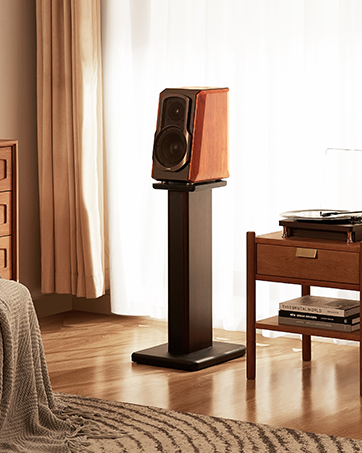
Image 6.1: A user's hand interacting with the top panel controls of the active satellite speaker, demonstrating the power button functionality.
6.2 Eingangsauswahl
Press the power/input selection button on the top panel of the active satellite speaker or the corresponding input button on the remote control (AUX, Line In, Optical, Coaxial, Bluetooth) to cycle through available input sources. The LED indicator will change color to indicate the selected input.
6.3 Bluetooth-Kopplung
- Select Bluetooth input on the speaker system. The LED indicator will flash rapidly, indicating it is in pairing mode.
- On your device (e.g., smartphone, tablet, computer), search for Bluetooth devices and select "EDIFIER M601DB".
- Once paired, the LED indicator on the speaker will glow steadily.
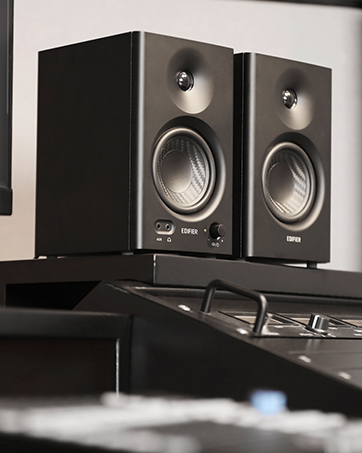
Image 6.2: A smartphone connected via Bluetooth to the Edifier M601DB speaker, demonstrating wireless audio streaming.
6.4 Lautstärkeregelung
Adjust the volume using the '+' and '-' buttons on the top panel of the active satellite speaker or the volume buttons on the remote control.
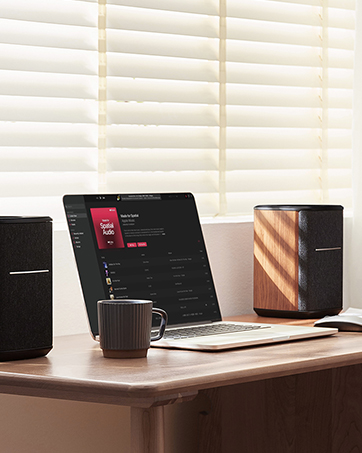
Image 6.3: The speaker system integrated into a desktop setup with a laptop, showing the convenience of controlling the system with the remote.
7. Wartung
- Reinigung: Use a soft, dry cloth to clean the surfaces of the speakers and subwoofer. Do not use abrasive cleaners, waxes, or solvents.
- Lagerung: If storing the system for an extended period, unplug all cables and store in a cool, dry place away from direct sunlight and extreme temperatures.
- Belüftung: Ensure that the speakers and subwoofer have adequate airflow and that ventilation openings are not blocked.
8. Fehlerbehebung
If you encounter any issues with your Edifier M601DB speaker system, please refer to the following troubleshooting guide:
| Problem | Mögliche Ursache | Lösung |
|---|---|---|
| Kein Ton | Strom nicht angeschlossen; Falscher Eingang ausgewählt; Lautstärke zu niedrig; Kabel lose. | Ensure power is connected and unit is on; Select correct input source; Increase volume; Check all cable connections. |
| Bluetooth stellt keine Verbindung her | Speaker not in pairing mode; Device not discoverable; Interference. | Select Bluetooth input and ensure LED is flashing; Make sure device's Bluetooth is on and visible; Move device closer to speaker; Try re-pairing. |
| Verzerrter Ton | Volume too high; Source audio quality poor; Loose connections. | Reduce volume on both speaker and source device; Try a different audio source; Check all cable connections. |
| Subwoofer funktioniert nicht | Subwoofer not powered; Not paired with satellite speakers. | Ensure subwoofer is plugged in and powered on; Subwoofer should automatically pair, if not, power cycle both speakers and subwoofer. |
9. Spezifikationen
| Besonderheit | Detail |
|---|---|
| Modellname | M601DB |
| Lautsprechertyp | Multimedia 2.1 System |
| Konnektivitätstechnologie | AUX, Bluetooth 5.1 (with AptX), Coaxial, Line In, Optical |
| Maximale Lautsprecherausgangsleistung | 220 Watt (RMS) |
| Subwoofer-Durchmesser | 8 Zoll |
| Material | Holz |
| Farbe | Schwarz |
| Artikelgewicht | 25.44 Pfund |
| Technische Daten | 0.39" T x 0.39" B x 0.39" H (Gesamt, ungefähre Angaben) |
| Signal-Rausch-Verhältnis | 85 dB |
| Kontrollmethode | Remote, Top Panel Controls |
| Im Lieferumfang enthaltene Komponenten | Wireless Subwoofer, Two Compact Satellite Speakers, Remote Control |
10. Garantie und Support
Edifier products are designed with quality and reliability in mind. This product comes with a full manufacturer's warranty. For detailed warranty terms and conditions, please refer to the warranty card included in your package or visit the official Edifier webWebsite.
For technical support, service inquiries, or to purchase replacement parts, please contact Edifier customer service through their official website or the contact information provided in your product documentation. Please have your model number (M601DB) and proof of purchase ready when contacting support.


