1. Einleitung
The Rapoo MT550 is a versatile multi-device wireless mouse designed for enhanced productivity and comfort. This manual provides detailed instructions for setting up, operating, and maintaining your MT550 mouse, ensuring optimal performance across various devices.
Zu den Hauptmerkmalen gehören:
- Multi-device connectivity (Bluetooth 3.0, Bluetooth 4.0, and 2.4G wireless)
- Adjustable DPI settings (600/1000/1300/1600)
- Ergonomisches Design für komfortable Nutzung
- Long battery life of up to 12 months
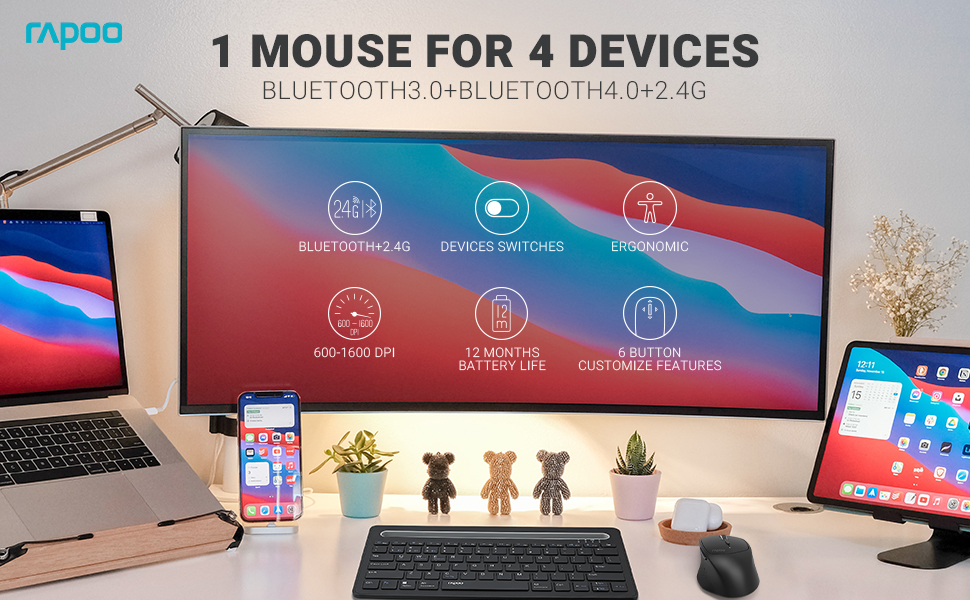
Image: The Rapoo MT550 mouse, highlighting its design for endurance, versatility, and comfort.
2. Einrichtung
2.1. Einlegen der Batterie
The Rapoo MT550 mouse requires two AA batteries (included). To install:
- Suchen Sie die Abdeckung des Batteriefachs an der Unterseite der Maus.
- Schieben Sie die Abdeckung auf.
- Legen Sie zwei AA-Batterien ein und achten Sie dabei auf die richtige Polarität (+/-).
- Schließen Sie den Batteriefachdeckel.
2.2. Verbindung über 2.4-GHz-Funk (USB-Empfänger)
For a 2.4G wireless connection:
- Schalten Sie die Maus mit dem EIN/AUS-Schalter an der Unterseite ein.
- Locate the USB receiver stored in the battery compartment.
- Stecken Sie den USB-Empfänger in einen freien USB-Port Ihres Computers.
- The mouse should automatically connect. If not, press the device switch button until the indicator for channel 4 (usually indicated by a specific light pattern or number) is active.
2.3. Verbindung über Bluetooth
The Rapoo MT550 supports up to three Bluetooth connections. To connect:
- Schalten Sie die Maus mit dem EIN/AUS-Schalter ein.
- Short press the device switch button to select a Bluetooth channel (1, 2, or 3). The corresponding indicator light will illuminate.
- Press and hold the Bluetooth pairing button (often located near the device switch button) for approximately 3 seconds until the indicator light for the selected channel starts flashing rapidly. This indicates the mouse is in pairing mode.
- On your device (computer, laptop, tablet, phone), enable Bluetooth and search for new devices.
- Select "Rapoo MT550" from the list of available devices to complete the pairing process.
- Repeat these steps to pair with up to two additional Bluetooth devices on channels 2 and 3.

Image: Labeled diagram of the Rapoo MT550 mouse, indicating the location of the ON/OFF switch, Bluetooth button, device switch button, battery slot, USB receiver, DPI button, scroller, and other buttons.
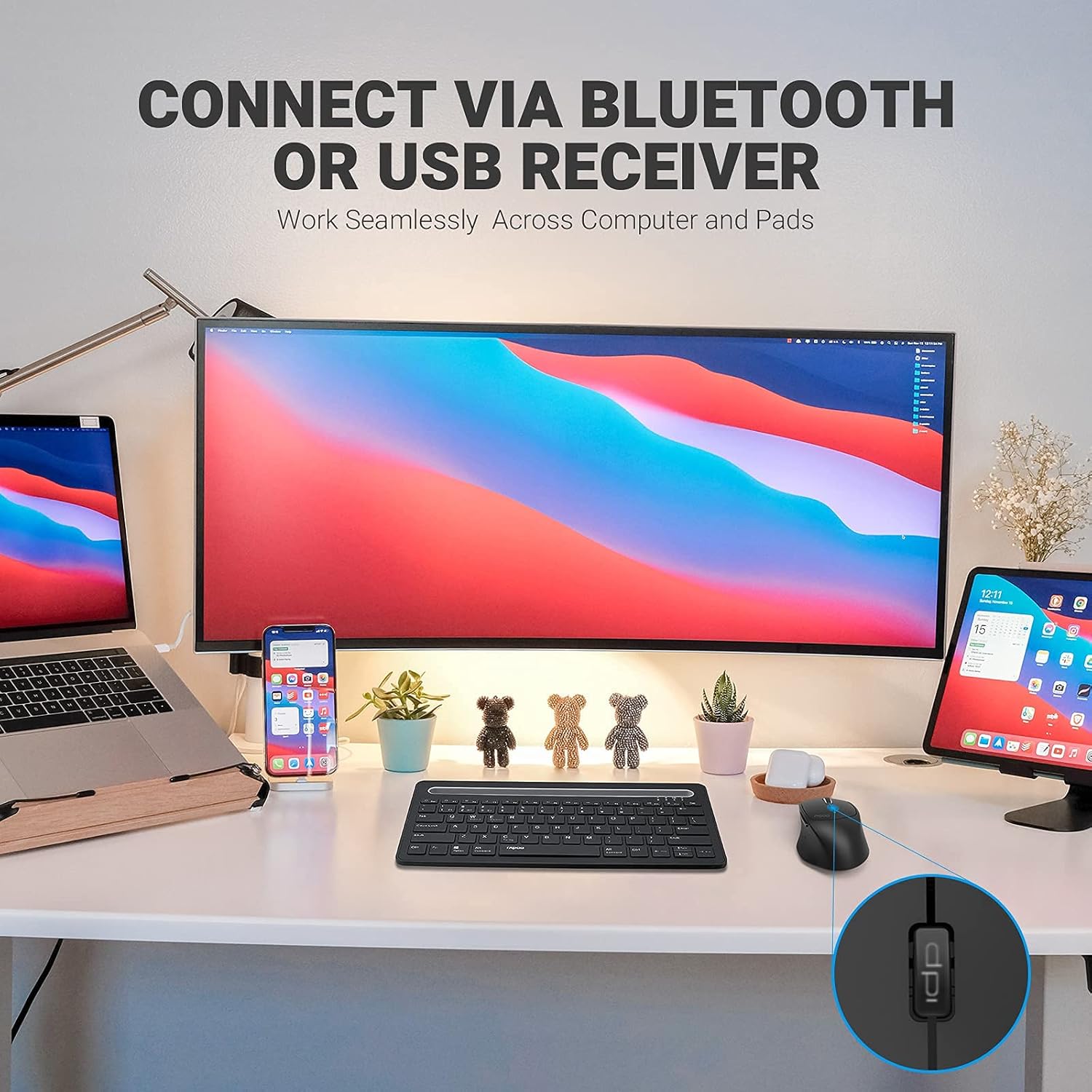
Image: A workstation demonstrating the Rapoo MT550 mouse connecting to multiple devices via Bluetooth or USB receiver.
3. Bedienungsanleitung
3.1. Wechseln zwischen Geräten
So wechseln Sie zwischen Ihren verbundenen Geräten:
- Short press the device switch button located on the underside of the mouse.
- Each press will cycle through the connected channels (1, 2, 3 for Bluetooth, 4 for 2.4G USB receiver). The corresponding indicator light will show the active channel.
3.2. DPI (Empfindlichkeit) anpassen
The MT550 mouse features four adjustable DPI settings for precise control:
- Press the DPI button, located behind the scroll wheel, to cycle through the available settings: 600, 1000, 1300, and 1600 DPI.
- The indicator light will briefly change to reflect the selected DPI level.

Bild: Nahaufnahme view of the DPI button on the Rapoo MT550 mouse, with the indicator light showing the current DPI setting.
3.3. Using Forward/Back Buttons
The two thumb buttons on the side of the mouse provide quick navigation:
- The forward button advances to the next page or folder.
- The back button returns to the previous page or folder.
4. Wartung
4.1. Reinigung
To maintain the appearance and functionality of your mouse:
- Verwenden Sie ein weiches, trockenes Tuch, um die Oberfläche der Maus abzuwischen.
- Vermeiden Sie die Verwendung von aggressiven Chemikalien, Scheuermitteln oder Lösungsmitteln, da diese die Oberfläche beschädigen können.
4.2. Batteriewechsel
When the low battery indicator appears or the mouse becomes unresponsive, it's time to replace the batteries:
- Befolgen Sie die in Abschnitt 2.1 beschriebenen Schritte zur Installation der Batterie.
- Ensure you use two fresh AA batteries and insert them with the correct polarity.
4.3. Speicherung
When not in use for extended periods, store the mouse in a dry, cool environment away from direct sunlight and extreme temperatures.
5. Fehlerbehebung
If you encounter issues with your Rapoo MT550 mouse, refer to the following troubleshooting steps:
5.1. Maus reagiert nicht
- Überprüfen Sie die Leistung: Ensure the mouse is turned on using the ON/OFF switch.
- Batterien prüfen: Verify that the batteries are correctly installed and have sufficient charge. Replace them if necessary.
- 2.4G-Empfänger: For 2.4G connection, ensure the USB receiver is securely plugged into a working USB port on your computer. Try a different USB port.
- Bluetooth Verbindung: For Bluetooth, ensure Bluetooth is enabled on your device and the mouse is paired to the correct channel. Try re-pairing the mouse if the connection is lost.
5.2. Zeitweise Verbindungsabbrüche oder Verzögerungen
- Nähe: Move the mouse closer to your computer or device to ensure a strong signal.
- Interferenz: Avoid using the mouse near other wireless devices (e.g., Wi-Fi routers, cordless phones) that might cause interference.
- Oberfläche: Ensure you are using the mouse on a suitable surface. While the MT550 is designed for various surfaces, extreme textures or reflective surfaces can affect tracking.
5.3. DPI ändert sich nicht
- Ensure you are pressing the dedicated DPI button, not another button.
- If the issue persists, try turning the mouse off and on again.
6. Spezifikationen
| Technische Daten | 3.93 x 2.55 x 1.57 Zoll |
| Artikelgewicht | 5.3 Unzen |
| Batterien | 2 AA-Batterien (im Lieferumfang enthalten) |
| Konnektivitätstechnologie | Bluetooth (3.0/4.0) and 2.4G Wireless |
| Bewegungserkennungstechnologie | Optisch |
| Einstellbare DPI | 600 / 1000 / 1300 / 1600 |
| Anzahl der Tasten | 6 (Left, Right, Scroll, DPI, Forward, Back) |
| Akkulaufzeit | Bis zu 12 Monate (unter normalen Bedingungen) |
7. Garantie und Support
Rapoo provides the following coverage for your MT550 Multi-Device Wireless Mouse:
- Garantie: 3 Jahr sorgenfreie Garantie.
- Rückgaberecht: 180 Tage Geld-zurück-Garantie.
For further assistance, technical support, or warranty claims, please visit the official Rapoo webWebsite oder wenden Sie sich an die Kundendienstabteilung.


