1. Einleitung
The SOAR Portable Aluminum Laptop Stand is designed to enhance your laptop user experience by providing ergonomic benefits and improved airflow. This stand elevates your laptop to an optimal viewing height, reducing strain on your neck and wrists, and promoting better posture. Its versatile compatibility makes it suitable for various laptop models.
This manual provides instructions for setting up, operating, and maintaining your SOAR Portable Aluminum Laptop Stand.
2. Produktmerkmale
- Langlebige Aluminiumkonstruktion: Crafted from high-quality aluminum, ensuring sturdy support and a modern aesthetic.
- Einstellbare Winkel: Offers multiple adjustable angles for personalized viewing and typing positions, promoting ergonomic comfort.
- Belüftetes Design: Features ventilation openings to enable excellent airflow, preventing laptop overheating during extended use.
- Faltbar und tragbar: Lightweight and fully foldable design allows for easy transport and storage, making it ideal for travel or different workspaces.
- Rutschfestigkeit: Equipped with anti-slip feet to keep your laptop securely in place and protect any surface it rests on.
- Integrierter Speicher: Includes a bottom storage slot for small items like mobile phones or keys.
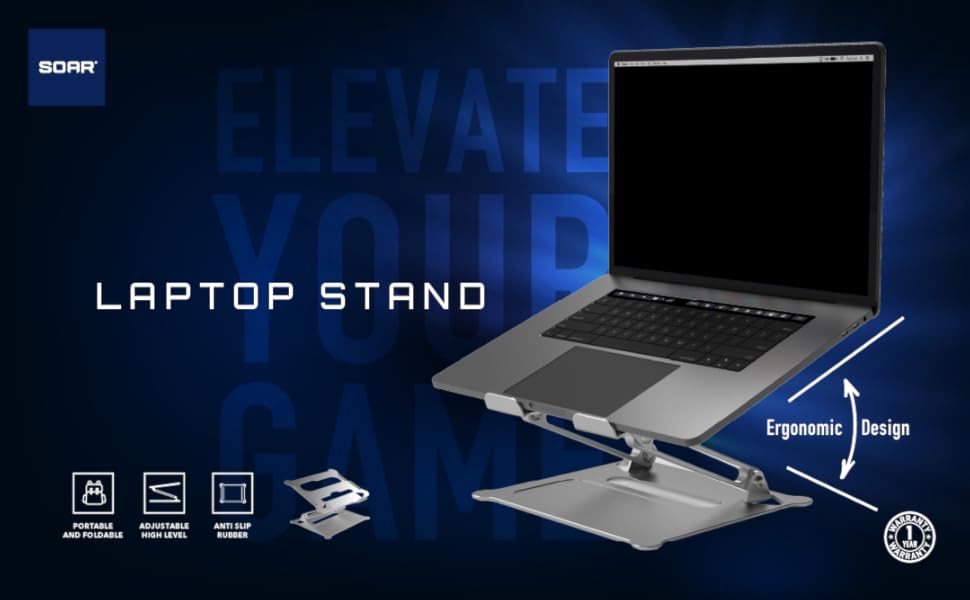
Bild: Überview of the SOAR Laptop Stand highlighting its portable, adjustable, anti-slip, and ergonomic design features.
3. Einrichtungsanweisungen
- Ständer ausklappen: Gently unfold the SOAR laptop stand from its compact, folded position. The articulated arms will extend.
- Höhe und Winkel anpassen: Once unfolded, adjust the stand to your desired height and viewing angle. The hinges are designed to hold their position firmly.
- Platzieren Sie Ihren Laptop: Carefully place your laptop onto the top platform of the stand. Ensure it rests securely on the anti-slip pads.
- Stabilität überprüfen: Before use, gently test the stability of the stand with your laptop in place to ensure it is firm and balanced.

Image: Visual guide demonstrating the three steps to unfold and adjust the SOAR laptop stand.
4. Bedienungsanleitung
Using your SOAR Portable Aluminum Laptop Stand is straightforward. Once set up, it provides an elevated and angled surface for your laptop, improving ergonomics and airflow.
- Ergonomische Positionierung: Adjust the stand's height and angle to achieve a comfortable viewing position that aligns with your eye level, reducing neck and back strain.
- Verbesserter Luftstrom: The open design and ventilation holes allow for natural air circulation around your laptop, helping to dissipate heat and prevent overheating.
- Typing Comfort: While the stand elevates your laptop, consider using an external keyboard and mouse for optimal wrist comfort, especially during long typing sessions.
- Portabilität: When not in use, fold the stand back into its compact form for easy storage or transport in a laptop bag.
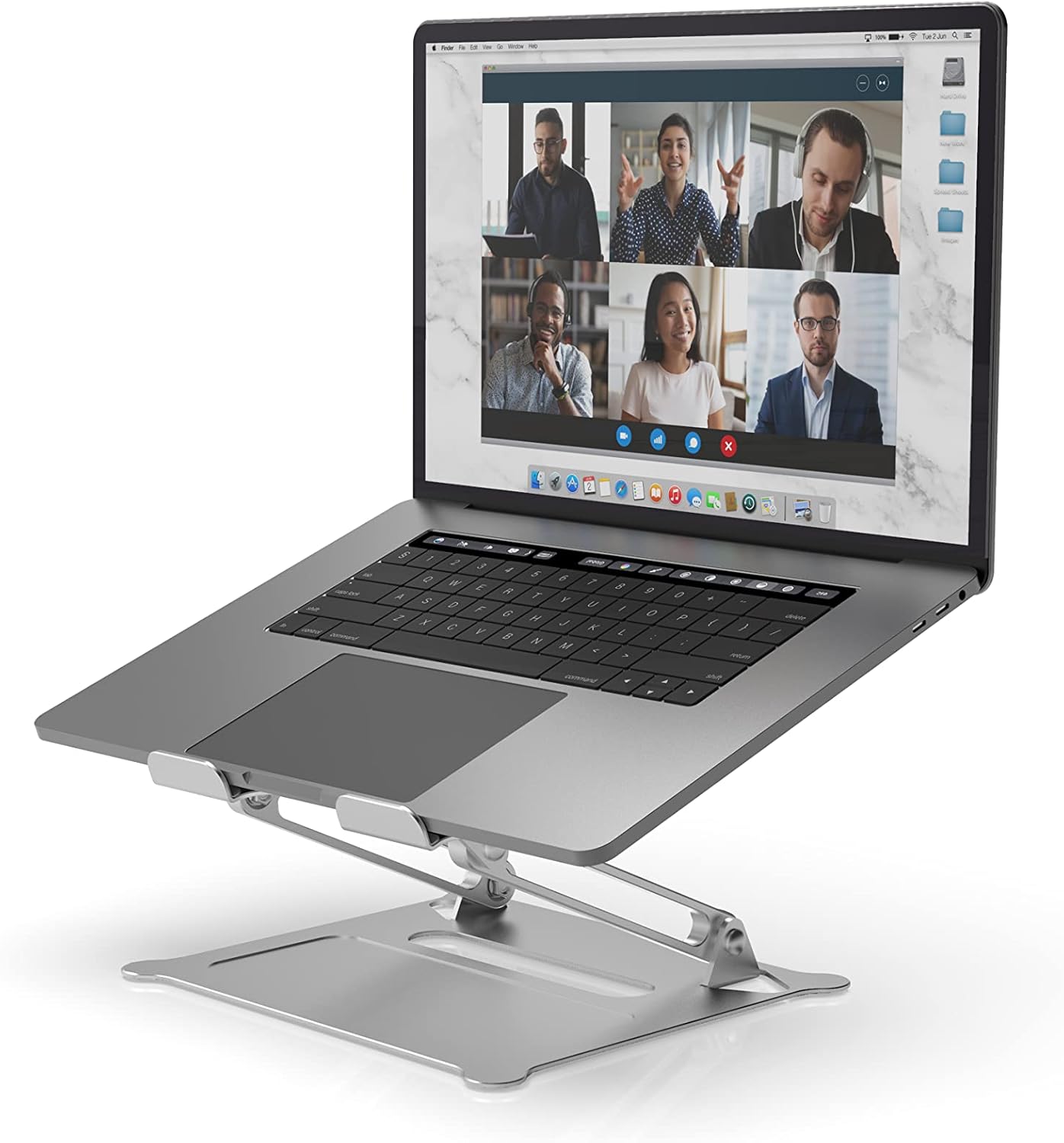
Image: A laptop positioned on the SOAR stand, demonstrating the elevated and angled setup for improved ergonomics.
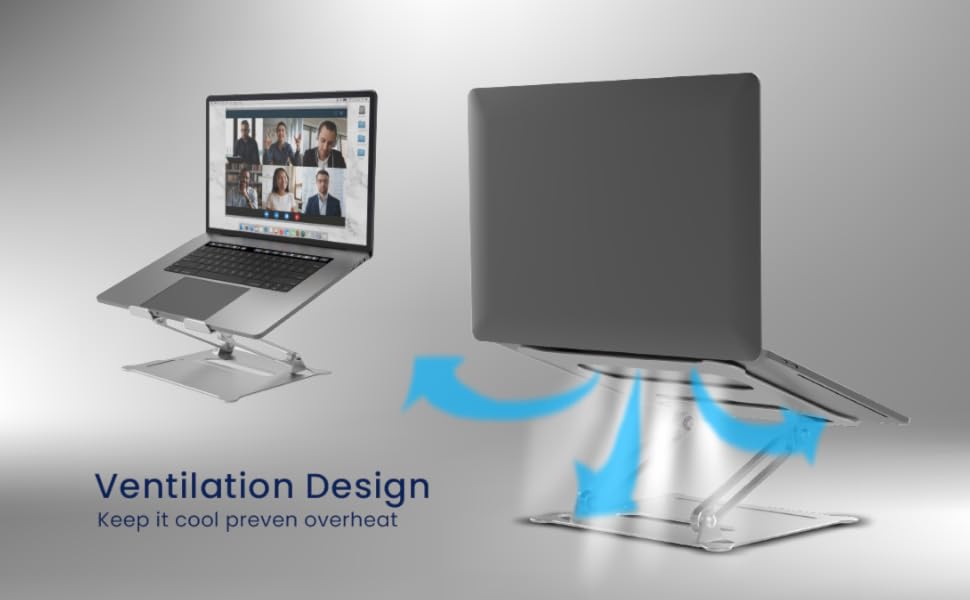
Image: Diagram illustrating the ventilation design of the SOAR stand, showing how it promotes airflow to prevent laptop overheating.

Image: Visual comparison demonstrating the benefits of using a laptop stand for maintaining correct posture during long work hours.
5. Wartung
To ensure the longevity and optimal performance of your SOAR Portable Aluminum Laptop Stand, follow these simple maintenance guidelines:
- Reinigung: Wischen Sie den Ständer mit einem weichen, fusselfreien Tuch ab.amp cloth to remove dust and smudges. Avoid using abrasive cleaners or solvents that could damage the finish.
- Lagerung: When not in use, fold the stand and store it in a dry, clean place to prevent accumulation of dust or damage.
- Inspektion: Periodically check the hinges and joints for any looseness. While designed for durability, gentle handling during adjustment is recommended.
6. Fehlerbehebung
| Problem | Mögliche Ursache | Lösung |
|---|---|---|
| Der Ständer wirkt instabil. | Nicht vollständig entfaltet oder auf einer unebenen Fläche platziert. | Ensure the stand is fully extended and all locking mechanisms (if any) are engaged. Place on a flat, stable surface. |
| Schwierigkeiten beim Einstellen von Winkel/Höhe. | Die Scharniere sind steif. | Apply gentle, even pressure. The hinges are designed to be firm to hold position. Do not force. |
| Laptop sliding on the stand. | Anti-slip pads are dirty or worn. | Reinigen Sie die Antirutschpads mit einem Reinigungsmittel.amp cloth. Ensure the laptop is placed correctly within the designated area. |
7. Spezifikationen
- Modellnummer: SR-LPS-SLV
- Material: Aluminiumlegierung
- Farbe: Silber
- Artikelgewicht: 1.35 Pfund (0.61 kg)
- Paketabmessungen: 11.61 x 9.41 x 2.56 Zoll (29.5 x 23.9 x 6.5 cm)
- Kompatible Geräte: Laptops (Universal Compatibility), iPad
- Hersteller: Prime Brands Group Inc.
- Datum der Erstveröffentlichung: 18. August 2021
8. Garantie und Support
Specific warranty information for the SOAR Portable Aluminum Laptop Stand is not provided in this manual. For details regarding warranty coverage, returns, or technical support, please refer to the product packaging or visit the official SOAR webWebsite. Sie können sich auch direkt über Ihre Kaufplattform an den Verkäufer wenden, um Unterstützung zu erhalten.
For general inquiries, you can visit the SOAR Store: SOAR Official Store on Amazon


