Einführung
Thank you for choosing UrbanX Street Buds Plus True Wireless Earbuds. This manual provides essential information for setting up, operating, maintaining, and troubleshooting your new earbuds. Please read it carefully to ensure optimal performance and longevity of your device.
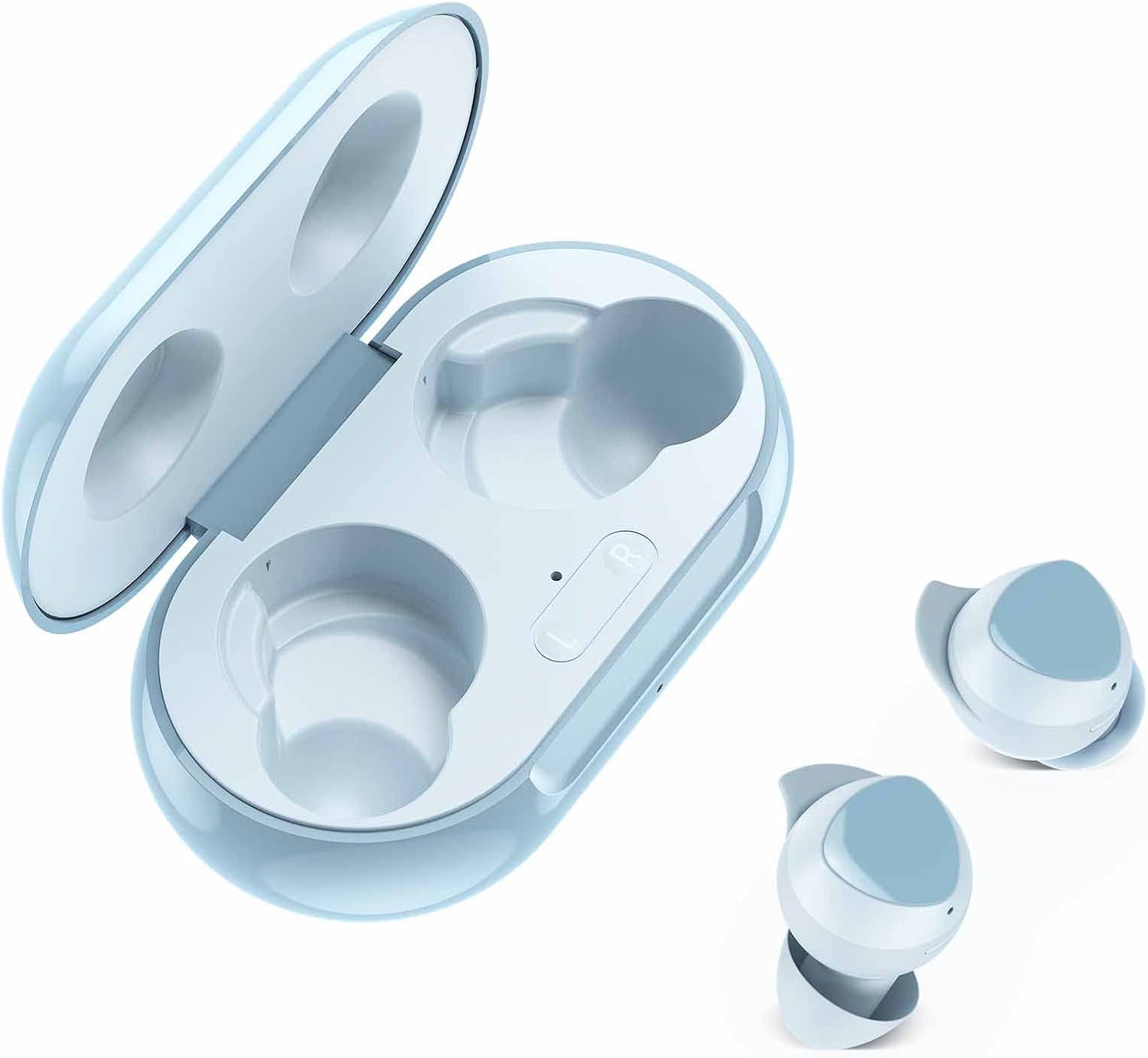
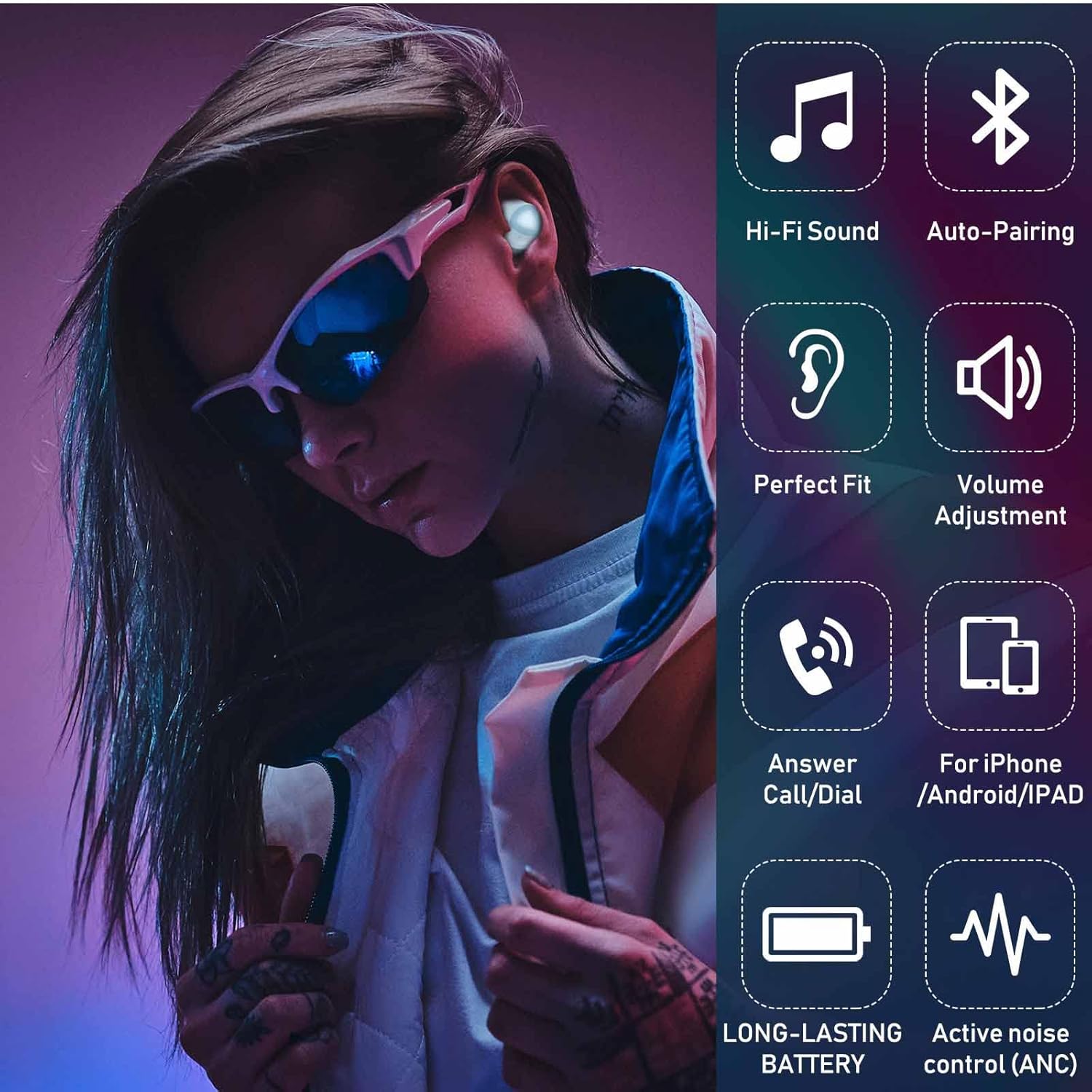
The UrbanX Street Buds Plus feature fine-tuned 12mm speakers for enhanced bass, hands-free controls, and a wireless charging case. They are designed for comfort and durability, including IP7 water and sweat resistance, making them suitable for various activities.
Packungsinhalt
- UrbanX Street Buds Plus Earbuds (Left and Right)
- Kabelloses Ladecase
- USB-Ladekabel (nicht explizit aufgeführt, aber Standard)
- Benutzerhandbuch (dieses Dokument)
Sicherheitshinweise
- Do not expose the earbuds or charging case to extreme temperatures or direct sunlight for extended periods.
- Vermeiden Sie das Fallenlassen des Geräts und die Anwendung übermäßiger Kraft auf das Gerät.
- Außerhalb der Reichweite von Kindern und Haustieren aufbewahren.
- Versuchen Sie nicht, die Ohrhörer oder das Ladecase zu zerlegen oder zu verändern. Dadurch erlischt die Garantie.
- Verwenden Sie ausschließlich zugelassene Ladekabel und Adapter.
- Längeres Hören bei hoher Lautstärke kann zu Gehörschäden führen. Stellen Sie die Lautstärke auf ein sicheres Niveau ein.
Aufstellen
1. Aufladen der Ohrhörer und des Ladecase
Before first use, fully charge the earbuds and the charging case. The charging case supports both wired (USB-C) and wireless charging.
- Kabelgebundenes Laden: Connect the USB charging cable to the charging port on the case and to a power source. The indicator light on the case will show charging status.
- Kabelloses Laden: Legen Sie das Ladecase auf ein kompatibles kabelloses Ladepad. Die Kontrollleuchte zeigt den Ladevorgang an.
- Aufladen der Ohrhörer: Legen Sie die Ohrhörer in das Ladecase. Der Ladevorgang startet automatisch.
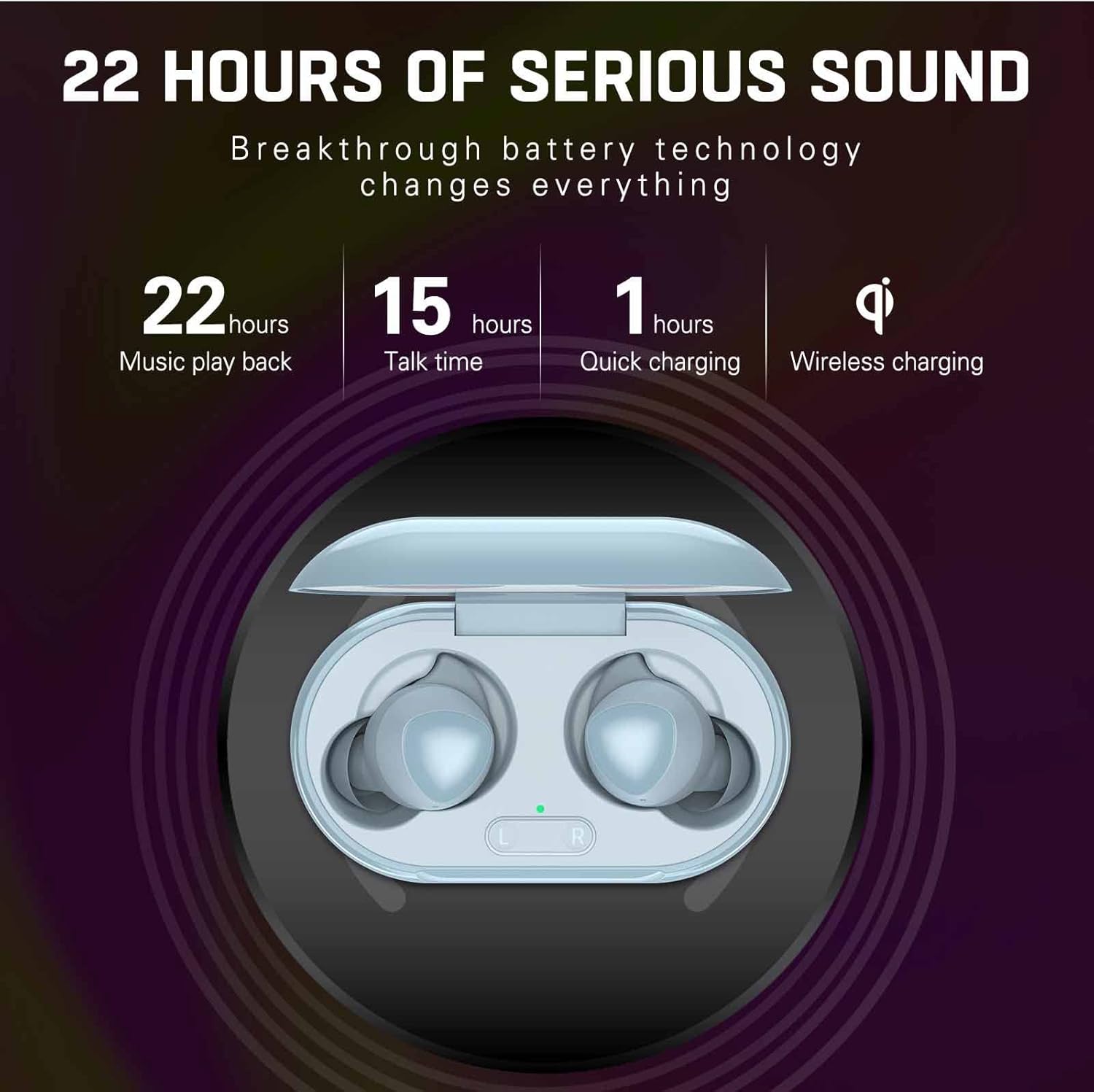
A full charge provides approximately 22 hours of music playback and 15 hours of talk time. Quick charging can provide significant power in about 1 hour.
2. Koppeln mit einem Gerät
The UrbanX Street Buds Plus feature one-step auto-pairing for easy connection.
- Stellen Sie sicher, dass die Ohrhörer aufgeladen sind.
- Öffnen Sie das Ladeetui. Die Ohrhörer wechseln automatisch in den Kopplungsmodus.
- Gehen Sie auf Ihrem Gerät (Smartphone, Tablet, Laptop) zu den Bluetooth-Einstellungen.
- Suchen nach available devices and select "Buds Plus" from the list.
- Sobald die Verbindung hergestellt ist, hören Sie eine akustische Bestätigung, und die Ohrhörer sind einsatzbereit.
Die Ohrhörer sind mit iOS-, Android- und Windows-Geräten kompatibel.

Betrieb
Tragen der Ohrhörer
For optimal sound quality and comfort, ensure the earbuds are properly seated in your ears. Gently insert each earbud and twist slightly until it feels secure and comfortable.
Touch-Bedienelemente
The UrbanX Street Buds Plus feature hands-free controls for managing audio playback and phone calls. Specific touch gestures may vary slightly, but common functions include:
- Abspielen/Pause: Tippen Sie einmal auf einen der Ohrhörer.
- Nächster Titel: Doppeltippen Sie auf den rechten Ohrhörer.
- Vorheriges Lied: Doppeltippen Sie auf den linken Ohrhörer.
- Anruf annehmen/beenden: Einmaliges Tippen auf einen der Ohrhörer während eines eingehenden Anrufs.
- Anruf ablehnen: Drücken und halten Sie während eines eingehenden Anrufs einen der Ohrhörer.
- Lautstärkeregelung: (If supported by specific model) Swipe up/down on the earbud surface or use your connected device.
- Sprachassistent: Dreimaliges Tippen auf einen der Ohrhörer (z. B. Siri, Google Assistant).
Wartung
Reinigung
Regelmäßige Reinigung trägt zur Erhaltung der Klangqualität und Hygiene bei.
- Wischen Sie die Ohrhörer und das Ladecase vorsichtig mit einem weichen, trockenen, fusselfreien Tuch ab.
- Verwenden Sie keine Scheuermittel, Alkohol oder chemische Lösungsmittel.
- Remove any earwax or debris from the earbud tips and speaker mesh using a small, clean brush or cotton swab.
Wasserbeständigkeit
The UrbanX Street Buds Plus are IP7 water and sweat resistant, making them suitable for workouts and light rain. However, they are not designed for swimming or submersion in water. Ensure the earbuds are dry before placing them back into the charging case to prevent damage.

Lagerung
Bewahren Sie die Ohrhörer bei Nichtgebrauch in ihrem Ladeetui auf, um sie zu schützen und geladen zu halten.
Fehlerbehebung
| Problem | Mögliche Ursache | Lösung |
|---|---|---|
| Ohrhörer lassen sich nicht koppeln | Niedriger Batteriestand, außerhalb der Reichweite, Kopplungsmodus nicht aktiv, vorheriges Verbindungsproblem. | Charge earbuds and case. Ensure Bluetooth is on and within range. Place earbuds in case, close, then open to re-enter pairing mode. Forget "Buds Plus" from device's Bluetooth list and re-pair. |
| Kein Ton oder geringe Lautstärke | Volume too low, earbud placement, debris in speaker, connection issue. | Increase volume on device and earbuds. Adjust earbud fit. Clean speaker mesh. Reconnect earbuds to device. |
| Ladeprobleme | Dirty charging contacts, faulty cable/charger, improper placement on wireless pad. | Clean charging contacts on earbuds and case. Try a different USB cable or power adapter. Ensure case is centered on wireless charging pad. |
| Ein Ohrhörer funktioniert nicht | Individual earbud connection issue, low battery. | Place both earbuds in the case, close, then open. Ensure both earbuds are charged. Try re-pairing. |
Technische Daten
- Modellname: R175
- Konnektivitätstechnologie: Kabellos (Bluetooth)
- Drahtlose Kommunikationstechnologie: Bluetooth
- Kompatible Geräte: Fairphone 4, Samsung, Mobile Phone, Tablet, Laptop, Smartphone
- Steuerungstyp: Call Control, Playback Control
- Kabeleigenschaft: Ohne Kabel
- Wasserbeständigkeit: IP7 wasserdicht
- Artikelgewicht: Ungefähr 2 Unzen
- Produktabmessungen: Ungefähr 2.75 x 1.04 x 1.52 Zoll
- Besondere Merkmale: Carrying case included, Enhanced bass, Microphone Included, Sports-and-exercise ready, Wireless charging
- Musikwiedergabezeit: Bis zu 22 Stunden (mit Ladeetui)
- Gesprächszeit: Bis zu 15 Stunden (mit Ladeetui)
- Schnelle Ladung: 1 Stunde
- Ohrplatzierung: Im Ohr
- Formfaktor: Im Ohr
- Geräuschpegelkontrolle: Schallisolierung

Garantie
UrbanX Street Buds Plus come with a 90 Tage Geld-zurück-GarantieZusätzlich ein 12 Monate Ersatzgarantie is provided for defective earbuds. Please retain your proof of purchase for warranty claims.
Unterstützung
If you encounter any issues or have questions not covered in this manual, please refer to the UrbanX official website or contact customer support for assistance. For warranty claims, please provide your purchase details.


