1. Einleitung
Vielen Dank für Ihren Einkauf.asing the KAGO 4K HDMI Splitter 1 in 10 Out, Model 4K1010. This device is designed to distribute a single HDMI source signal to ten HDMI displays simultaneously. It supports high-resolution video up to 4K@30Hz, 3D visual effects, and various digital audio formats, ensuring a high-quality audio and video experience across multiple screens. This manual provides detailed instructions for setup, operation, and troubleshooting to help you maximize the performance of your HDMI splitter.
2. Sicherheitshinweise
- Stellen Sie sicher, dass das Netzteil mit der Lautstärke übereinstimmttage Anforderungen Ihrer Region.
- Das Gerät darf weder Wasser, Feuchtigkeit noch extremen Temperaturen ausgesetzt werden.
- Vermeiden Sie, das Gerät in der Nähe von Wärmequellen oder in direktem Sonnenlicht aufzustellen.
- Versuchen Sie nicht, das Gerät selbst zu öffnen oder zu reparieren. Überlassen Sie alle Wartungsarbeiten qualifiziertem Fachpersonal.
- Bei Gewittern oder längerer Nichtbenutzung die Stromzufuhr unterbrechen.
- Verwenden Sie nur das mitgelieferte Netzteil.
3. Packungsinhalt
Bitte überprüfen Sie, ob alle Artikel in Ihrem Paket vorhanden sind:
- KAGO 4K HDMI Splitter 1 in 10 Out (Model: 4K1010)
- Netzteil (DC 12V/2A)
- Bedienungsanleitung
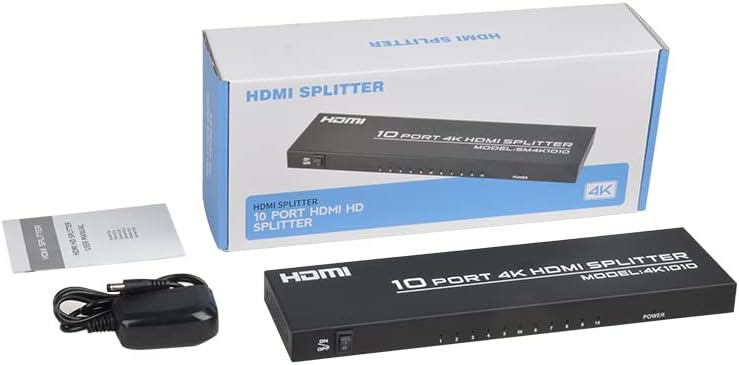
Image: The KAGO 4K HDMI Splitter, its power adapter, and the instruction manual are shown alongside the product packaging.
4. Produktüberschreitungview
The KAGO 4K HDMI Splitter 1 in 10 Out features a robust design with clear labeling for easy connection and operation.
Vorderseite:
- Ein / Aus Schalter: Leistungssteuerung für das Gerät.
- Output Indicators (1-10): LEDs that illuminate when an HDMI output is connected and active.
- Betriebsanzeige: LED that illuminates when the device is powered on.
Rückwand:
- HDMI-IN: Port for connecting your single HDMI source device.
- HDMI-Ausgang 1-10: Ten ports for connecting your HDMI display devices.
- Gleichstrom 5V: Stromeingangsanschluss für das mitgelieferte Netzteil.

Bild: Oben view showing the power switch and ten output indicator LEDs. Bottom view showing the HDMI input, ten HDMI output ports, and the DC power input.
5. Einrichtungsanweisungen
Follow these steps to set up your KAGO 4K HDMI Splitter:
- HDMI-Quelle anschließen: Connect an HDMI cable from your source device (e.g., PC, laptop, game console, Blu-ray player) to the HDMI IN Anschluss am Splitter.
- HDMI-Displays anschließen: Connect HDMI cables from your display devices (e.g., HDTVs, monitors, projectors) to the HDMI-AUSGANG 1-10 ports on the splitter. You can connect up to ten displays.
- Strom anschließen: Plug the included DC 12V/2A power adapter into the Gleichstrom 5 V Schließen Sie den Verteiler an den Anschluss an und stecken Sie den Adapter anschließend in eine Steckdose.
- Einschalten: Flip the ON/OFF switch on the front panel to the 'ON' position. The power indicator and active output indicators will light up.
- Verbindung überprüfen: Ensure all connected displays are receiving the signal from your source device.
This device is designed for plug-and-play operation, requiring no additional drivers or software installation.

Image: A visual representation of connecting an HDMI source to the splitter's input and ten HDMI displays to its outputs.
6. Bedienungsanleitung
The KAGO 4K HDMI Splitter operates automatically once connected and powered on. It duplicates the single HDMI input signal to all connected HDMI outputs.
- Gleichzeitige Anzeige: All ten connected displays will show the exact same audio and video content from the single HDMI source.
- Unterstützte Auflösungen: The splitter supports resolutions up to 4K (3840x2160) at 30Hz, as well as 1080P, 1080i, 720p, 576p, 576i, 480P, and 480i. It also supports 3D images.
- Audiosynchronisation: The device ensures audio and video are synchronized, supporting various digital audio formats including DTS-HD, Dolby-trueHD, LPCM 7.1, DTS, Dolby-AC3, and DSD.
- Kompatibilität: Compatible with a wide range of HDMI-integrated devices and operating systems, including Windows, MS-DOS, Linux, Android, and Mac OS.

Bild: Ein visuelles Beispielample of ten monitors simultaneously displaying the same content, illustrating the splitter's core function.

Image: Demonstrates support for 4K high-definition and 3D visual effects.
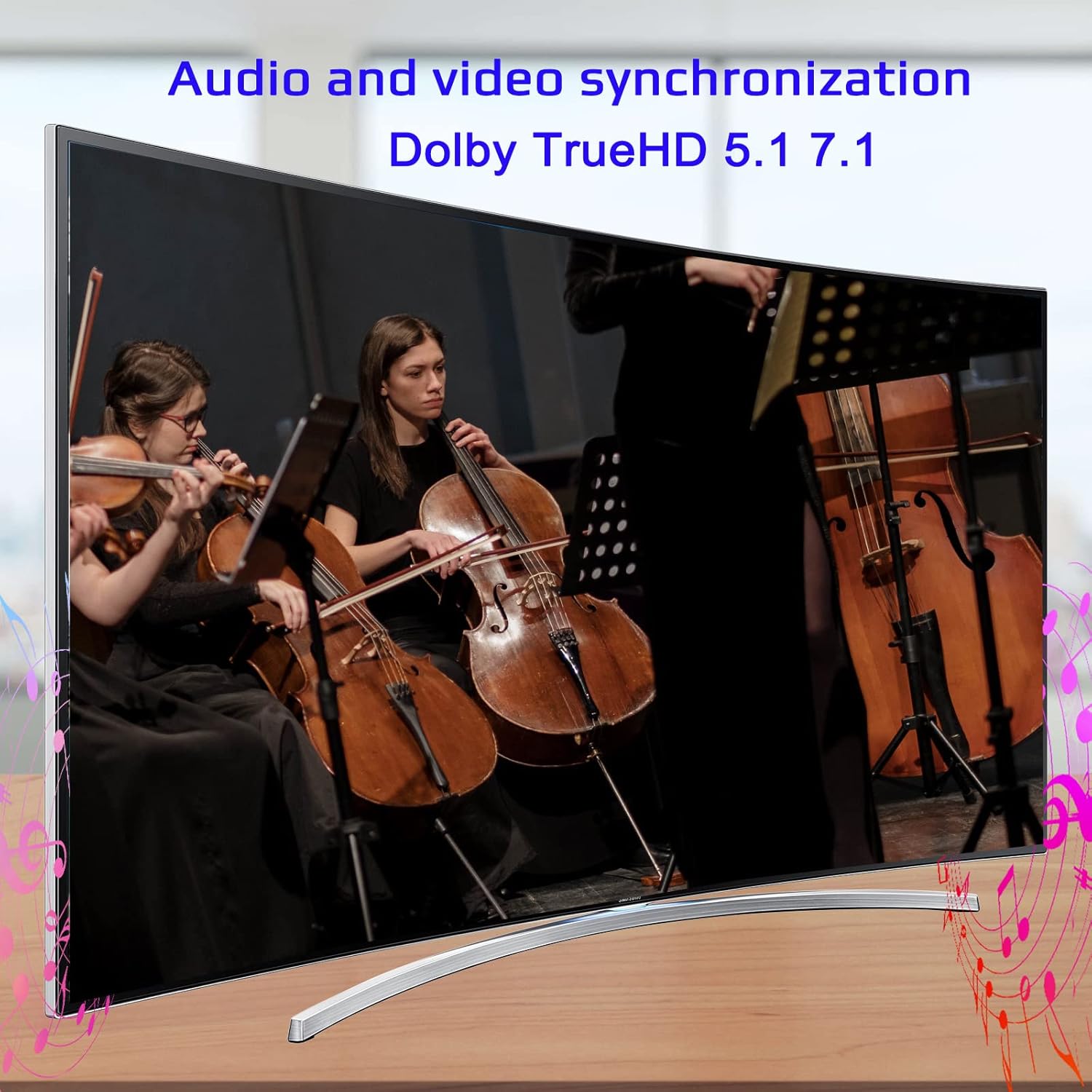
Image: Illustrates the audio and video synchronization capabilities, including Dolby TrueHD 5.1/7.1.
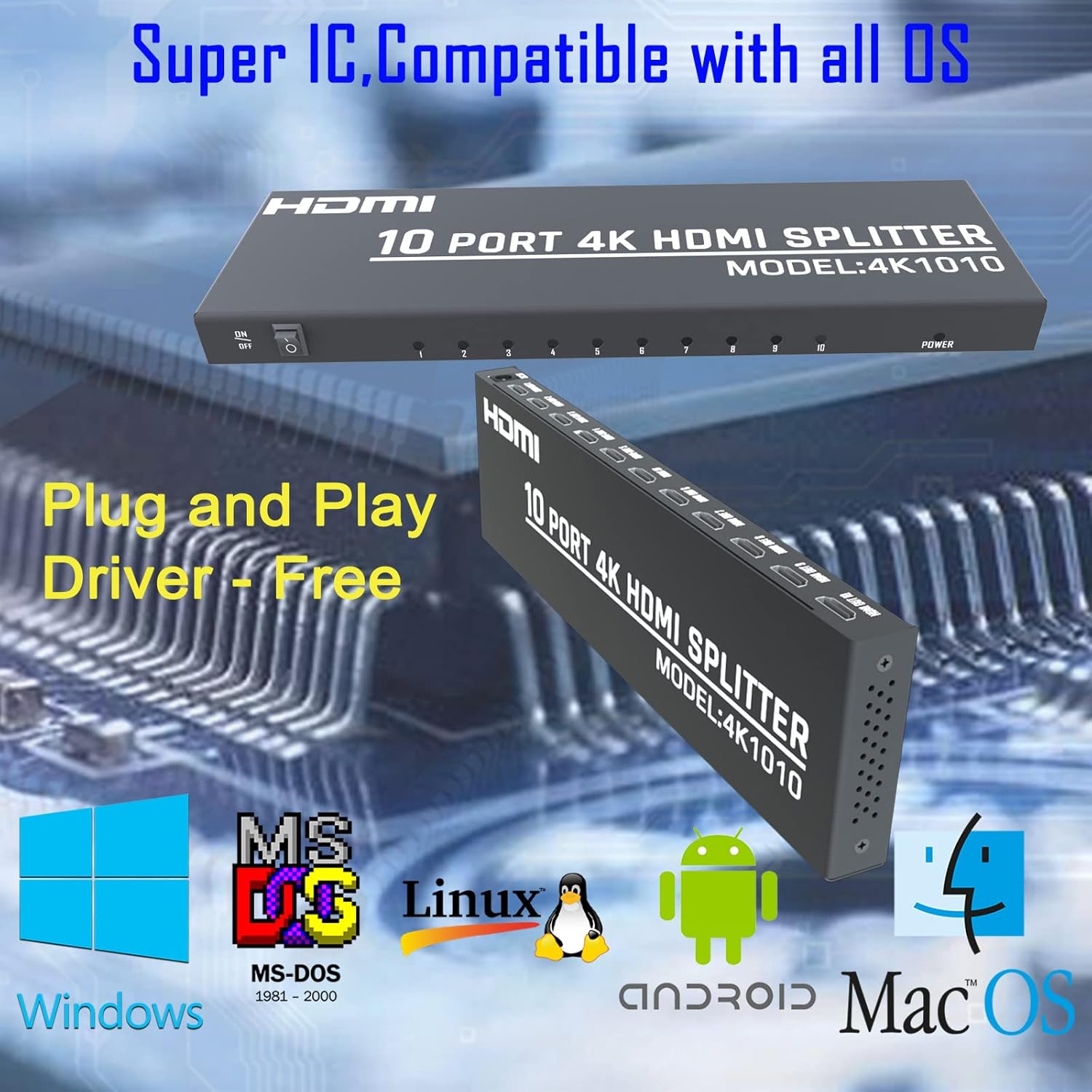
Image: Highlights the splitter's compatibility with various operating systems and its plug-and-play functionality.
7. Fehlerbehebung
If you encounter issues with your KAGO 4K HDMI Splitter, please refer to the following common solutions:
| Problem | Mögliche Ursache | Lösung |
|---|---|---|
| Kein Signal auf dem/den Display(s) | Loose HDMI cables, incorrect input selection on TV, power issue. | Check all HDMI cable connections. Ensure the TV input is set to the correct HDMI port. Verify the splitter is powered on and the power indicator is lit. Try a different HDMI cable. |
| Flackerndes oder verzerrtes Bild | Poor quality/lengthy HDMI cables, resolution incompatibility. | Use high-quality HDMI cables (19+1AWG26 standard recommended). Ensure cable lengths are within recommended limits (input 1-10M, output 1-15M). Try a lower resolution on the source device. |
| Kein Ton | Audio settings on source/display, faulty HDMI cable. | Check audio settings on your source device and display. Ensure the HDMI cable supports audio transmission. Try a different HDMI cable. |
| Only some outputs work | Faulty output port, issue with specific display/cable. | Test the non-working output with a known good display and cable. Ensure the output indicator LED for that port is lit. |
8. Spezifikationen
| Besonderheit | Detail |
|---|---|
| Modellnummer | 4K1010 |
| Technische Daten | 11.1 x 3.1 x 1 Zoll |
| Artikelgewicht | 1.48 Pfund |
| Steckertyp | HDMI |
| Unterstützte Auflösungen | Up to 4K (3840x2160@30Hz), 1080P, 1080i, 720p, 576p, 576i, 480P, 480i |
| 3D-Unterstützung | Ja |
| Digital Audio Formats | DTS-HD / Dolby-TrueHD / LPCM7.1 / DTS / Dolby-AC3 / DSD |
| Bandbreite | 10.2 Gbit/s |
| Netzteil | Eingang: Wechselstrom (50 Hz, 60 Hz) 100 V–240 V; Ausgang: DC12V/2A |
| Empfohlene HDMI-Kabellänge | Input: 1-10M (16ft); Output: 1-15M (48ft) |
| Hersteller | Siying |
9. Wartung
To ensure the longevity and optimal performance of your KAGO 4K HDMI Splitter, follow these maintenance guidelines:
- Reinigung: Reinigen Sie die Außenseite des Geräts mit einem weichen, trockenen Tuch. Verwenden Sie keine flüssigen Reiniger oder Sprays.
- Belüftung: Ensure the device has adequate ventilation. Do not block the ventilation holes. The design promotes efficient heat dissipation to prevent overheating during extended use.

Image: A visual representation of the splitter's heat dissipation design, indicating it remains cool during operation.
10. Garantie und Support
KAGO products are designed for reliability and performance. For warranty information or technical support, please refer to the contact details provided with your purchase or visit the official KAGO webBitte bewahren Sie Ihren Kaufbeleg für eventuelle Garantieansprüche auf.


