Einführung
This manual provides essential information for the proper setup, operation, and maintenance of your DELTACO GAMING PS5 Gaming Headset, model GAM-127-W. Designed for optimal compatibility with the Sony PlayStation 5, this headset delivers an immersive audio experience for gaming.
Key features include 40mm audio drivers for clear sound, an adjustable headband for comfort, a flexible microphone for clear communication, and a 2-meter fabric-covered cable with a 3.5mm connection.
Packungsinhalt
- 1 x DELTACO GAMING PS5 Gaming Headset (GAM-127-W)
- Benutzerhandbuch (dieses Dokument)
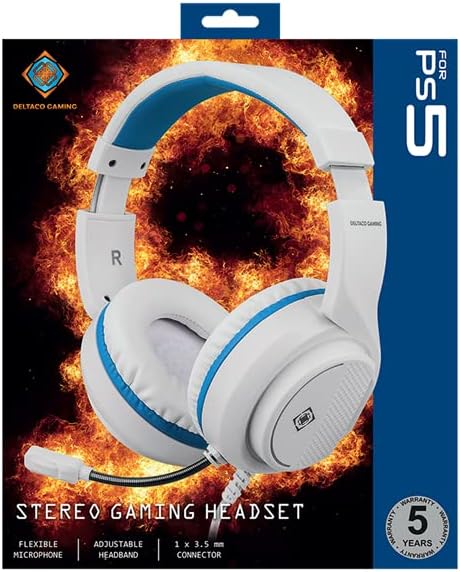
Image: The retail packaging for the DELTACO GAMING PS5 Gaming Headset, showing the headset in white with blue accents against a fiery background, indicating its gaming purpose.
Aufstellen
- Schließen Sie das Headset an: Locate the 3.5mm audio jack on your PlayStation 5 controller. Insert the 3.5mm connector from the headset's cable firmly into the controller's audio jack. The headset is plug-and-play and does not require additional drivers.

Image: The DELTACO GAMING PS5 Gaming Headset, white with blue accents, featuring the attached 3.5mm cable ready for connection.
- Passen Sie das Stirnband an: Gently slide the earcups up or down along the headband to find a comfortable fit that rests securely on your head. The headband is adjustable to accommodate various head sizes.
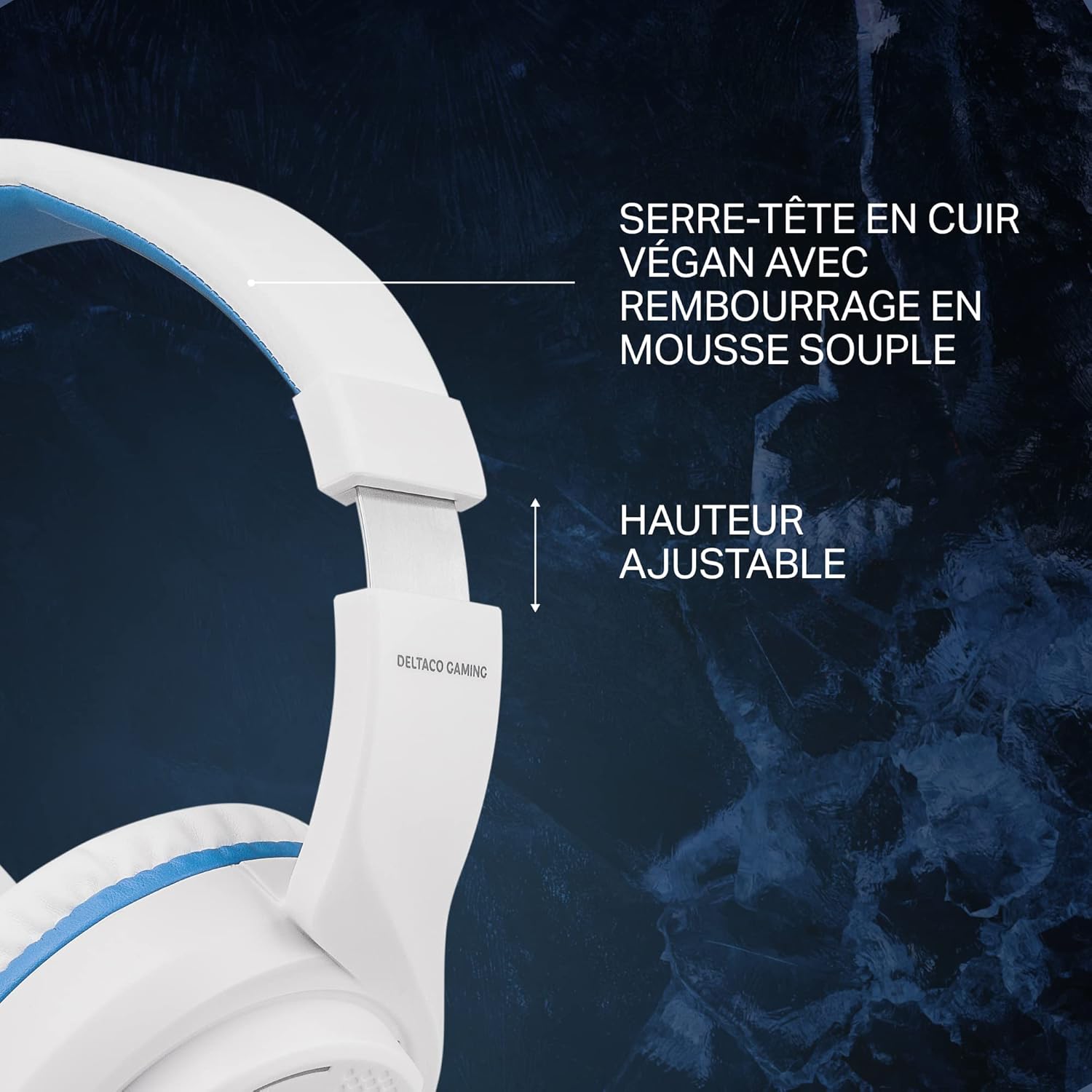
Bild: Eine Nahaufnahme view of the adjustable headband mechanism on the DELTACO GAMING headset, highlighting its ability to extend for a customized fit. The headband features soft padding for comfort.
- Positionieren Sie das Mikrofon: The headset features a flexible microphone. Bend the microphone arm to position the microphone approximately 1-2 inches from your mouth for optimal voice clarity.
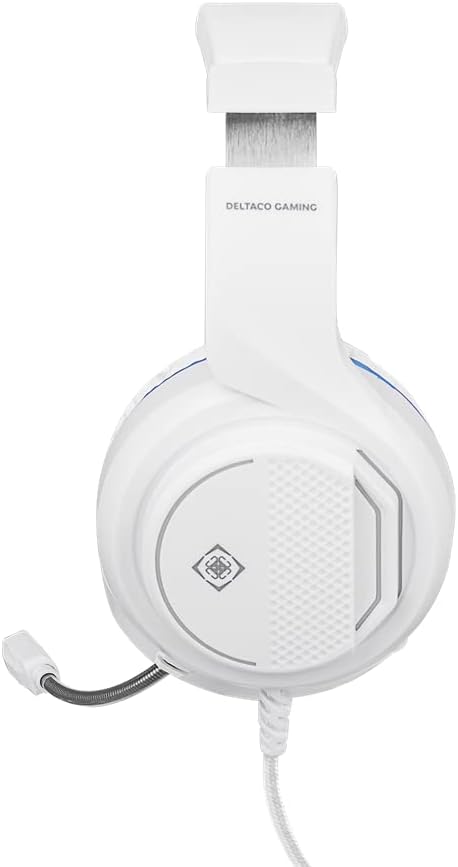
Abbildung: Seite A view of the DELTACO GAMING PS5 Gaming Headset, showcasing the flexible microphone arm extended downwards from the left earcup.
Bedienungsanleitung
- Lautstärkeregelung: The headset is equipped with an inline volume control. Rotate the dial on the earcup to increase or decrease the audio volume to your preferred level.
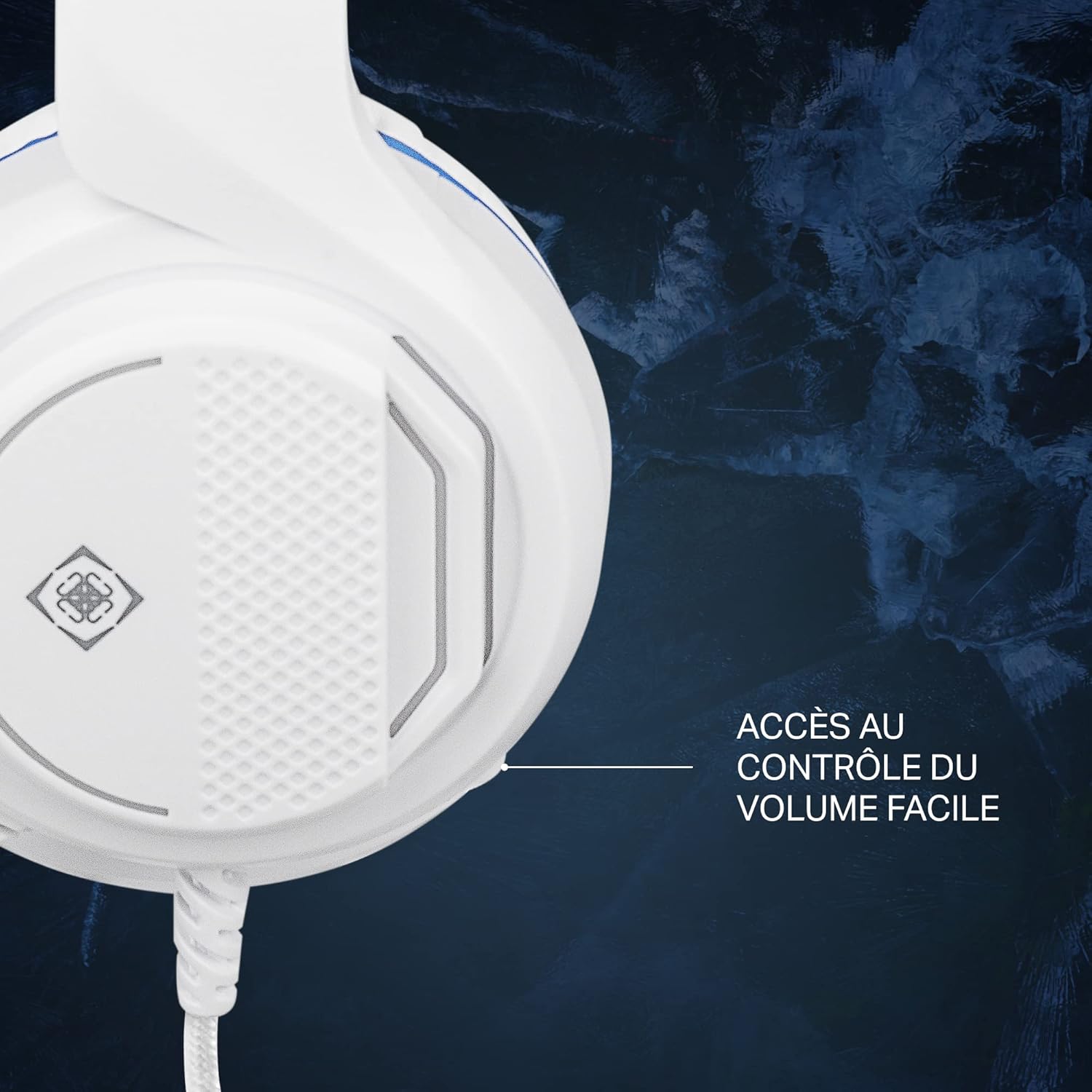
Image: A close-up of the right earcup of the DELTACO GAMING headset, pointing to the easily accessible volume control dial located on the side.
- Verwendung des Mikrofons: Ensure the microphone is positioned correctly for clear voice input. The microphone is always active when connected, allowing for in-game communication.
- Angenehmes Tragen: For extended gaming sessions, ensure the headset is comfortably seated on your head. The lightweight design (345g) and soft earcups are designed for prolonged use.
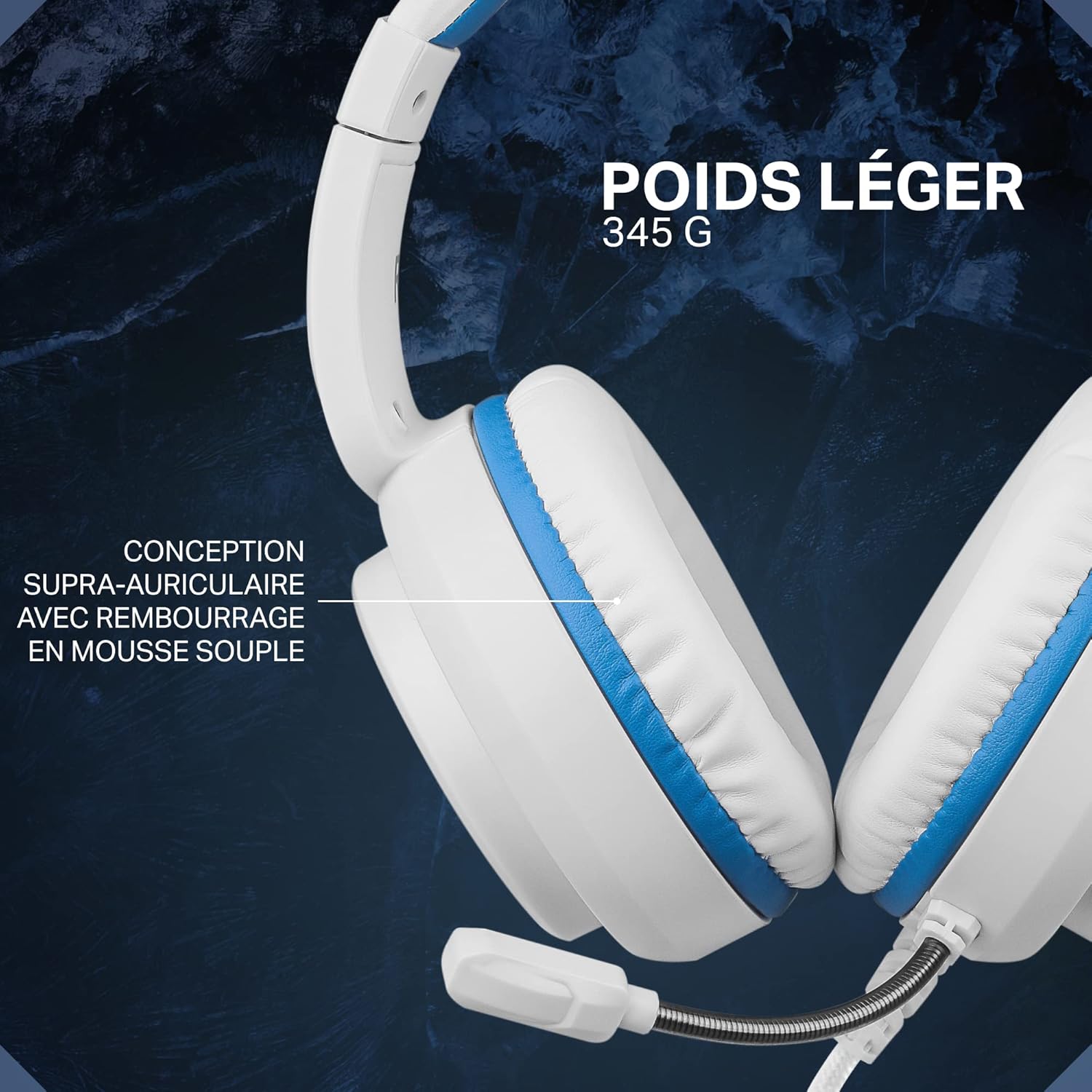
Bild: A view of the DELTACO GAMING headset from the side, emphasizing its lightweight construction and the soft, over-ear padding designed for comfort during long gaming sessions.
Wartung
- Reinigung: Verwenden Sie ein weiches, trockenes Tuch, um das Headset abzuwischen. Für die Ohrmuscheln ein leicht trocknendes Tuch verwenden.amp cloth with mild soap can be used, but ensure no moisture enters the speaker grilles. Do not use harsh chemicals or abrasive cleaners.
- Lagerung: Store the headset in a cool, dry place away from direct sunlight and extreme temperatures. Avoid tangling the cable by coiling it loosely when not in use.
- Kabelpflege: Do not pull on the cable to disconnect the headset. Always grasp the 3.5mm connector when plugging or unplugging.
Fehlerbehebung
| Problem | Lösung |
|---|---|
| Kein Ton vom Headset. |
|
| Mikrofon funktioniert nicht. |
|
| Der Ton ist verzerrt oder undeutlich. |
|
Technische Daten
| Besonderheit | Detail |
|---|---|
| Modell | GAM-127-W |
| Marke | DELTACO-SPIELE |
| Kompatibilität | PlayStation 5, devices with 3.5mm audio jack |
| Elementgröße | 40 mm |
| Verbindung | 1 x 3.5-mm-Audiobuchse |
| Kabellänge | 2 meters (fabric-covered) |
| Frequenzbereich | 20 Hz – 20 kHz |
| Kopfhörerempfindlichkeit | 120dB ± 3dB |
| Mikrofonempfindlichkeit | -38 dB ± 3 dB |
| Lautsprecherimpedanz | 32 Ω |
| Gewicht | 345 g (0.345 kg) |
| Steuerungstyp | Lautstärkeregelung |
| Formfaktor | Über dem Ohr |
| Besondere Merkmale | Surround Sound, Lightweight, Microphone Included |
Garantie und Support
The DELTACO GAMING PS5 Gaming Headset (GAM-127-W) comes with a 5 Jahr GarantieBitte bewahren Sie Ihren Kaufbeleg für Garantieansprüche auf.
For technical support, warranty inquiries, or further assistance, please contact DELTACO GAMING customer service through their official website or the retailer from whom you purchased the product. Refer to the product packaging or DELTACO GAMING's official channels for the most current contact information.


