1. Einleitung
Vielen Dank für Ihren Einkauf.asing the BYINTEK R17 Pro Portable Smart 3D DLP Projector. This manual provides essential information for safe and effective use of your device. Please read it thoroughly before operation and retain it for future reference.
The BYINTEK R17 Pro is a versatile portable projector featuring Android 9.0 OS, 4K decoding support, 3D capabilities, and a built-in battery, making it ideal for various entertainment and presentation needs. It also supports multiple languages including English, Russian, Arabic, Korean, Japanese, French, German, Italian, Spanish, Chinese, Vietnamese, Polish, and Traditional Chinese.
2. Sicherheitshinweise
- Schauen Sie nicht direkt in die Projektorlinse, wenn der lamp ist eingeschaltet.
- Um einen Stromschlag zu vermeiden, halten Sie den Projektor von Wasser und anderen Flüssigkeiten fern.
- Blockieren Sie die Lüftungsöffnungen nicht, um eine Überhitzung zu vermeiden.
- Verwenden Sie ausschließlich das vom Hersteller mitgelieferte Netzteil.
- Stellen Sie den Projektor nicht auf instabile Oberflächen.
- Versuchen Sie nicht, den Projektor selbst zu zerlegen oder zu reparieren. Wenden Sie sich an qualifiziertes Servicepersonal.
- Lagern Sie den Projektor bei Nichtgebrauch an einem kühlen, trockenen Ort.
3. Packungsinhalt
Bitte überprüfen Sie nach dem Auspacken den Packungsinhalt, um sicherzustellen, dass alle Artikel vorhanden sind:
- BYINTEK R17 Pro Projector
- Netzteil
- Fernbedienung
- Benutzerhandbuch (dieses Dokument)
- HDMI-Kabel (kann je nach Region variieren)

Abbildung: Eine detaillierte Seite view of the BYINTEK R17 Pro projector, highlighting its compact and portable design.
4. Installationsanleitung
4.1 Ein-/Ausschalten
- Strom anschließen: Plug the power adapter into the projector's DC input port and then into a power outlet.
- Einschalten: Drücken Sie den Ein-/Ausschalter am Projektor oder an der Fernbedienung. Die Kontrollleuchte leuchtet auf.
- Ausschalten: Drücken Sie den Netzschalter erneut. Bestätigen Sie das Herunterfahren, falls Sie dazu aufgefordert werden.
4.2 Platzierung und Projektion
Position the projector on a stable, flat surface. Ensure there are no obstructions in front of the lens. The ideal projection distance ranges from 1 to 8 meters, producing a screen size of 30 to 300 inches.
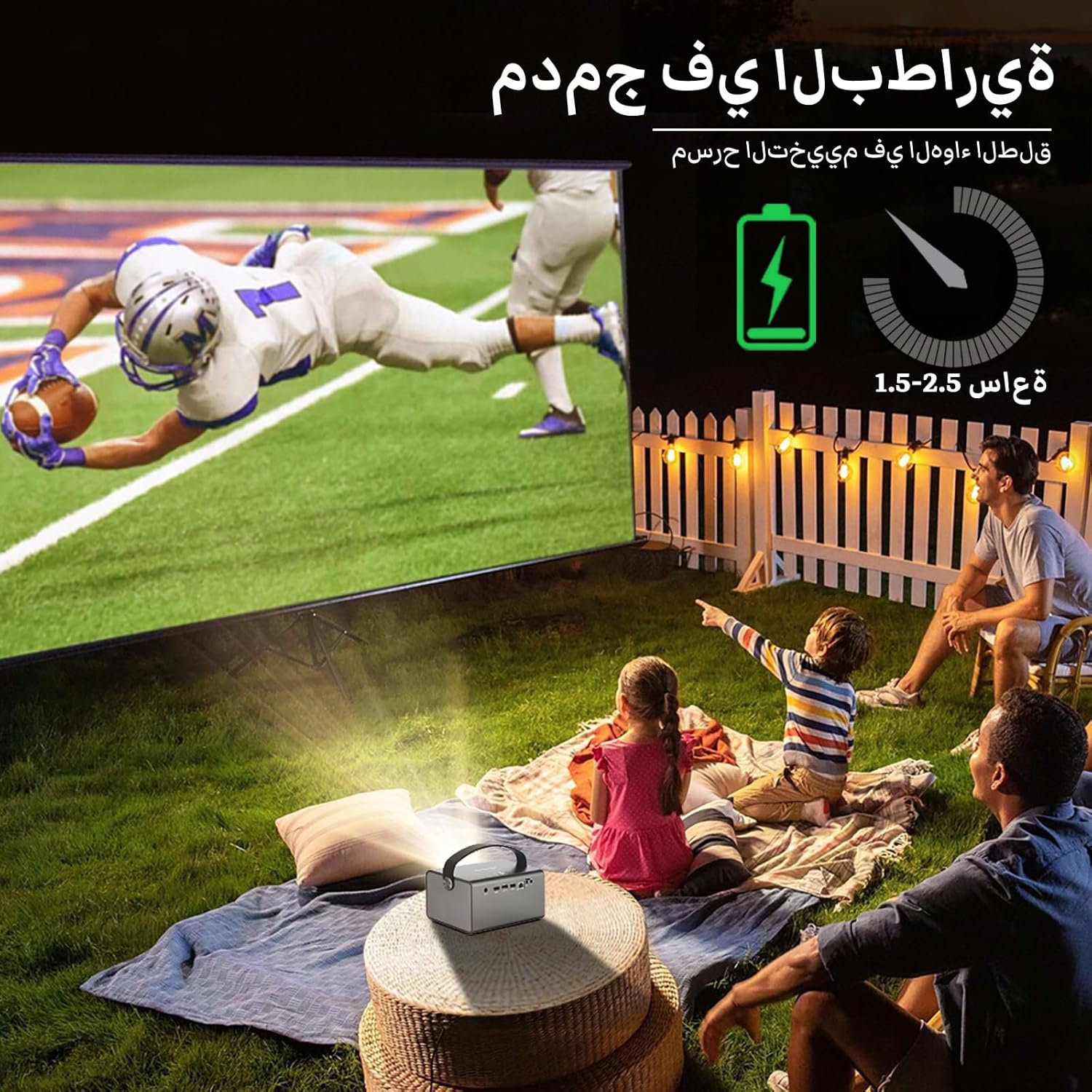
Image: The BYINTEK R17 Pro projector in an outdoor setting, demonstrating its portable use for entertainment. The image shows a football game projected onto a large screen, with people watching comfortably. This highlights the projector's battery life and suitability for outdoor events.
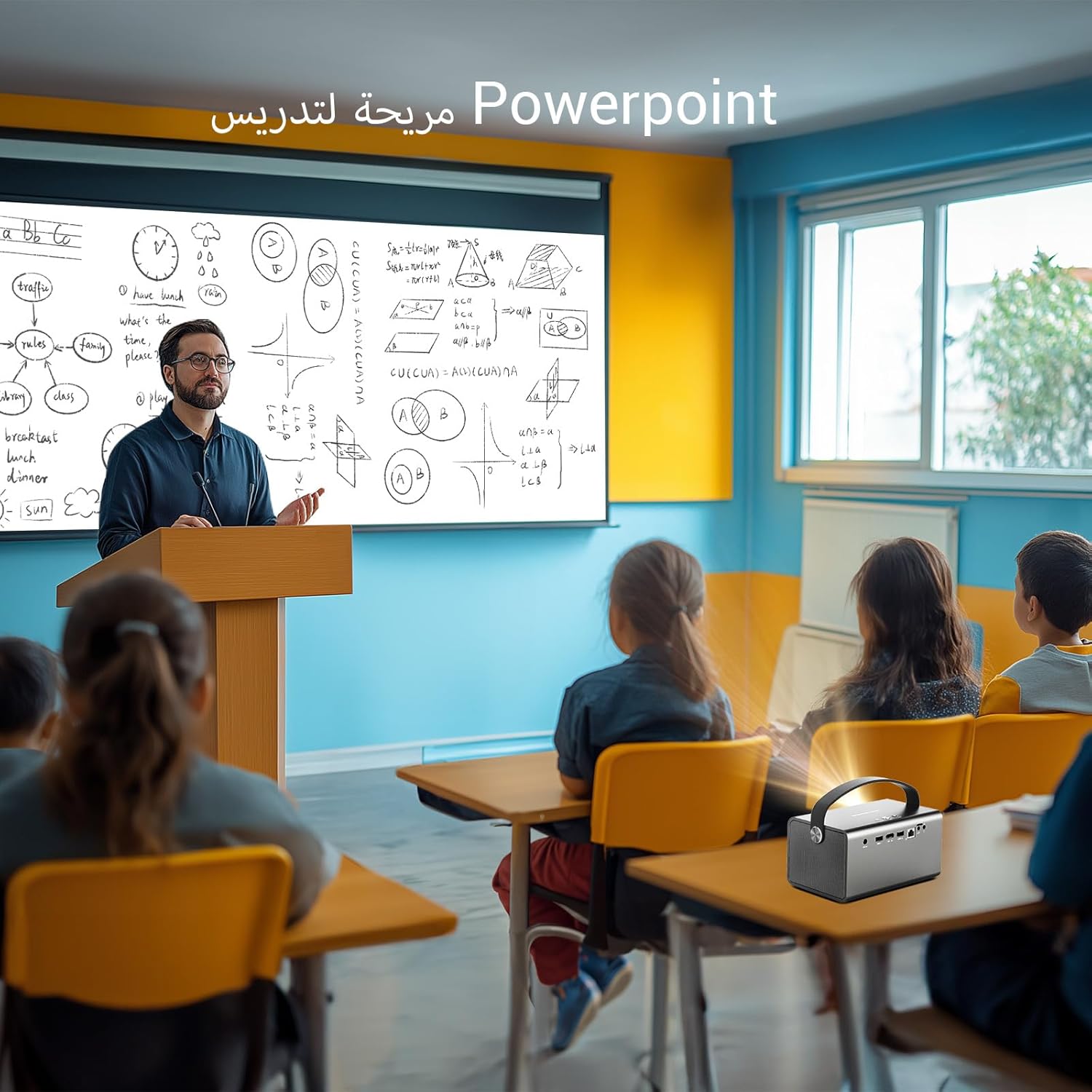
Image: The BYINTEK R17 Pro projector being used in a classroom to display a PowerPoint presentation. This illustrates its utility for educational purposes and presentations in various environments.
4.3 Fokus- und Trapezkorrektur
- Elektrischer Fokus: Use the remote control to adjust the focus until the image is clear.
- Automatische Trapezkorrektur: The projector supports automatic vertical keystone correction.
- Manuelle Trapezkorrektur: For side projections or specific adjustments, use the manual keystone correction feature via the settings menu. This includes corner keystone correction.
5. Bedienung
5.1 Navigation im Android 9.0-System
The BYINTEK R17 Pro runs on Android 9.0, providing a smart interface. Use the remote control or a connected air mouse to navigate through menus, launch applications, and adjust settings.
- Startbildschirm: Access pre-installed apps and system settings.
- App Store: Download additional applications for streaming, productivity, or gaming.
- Einstellungen: Configure Wi-Fi, Bluetooth, display, sound, and other system preferences.
5.2 Medienwiedergabe
The projector supports various media formats and sources:
- USB Speicher: Connect a USB drive or SSD (up to 32GB) to play videos, music, or view Fotos.
- Online-Streaming: Use pre-installed or downloaded streaming apps via Wi-Fi.
- 3D-Inhalt: The projector supports Blu-ray 3D. Ensure your 3D content and glasses are compatible.

Image: A couple enjoying a Blu-ray 3D movie projected by the BYINTEK R17 Pro. The image showcases the projector's ability to display immersive 3D content with vivid colors.
5.3 Screen Mirroring (Wi-Fi Display)
Mirror your smartphone, tablet, or computer screen wirelessly to the projector using Airplay, Miracast, or DLNA (Eshare app is pre-installed).
- Stellen Sie sicher, dass sowohl Ihr Gerät als auch der Projektor mit demselben WLAN-Netzwerk verbunden sind.
- Open the Eshare app on the projector.
- On your mobile device, activate screen mirroring (e.g., Airplay for iOS, Smart View/Screen Cast for Android).
- Wählen Sie den Projektor aus der Liste der verfügbaren Geräte aus.

Image: The BYINTEK R17 Pro projector wirelessly displaying a racing game from a smartphone. This demonstrates the screen mirroring feature for gaming and mobile content.
6. Konnektivität
The BYINTEK R17 Pro offers multiple connectivity options:
- HDMI 2.0: Connect external devices like game consoles (e.g., PS4), computers, Blu-ray players, or TV boxes. Supports up to 4K input.
- USB 2.0 / USB 3.0: For connecting USB storage devices, external mice, game controllers, or 2.4GHz air mice.
- Audio Ausgang: Schließen Sie externe Lautsprecher oder Kopfhörer an, um den Klang zu verbessern.
- Wi-Fi (2.4 GHz/5 GHz): For internet access and wireless screen mirroring.
- Bluetooth 5.0: For connecting Bluetooth speakers, headphones, or other compatible accessories.
7. Wartung
7.1 Reinigung der Linse
Verwenden Sie ein weiches, fusselfreies Tuch, das speziell für optische Linsen entwickelt wurde. Verwenden Sie keine Scheuermittel und üben Sie keinen übermäßigen Druck aus, da dies die Linse zerkratzen kann.
7.2 Reinigung des Projektorgehäuses
Wipe the exterior of the projector with a soft, dry cloth. Avoid using chemical cleaners that may damage the finish.
7.3 Speicherung
When not in use for extended periods, store the projector in its original packaging or a protective case in a cool, dry, dust-free environment.
8. Fehlerbehebung
| Problem | Mögliche Ursache | Lösung |
|---|---|---|
| Kein Bild angezeigt | Power not connected; input source incorrect; lens cap on. | Check power connection; select correct input source (HDMI, USB, etc.); remove lens cap. |
| Bild ist verschwommen | Focus not adjusted; projector too far/close. | Adjust electric focus using the remote; reposition the projector within optimal distance. |
| Das Bild ist verzerrt (trapezförmig). | Korrektur der Keystone-Korrektur erforderlich. | Use auto or manual keystone correction in settings. |
| Kein Ton | Volume too low; external speakers not connected/configured; audio output muted. | Increase volume; check external speaker connection; unmute audio. |
| Probleme mit der Wi-Fi-Verbindung | Falsches Passwort; außerhalb der Reichweite; Routerprobleme. | Verify password; move closer to router; restart router and projector. |
| Der Projektor schaltet sich unerwartet ab. | Overheating; low battery. | Ensure ventilation is clear; charge the battery or connect to power. |
9. Spezifikationen
| Besonderheit | Detail |
|---|---|
| Marke | VONINTEK |
| Modell | R17 Pro |
| Lichtmaschine | TI 0.47 inch DMD WVGA |
| Lichtquelle | OSRAM RGB 3-LED |
| Licht Leben | 50,000 Stunden |
| Helligkeit | 750 ANSI-Lumen |
| Kontrastverhältnis | 10,000:1 |
| Native Auflösung | 1280 x 800 (supports up to 4K input) |
| Seitenverhältnis | 16: 10 / 16: 9 / 4: 3 |
| Außerhalb der Achse | 100 % |
| Projektionsverhältnis | 1.2:1 |
| Projektionsgröße | 30 - 300 Zoll |
| Projektionsabstand | 1 - 8 Meter |
| Fokus-Modus | Electric Motor Focus |
| Zoom | Remote Electric Zoom |
| Keystone-Korrektur | Automatische/Manuelle Vertikaleinstellung, Manuelle Eckeinstellung |
| Betriebssystem | Android 9.0 |
| CPU | MTK Contex A53 Quad-core |
| Grafikkarte | Mali-G52 |
| RAM | 2 GB DDR3 |
| ROM | 32 GB EMMC |
| W-lan | Dualband 2.4 GHz / 5 GHz |
| Bluetooth | Bluetooth 5.0 |
| WLAN-Anzeige | Airplay, Miracast, DLNA (Eshare pre-installed) |
| Batterie | Built-in 11.1V 5200mAh (15600mAh equivalent) Lithium-ion, 1.5-2.5 hours life |
| Lautsprecher | 2 x 5W Stereolautsprecher |
| Eingangsanschlüsse | HDMI 2.0 (supports 4K input), USB 2.0, USB 3.0 |
| Ausgangsanschlüsse | Audioausgang |
| Technische Daten | 19.3 x 12.3 x 10 cm |
| Artikelgewicht | 2.34 kg |
| Besondere Merkmale | Auto Focus, Built-in Wi-Fi Receiver, Built-in 3D Display, Portable, Built-in Speaker |
10. Garantie und Support
BYINTEK products come with a standard manufacturer's warranty. Please refer to the warranty card included in your package for specific terms and conditions. For technical support, service, or warranty claims, please contact BYINTEK customer service or visit the official BYINTEK webWebsite.
BYINTEK has a service center in Saudi Arabia to provide professional after-sales service. For more information, please visit the BYINTEK Store auf Amazon.


