1. Einleitung
This manual provides essential information for the proper use and maintenance of your Forever ForeVive 2 Slim SB-325 Smartwatch. Please read it carefully before operating the device to ensure optimal performance and longevity.
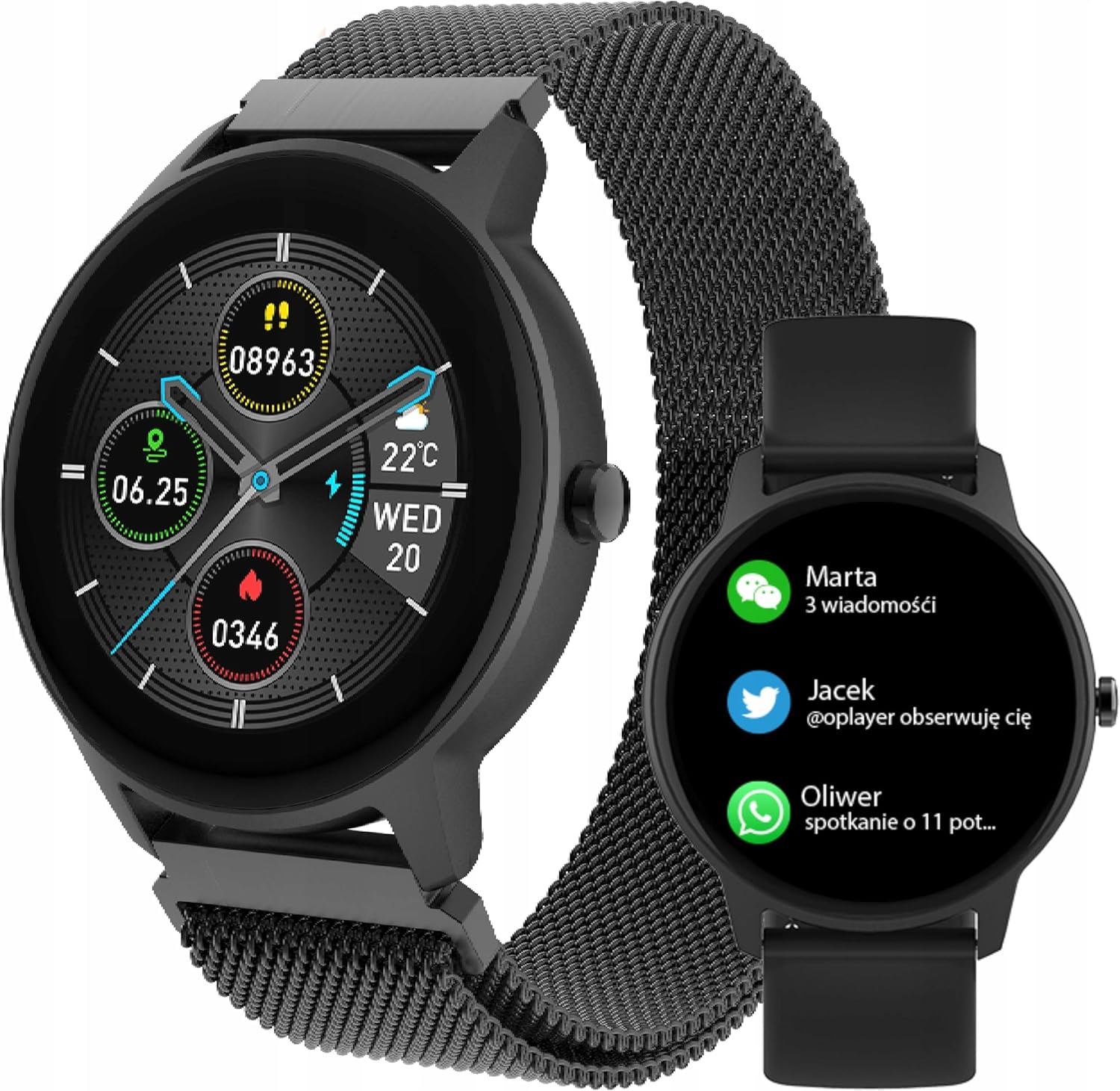
Image: The Forever ForeVive 2 Slim SB-325 Smartwatch in black with a mesh strap, displaying a digital watch face with weather, steps, and heart rate information.
2. Lieferumfang
Überprüfen Sie, ob alle Komponenten im Paket vorhanden sind:
- Forever ForeVive 2 Slim SB-325 Smartwatch
- USB-Ladekabel
- Additional Strap (Silicone)
- Benutzerhandbuch (dieses Dokument)
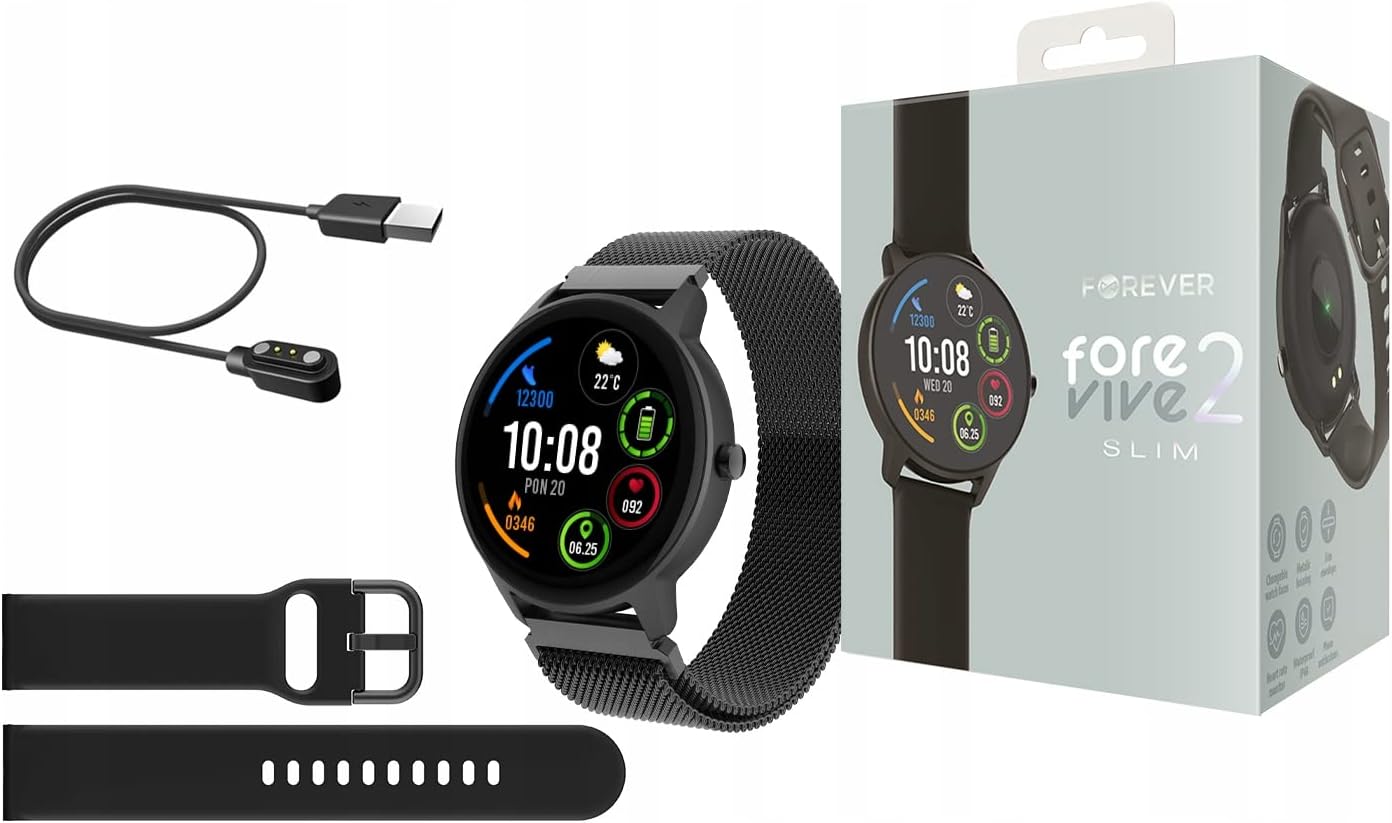
Image: Contents of the Smartwatch package, including the smartwatch with a mesh strap, a USB charging cable, an additional silicone strap, and the product box.
3. Einrichtung
3.1. Aufladen des Geräts
Before first use, fully charge your smartwatch. Connect the magnetic charging cable to the charging pins on the back of the watch and plug the USB end into a power adapter (not included) or a computer's USB port. The watch display will indicate charging status.
3.2. Ein-/Ausschalten
- So schalten Sie das Gerät ein: Halten Sie die seitliche Taste einige Sekunden lang gedrückt, bis der Bildschirm aufleuchtet.
- So schalten Sie das Gerät aus: Halten Sie die seitliche Taste gedrückt und wählen Sie dann die Option „Ausschalten“ auf dem Bildschirm aus.
3.3. App-Installation und -Kopplung
To unlock the full potential of your smartwatch, download the dedicated application on your smartphone. Suchen nach the 'Forever Smart' app (or similar, as specified in the quick start guide) in your device's app store (Google Play Store for Android, Apple App Store for iOS).
- Installieren Sie die App auf Ihrem Smartphone.
- Aktivieren Sie Bluetooth auf Ihrem Smartphone.
- Öffnen Sie die App und folgen Sie den Anweisungen auf dem Bildschirm, um ein Konto zu erstellen und Ihre Smartwatch via Bluetooth zu koppeln.
- Ensure the smartwatch is close to your phone during the pairing process.

Image: A smartphone screen displaying the companion application interface for the smartwatch, showing activity data and sleep tracking.
4. Bedienung der Smartwatch
4.1. Grundlegende Navigation
- Touch-Screen: Durch Wischen nach links/rechts oder nach oben/unten navigieren Sie durch Menüs und Funktionen. Zum Auswählen tippen.
- Seitentaste: Drücken Sie diese Taste, um zum Startbildschirm zurückzukehren oder das Gerät zu aktivieren. Halten Sie die Taste gedrückt, um die Ein-/Ausschaltoptionen anzuzeigen.
4.2. Benachrichtigungen
Once paired with your smartphone, the smartwatch can display notifications from calls, messages, and various applications. Ensure notification permissions are granted in the companion app.

Image: The smartwatch screen showing incoming notifications from messaging apps and social media.
4.3. Überwachung der Herzfrequenz
The smartwatch features a built-in heart rate monitor. To measure your heart rate, navigate to the heart rate function on the watch. Ensure the watch is snug on your wrist for accurate readings.

Image: The smartwatch display showing a heart rate reading of 125 beats per minute (BPM) and calories burned.
4.4. Aktivitätsverfolgung
The ForeVive 2 Slim tracks your daily activity, including steps taken, distance covered, and calories burned. This data can be viewed on the watch and synchronized with the companion app for detailed analysis.
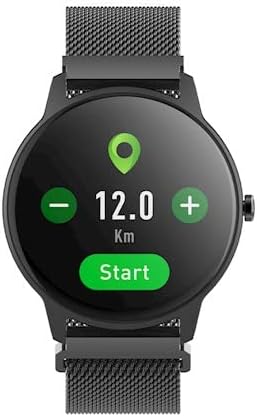
Image: The smartwatch display showing activity metrics such as distance in kilometers, steps, and calories burned.
4.5. Sportmodi
Select from various sport modes to track specific workouts more accurately. The watch can monitor data relevant to activities like running, cycling, football, basketball, and volleyball.

Image: The smartwatch display showing icons for various sport modes, including football, basketball, and volleyball.
4.6. Schlafüberwachung
Wear the smartwatch to bed to automatically track your sleep patterns. The companion app provides detailed insights into your sleep quality, including deep sleep, light sleep, and awake times.
4.7. Wasserbeständigkeit
The smartwatch is designed with a degree of water resistance, making it suitable for daily use and exposure to splashes. However, it is not recommended for swimming or diving. Refer to the specifications for the exact IP rating.

Image: Two smartwatches, one black and one pink, partially submerged in water with splashes, demonstrating water resistance.
5. Wartung
5.1. Reinigung
Regularly clean your smartwatch and strap. Use a soft, damp cloth to wipe the screen and body. For the strap, follow the manufacturer's recommendations based on the material. Avoid using harsh chemicals or abrasive materials.
5.2. Batteriepflege
- Vermeiden Sie häufiges vollständiges Entladen des Akkus.
- Setzen Sie das Gerät keinen extremen Temperaturen aus.
- Verwenden Sie ausschließlich das mitgelieferte Ladekabel.
5.3. Speicherung
When not in use for extended periods, store the smartwatch in a cool, dry place. Charge it periodically to prevent deep discharge.
6. Fehlerbehebung
6.1. Gerät lässt sich nicht einschalten
- Stellen Sie sicher, dass das Gerät vollständig aufgeladen ist.
- Try pressing and holding the side button for a longer duration (10-15 seconds).
6.2. Kopplung mit Smartphone nicht möglich
- Stellen Sie sicher, dass Bluetooth auf Ihrem Smartphone aktiviert ist.
- Stellen Sie sicher, dass sich die Smartwatch in Bluetooth-Reichweite befindet (typischerweise 10 Meter).
- Starten Sie sowohl die Smartwatch als auch Ihr Smartphone neu.
- Clear the Bluetooth cache on your phone (Android) or forget the device and try pairing again.
6.3. Ungenaue Messwerte
- Achten Sie darauf, dass die Uhr eng am Handgelenk sitzt, nicht zu locker und nicht zu eng.
- Reinigen Sie die Sensoren auf der Rückseite der Uhr.
- Vermeiden Sie übermäßige Bewegungen während der Messungen (z. B. der Herzfrequenz).
6.4. Bildschirm reagiert nicht
- Starten Sie das Gerät neu.
- Stellen Sie sicher, dass der Bildschirm sauber und trocken ist.
7. Spezifikationen
| Besonderheit | Detail |
|---|---|
| Marke | FÜR IMMER |
| Modell | SB-325 |
| Farbe | Negro (Schwarz) |
| Form | Runden |
| Betriebssystem | AsteroidOS |
| Speicherkapazität | 25 MB |
| Besonderheit | Herzfrequenzmesser |
| Batteriekapazität | 180 mAh (Lithium-Ionen) |
| Konnektivitätstechnologie | USB, Bluetooth |
| GPS | Kein GPS |
| Schließung | Schnallenverschluss |
8. Garantie und Support
8.1. Garantieinformationen
Your Forever ForeVive 2 Slim SB-325 Smartwatch is covered by a manufacturer's warranty. Please refer to the warranty card included in your product packaging or visit the official FOREVER webAuf der Webseite finden Sie die detaillierten Garantiebedingungen und deren Dauer.
8.2. Kundendienst
For technical assistance, troubleshooting not covered in this manual, or service inquiries, please contact FOREVER customer support. Contact details can typically be found on the official FOREVER webauf der Website oder auf der Produktverpackung.


