1. Einleitung
Thank you for choosing the Soundcore by Anker Space Q45 Adaptive Active Noise Cancelling Headphones. These headphones are designed to provide an immersive audio experience with advanced noise cancellation, high-resolution sound, and extended battery life. This manual will guide you through the setup, operation, and maintenance of your new headphones.
2. Lieferumfang
- Soundcore Space Q45 Noise Cancelling Headphones
- USB-C-Kabel
- 3.5mm AUX Kabel
- Reisekoffer

3. Produktüberschreitungview
The Soundcore Space Q45 headphones feature a foldable design for portability and intuitive controls for ease of use. Key components include:
- Netzschalter: Located on the right earcup, used for turning the headphones on/off.
- NC-Taste: Located on the left earcup, cycles through Noise Cancellation, Normal, and Transparency modes.
- Lautstärketasten: Regelt die Lautstärke.
- Wiedergabe-/Pause-Taste: Controls media playback and call management.
- USB-C-Ladeanschluss: Zum Aufladen der Kopfhörer.
- 3.5-mm-AUX-Anschluss: Für kabelgebundene Audioverbindungen.

Video demonstrating the operation and functions of the Soundcore Space Q45 headphones, including button usage and features.
4. Einrichtung
4.1. Ein-/Ausschalten
- So schalten Sie das Gerät ein: Press and hold the Power button for 3 seconds. The LED indicator will light up.
- So schalten Sie das Gerät aus: Halten Sie den Ein-/Ausschalter 3 Sekunden lang gedrückt. Die LED-Anzeige erlischt.
4.2. Bluetooth-Kopplung
- With the headphones powered off, press and hold the Power button for 5 seconds until the LED indicator flashes blue. This indicates pairing mode.
- On your device (smartphone, tablet, laptop), enable Bluetooth and search for "Soundcore Space Q45".
- Select the headphones from the list to connect. Once connected, the LED indicator will turn solid blue.
- The headphones support multipoint connection, allowing simultaneous connection to two devices. To connect a second device, repeat the pairing process.

4.3. Soundcore App Installation
Download the Soundcore app from your device's app store to unlock full features, customize settings, and update firmware.
- Suchen nach "Soundcore" in the App Store (iOS) or Google Play Store (Android).
- Install the app and follow the on-screen instructions to connect your Space Q45 headphones.
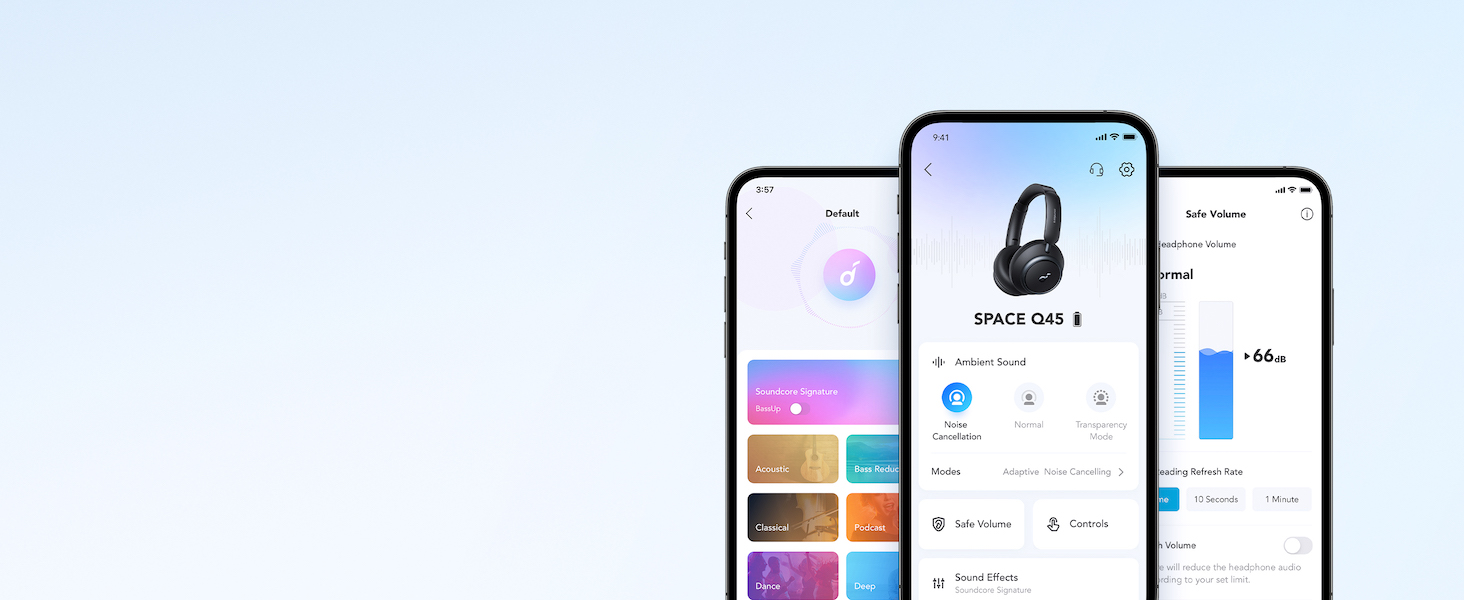
Video zeigtasing the features and listening controls available through the Soundcore app for the Space Q45 headphones.
5. Bedienungsanleitung
5.1. Grundlegende Steuerelemente
- Lautstärke erhöhen/verringern: Drücken Sie die Taste '+' oder '-'.
- Abspielen/Pause: Drücken Sie einmal die Play/Pause-Taste.
- Nächster Titel: Halten Sie die Taste „+“ 2 Sekunden lang gedrückt.
- Vorheriges Lied: Die Taste „-“ 2 Sekunden lang gedrückt halten.
5.2. Anrufverwaltung
- Anruf annehmen/beenden: Drücken Sie einmal die Play/Pause-Taste.
- Anruf ablehnen: Halten Sie die Play/Pause-Taste 2 Sekunden lang gedrückt.
5.3. Switching Noise Cancellation Modes
Press the NC button on the left earcup to cycle through the following modes:
- Geräuschunterdrückung: Blendet Umgebungsgeräusche aus.
- Normal: Standard-Audiowiedergabe ohne aktive Geräuschunterdrückung oder Transparenzmodus.
- Transparenz: Ermöglicht es Ihnen, Ihre Umgebung wahrzunehmen, während Sie Audioinhalte hören.
6. Adaptive Noise Cancellation
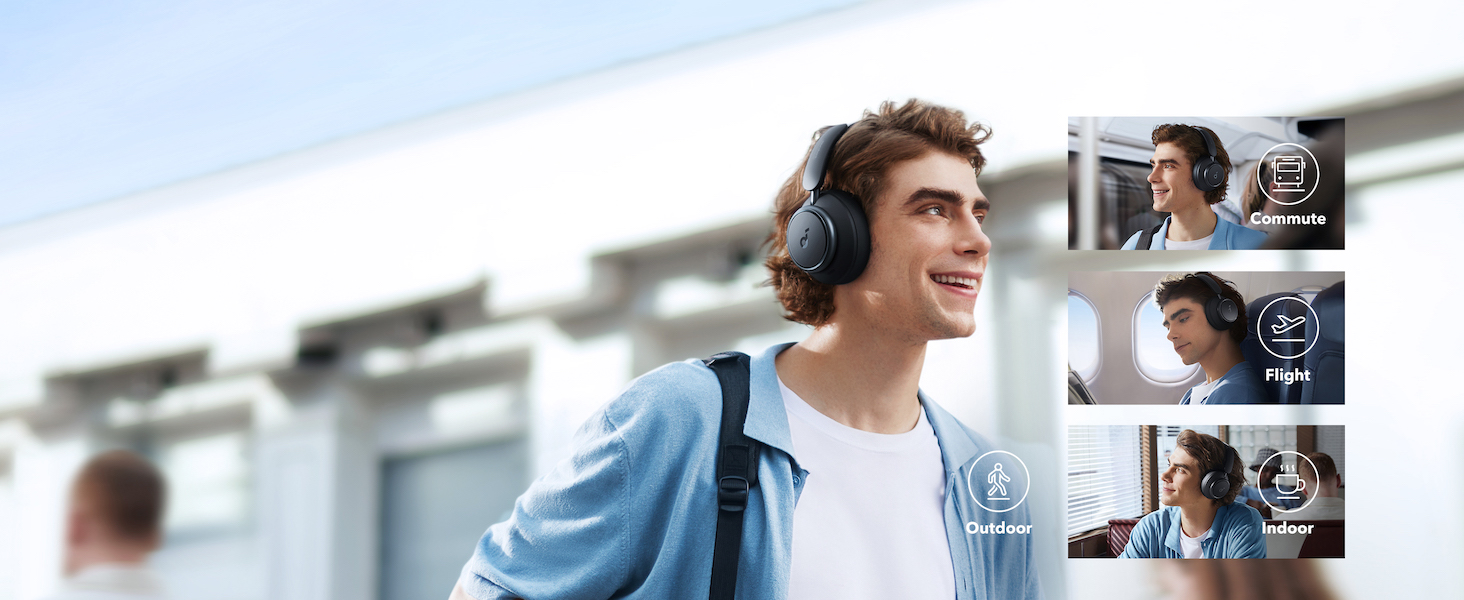
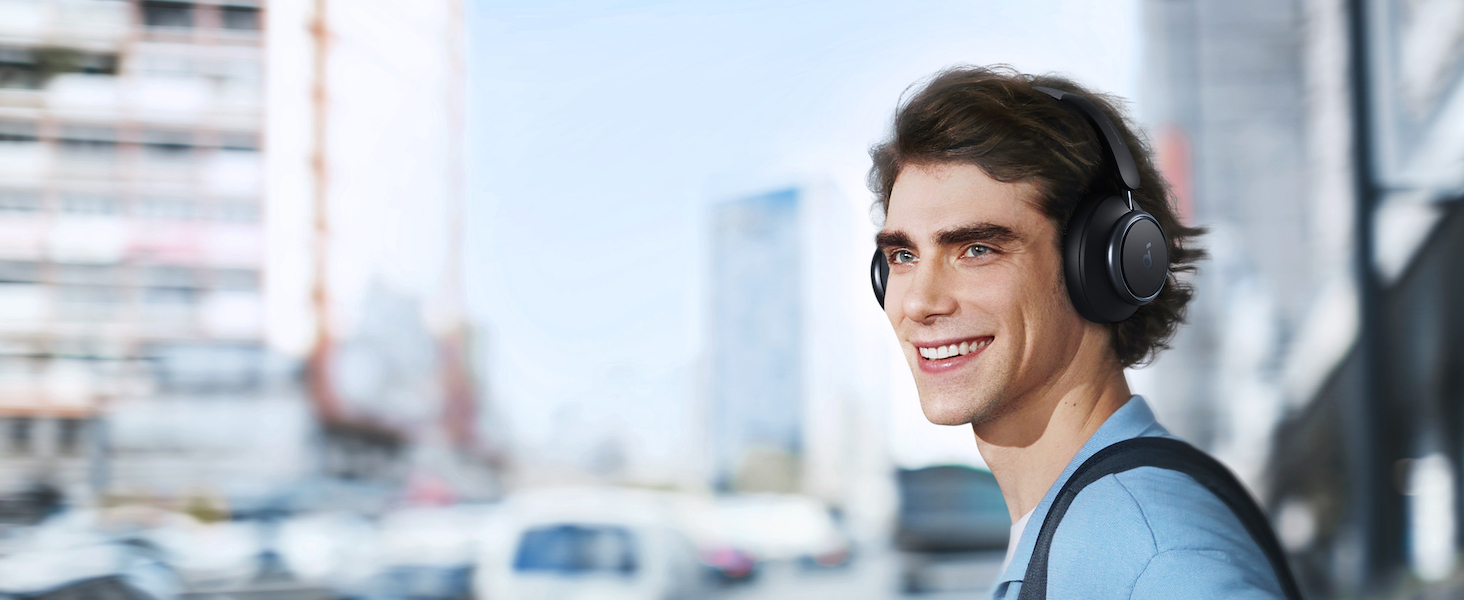
The Space Q45 headphones feature an advanced noise-cancelling system that reduces up to 98% of ambient noise. The adaptive noise cancellation automatically selects a suitable level based on your environment, whether you are indoors, outdoors, commuting, or on a flight. You can also manually select from 5 noise-cancelling levels via the Soundcore app.
7. Audioqualität
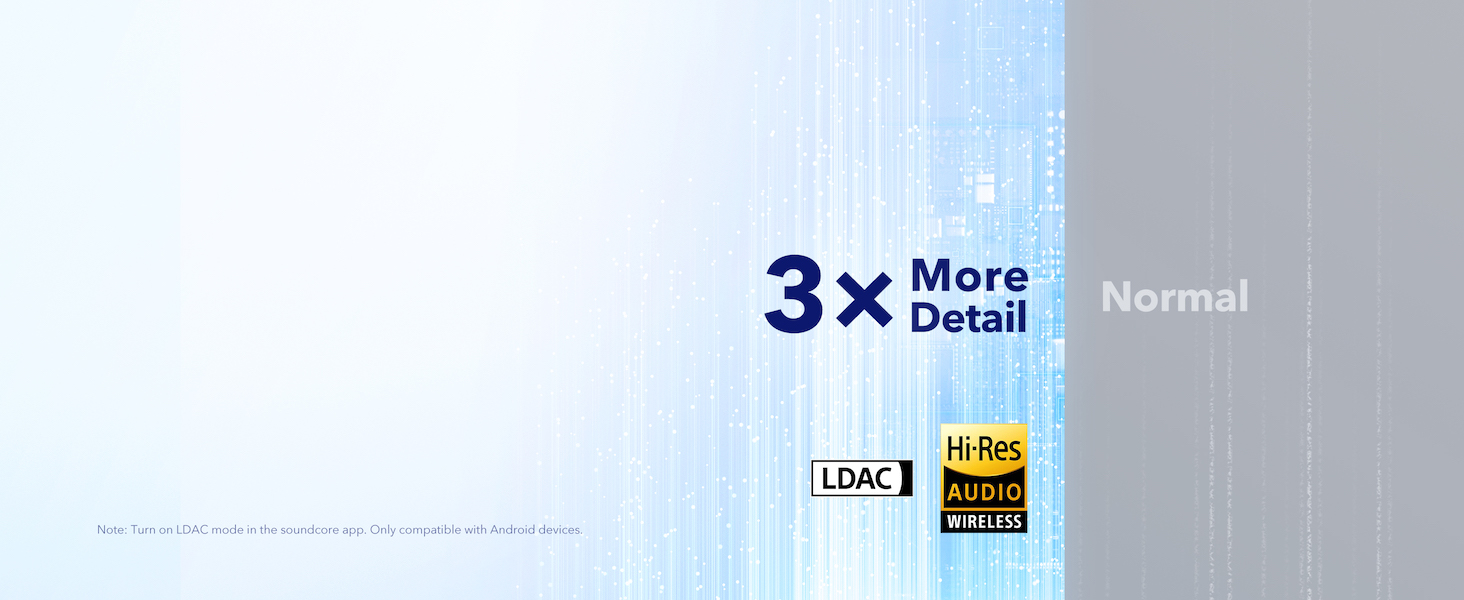
The Space Q45 headphones are equipped with 40mm double-layer diaphragm drivers, crafted from silk and ceramic materials. This innovative design produces sound with intense bass and crisp treble, ensuring every detail of your audio is heard. The headphones also support LDAC for Hi-Res Audio Wireless sound, delivering 3 times more detail than standard Bluetooth codecs.

8. Akkulaufzeit und Laden
The Space Q45 headphones offer impressive battery performance:
- Up to 50 hours of playtime with Noise Cancellation mode activated.
- Up to 65 hours of playtime in Normal mode.
- Schnelles Laden: Eine 5-minütige Ladung ermöglicht eine Spielzeit von etwa 4 Stunden.
- Volle Ladezeit: Ungefähr 2 Stunden.

9. Wartung
9.1. Reinigung
- Use a soft, dry cloth to clean the earcups and headband.
- Vermeiden Sie die Verwendung aggressiver Chemikalien oder Scheuermittel.
- Tauchen Sie die Kopfhörer nicht in Wasser.
9.2. Speicherung
- Bewahren Sie die Kopfhörer bei Nichtgebrauch im mitgelieferten Reiseetui auf, um Beschädigungen zu vermeiden.
- Vermeiden Sie die Lagerung bei extremen Temperaturen oder hoher Luftfeuchtigkeit.
10. Fehlerbehebung
If you encounter any issues with your Soundcore Space Q45 headphones, please refer to the following common solutions:
- Kein Strom: Stellen Sie sicher, dass die Kopfhörer vollständig aufgeladen sind. Verbinden Sie sie mit dem USB-C-Kabel mit einer Stromquelle.
- Kein Ton: Check the volume levels on both the headphones and your connected device. Ensure the headphones are properly paired via Bluetooth or the 3.5mm AUX cable is securely connected.
- Kopplungsprobleme: Turn off Bluetooth on all other devices, then try re-pairing the headphones with your desired device. If issues persist, reset the headphones (refer to the Soundcore app or online support for specific reset instructions).
- Geräuschunterdrückung funktioniert nicht: Ensure the Noise Cancellation mode is activated. Adjust the noise cancellation levels via the Soundcore app.
For further assistance, consult the Soundcore app or visit the official Soundcore support webWebsite.
11. Spezifikationen
| Modellname | A3040 |
| Lärmschutz | Adaptive aktive Geräuschunterdrückung |
| Konnektivitätstechnologie | Kabellos (Bluetooth 5.3) |
| Bluetooth-Reichweite | 10 Meter |
| Größe des Audiotreibers | 40 Millimeter |
| Akkulaufzeit (ANC eingeschaltet) | 50 Stunden |
| Akkulaufzeit (Normalmodus) | 65 Stunden |
| Ladezeit | 2 Stunden |
| Artikelgewicht | 295 Gramm (10.4 Unzen) |
| Technische Daten | 6.34 x 3.46 x 7.44 Zoll |
| Kopfhöreranschluss | 3.5 mm Klinke |
| Kontrollmethode | App, Media Control Buttons |
12. Garantie und Support
Soundcore products are backed by a limited warranty. For detailed warranty information, frequently asked questions, and customer support, please visit the official Soundcore website or contact their customer service team. You can also find support resources within the Soundcore app.
WebWebsite: www.soundcore.com
E-Mail: service@soundcore.com


