1. Einleitung
Thank you for choosing the LTC MOB20RED Senior Phone. This device is designed with ease of use in mind, featuring large keys, a loud voice readout, and essential functions tailored for seniors. It includes a dedicated SOS button for emergencies, a built-in flashlight, and a long-lasting battery. This manual provides detailed instructions for setting up, operating, and maintaining your phone to ensure optimal performance and safety.
2. Sicherheitshinweise
- Batteriesicherheit: Use only the original battery and charger provided. Do not short-circuit, puncture, or expose the battery to extreme temperatures or fire. Dispose of batteries properly according to local regulations.
- Laden: Charge the phone in a well-ventilated area. Do not charge near flammable materials.
- Wasserbeständigkeit: Dieses Telefon ist nicht wasserdicht. Vermeiden Sie den Kontakt mit Flüssigkeiten.
- Reinigung: Use a soft, dry cloth to clean the phone. Do not use harsh chemicals or abrasive cleaners.
- Gehörschutz: Vermeiden Sie längeres Hören bei hoher Lautstärke, um Gehörschäden zu vermeiden.
- Medizinische Geräte: Maintain a safe distance between the phone and medical devices like pacemakers. Consult your physician and the medical device manufacturer for specific guidelines.
- Fahrsicherheit: Do not use the phone while driving. Always prioritize road safety.
3. Packungsinhalt
Bitte überprüfen Sie den Packungsinhalt nach dem Auspacken:
- LTC MOB20RED Senior Phone
- Li-Ion Battery (900 mAh)
- Netzteil
- Benutzerhandbuch (dieses Dokument)
4. Produktüberschreitungview
Familiarize yourself with the key components of your LTC MOB20RED phone.
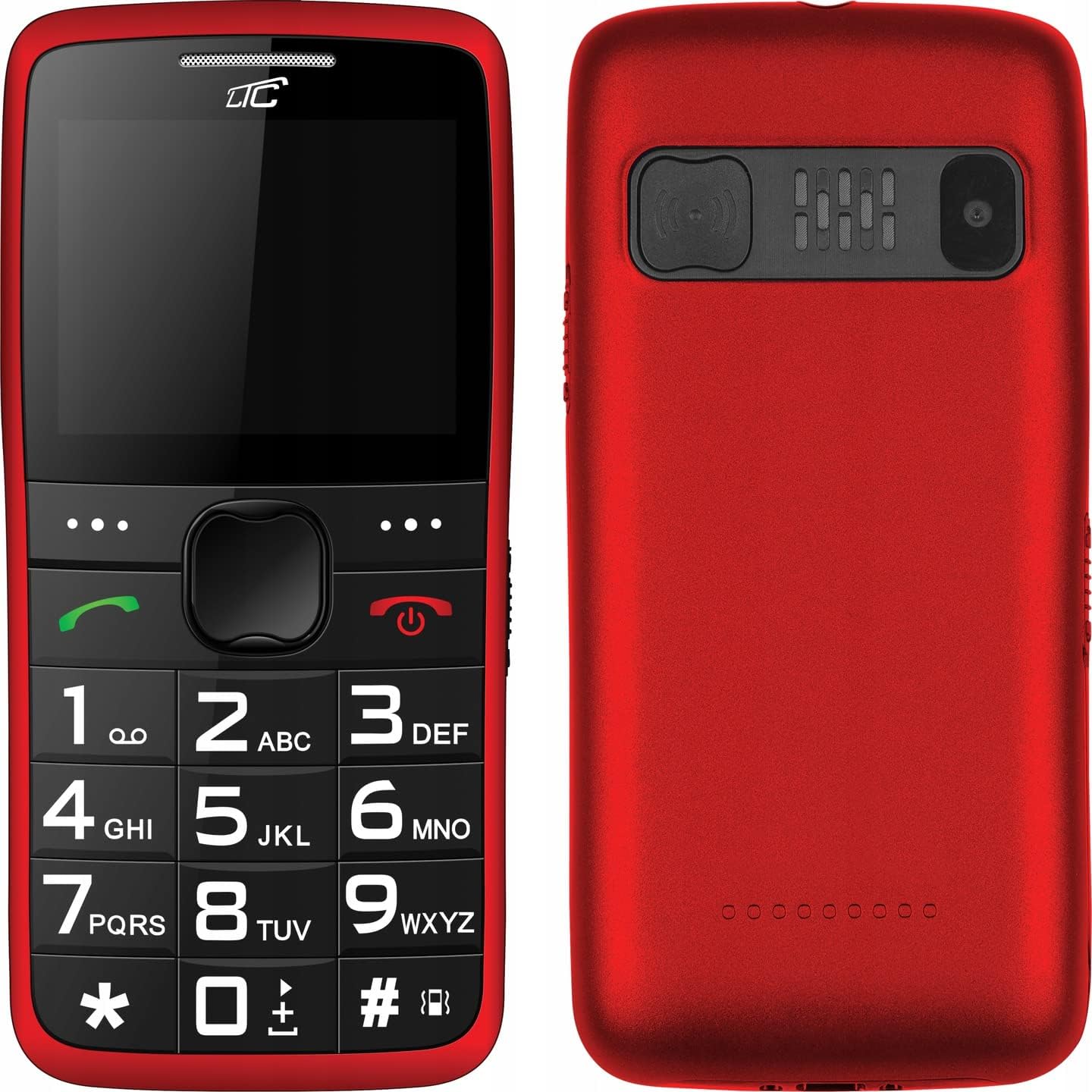
Abbildung 4.1: Vorder- und Rückseite View of the Phone. This image displays both the front with its large keypad and screen, and the back with the SOS button and camera module.
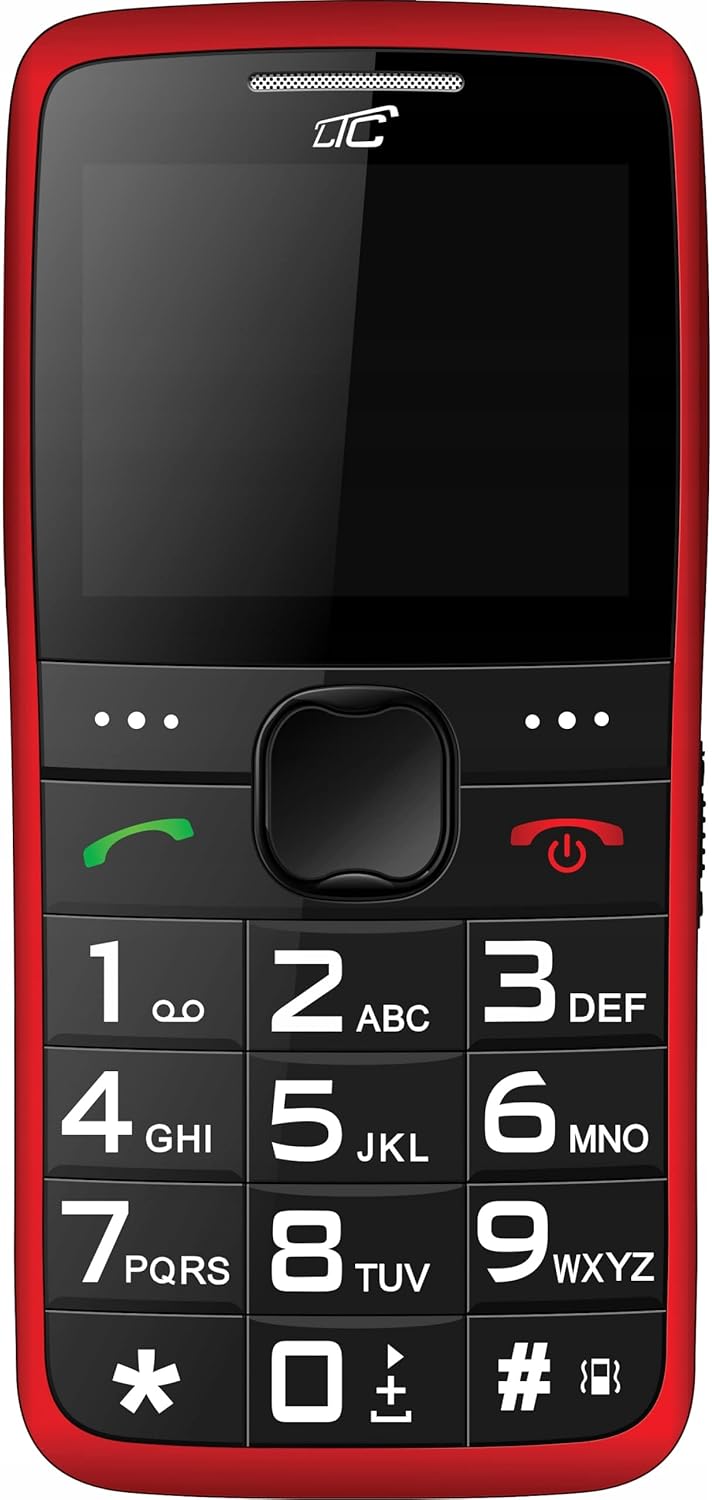
Abbildung 4.2: Front View. A clear view of the phone's front, highlighting the spacious keypad with large, easy-to-read numbers and letters, and the color display.
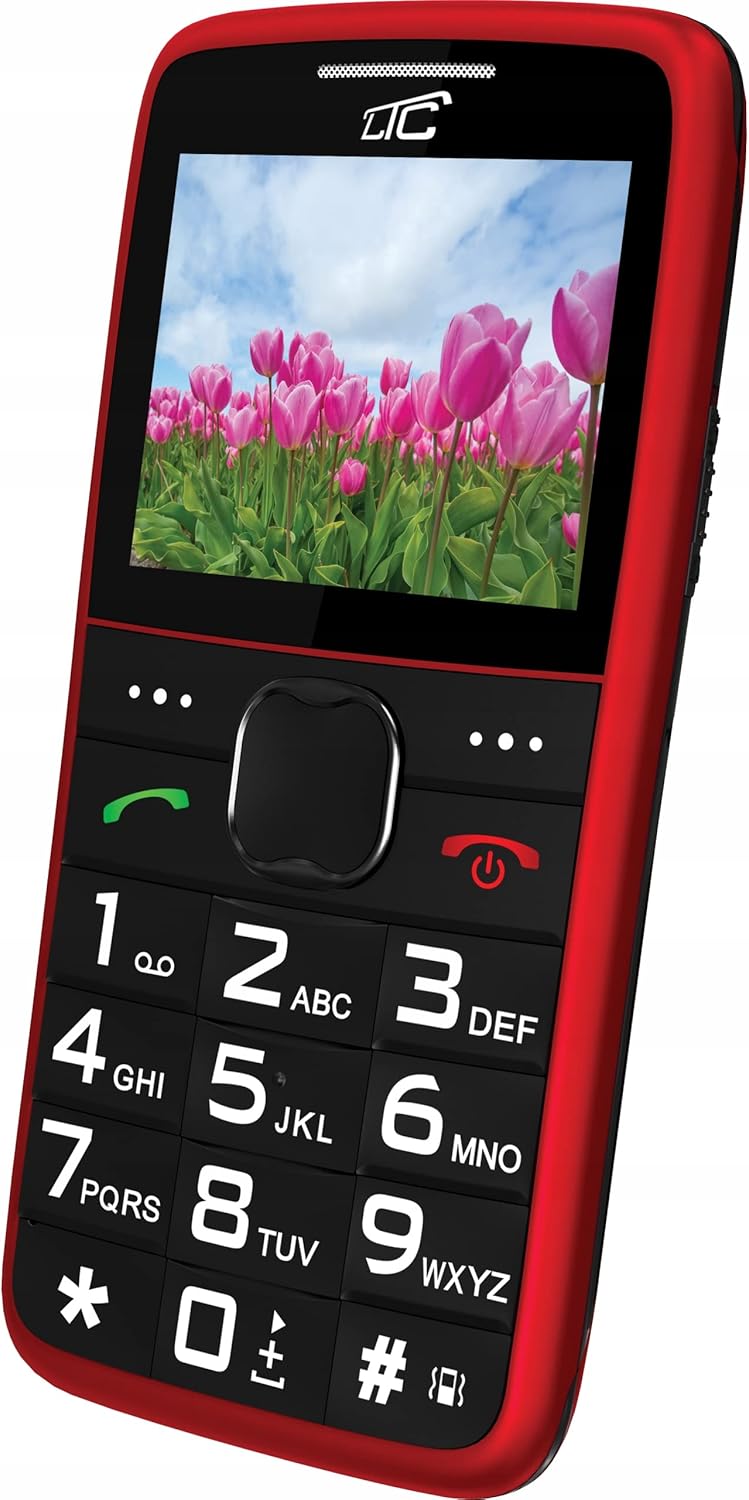
Abbildung 4.3: Abgewinkelte Vorderseite View with Display On. This image shows the phone from an angle, with the screen displaying a vibrant image, demonstrating its color capabilities.
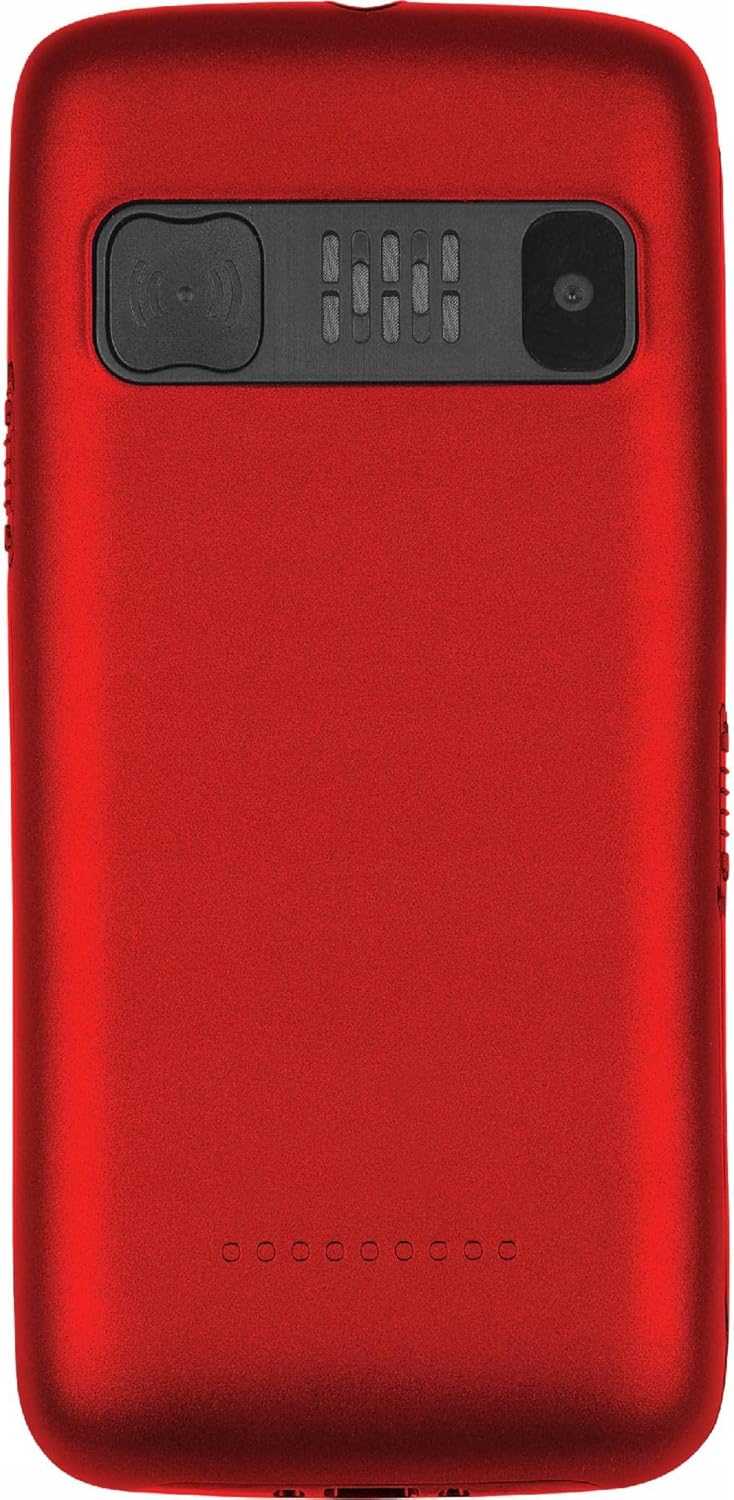
Abbildung 4.4: Zurück View. The rear of the phone is shown, featuring the prominent SOS button, the camera lens, and the speaker grille.
Hauptmerkmale:
- Große Tasten: Easy to press and read, designed for comfortable dialing and texting.
- Großes Display: 2.2-inch color LCD with clear, large font for easy viewing.
- SOS-Taste: Located on the back, allows quick access to emergency contacts.
- Loud Voice Readout: Announces pressed keys (numbers, asterisk, hash) for confirmation. This feature can be toggled on/off in settings.
- Batterie mit hoher Kapazität: 900 mAh Li-Ion battery provides up to 7-10 days of standby time.
- Taschenlampe: Für mehr Komfort eingebaut.
- Dual-SIM-Unterstützung: Ermöglicht die gleichzeitige Nutzung von zwei SIM-Karten.
- MicroSD-Kartensteckplatz: Supports up to 32 GB for expanded storage.
- Multimedia: Includes FM Radio, Audio/Video Player, Alarm Clock, Calendar, Calculator, and Voice Recorder.
- Bluetooth: Für drahtlose Verbindungen.
5. Einrichtung
5.1 Einlegen der SIM-Karte(n) und der microSD-Karte
- Entfernen Sie die Rückseite des Telefons, indem Sie sie vorsichtig an der Aussparung aufhebeln.
- Wenn der Akku installiert ist, entfernen Sie ihn.
- Locate the SIM card slot(s) and the microSD card slot.
- Insert your SIM card(s) into the designated slot(s) with the gold contacts facing down, ensuring it clicks into place.
- If desired, insert a microSD card (up to 32 GB) into its slot.
5.2 Einlegen des Akkus
- Align the battery's gold contacts with the contacts in the phone's battery compartment.
- Gently press the battery down until it is securely seated.
- Bringen Sie die Rückseite wieder an und drücken Sie sie fest, bis sie einrastet.
5.3 Aufladen des Telefons
- Connect the small end of the charging cable to the charging port on the phone.
- Stecken Sie das andere Ende des Ladegeräts in eine normale Wandsteckdose.
- Die Akkuanzeige auf dem Bildschirm zeigt den Ladestatus an.
- Once fully charged, disconnect the charger. A full charge typically takes a few hours.
6. Bedienungsanleitung
6.1 Ein-/Ausschalten
- So schalten Sie das Gerät ein: Rot gedrückt halten Strom-/Endanruf gedrückt, bis der Bildschirm aufleuchtet.
- So schalten Sie das Gerät aus: Rot gedrückt halten Strom-/Endanruf Drücken Sie die Taste so lange, bis die Ausschaltoptionen erscheinen, und wählen Sie dann „Ausschalten“.
6.2 Anrufe tätigen und entgegennehmen
- Anrufen: Dial the number using the large keypad. The phone will audibly read out each digit you press (if voice readout is enabled). Press the green Anruf Taste zum Starten des Anrufs.
- So erhalten Sie einen Anruf: Wenn das Telefon klingelt, drücken Sie die grüne Taste. Anruf Schaltfläche zum Antworten.
- So beenden Sie einen Anruf: Drücken Sie die rote Strom-/Endanruf Taste.
6.3 Kurzwahl
You can assign frequently called numbers to keys 0-9 for quick dialing.
- Gehe zu Einstellungen > Kurzwahl.
- Select a key (0-9) and assign a contact from your phonebook or enter a new number.
- To use speed dial, press and hold the assigned key until the call is initiated.
6.4 SOS-Funktion
The SOS button is a critical safety feature. When pressed, it will automatically call and/or send an SMS to pre-set emergency contacts.
- Einrichtung von SOS-Kontakten: Gehe zu Einstellungen > SOS-Einstellungen.
- Add up to 5 emergency contact numbers. You can also enable/disable SMS sending and customize the SOS message.
- Verwendung der SOS-Funktion: Im Notfall die Taste gedrückt halten SOS-Taste on the back of the phone for a few seconds. The phone will then sequentially call the pre-set numbers until one answers, and/or send the emergency SMS.
6.5 Taschenlampe
To turn the flashlight on or off, locate the dedicated flashlight button (usually on the side of the phone) and slide or press it. Refer to the phone's physical layout for exact location.
6.6 Weitere Funktionen
- FM Radio: Access from the main menu. You may need to connect headphones (not included) to act as an antenna.
- Audio/Video Player: Use to play media files stored on your microSD card.
- Wecker: Stellen Sie mehrere Alarme mit individuell anpassbaren Tönen ein.
- Kalender: View Termine festlegen und Erinnerungen hinzufügen.
- Taschenrechner: Führe einfache Rechenoperationen durch.
- Sprachrekorder: Nehmen Sie Audionotizen auf.
- Bluetooth: Enable Bluetooth in settings to pair with compatible devices like headsets.
7. Wartung
- Reinigung: Wipe the phone regularly with a soft, lint-free cloth. Do not use liquid cleaners or aerosols.
- Batteriepflege: To prolong battery life, avoid fully discharging the battery frequently. Charge the phone before the battery level drops too low. Do not leave the phone connected to the charger for excessively long periods after it's fully charged.
- Lagerung: Bewahren Sie das Telefon an einem kühlen, trockenen Ort fern von direkter Sonneneinstrahlung und extremen Temperaturen auf.
- Software-Updates: While this phone typically does not receive frequent software updates, ensure you are using the latest available firmware if prompted.
8. Fehlerbehebung
| Problem | Mögliche Ursache | Lösung |
|---|---|---|
| Das Telefon lässt sich nicht einschalten. | Die Batterie ist leer oder nicht richtig eingesetzt. | Laden Sie den Akku auf. Stellen Sie sicher, dass der Akku richtig eingesetzt ist. |
| Ich kann keine Anrufe tätigen oder empfangen. | Kein Netzwerksignal, SIM-Karte nicht eingelegt oder Problem mit der SIM-Karte. | Prüfen Sie die Netzsignalstärke. Legen Sie die SIM-Karte erneut ein. Kontaktieren Sie Ihren Mobilfunkanbieter. |
| Voice readout not working. | Feature is disabled in settings. | Gehe zu Einstellungen and enable voice readout for keys. |
| Die SOS-Taste funktioniert nicht. | SOS contacts not set up or battery is too low. | Ensure SOS contacts are configured in SOS-Einstellungen. Charge the phone. |
| Der Akku entlädt sich schnell. | Heavy usage, poor network signal, or aging battery. | Reduce usage. Move to an area with better signal. Consider replacing the battery if it's old. |
9. Spezifikationen
| Besonderheit | Detail |
|---|---|
| Modell | MOB20RED |
| Netzwerkfrequenz | 850 / 900 / 1800 / 1900 MHz (2G) |
| Anzeige | 2.2-inch LCD, 160 x 128 pixels (effective 240 x 320) |
| Kamera | 0.3 Megapixel |
| Interner Speicher | 32 + 32 MB (RAM: 32 MB, Flash: 32 MB) |
| Erweiterbarer Speicher | Bis zu 32 GB (microSD) |
| Batteriekapazität | Lithium-Ionen-Akku mit 900 mAh |
| Maximale Standby-Zeit | 7 - 10 days |
| Bluetooth | Ja |
| Taschenlampe | Eingebaut |
| SOS-Funktion | Yes (Quick button) |
| Abmessungen (L x B x H) | 113.3 x 54 x 12.8 mm |
| Gewicht | 91 g |
| Betriebssystem | Symbian 9.1 |
| Audioformate | MP3 |
10. Garantie und Support
The LTC MOB20RED Senior Phone comes with a standard manufacturer's warranty. Please refer to the warranty card included in your product packaging or contact your point of purchase for specific warranty terms and conditions.
For technical support, troubleshooting assistance, or service inquiries, please contact the retailer or manufacturer directly. Keep your purchase receipt as proof of purchase for warranty claims.
Hersteller: LAMEX
Marke: LTC


