1. Einleitung
This manual provides detailed instructions for the setup, operation, and maintenance of your BINNIFA Play 6D Sound Bar. Please read this manual thoroughly before using the product to ensure proper function and to maximize your audio experience. Keep this manual for future reference.

Image 1.1: The BINNIFA Play 6D Sound Bar, a sleek, silver-colored audio device designed to enhance television sound.
2. Sicherheitshinweise
- Die Soundbar darf weder Regen, Feuchtigkeit noch extremen Temperaturen ausgesetzt werden.
- Sorgen Sie für eine ausreichende Belüftung rund um das Gerät, um eine Überhitzung zu vermeiden.
- Öffnen Sie nicht das casing; alle Wartungsarbeiten sind qualifiziertem Personal zu überlassen.
- Verwenden Sie nur das mitgelieferte Netzteil.
- Keep the sound bar away from strong magnetic fields.
3. Packungsinhalt
Überprüfen Sie, ob alle Artikel im Paket vorhanden sind:
- BINNIFA Play 6D Sound Bar
- Fernbedienung
- Netzteil
- Optisches Kabel
- Wandmontage-Kits
4. Produktüberschreitungview
4.1 Vorder- und Oberseite View
Bild 4.1: Vorderseite view of the sound bar, featuring a silver grille and a subtle BINNIFA logo on the left.
4.2 Anschlüsse auf der Rückseite
The rear panel of the sound bar provides various input ports for connecting to your television and other audio sources.

Image 4.2: Close-up of the rear panel showing input ports: Coaxial (COX), Optical (OPT), HDMI ARC, USB, AUX, and DC IN.
5. Einrichtung
5.1 Platzierungsoptionen
The BINNIFA Play 6D Sound Bar offers flexible placement options:
- Platzierung der Tischplatte: Place the sound bar on a flat, stable surface directly in front of your television. Ensure it does not obstruct the TV's remote sensor.
- Wandmontage: Use the included wall mounting kits to attach the sound bar to a wall below your television. Refer to the wall mounting template for precise drilling locations.

Image 5.1: The sound bar positioned on a media console beneath a television, demonstrating tabletop placement.
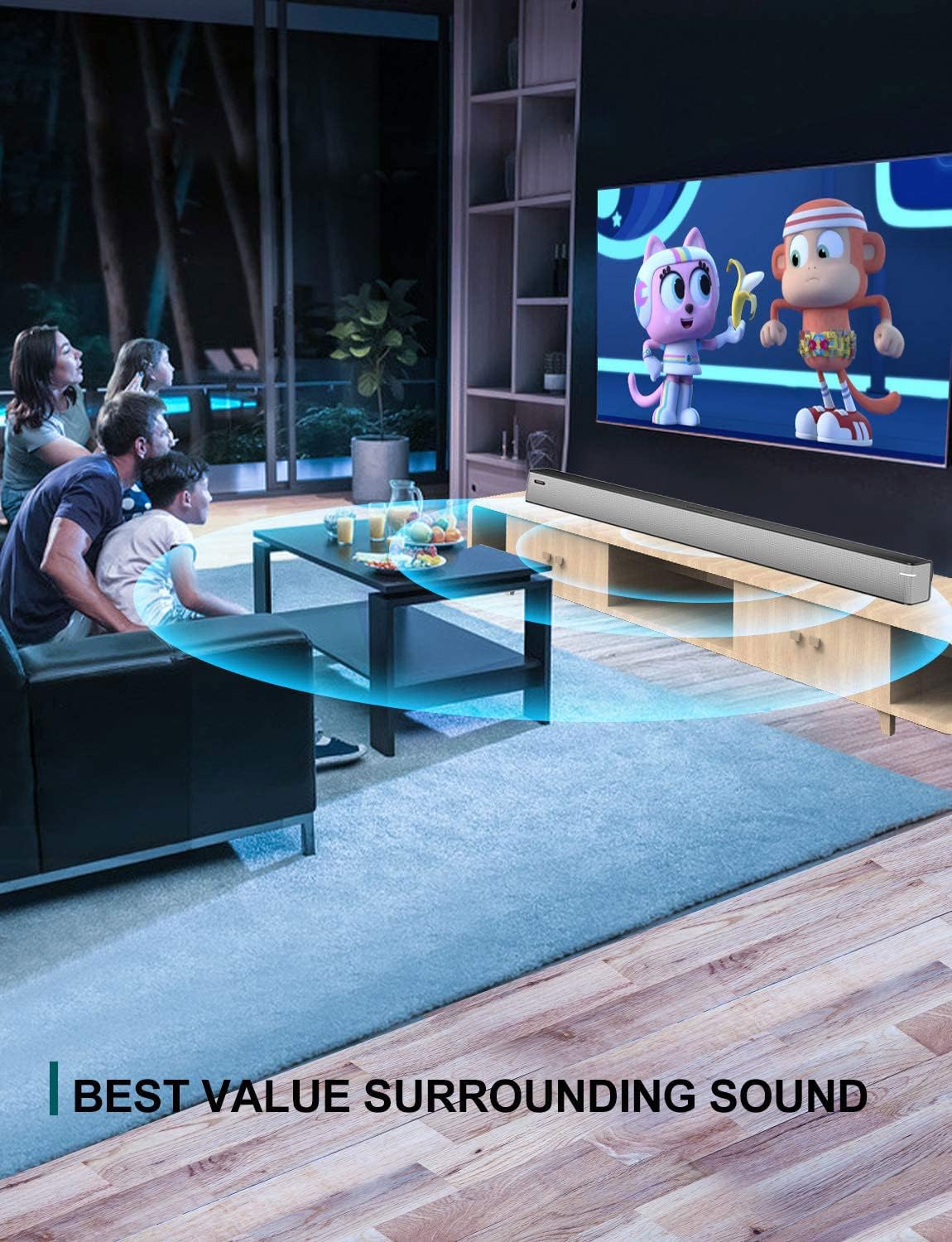
Image 5.2: The sound bar mounted on a wall directly below a television, illustrating wall-mount installation.
5.2 Connecting to Your TV or Audio Source
The sound bar supports multiple connection types. Choose the method that best suits your television or audio device.
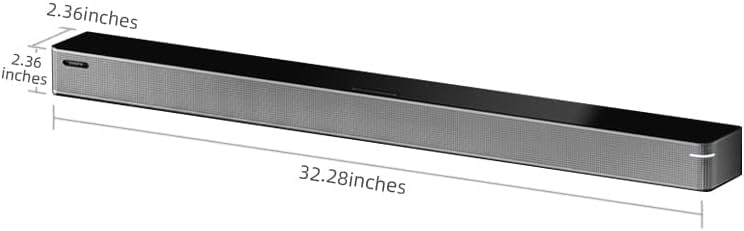
Image 5.3: A diagram illustrating the available connection methods: HDMI ARC, USB Media, and Bluetooth.
- HDMI-ARC-Anschluss (empfohlen):
- Verbinden Sie ein Ende eines HDMI-Kabels (nicht im Lieferumfang enthalten) mit dem HDMI-ARC-Anschluss Ihres Fernsehers.
- Verbinden Sie das andere Ende mit dem HDMI ARC Anschluss an der Soundbar.
- Stellen Sie sicher, dass die HDMI-ARC-Funktion Ihres Fernsehers in den Einstellungen aktiviert ist.
- Optische Verbindung:
- Connect the included optical cable to the OPT Anschluss an der Soundbar.
- Connect the other end to the optical digital audio output port on your TV.
- Set your TV's audio output to 'Optical' or 'PCM'.
- AUX-Anschluss:
- Connect a 3.5mm audio cable (not included) to the AUX Anschluss an der Soundbar.
- Connect the other end to the headphone jack or AUX output on your TV or audio device.
- USB-Verbindung:
- Stecken Sie einen USB-Stick mit Audio ein files in die USB Anschluss an der Soundbar.
- The sound bar will automatically switch to USB mode and begin playback.
- Koaxialanschluss:
- Connect a coaxial cable (not included) to the COX Anschluss an der Soundbar.
- Connect the other end to the coaxial digital audio output port on your TV.
5.3 Stromanschluss
Schließen Sie das Netzteil an das DC-Eingang port on the sound bar, then plug the adapter into a wall outlet.
6. Bedienungsanleitung
6.1 Ein-/Ausschalten
Drücken Sie die Leistung Drücken Sie eine Taste auf der Fernbedienung oder an der Soundbar, um das Gerät ein- oder auszuschalten.
6.2 Eingangsauswahl
Drücken Sie die Eingang button on the remote control to cycle through the available input sources: HDMI ARC, Optical, AUX, USB, and Bluetooth.
6.3 Bluetooth-Kopplung
So verbinden Sie ein Bluetooth-Gerät:
- Schalten Sie die Soundbar ein und wählen Sie den Bluetooth-Modus über die Eingang Drücken Sie den Knopf. Die Kontrollleuchte blinkt.
- Aktivieren Sie Bluetooth auf Ihrem Mobilgerät (Smartphone, Tablet usw.).
- Suchen nach available devices and select "BINNIFA Play 6D" from the list.
- Once paired, the indicator light on the sound bar will stop flashing and remain solid.
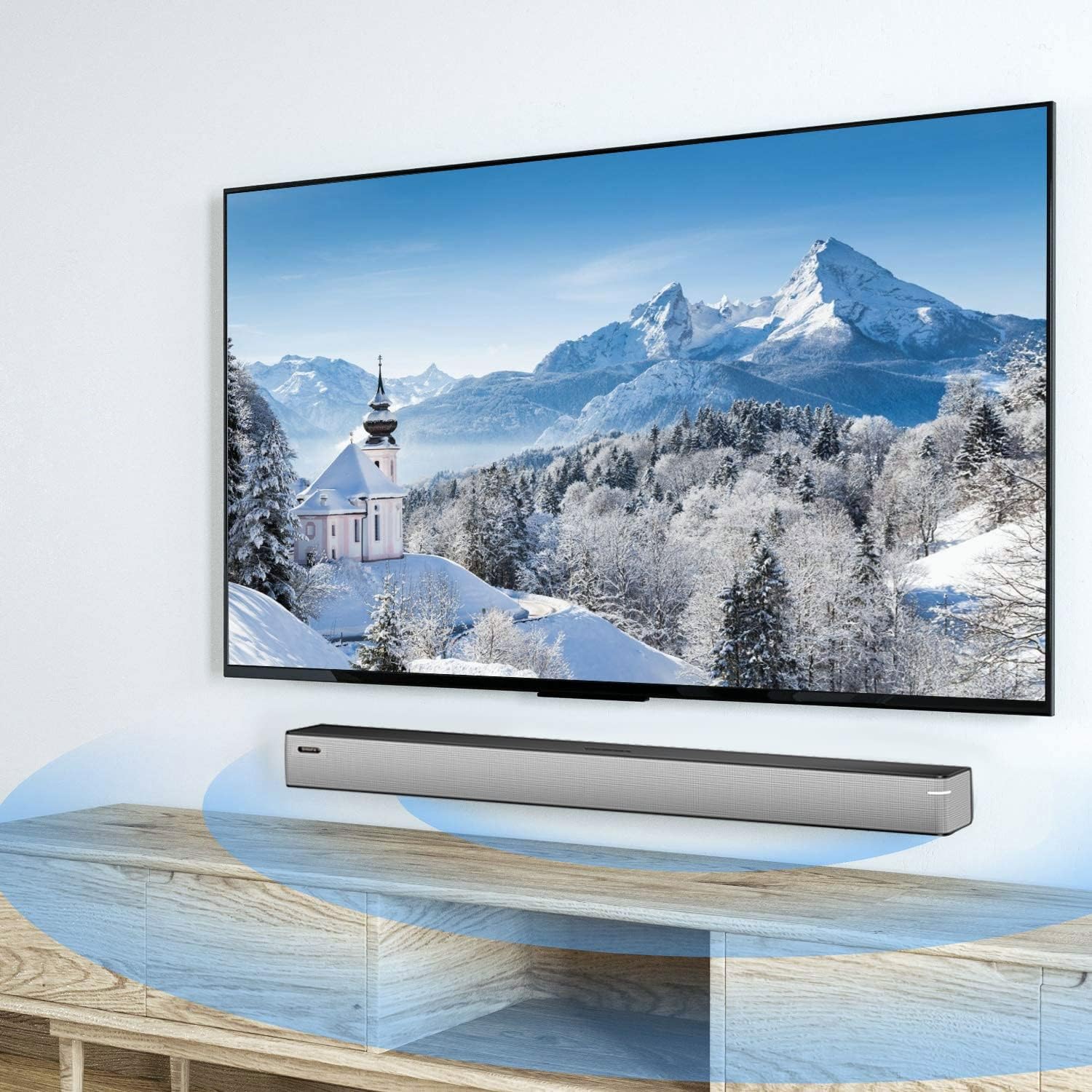
Image 6.1: A smartphone displaying music playback, wirelessly connected to the sound bar via Bluetooth, illustrating simple connectivity.
6.4 Soundmodi
The sound bar features three optimized sound modes:
- Musikmodus: Ideal for pop music, providing balanced audio.
- Filmmodus: Enhances movie and TV show audio with heavy bass for an immersive experience.
- Nachrichtenmodus: Optimiert die Sprachverständlichkeit für Nachrichtensendungen und Talkshows.
Drücken Sie die entsprechende Taste auf der Fernbedienung, um zwischen den Modi zu wechseln.
6.5 Lautstärkeregelung
Verwenden Sie die Lauter (+) Und Lautstärke runter (-) buttons on the remote control or on the sound bar to adjust the volume level.
7. Wartung
To ensure the longevity and performance of your sound bar:
- Reinigung: Wipe the surface of the sound bar with a soft, dry cloth. Do not use liquid cleaners or abrasive materials.
- Lagerung: Wenn Sie das Gerät über einen längeren Zeitraum lagern, trennen Sie es vom Stromnetz und bewahren Sie es an einem kühlen, trockenen Ort auf.
- Belüftung: Ensure that the vents are not blocked to prevent overheating.
8. Fehlerbehebung
If you encounter issues with your BINNIFA Play 6D Sound Bar, refer to the following common problems and solutions:
| Problem | Mögliche Ursache | Lösung |
|---|---|---|
| Kein Ton aus der Soundbar. |
|
|
| Das Bluetooth-Gerät konnte nicht gekoppelt werden. |
|
|
| Fernbedienung funktioniert nicht. |
|
|
9. Spezifikationen
Detailed technical specifications for the BINNIFA Play 6D Sound Bar:
- Modell: Spiele 6D
- Marke: BINNIFA
- Produktabmessungen: 32.3"T x 2.36"B x 2.36"H (82 cm x 6 cm x 6 cm)
- Artikelgewicht: 4.19 Pfund (1.9 kg)
- Lautsprechertyp: Soundbar
- Montageart: Wandmontage, Tischplatte
- Konnektivitätstechnologie: Auxiliary, Bluetooth, Coaxial, HDMI ARC, Optical, USB
- Drahtlose Kommunikationstechnologie: Bluetooth 5.0
- Bluetooth-Reichweite: Bis zu 10 Meter (33 Fuß)
- Maximale Ausgangsleistung des Lautsprechers: 30 Watt
- Frequenzgang: 60 Hz
- Signal-Rausch-Verhältnis: 75 dB
- Energiequelle: Kabelgebundenes Elektrogerät (Netzadapter)
- Kontrollmethode: Fernbedienung
- Farbe: Silber
- UPC: 791200396207

Image 9.1: Diagram illustrating the dimensions of the sound bar: approximately 32.28 inches long, 2.36 inches deep, and 2.36 inches high.
10. Garantie und Support
BINNIFA products are designed for reliability and performance. For warranty information or technical support, please refer to the warranty card included with your product or visit the official BINNIFA webBewahren Sie Ihren Kaufbeleg als Kaufnachweis für Garantieansprüche auf.


